

Your Browsing History
- Sold by Newegg
- Make an Offer
- New

Any questions? Our AI beta will help you find out quickly.
Try me now
Quick View
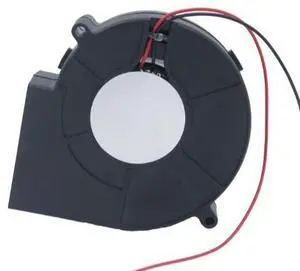
Generic For EG9733H24B 9733 24V 0.39A 2-wire twin-ball turbofan blower
- Model #: 3256808937346985
- $28.00 –
- Free Shipping
Quick View
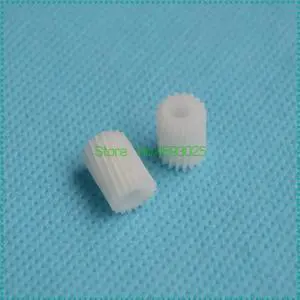
20PCS RG5-0765-000 Main Motor Gear for 4L 4P 4ML PX RG5-0765 Printer Fuser Gear
- Model #: LXS-DYJ-0088
- $105.20 –
- Free Shipping
Quick View
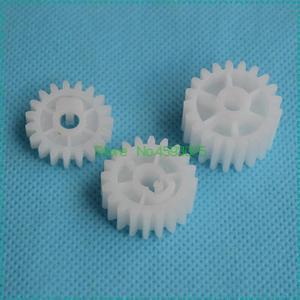
10PCS Q5956-67940 RU5-0377-000 RU5-0378-000 RU5-0379-000 Fuser Gear for 2420 2400 2410 2430 Printer Fuser Drive Gear
- Model #: LXS-DYJ-0054
- $65.60 –
- Free Shipping

Quick View
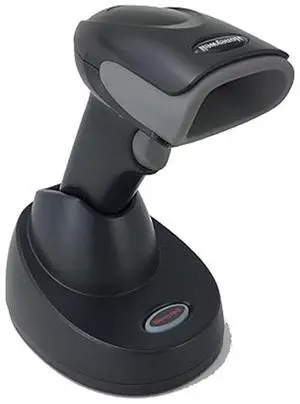
Xenon 19GSR-2-04316 , STD RANGE IMAGER , DETACHABLE CABLE KIT , BLACK
- Model #: 19GSR-New
- $198.00 –
- More options from $198.00
- Free Shipping
Quick View
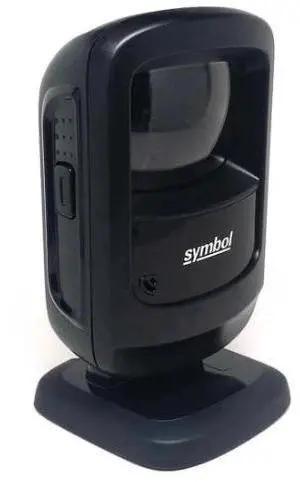
DS920 8-SR4NNU21Z with USB Cable
- Model #: 9208
- $57.55 –
- More options from $57.55 - $65.00
- Free Shipping
Quick View
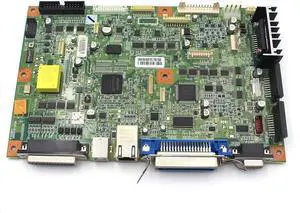
R28374005 Genuine Main Logic Board for SATO S84EX S86EX S84-EX S86-EX Thermal Label Printer
- Model #: CHIDB0FMK42Y31
- $898.99 –
- Free Shipping

Quick View
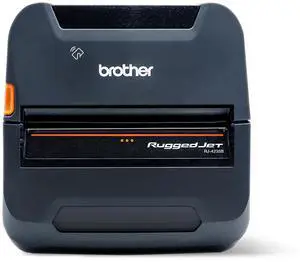
Brother RuggedJet RJ4235BL Direct Thermal Printer - 4-Inch Rugged Mobile Printer with Bluetooth Wireless Connectivity and Smart Li-ion Battery - USB - Bluetooth - (NFC)
- Brand: Brother Mobile Solutions
- Model: RJ4235BL
- Part Number: RJ4235BL
- Print Technology: Thermal
- Model #: RJ4235BL
Quick View
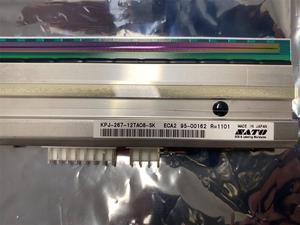
Sato SG112-ex (R19978000) Genuine Thermal Printhead (300dpi) - BRAND NEW
- Product Type: Adapters and Batteries
- Model #: R19978000-*05
- $1,702.69 –
- More options from $1,702.69 - $1,711.00
- Free Shipping
Quick View
- $479.00 –
- $15.00 Shipping
Quick View
- $49.00 –
- Free Shipping
Quick View
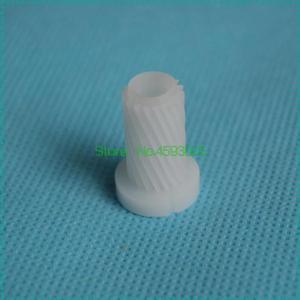
RL1-1659-000 Drum Drive DC Motor Gear 18T For 4014 4015 4515 4555 P4014 P4015 P4515 M4555 P4510 Printer
- Model #: LXS-DYJ-0086
- $14.44 –
- $5.00 Shipping

Quick View
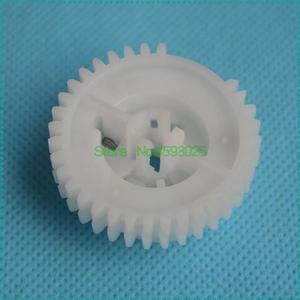
20PCS RU5-0957-000 RU5-0957 Arm Swing Gear Forhp-M3027 M3035 P3005 Printer Fuser GEAR
- Model #: LXS-DYJ-0263
- $49.96 –
Quick View
Compatible RU5-0184-000 RU5-0183-000 Clutch Gear for1010 1015 1018 1020 M1005 LBP2900 Coupling Gear Assemdly
- Model #: LXS-DYJ-0089
- $16.68 –
- $5.00 Shipping
Quick View

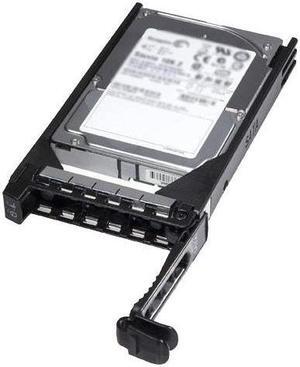
- Series: 1 year warranty
- Product Type: Other Accessories
- Color: Black
- Model #: RF9T8
- $85.00 –
- Free Shipping
Quick View
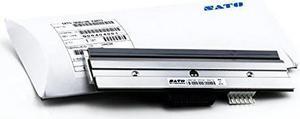
SATO R29219000 PRINT HEAD (8 DPMM) S8408-EX
- Model #: SA#R29219000
- $335.49 –
- More options from $335.49 - $341.00
- Free Shipping
Quick View
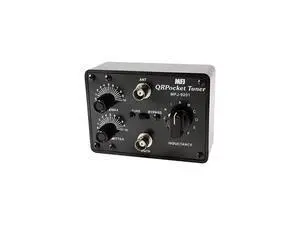
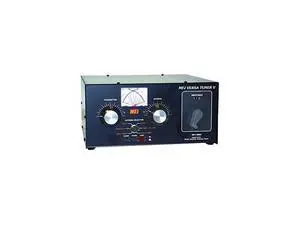
989D Enterprises Original 1.8-30 MHz Antenna Tuner Including MarsWARC Bands, 1500 Watts
- Model #: barcod4965
- $667.27 –
- $15.00 Shipping
Quick View
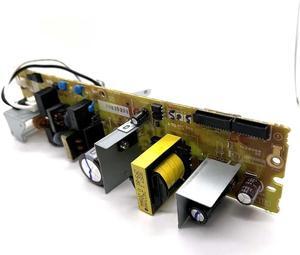
Power Supply Board 110v Rk28988 RM2-9508 Fits Forhp- M254DW M281FDW
- Product Type: Printhead
- Model #: CH-DYJ-0334
- $255.11 –
- Free Shipping
Quick View
989D Enterprises Original 1830 MHz Antenna Tuner Including MarsWARC Bands 1500 Watts
- Model #: barcod7714
- $444.32 –
- $15.00 Shipping
Quick View
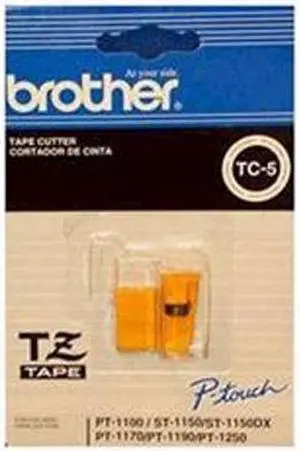
Brother TC5 Replacement Cutter Blade
- Product Sort: Printer Accessories
- Product Type: Replacement Blade
- Compatibility: Brother P-touch Label Printers: GL100 PT11Q PT1000 PT1010 PT1100 PT1160 PT1180 PT1280 ST1150 ST1150DX
- Weight: 0.01
- Model #: TC5
- $25.99
- $17.99 –
- Save: $8.00 (30%)
- More options from $16.99 - $25.31
Quick View
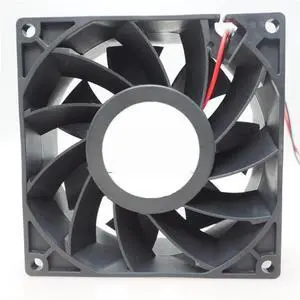
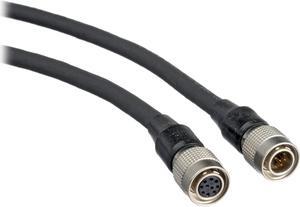
Generic For RDH9238B2 9238/9038 9CM DC 24V 0.60A 9cm two-wire heat dissipation
- Model #: 3256808549491481
- $30.67 –
- Free Shipping
Quick View
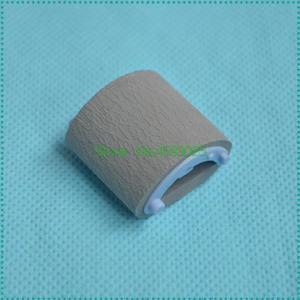
20PCS Pickup Roller RF0-1008-000 RL1-0303-000 RA0-1196-000 for 1000 1150 1200 1300 3300 3380 Printer
- Model #: LXS-DYJ-0090
- $62.80 –
- Free Shipping
Quick View
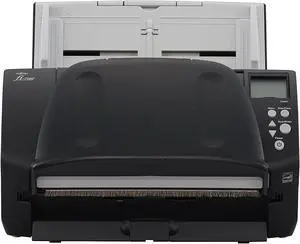
Fujitsu Workgroup Series FI7160 Desktop Document Scanner USB 3.0 Workgroup Series
- Model #: BE0ZXC9B8N7
- $1,225.00 –
- Free Shipping
Quick View
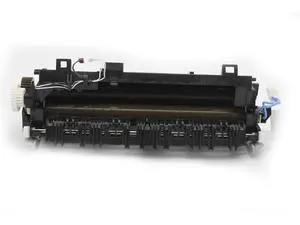
Original LU92-15001 Fuser Unit for Brother HL5440D 5450DN 5452DN 5470DN 5470DW 5472DW 6180DW 6182DW 8710 8950 Fixing Unit 110V
- Model #: barcod2625
- $251.99 –
- $15.00 Shipping
Quick View
RF IDEAS RDR-6G82AKU RFIDEAS G PROXII 82 SERIES D READER USB BLACK REQUIRES APPROVED THIRD PARTY SOFTWARE
- Model #: barcod3635
- $118.00 –
- $15.00 Shipping
Quick View
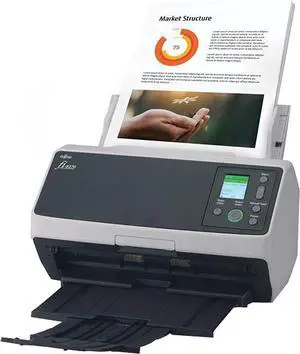
Fujitsu Professional High Speed Large Format ADF/Manual Color Duplex Document Scanner FI8170 Up to 70 double sided- Network Enabled
- Model #: BEPA03810-B055
- $1,479.99 –
- Free Shipping
Quick View
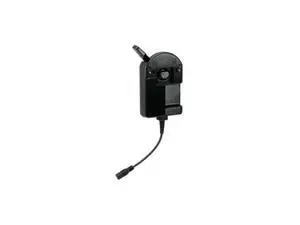
HON#229041000 ACCESSORY RP2 AND RP4 PRINTER CHARGER WITH RETROFIT ADAPTER
- Model #: barcod3733
- $100.50 –
- $15.00 Shipping
Quick View
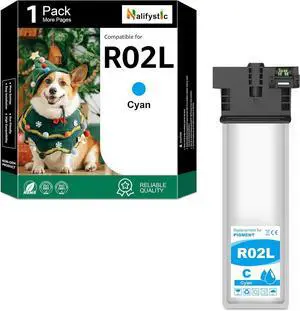
Remanufactured R02L Ink Cartridges-R02L220 1 Pack Cyan Replacement for Workforce Pro ET-8700 Printers
- Model #: ENGEB0FRSMZM4R
- $72.19 –
- More options from $72.19
- Free Shipping
Quick View
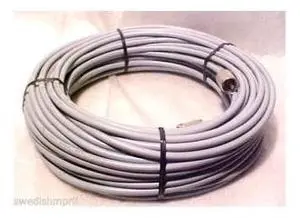
Made 50 ft RG8X COAX Gray CABLE CB Ham Radio w PL259 Connector
- Model #: barcod4855
- $57.75 –
- $15.00 Shipping
Quick View
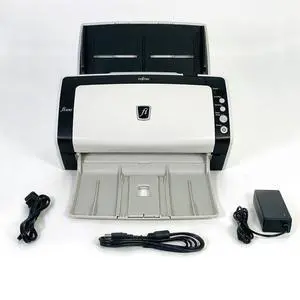
Used - Very Good High Speed Document Scanner for Computer Laptop Chromebook Macbook w/Bundle
Limited time offer, ends 07/31
- Model #: 304624042970
- $104.42 –
- Free Shipping
Quick View
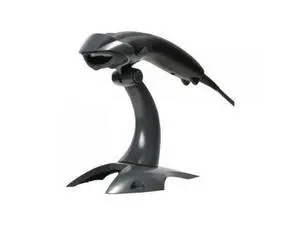
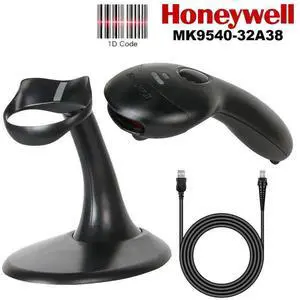
Honeyw,ell Voyager MK9540-32A38 Wired Barco,de Scann,er 1D Image Reader with Stand
- Model #: MK9540-32A38-SD14
- $45.80 –
- More options from $44.55 - $58.94
- Free Shipping
Quick View
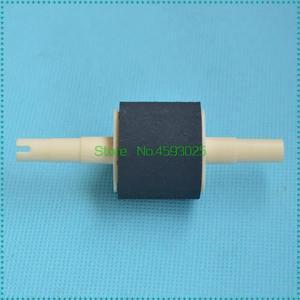
1PC Pickup Roller RL1-0542-000 Forhp-1320 2100 2400 2410 2420 2430 P2015 3390 3392 Printer RC1-3909-000 RB2-2891-000
- Model #: LXS-DYJ-0276
- $12.40 –
- $5.00 Shipping
Choosing the Right Printer for Your Office Needs
When it comes to office solutions, printers and scanners are essential tools for any business. Whether you need to print important documents, scan invoices, or create professional-quality marketing materials, having the right equipment is crucial. In this article, we will explore the different types of printers and scanners available in the market and provide tips on how to choose the best one for your office.
All-in-One Printers: Versatility and Convenience
all-in-one printers, also known as multifunction printers, are a popular choice for offices. These devices combine the functionality of a printer, scanner, copier, and sometimes even a fax machine into a single unit. They offer versatility and convenience, allowing you to perform multiple tasks without the need for separate devices. All-in-one printers are available in both inkjet and laser options, catering to different printing needs and budgets.
Specialized Printers for Specific Tasks
In addition to all-in-one printers, there are specialized printers designed for specific tasks. For example, 3D printers are ideal for creating prototypes or intricate models, while barcode and label printers are perfect for businesses that require efficient inventory management. laser printers are known for their fast printing speeds and high-quality output, making them suitable for offices with high-volume printing needs. inkjet printers, on the other hand, are more cost-effective and can produce vibrant color prints.
Choosing the Right Supplies
Once you have selected the right printer for your office, it is important to choose the right supplies to ensure optimal performance and longevity. When it comes to inkjet printers, using high-quality ink cartridges is essential to achieve the best print quality and prevent clogging. For laser printers, it is important to choose the right type of toner cartridges that are compatible with your printer model. Additionally, investing in high-quality paper can make a significant difference in the final print results.
FAQs: Common Questions about Printers and Scanners
| Q: How often should I replace the ink cartridges? | A: The frequency of replacing ink cartridges depends on your printing volume. However, it is recommended to replace them when the print quality starts to degrade. |
|---|---|
| Q: Can I use third-party ink cartridges with my printer? | A: While it is possible to use third-party ink cartridges, it is important to ensure compatibility with your printer model. Using incompatible cartridges may result in poor print quality or damage to the printer. |
| Q: How do I clean the scanner glass? | A: To clean the scanner glass, use a soft, lint-free cloth slightly dampened with glass cleaner. Gently wipe the glass surface to remove any smudges or debris. |
| Q: What is the difference between optical and interpolated resolution in scanners? | A: Optical resolution refers to the actual hardware resolution of the scanner, while interpolated resolution is achieved through software enhancements. Optical resolution provides more accurate and detailed scans. |
| Q: How can I improve the scanning speed? | A: To improve scanning speed, reduce the scanning resolution, use black and white mode instead of color, and ensure that the scanner is connected to a high-speed USB port. |