
Your Browsing History
- In Stock
- Sold by Newegg
- Make an Offer
- New

Any questions? Our AI beta will help you find out quickly.
Try me now
Quick View
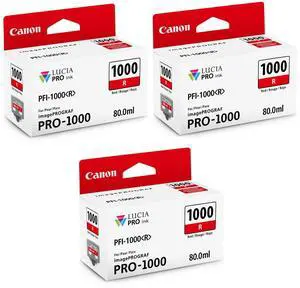
Canon 3 Pack PFI-1000R Red LUCIA PRO ink for imagePROGRAF PRO-1000
- Model #: 0554C002 3
- $201.16 –
Quick View
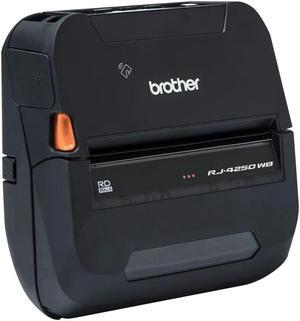
Brother Direct Thermal Printer - Monochrome - Desktop - Label/Receipt Print
- Brand: Brother
- Series: Direct Thermal Printer
- Color: Information Not Available
- Print Technology: Direct Thermal
- Model #: RJ4250WB
- $979.99
- $852.99 –
- Save: $127.00 (12%)
- More options from $852.99 - $1,623.99
- $10.99 Shipping
Quick View
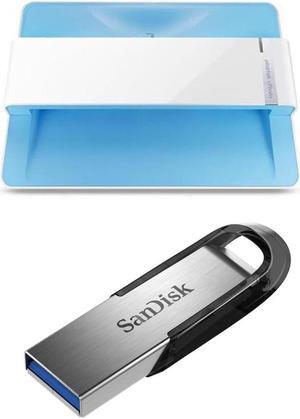
Plustek ePhoto Z300 Photos and Documents Scanner - With Sandisk 128GB Ultra Flair USB 3.0 Flash Drive
- Model #: 783064687102 C
- $245.98 –
Quick View
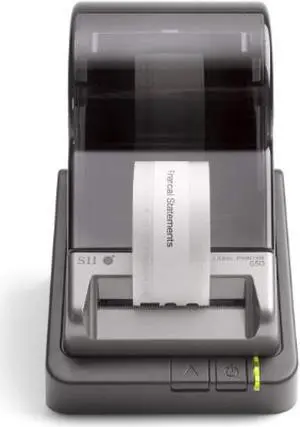
skpslp650 - seiko versatile desktop label printer, 3.94/second, usb
- Model #: RNAB00D45U0NK
- $130.69 –
- Free Shipping

Quick View
Lexmark 40N9370 USB Wireless Network Ready Color Laser All-in-One Printer
- Weight: 22.7
- Model #: LEX40N9370
- $664.62 –
Quick View
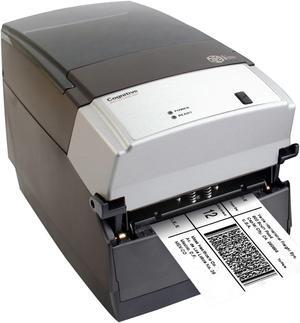
Cognitive Cxi Thermal Label Printer
- Printer Type: Desktop
- Memory: 16 MB SDRAM, 8 MB flash
- Fonts Included: Bitmapped: 7 styles with up to 10x10 magnification, variable boldness and spacing International: Sans serif font in 7 pt. sizes, up to 4x4 magnification, variable boldness and spacing Scalable Smooth Fonts: 3 Ultra Font styles for smooth characters in any size and boldness Rotations: 0, 90, 180, 270 degrees
- Barcode Type: Add2, Add5, Codabar, Code39, Code93, Code 128A/B/C, D2of5, I2of5, S20f5, EAN8, EAN13, EAN128, MSI/I1, Plessey, Postnet, UPCA/A+/E/E1
- Model #: CXD4-1330-RX
- $710.85 –
- More options from $710.85
- Free Shipping
Quick View
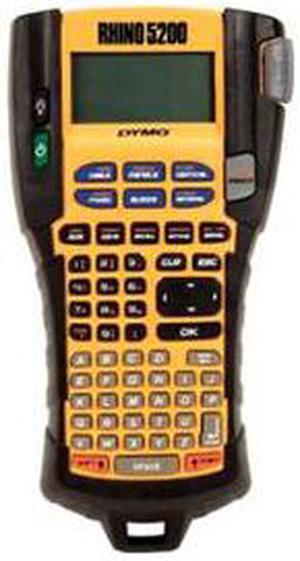
Dymo RhinoPRO 5200 Label Maker
- Printer Type: Mobile
- Memory: Save up to 99 locations
- Barcode Type: Code 39 and Code 128
- Cutter: Manual
- Model #: MPN-1755749
- $235.80 –
- More options from $235.80 - $361.00
- Free Shipping
Quick View
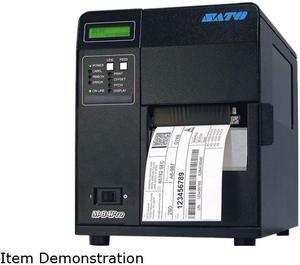
Sato WM8420041 M84Pro(2) Industrial Thermal Printer
- Printer Type: Industrial
- Memory: Flash Memory: 6 MB RAM Memory: 16 MB
- Fonts Included: Bitmap - 12 proportional, mono-spaced and outline fonts (Code table 858), Scalable Internal CG Triumvirate and CG Times Fonts, Optional Downloaded TrueType fonts, scalable from 8 to 72 points
- Barcode Type: Linear: UPC-A, UPC-E, EAN-8, EAN-13, Code 39, Code 93, Code 128, Codabar, MSI, Bookland, Industrial 2/5, Interleaved 2/5, Matrix 2/5, Postnet, GS1-128, GS1-DataBar 2D: PDF417, Micro PDF417, Truncated PDF417, Maxicode, Data Matrix, QR Code, Composite Symbology
- Model #: WM8420041
- $2,279.35 –
- More options from $2,276.00 - $3,583.67
- Free Shipping
Quick View
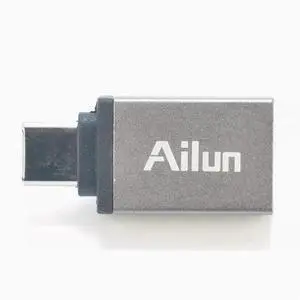
Ailun Type-C adapter USB-C to USB-A 3.0 female adapter for mobile OTG external devices 3PACK Silver
- Color: Silver
- Model #: wa-1230
- $14.99 –
- Free Shipping
Quick View
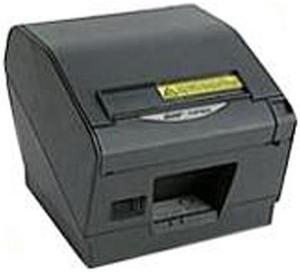
Star Micronics TSP800 TSP847IIU 39443910 Label Printer (power supply & cable not included)
- Memory: 2 MB Standard Memory 16 MB Flash Memory
- Media Type: TRF-110 (87993930)
- Interface: USB
- Windows Compatible: Windows XP 32 Bit, Vista 32/64 Bit, Windows 7 32/64 Bit
- Model #: 39443910
- $635.04 –
- More options from $635.04 - $1,228.64
- Free Shipping
Quick View
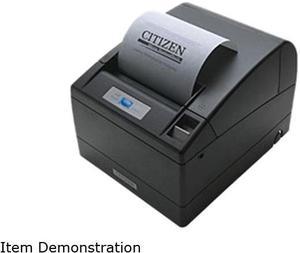
Citizen CT-S4000RSU-BK CT-S4000 Two-Color Receipt Printer
- Color: Black
- Memory: 384K bytes
- Fonts Included: Character Size Font A: 1.25 x 3.0 mm (12 x 24 dots), Font B: 0.88 x 2.13mm (9 x 17 dots), Font C: 0.88 x 2.00 (8 x 16 dots) Character Table Code page 437, 850, 852, 857, 858, 860, 863, 864, 865, 866, Katakana, WPC1252, Thai code 18
- Barcode Type: UPC-A/E, JAN/EAN-8, JAN/EAN-13, ITF, Code 39, Code 93, Code 128, CODABAR, PDF417 (Label type only)
- Model #: CT-S4000RSU-BK
- $418.11 –
- Free Shipping
Quick View
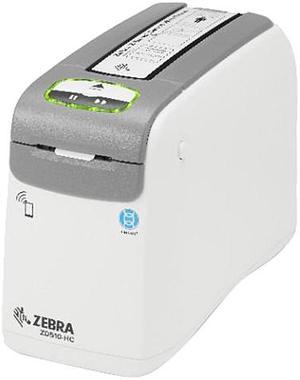
Zebra ZD510-HC Wristband Printer for Healthcare, USB Host, Ethernet (10/100), 802.11, Bluetooth, NALA Power Cord, Not For Latam
- ZD51013-D01B01FZ
- Printer Type: Desktop
- Fonts Included: 16 resident expandable bitmap fonts Resident scalable fonts
- Barcode Type: 1D Bar Codes: Code 11, Code 39, Code 93, Code 128, ISBT128, UPC-A, UPC-E, EAN -8, EAN -13, EAN -14, UPC-A and UPC-E with EAN 2-or 5-digit extensions, Plessey, Postnet, Standard 2-of-5, Industrial 2-of-5, Interleaved 2-of-5, Logmars, MSI, Codabar and GS1 DataBar (formerly RSS) 2D Bar Codes: PDF417, MicroPDF-417, Code 49, DataMatrix, MaxiCode, Codablock, QR Code, Aztec and Data Matrix
- Cutter: Yes
- Model #: ZD51013-D01B01FZ
- $850.00
- See price in cart
- More options from $634.32 - $1,141.99
- $11.18 Shipping
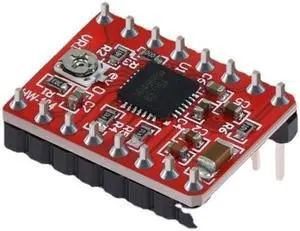
Quick View
- $16.50 –
- More options from $16.46
- Free Shipping
Quick View
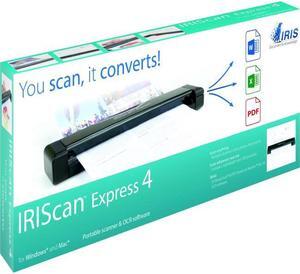
IRIS - 458511 - IRIS Iriscan Express 4-Usb Portable Scanner That Scans Anything - 8 ppm (Mono) - 8 ppm (Color) - USB
- Scanning Speed: 300 dpi color or black and white - 8 pages per minute
- Media Size: A4 8.27" x 11.69" Business Card Letter 8.50" x 10.98" Photo
- Image Formats: JPEG & PDF
- USB Ports: Yes
- Model #: 458511
- $112.99 –
- Free Shipping
Quick View
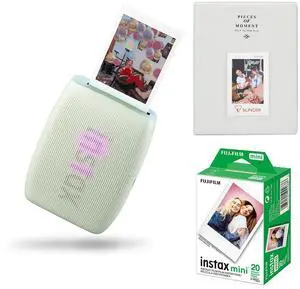
Fujifilm Instax Mini Link 3 Wireless Smartphone Printer, Green, Bundle with Instax Mini 20 Exposures Instant Daylight Film and Photo Album
- Model #: 16832235 K
- $148.84 –
- Free Shipping
Quick View
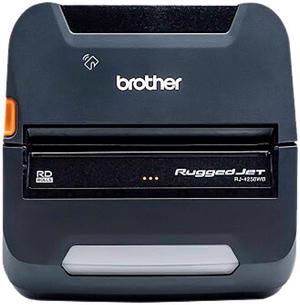
RUGGEDJETRJ4230WB-L MOBILE 4DT
- Brand: Brother
- Series: RJ4200
- Color: N/A
- Print Technology: Direct Thermal
- Model #: RJ4250WBL
- $958.41
- $925.69 –
- More options from $900.85 - $1,203.00
Quick View
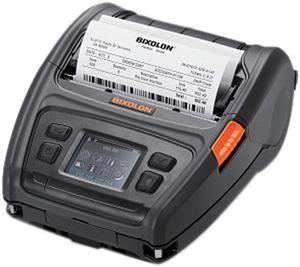
Bixolon XM7-40 Mobile Label Printer
- Printer Type: Mobile
- Memory: 128 MB SDRAM, 256 MB Flash 256 MB SDRAM, 512 MB Flash (Optional)
- Fonts Included: 10 SLCS / One SLCS / 16 BPL-Z / One BPL-Z / 7 BPL-C / 23 Code Page / Unicode supported (UTF-8, UTF-16LE, UTF-16BE)
- Barcode Type: 1D: Codabar, Code 11, Code 39, Code 93, Code 128, EAN-13, EAN-8, Industrial 2-of-5, Interleaved 2-of-5, Logmars, MSI, Plessey, Postnet, GS1 DataBar (RSS-14), Standard 2-of-5, UPC/EAN extensions, UPC-A, UPC-E, IMB 2D: Aztec, Codablock, Code 49, Data Matrix, MaxiCode, MicroPDF417, PDF417, QR code, TLC 39
- Model #: XM7-40
- $706.99 –
- More options from $705.59 - $706.99
- Free Shipping
Quick View
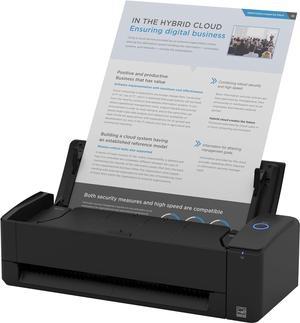
ScanSnap Compact Wireless or USB Double-Sided Color Document, Photo & Receipt Scanner with Auto Document Feeder and Manual Feeder for Mac or PC, Black
- Model #: BEScanSnap iX1300B
- $459.99 –
- Free Shipping
Quick View
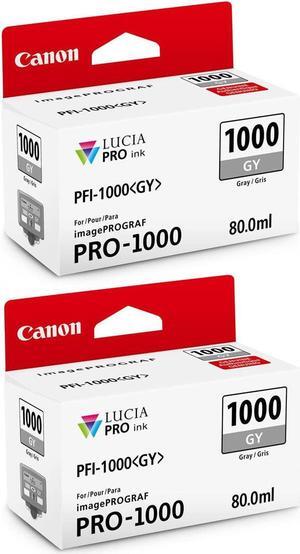
Canon 2 Pack PFI-1000GY Gray LUCIA PRO ink for imagePROGRAF PRO-1000
- Model #: 0552C002 2
- $145.72 –
Quick View
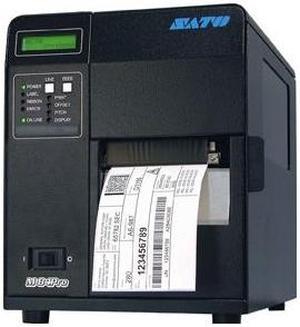
Sato WM8420011 Network Thermal Label Printer
- Printer Type: Industrial
- Memory: 16 MB
- Fonts Included: Bitmap - 12 proportional, mono-spaced and outline fonts (Code table 858), Scalable Internal CG Triumvirate and CG Times Fonts, Optional Downloaded TrueType fonts, scalable from 8 to 72 points
- Barcode Type: Linear: UPC-A, UPC-E, EAN-8, EAN-13, Code 39, Code 93, Code 128, Codabar, MSI, Bookland, Industrial 2/5, Interleaved 2/5, Matrix 2/5, Postnet™, GS1-128, GS1-DataBar 2-D: PDF417, Micro PDF417, Truncated PDF417, Maxicode™, Data Matrix, QR Code, Composite Symbology
- Model #: WM8420011
- $2,260.62 –
- More options from $2,260.62 - $3,201.92
Quick View
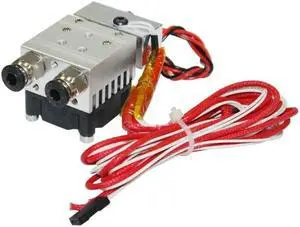
2 in 1 Out Extruder 12V/24V 40W for 3D Printer 1.75mm Filament Multi-Extrusion Hotend for MK8 Extruder Accessory(24V)
- Model #: ff-yy-155
- $28.50 –
- More options from $28.46
- Free Shipping
Quick View

- Part Number: 2EH31A
- Product Type: Other Accessories
- Weight: 0.9400 lb
- Features: HP MFP Analog Fax Accessory 700
- Model #: 2EH31A
- $351.99 –
- More options from $249.99 - $674.21
- Free Shipping
Quick View
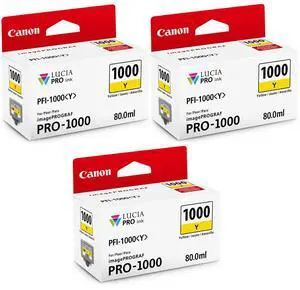
Canon 3 Pack PFI-1000Y Yellow LUCIA PRO ink for imagePROGRAF PRO-1000
- Model #: 0549C002 3
- $201.00 –
Quick View
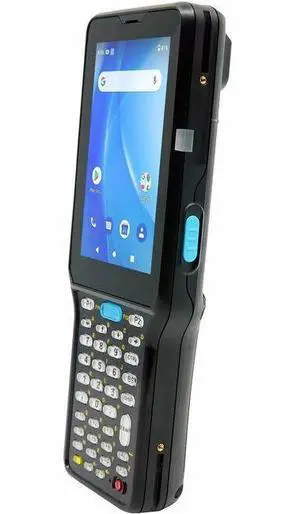
Wasp WDT950 2D Rugged Android Mobile Computer - 2D - 3G - Qualcomm 2.30 GHz - 4 GB RAM - 64 GB Flash - 4" WVGA Touchscreen - LCD - Rear Camera - Android 10 - Wireless LAN - Bluetooth (633809009808)
- Brand: Wasp
- Part Number: 633809009808
- Connectivity: IEEE 802.11ac; Bluetooth 5.1
- Model #: 633809009808
- $1,184.73 –
- More options from $1,184.68 - $1,254.99
- Free Shipping
Quick View
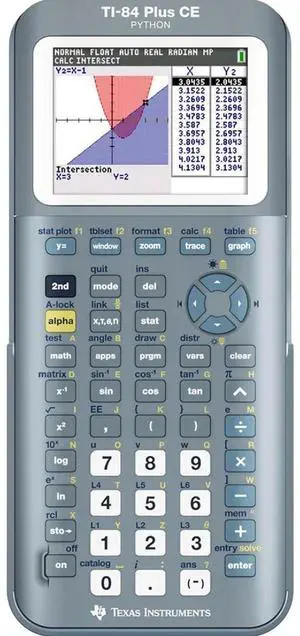
84CE Fractal Frost - 7892151
- Model #: 84CEPY/FC/1L1/E8
- $129.99 –
- More options from $129.99 - $193.59
- Free Shipping
Quick View
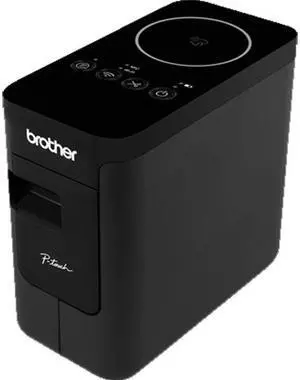
Brother PT-P750WVP Portable Industrial Thermal Transfer Label Printer, USB (Mini), WLAN, NFC, Auto Cutter - Black
- Printer Type: Industrial
- Memory: 6 MB
- Cutter: Auto-Cutter
- Media Type: Laminated, Standard Laminated, Flexible ID, Extra Strength Adhesive, Iron-on Fabric, Acid Free, Tamper Evident
- Model #: PTP750WVP
- $208.99 –
- More options from $208.99 - $216.43
Quick View
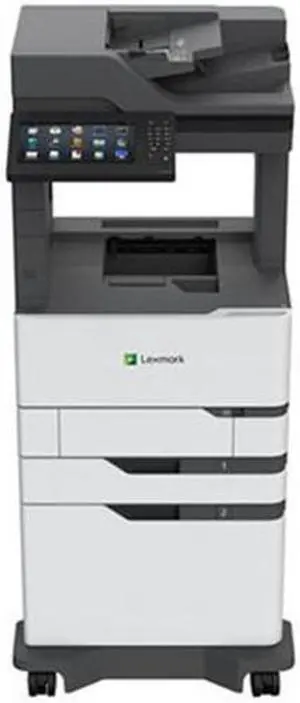
Lexmark MS822ADXE (25B0601) Mono Multifunction Laser Printer
- Part Number: 25B0601
- Model #: 25B0601
- $4,359.00 –
- More options from $4,359.00 - $5,373.49
- Free Shipping

Quick View
ELO ELOPOS SYSTEM 15 FULL HD WIN 10 CORE I3 4GB RAM 128SSD PCAP 10TOUCH ZB ANTIGLARE BLACK WITH IO HUB STAND
- Model #: E935775
- $1,720.00 –
- More options from $1,720.00 - $2,182.90
- Free Shipping
Quick View
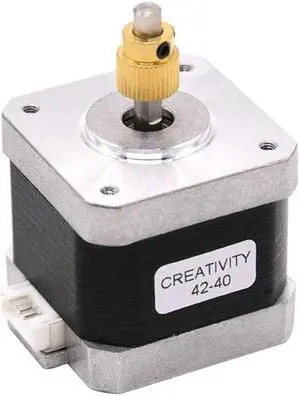
3D Printer Stepper Motor 42-40 with 40 Teeth Brass Extrusion Gear For Ender-3/Ender-3 Pro/Ender-5/CR10 3D Printer Part
- Model #: ff-yy-119
- $23.90 –
- Free Shipping
Quick View
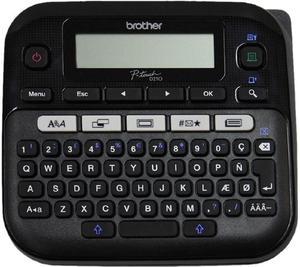
Brother PTD210BK Easy-to-Use Label Maker
- Printer Type: Desktop
- Memory: Built-in Memory: Up to 30 labels
- Fonts Included: Fonts: Helsinki, Brussels, US, Florida, Belgium, San Diego, Los Angeles, Calgary, Adams, Atlanta, Brunei, Germany, Sofia, Istanbul Font Styles: Normal, Bold, Outline, Shadow, Italic, Italic Bold, Italic Outline, Italic Shadow, Vertical, Solid
- Cutter: Manual
- Model #: PTD210BK
- $92.88 –
- More options from $86.55 - $92.88
- Free Shipping
Quick View
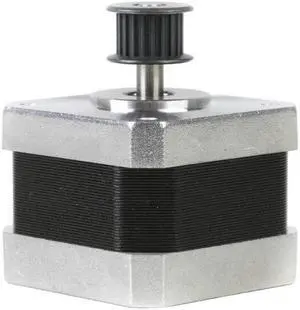
For Ender-3 V2 Stepper Motor 42-34 X Y Z-Axis Extruder with Synchronous Wheel For Ender-3 CR10 Ender-3 V2 3D Printer
- Model #: ff-yy-117
- $22.90 –
- More options from $22.86
- Free Shipping
Quick View
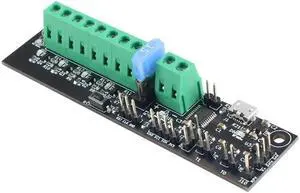
For V2.4 Klipper Expander Board Thermistor Input 3D Printer Control Board for Klipper Expander 3D Printer Part
- Model #: ff-yy-093
- $45.00 –
- Free Shipping
Quick View
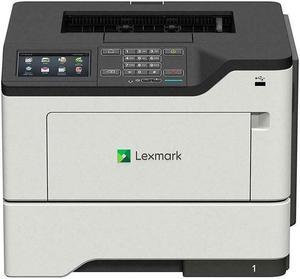
Lexmark MS622DE (36S0500) Monochrome Laser Printer
- Output Capacity, std.: 250 pages 20.00 lbs. or 75 gsm bond
- Black Print Quality: 1200 x 1200 dpi, 2400 Image Quality, 600 x 600 dpi, 1200 Image Quality
- Part Number: 36S0500
- Functions: Print
- Model #: MS622de
- $2,362.22 –
- More options from $499.99 - $2,362.22
- Free Shipping
Choosing the Right Printer for Your Office Needs
When it comes to office solutions, printers and scanners are essential tools for any business. Whether you need to print important documents, scan invoices, or create professional-quality marketing materials, having the right equipment is crucial. In this article, we will explore the different types of printers and scanners available in the market and provide tips on how to choose the best one for your office.
All-in-One Printers: Versatility and Convenience
all-in-one printers, also known as multifunction printers, are a popular choice for offices. These devices combine the functionality of a printer, scanner, copier, and sometimes even a fax machine into a single unit. They offer versatility and convenience, allowing you to perform multiple tasks without the need for separate devices. All-in-one printers are available in both inkjet and laser options, catering to different printing needs and budgets.
Specialized Printers for Specific Tasks
In addition to all-in-one printers, there are specialized printers designed for specific tasks. For example, 3D printers are ideal for creating prototypes or intricate models, while barcode and label printers are perfect for businesses that require efficient inventory management. laser printers are known for their fast printing speeds and high-quality output, making them suitable for offices with high-volume printing needs. inkjet printers, on the other hand, are more cost-effective and can produce vibrant color prints.
Choosing the Right Supplies
Once you have selected the right printer for your office, it is important to choose the right supplies to ensure optimal performance and longevity. When it comes to inkjet printers, using high-quality ink cartridges is essential to achieve the best print quality and prevent clogging. For laser printers, it is important to choose the right type of toner cartridges that are compatible with your printer model. Additionally, investing in high-quality paper can make a significant difference in the final print results.
FAQs: Common Questions about Printers and Scanners
| Q: How often should I replace the ink cartridges? | A: The frequency of replacing ink cartridges depends on your printing volume. However, it is recommended to replace them when the print quality starts to degrade. |
|---|---|
| Q: Can I use third-party ink cartridges with my printer? | A: While it is possible to use third-party ink cartridges, it is important to ensure compatibility with your printer model. Using incompatible cartridges may result in poor print quality or damage to the printer. |
| Q: How do I clean the scanner glass? | A: To clean the scanner glass, use a soft, lint-free cloth slightly dampened with glass cleaner. Gently wipe the glass surface to remove any smudges or debris. |
| Q: What is the difference between optical and interpolated resolution in scanners? | A: Optical resolution refers to the actual hardware resolution of the scanner, while interpolated resolution is achieved through software enhancements. Optical resolution provides more accurate and detailed scans. |
| Q: How can I improve the scanning speed? | A: To improve scanning speed, reduce the scanning resolution, use black and white mode instead of color, and ensure that the scanner is connected to a high-speed USB port. |