
Your Browsing History
- Sold by Newegg
- Make an Offer
Quick View

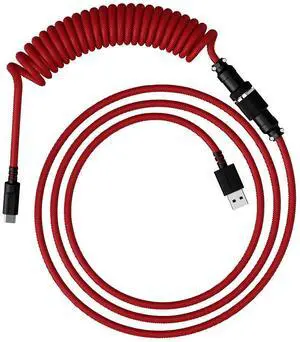
- Part Number: 6J677AA
- Keyboard Color: Red
- Tracking Method: N/A
- Model #: 6J677AA

Quick View
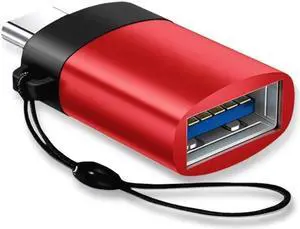
2-Pack USB C Adapter Hi-speed OTG USB Type C to USB-A 3.0 Convertor Red
- Type: Converter/Adapter
- Connector Type: USB Type C
- Terminal Gender: Male to Female
- Model #: U3C-E-RED-2PK
- $6.99 –
- Free Shipping
Quick View
- Part Number: 6J677AA
- Keyboard Color: Red
- Tracking Method: N/A
- Model #: 6J677AA
Sponsored
Quick View
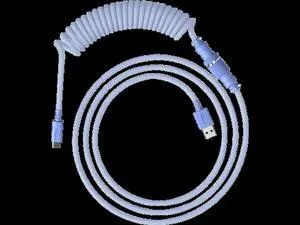
- Part Number: 6J682AA
- Keyboard Color: Purple
- Tracking Method: N/A
- Model #: 6J682AA
Sponsored
Quick View
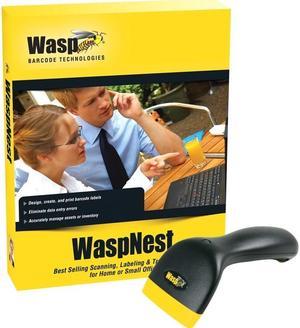
Wasp 633808931346 WaspNest WCS3950 Suite with WCS3900 CCD Barcode Scanner, USB
- Series: WaspNest
- Part Number: 633808931346
- Form Factor: Handheld
- Scan Engine: 2088 linear imager
- Model #: 633808931346
- $199.68 –
- More options from $199.68 - $306.57
- Free Shipping
Quick View
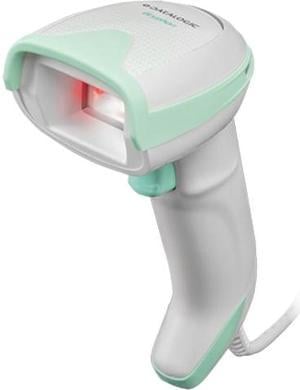
Datalogic Gryphon GD4590 Handheld Barcode Scanner and Imager for Healthcare, 2D Mpixel Imager, USB/RS-232/Wedge Multi-Interface, BPOC Kit - GD4590-HCK10-BPOC
- Series: GRYPHON
- Part Number: GD4590-HCK10-BPOC
- Form Factor: Handheld
- Scan Engine: 1D / linear codes: Autodiscriminates all standard 1D codes including GS1 DataBar linear codes. 2D codes: Aztec Code; China Han Xin Code; Data Matrix; MaxiCode; Micro QR Code; QR Code; Dot code
- Model #: GD4590-HCK10-BPOC
- $367.99
- $303.99 –
- Save: $64.00 (17%)
- More options from $129.10 - $457.86
- $4.99 Shipping
Quick View
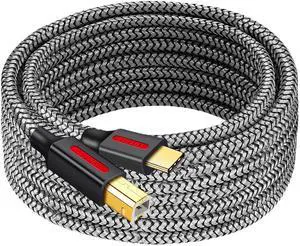
Type-C printer data cable, USB mobile phone, notebook printing cable, universal electronic keyboard,scannerdata cable 0.6M
- Model #: C32P.101260
- $14.88 –
- Free Shipping
Quick View
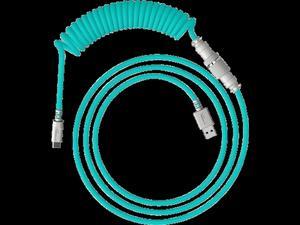
- Part Number: 6J681AA
- Keyboard Color: Light Green
- Tracking Method: N/A
- Model #: 6J681AA
Sponsored

Quick View
iogear usb kvm cable, 10 feet, g2l5203u, dark gray
- Connector Type: Lighting to USB C
- Model #: RNAB001KEBUYA
- $25.49 –
- More options from $18.86 - $25.49
- Free Shipping
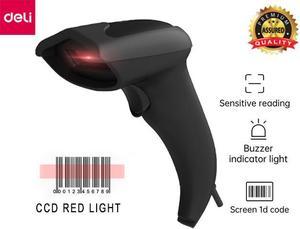
Quick View
USB CCD Barcode Scanner Wired Handheld Bar Code Scanner Reader Black
- Series: Symbol
- Form Factor: Handheld
- Connectivity: Corded
- Scan Engine: 1D CCD
- Model #: ES201
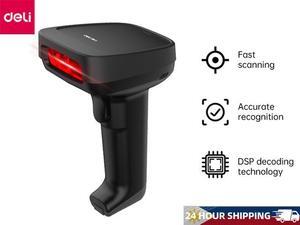
Quick View
Deli Barcode Scanner 1D Laser Bar Code Reader USB Handheld Support Automatic Screen Scanning
- Series: Symbol
- Part Number: E14953-9SIBKWBJWW3995
- Form Factor: Handheld
- Connectivity: Corded
- Model #: E14953
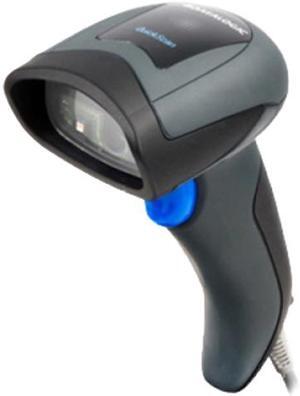
Quick View
Datalogic - QD2430-BKK1S - Datalogic QuickScan QD2430 Handheld Barcode Scanner Kit - Cable Connectivity - 1D, 2D -
- Series: QuickScan
- Part Number: QD2430-BKK1S
- Form Factor: Handheld
- Connectivity: Cordless
- Model #: QD2430-BKK1S
- $117.70
- $69.00 –
- Save: $48.70 (41%)
- More options from $43.88 - $75.90
- Free Shipping
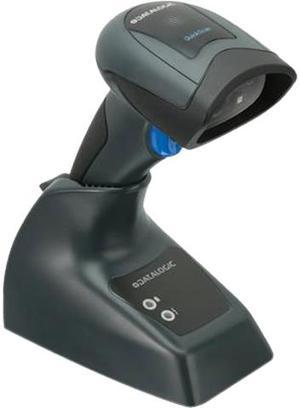
Quick View
Datalogic QuickScan QBT2430 General Purpose Cordless Handheld 2D Area Imager Barcode Reader with Bluetooth, USB, Kit, Black - QBT2430-BK-BTK1
- Series: QUICKSCAN
- Part Number: QBT2430-BK-BTK1
- Form Factor: Handheld
- Connectivity: Cordless
- Model #: QBT2430-BK-BTK1
- $199.00 –
- More options from $189.00 - $199.00
- Free Shipping
Quick View
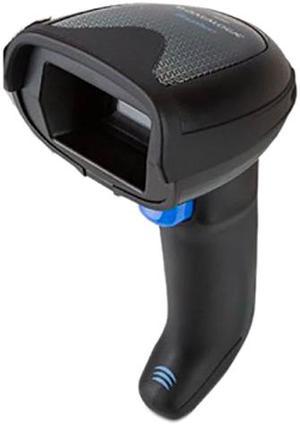
GRYPHON GBT4500 2D MP IMAGER
- Form Factor: Handheld
- Connectivity: Cordless
- Scan Engine: 2D
- Interfaces Supported: USB, RS-232, Keyboard Wedge
- Model #: GBT4500-BK-DGM-WLC
- $436.19 –
- More options from $423.13 - $437.50
- Free Shipping
Quick View
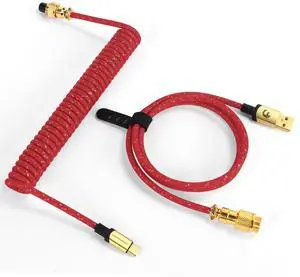
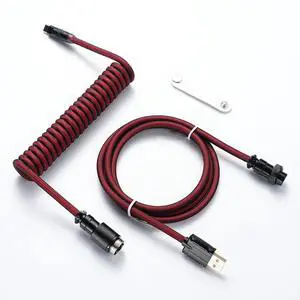
ELEXCLAIM Coiled Keyboard Cable USB-C to USB-A 1.5M, Double-Sleeved Braided with Detachable 5-Pin Aviator Connector for Gaming Keyboards (Wine red)
- Model #: 401917582786
- $52.99 –
- $5.99 Shipping
Quick View
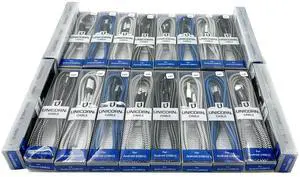
25 Packs Jumbo 2m/6ft USB Type C Cables for Android Phones, Tablets, Headphones, Standard USB to USB-C Braided Charging Cable Wholesale Bulk Lot Chargers, Grey, Red
- Model #: CLAWB0CVV81H7T
- $135.99 –
- Free Shipping
Quick View
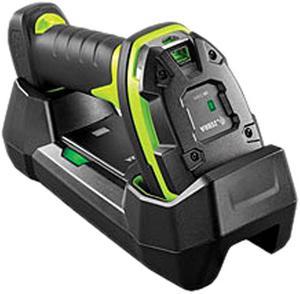
Zebra DS3678-DP Ultra-Rugged Scanner
- Part Number: DS3678-DP3U4212S1W
- Form Factor: Handheld
- Connectivity: Cordless
- Scan Engine: 2D Area Imager
- Model #: DS3678-DP3U4212S1W
- $1,599.99 –
- Free Shipping
Quick View
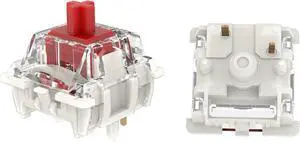
GATERON G Pro 3.0 Switches Pre-lubed 5 pinS RGB Linear for Gaming Mechanical Keyboard (Red,35PCS)
- Model #: BZ59-1103-38
- $25.98 –
- Free Shipping
Quick View
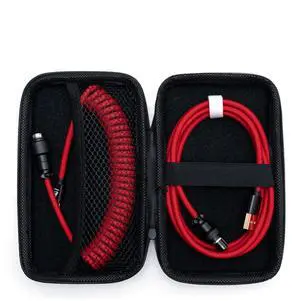
Formulamod Coiled USB C Aviator Cable for Mechanical Keyboard - Pro Double Sleeved With Organizer Zipper Bag (Red)
- Model #: 273961988322
- $51.99 –
- $5.99 Shipping
Quick View

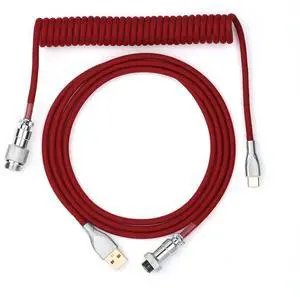
- Model #: 355756696343
- $45.99 –
- $5.99 Shipping
Quick View
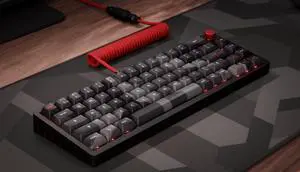
Das Keyboard DeltaForce Aviator Coiled USB-C Cable 6 Ft GX16 Detachable Connector Custom Coiled Keyboard Cable with Paracord Sleeving USB-A to USB-C Delta Red
- Model #: 683491599026
- $52.99 –
- $5.00 Shipping
Quick View
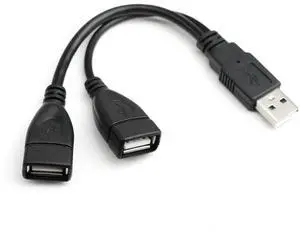
JAENFONG USB 2.0 A Male to 2 Dual USB Female Jack Y Splitter Hub Power Cord Extension Adapter Cable for PC Laptop TV 2.5" Mobile Hard Disk 0.5ft-1pack
Limited time offer, ends 02/18
- Model #: ee-505
- $14.85 –
- Free Shipping

Quick View
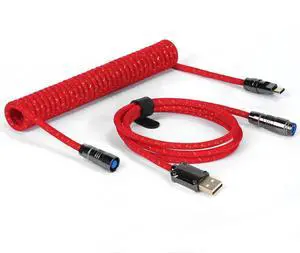
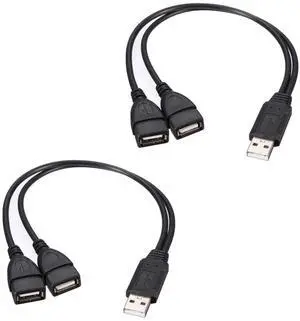
WISDUM USB 2.0 A Male to 2 Dual USB Female Jack Y Splitter Hub Power Cord Extension Adapter Cable for PC Laptop TV 2.5" Mobile Hard Disk 0.5ft-2 pieces
- Model #: C00F-081861
- $11.87 –
- Free Shipping
Choosing the Right Printer for Your Office Needs
When it comes to office solutions, printers and scanners are essential tools for any business. Whether you need to print important documents, scan invoices, or create professional-quality marketing materials, having the right equipment is crucial. In this article, we will explore the different types of printers and scanners available in the market and provide tips on how to choose the best one for your office.
All-in-One Printers: Versatility and Convenience
all-in-one printers, also known as multifunction printers, are a popular choice for offices. These devices combine the functionality of a printer, scanner, copier, and sometimes even a fax machine into a single unit. They offer versatility and convenience, allowing you to perform multiple tasks without the need for separate devices. All-in-one printers are available in both inkjet and laser options, catering to different printing needs and budgets.
Specialized Printers for Specific Tasks
In addition to all-in-one printers, there are specialized printers designed for specific tasks. For example, 3D printers are ideal for creating prototypes or intricate models, while barcode and label printers are perfect for businesses that require efficient inventory management. laser printers are known for their fast printing speeds and high-quality output, making them suitable for offices with high-volume printing needs. inkjet printers, on the other hand, are more cost-effective and can produce vibrant color prints.
Choosing the Right Supplies
Once you have selected the right printer for your office, it is important to choose the right supplies to ensure optimal performance and longevity. When it comes to inkjet printers, using high-quality ink cartridges is essential to achieve the best print quality and prevent clogging. For laser printers, it is important to choose the right type of toner cartridges that are compatible with your printer model. Additionally, investing in high-quality paper can make a significant difference in the final print results.
FAQs: Common Questions about Printers and Scanners
| Q: How often should I replace the ink cartridges? | A: The frequency of replacing ink cartridges depends on your printing volume. However, it is recommended to replace them when the print quality starts to degrade. |
|---|---|
| Q: Can I use third-party ink cartridges with my printer? | A: While it is possible to use third-party ink cartridges, it is important to ensure compatibility with your printer model. Using incompatible cartridges may result in poor print quality or damage to the printer. |
| Q: How do I clean the scanner glass? | A: To clean the scanner glass, use a soft, lint-free cloth slightly dampened with glass cleaner. Gently wipe the glass surface to remove any smudges or debris. |
| Q: What is the difference between optical and interpolated resolution in scanners? | A: Optical resolution refers to the actual hardware resolution of the scanner, while interpolated resolution is achieved through software enhancements. Optical resolution provides more accurate and detailed scans. |
| Q: How can I improve the scanning speed? | A: To improve scanning speed, reduce the scanning resolution, use black and white mode instead of color, and ensure that the scanner is connected to a high-speed USB port. |