

Your Browsing History
- In Stock
- Sold by Newegg
- New

Any questions? Our AI mode will help you find out quickly.
Try me now
Quick View
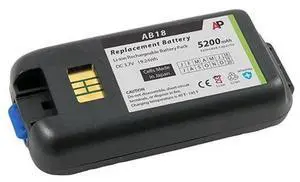
IntermecNorand CK3 Scanner Replacement Battery 5200 mAh Extended Capacity
- Model #: barcod2651
- $70.01 –
- $15.00 Shipping
Quick View
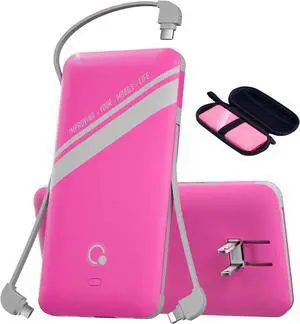
10000mAh Power Bank, Q Slim Portable Charger,4 Output External Battery Pack with Built-in AC Wall Plug Micro USB C Three Cables Compatible with All Kinds of mobilephone (Pink)
- Model #: Tong409397172268miao
- $79.88 –
- Free Shipping
Quick View
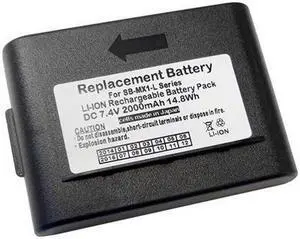
Replacement Lithium Ion Battery for LXE MX1 Scanner. 2000 mAh
- Model #: barcod1968
- $64.72 –
- $15.00 Shipping
Quick View
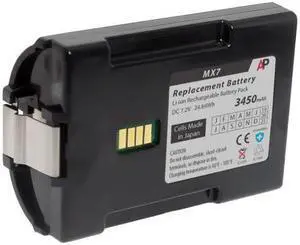
Replacement Extended Battery for LXE MX7 Tecton Scanner. 3450 mAh
- Model #: barcod1005
- $52.54 –
- $15.00 Shipping
Quick View
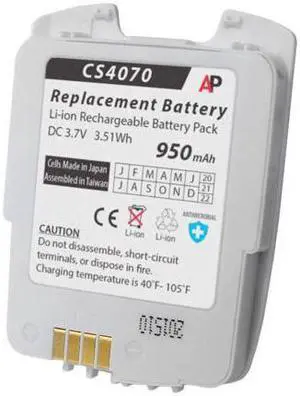
Replacement Battery for CS4070 Companion Scanner. 950 mAh 82-97300-02
- Model #: barcod365
- $34.98 –
- $15.00 Shipping
Quick View
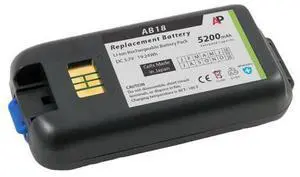
Replacement Battery for Intermec Norand CK3 Scanner. 5200 mAh (Extended Capacity)
- Model #: barcod1987
- $57.48 –
- $15.00 Shipping
Quick View
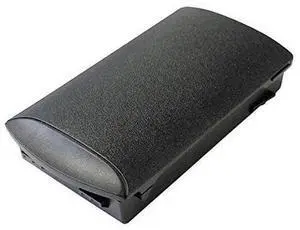
Replacement Battery for MC3200 Scanner Series. 2740 mAh. Japanese cell
- Model #: barcod1875
- $45.74 –
- $15.00 Shipping
Quick View
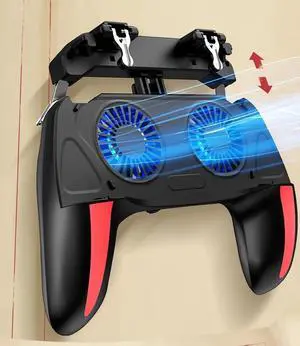
Generic for H10 Gaming Handheld Grip Game Controller Joystick Gamepad For Pubg Trigger Cooling Fan Cooler Phone 5000mAh battery/USB powered
- Model #: 3256809867163735
- $35.30 –
- Free Shipping
Quick View
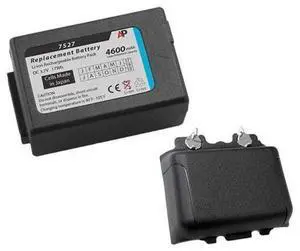
Replacement Extended Battery & Door Bundle for Psion Teklogix Workabout Pro 7525 & 7527 Scanner
- Model #: barcod2360
- $74.54 –
- $15.00 Shipping
Quick View
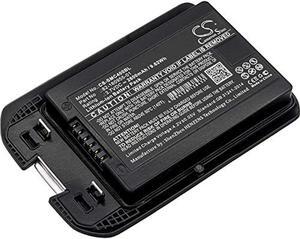
2600mah x-longer barcode scanner battery for motorola mc40, mc40c, mc40n0 (82-160955-01)
- Model #: RNAB07KFQJPQY
- $41.29 –
Quick View
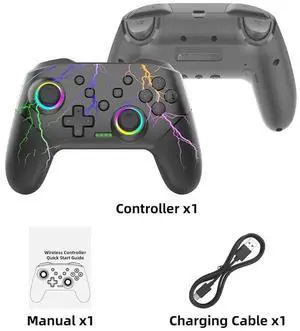
Generic for Wireless Controller For OLED Console Pro Gamepad with Rechargeable Battery Programmable Turbo Function RGB Light
- Model #: 3256805933513168
- $46.08 –
- Free Shipping
Quick View
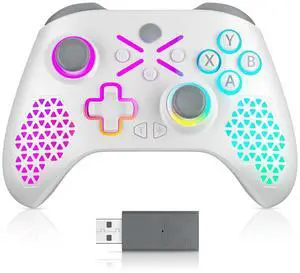
Generic for RGB Wireless For Xbox Controller Xbox One/xbox Series X/S/PC With 650mah Battery gamepad Multi-Function Joystick Controller
- Model #: 3256807161647429
- $25.60 –
- Free Shipping
Quick View
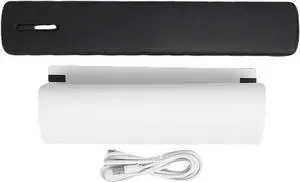
Walfront Portable Thermal Printer Inkless Wireless Label Printer with Rechargeable Battery and High Definition Printing for Home Office and School Use
- Model #: ENGEB0FPBS25J7
- $121.99 –
- Free Shipping
Quick View
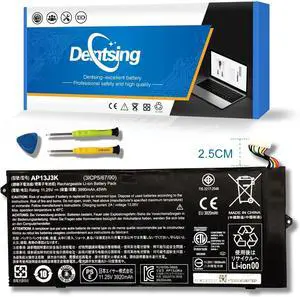
AP13J3K AP13J4K 45Wh Laptop Battery Compatible with Acer Chromebook 11.6" 11 C720 C720P C740 Series Notebook KT.00304.001 KT.00303.001 CB3-431-C5EX 11.4V 3920mAh (2.5cm Short Cable)
- Model #: Tong409397165826miao
- $65.88 –
- Free Shipping
Quick View
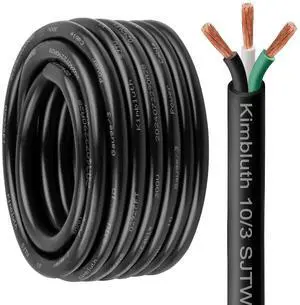
10 Gauge 3 Conductor Wire SJTW Outdoor Extension Power Cable 20FT, 10/3 Wire Heavy Duty Pure Copper Electrical Wire for Lawn, Battery, Automotive, Outdoors
- Model #: Tong409397170127miao
- $93.88 –
- Free Shipping
Quick View
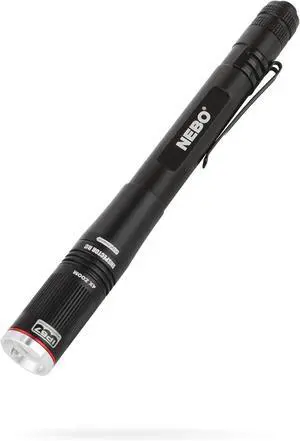
NEBO INSPECTOR RC Pen Light | 360 Lumens, 3 Light Modes, Rechargeable & AAA Battery Powered LED Flashlight, Waterproof, Compact & Durable, Pocket Clip for EDC, Includes USB Charging Cable
- Model #: Tong409397160081miao
- $68.88 –
- Free Shipping
Quick View
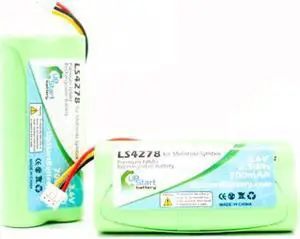
2x pack - ls4278 battery - replacement for 82-67705-01, btry-ls42raaoe-01 barcode scanner batte
- Model #: barcod881
- $19.58 –
- $15.00 Shipping
Quick View
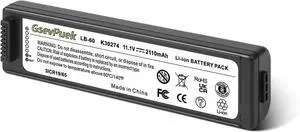
for Canon LK-62 Battery Replacement,for Canon PIXMA IP100,IP110,PIXMA 260,PIXMA 320,2446B003 Printer.PartNO,LB-60 K30274 LK-62,Li-ion,2110mAh(Battery only).
- Model #: ENGEB0F244Z4WV
- $90.99 –
- Free Shipping
Quick View
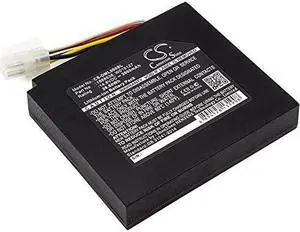
Battery Replacement for LabelManager PnP Wireless MobileLabeler XTL 500 LabelManager 500TS XTL 500 Label Maker 634169A 1888636 W015127
- Model #: ENGEB0B818XH49
- $92.99 –
- Free Shipping
Quick View
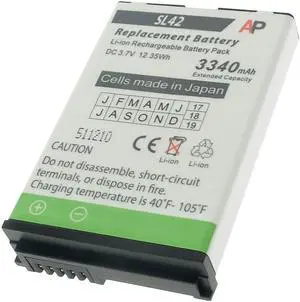
Replacement Battery for Honeywell Captuvo SL42 and Captuvo Healthcare Enterprise Sleds
- Model #: SB-SL42-6L
- $63.15 –
- More options from $63.15 - $69.00
- Free Shipping
Quick View
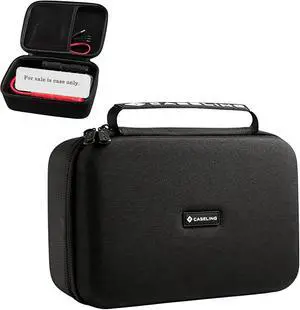
caseling Hard Case for GB70 & GBX75 Car Battery Jump Starter | Fits GB70 & GBX75 car battery boosters, shockproof EVA shell, mesh pocket for jumper cables, durable carry handle
- Model #: Tong409397164966miao
- $55.88 –
- Free Shipping
Quick View
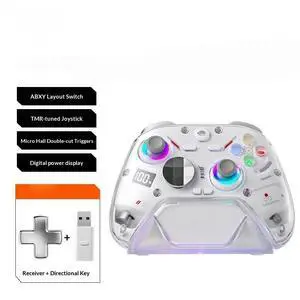
Generic for K30 RGB Wireless Gaming Controller Battery Level Display TMR Joystick For 2/PC/Phone Hall Controller For PC/NS
- Model #: 3256812282575819
- $116.74 –
- Free Shipping
Quick View
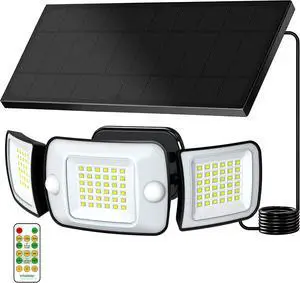
intelamp Outdoor Solar Flood Light Cool White Separate Panel 6000mAh 1500LM | Remote Control, Dual Motion Sensor, IP65 weatherproof, 6000mAh LiFePO4 battery deliver reliable all-night lighting
- Model #: Tong409397169077miao
- $85.88 –
- Free Shipping
Quick View
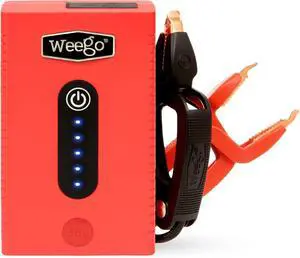
Weego 44s: 2100A Self-Use 12V Lithium Car Battery Jump Starter USA-Engineered Safe Replacement for Jumper Cables - Car Jumper Starter Portable for 7L Gas and 3.5L Diesel Engines (N44s)
- Model #: Tong409397164003miao
- $197.88 –
- Free Shipping

Quick View
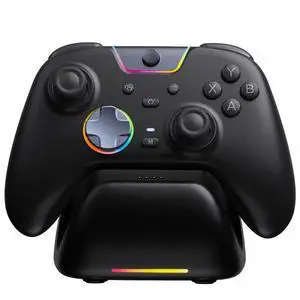
Generic for X05Pro Charging Dock Controller for PC//Phone, Silent Button, 1000mAh Battery, Hall Joystick, RGB, Ergonomic Grip
- Model #: 3256811888940416
- $120.98 –
- Free Shipping

Quick View
Replacement Battery for Motorola / Symbol MC35 Scanner. 2740 mAh (Extended Capacity)
- Model #: 819595011069
- $29.00
- Request Price
- More options from $28.95 - $31.50
- Free Shipping

Choosing the Right Printer for Your Office Needs
When it comes to office solutions, printers and scanners are essential tools for any business. Whether you need to print important documents, scan invoices, or create professional-quality marketing materials, having the right equipment is crucial. In this article, we will explore the different types of printers and scanners available in the market and provide tips on how to choose the best one for your office.
All-in-One Printers: Versatility and Convenience
all-in-one printers, also known as multifunction printers, are a popular choice for offices. These devices combine the functionality of a printer, scanner, copier, and sometimes even a fax machine into a single unit. They offer versatility and convenience, allowing you to perform multiple tasks without the need for separate devices. All-in-one printers are available in both inkjet and laser options, catering to different printing needs and budgets.
Specialized Printers for Specific Tasks
In addition to all-in-one printers, there are specialized printers designed for specific tasks. For example, 3D printers are ideal for creating prototypes or intricate models, while barcode and label printers are perfect for businesses that require efficient inventory management. laser printers are known for their fast printing speeds and high-quality output, making them suitable for offices with high-volume printing needs. inkjet printers, on the other hand, are more cost-effective and can produce vibrant color prints.
Choosing the Right Supplies
Once you have selected the right printer for your office, it is important to choose the right supplies to ensure optimal performance and longevity. When it comes to inkjet printers, using high-quality ink cartridges is essential to achieve the best print quality and prevent clogging. For laser printers, it is important to choose the right type of toner cartridges that are compatible with your printer model. Additionally, investing in high-quality paper can make a significant difference in the final print results.
FAQs: Common Questions about Printers and Scanners
| Q: How often should I replace the ink cartridges? | A: The frequency of replacing ink cartridges depends on your printing volume. However, it is recommended to replace them when the print quality starts to degrade. |
|---|---|
| Q: Can I use third-party ink cartridges with my printer? | A: While it is possible to use third-party ink cartridges, it is important to ensure compatibility with your printer model. Using incompatible cartridges may result in poor print quality or damage to the printer. |
| Q: How do I clean the scanner glass? | A: To clean the scanner glass, use a soft, lint-free cloth slightly dampened with glass cleaner. Gently wipe the glass surface to remove any smudges or debris. |
| Q: What is the difference between optical and interpolated resolution in scanners? | A: Optical resolution refers to the actual hardware resolution of the scanner, while interpolated resolution is achieved through software enhancements. Optical resolution provides more accurate and detailed scans. |
| Q: How can I improve the scanning speed? | A: To improve scanning speed, reduce the scanning resolution, use black and white mode instead of color, and ensure that the scanner is connected to a high-speed USB port. |