

Your Browsing History
- In Stock
- Sold by Newegg
- New

Any questions? Our AI mode will help you find out quickly.
Try me now
Quick View
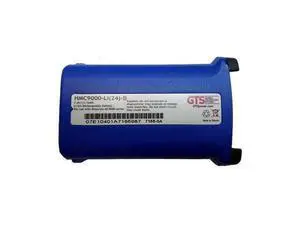
HON#HMC9000LI24B GTS BATTERIES HMC9000 BLUE COLOR CODED REPLACEMENT BATTERY FOR MC9000 AND 91XX SERIES 2400 MAH LI-ION 7.4 VOLTS 12 MONTH WARRANTY
- Model #: barcod5683
- $51.56 –
- $15.00 Shipping
Quick View
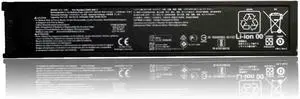
CZ993-60017 Replacement Battery for OfficeJet 200/200C/250/252/252C/258/202/202C/208/250 Mobile Printer 1050mAh 11.1V
- Model #: HANWB0FSRX62YW
- $192.99 –
- Free Shipping
Quick View
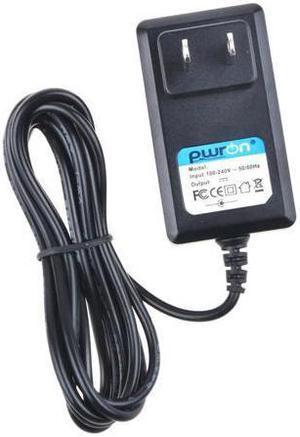
PwrOn 5.4V-5V AC DC Adapter For Symbol Motorola MC55 MC55A0 MC65 MC67 MC5590 MC5574 MC6596 Barcode Scanner (Note:Excluding Symbol Motorola 25-112560-01R Charging Cable. NOT fit charging cradle)
- Model #: 20211117-AVWK-Scanner-6327
- $24.88 –
- Free Shipping
Quick View
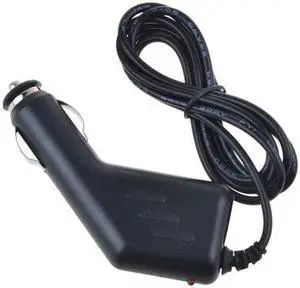
ABLEGRID Car 5V DC Adapter For Symbol Motorola MC55 MC55A0 (Note: This is output 5V- 5.4V with Barrel Round Plug Tip. Excluding Symbol Motorola 25-112560-01R Charging Cable.)
- Model #: 20211117-B41R-Scanner-6332
- $26.94 –
- Free Shipping
Quick View
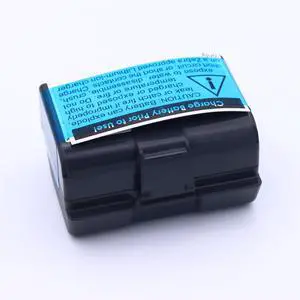
4900mAh Replacement Battery for Zebra ZQ520, ZQ620, QLN320(HC), QLN220(HC), ZQ500, ZQ510, ZQ521, ZR628, ZR638, ZQ610, ZR658, ZR668, ZQ511, ZQ52 Printer Battery
- Model #: HANWB0G1T2Y4F4
- $87.99 –
- Free Shipping
Quick View
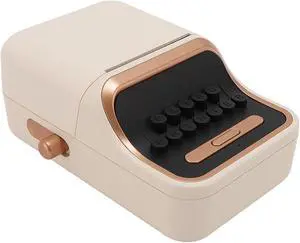
Vintage Portable Thermal Label Maker with 1000mAh Battery Multi Size Label Support Stable Wi Fi Connectivity for Office and Home Use
- Model #: HANZB0DQZYCNG9
- $73.99 –
- Free Shipping
Quick View
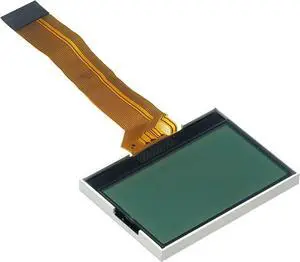
LCD Display Screen Replacement for Zebra QLN320 QLN420 QLN220 ZR628 Mobile Label Printer, Repairs Cracked or Non-Working Screen, Compatible with P1031365-009
- Model #: HANZB0GS4STY2G
- $88.99 –
- Free Shipping
Quick View
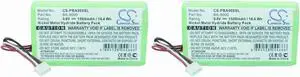
Focket Thermal Label Maker Portable Vintage Style Blue Tooth 5.0 Adjustable Paper 1000mAh Battery with QR Code Printing for Home Office Business
- Model #: HANZB0FL86DYC1
- $79.99 –
- Free Shipping
Quick View
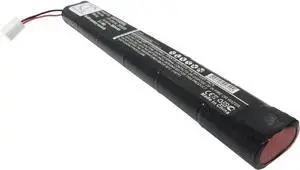
(2 Pack) XSP Battery for Brother PT9600 PT-9600 PN Brother BA-9000
- Model #: HANZB0CFGZJWXN
- $102.99 –
- Free Shipping
Quick View
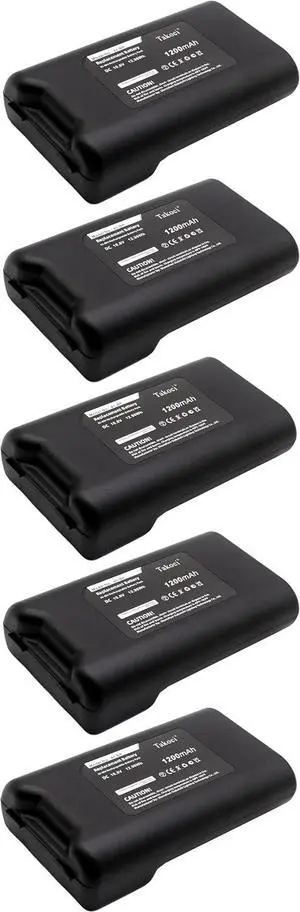
5 Pack BMP41, BMP61, M410 Battery Compatible with BMP41-BATT Label Printer 10.8V 1200mAh
- Model #: HANZB0GX64LDC1
- $338.99 –
- Free Shipping
Quick View
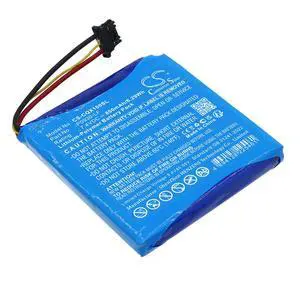
CS Replacement Battery for Canon Selphy QX10 PN:P0930-LF 850mAh / 6.29Wh
- Brand: cameron sino
- Battery Pack: 56.00 x 54.20 x 6.40
- Battery Capacity: 850 milliamp_hours
- Battery Type: lithium_polymer
- Model #: 557824535093
- $19.29 –
- Free Shipping
Quick View
VINTRONS 360mAh Replacement Battery for PENTAX 205526, PT-1501A
- Model #: HANZB017PDCRM8
- $72.99 –
- Free Shipping
Quick View
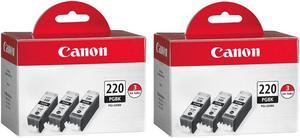
Canon 3x PGI-220BK Black Ink Tank for Select PIXMA iP, MP, MX Series Printers, 2-Pack
- Model #: 2945B004 2
- $108.89 –
Quick View
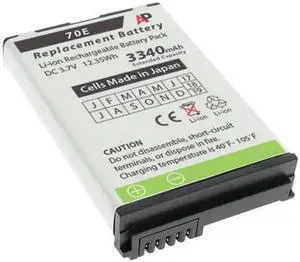
Replacement Battery: Dolphin 70e, 75e and 70E-L00 Scanners. 3340 mAh
- Model #: barcod1966
- $66.53 –
- $15.00 Shipping
Quick View
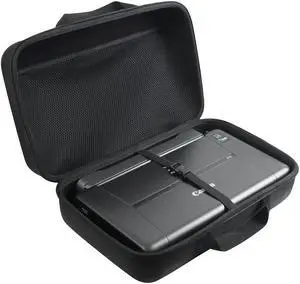
adada Hard Travel Case Fits Canon PIXMA TR160 /Canon PIXMA TR150/ iP110 Wireless Mobile Printer with Battery Attached
- Model #: HANWB07BFPHXJS
- $72.99 –
- Free Shipping

Quick View
Yoidesu Vintage Label Printer, 5.0 Portable Inkless Thermal Printer with 1000mAh Battery, for Label Printing
- Model #: HANZB0DLGLV4TT
- $70.99 –
- Free Shipping
Quick View
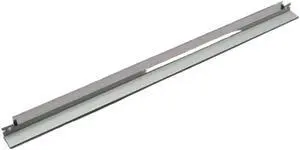
4-Pack Cleaning Drum Compatible with DC Motor Models 4110, 4112, 4127, 4590, 4595, 900, 1100, 6000, and 7000
- Model #: ENGEB0GS5DBZ53
- $144.99 –
- Free Shipping
Quick View
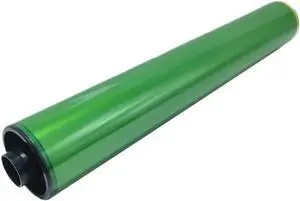
Drum Lubricant Bar with Primary Charge Roller and Drum Cleaning Cylinder for MP C5300 C6503 C8003 SP P5200 SP P5210 SP P5220
- Model #: ENGEB0GRQRMJ23
- $555.99 –
- Free Shipping
Quick View
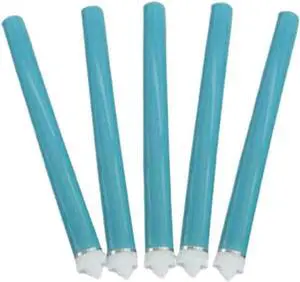
5-Pack Drum Unit Compatible with P1005 P1505 and Models Using 85A 88A 35A OPCS Cartridges
- Model #: ENGEB0GPR1LS7V
- $378.99 –
- Free Shipping
Quick View
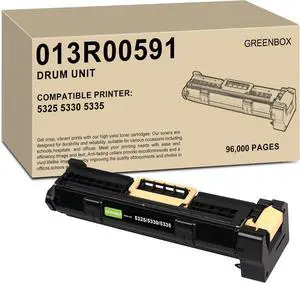
GREENBOX Remanufactured 013R00591 Drum Cartridge Replacement for Xerox 5325 5330 5335 Imaging Drum Unit for WorkCentre 5325 5330 5335 Printer (96,000 Pages)
- Model #: ENGEB0CDBK19CN
- $225.99 –
- Free Shipping
Quick View
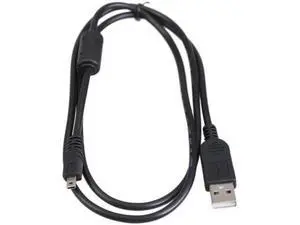
1M 8Pin USB Camera Data Transfer Cable, Replacement Sync & Charging Cord for Olympus, Pentax, Panasonic, Sanyo Digital Cameras
Limited time offer, ends 10/08
- Model #: ZP0805ZP.2026352
- $16.59 –
- Free Shipping
Quick View
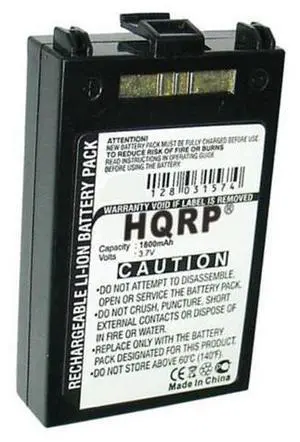
Battery for MC70 MC75 MC7004 MC7090 MC7506 MC7596 MC7598 Scanner
- Model #: barcod7655
- $23.33 –
- $15.00 Shipping
Quick View
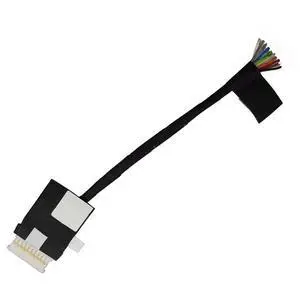
For 5501 5502 5505 5508 5509 7405 5400 5402 5406 5409 3401 E3401 Laptop Battery Cable Connector 0581XK
- Model #: 739375652612
- $19.99 –
- Free Shipping
Quick View
Technologies BTRY-MC55EAB02-H Handheld Battery for MC55A0-HC Healthcare Mobile Computer - Lithium-ion - 3600 mAh - 3.7 V
- Model #: barcod3781
- $77.97 –
- $15.00 Shipping
Quick View
For 5480 5490 5491 5495 E5480 E5490 E5491 E5495 Laptop Battery Cable Connector Line Cable 0NVKD8 CDM70 DC02002NX00
- Model #: 739375653107
- $19.99 –
- Free Shipping
Quick View
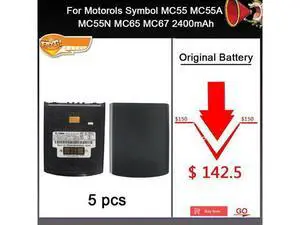
HOW-MARK 5pcs1lot 82-107172-02 Battery for Motorols MC55 MC55A MC55N MC65 MC67 2400mAh
- Model #: barcod4879
- $597.00 –
- $15.00 Shipping
Quick View
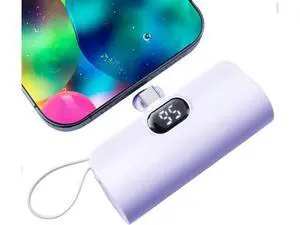
Mini Power Bank 5500mAh Portable Power Bank Dual USB-C Ports Cell Phone Power Charger LCD LED Display Battery Compatible with iPhone 16/15 plus/15 pro/15 pro Max/Android Phone//Moto/LG etc
- Model #: C75J*OYJ*G1*0724-43
- $19.47 –
- Free Shipping
Quick View
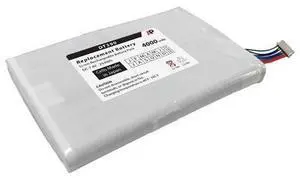
Replacement Battery for the DT Research DT390 Mobile POS Tablet.
- Model #: barcod893
- $88.54 –
- $15.00 Shipping
![[2 Pack]Small Portable Charger for iPhone 17/16/15 Series 5000mAh 3A PD USB C Power Bank Mini Travel Essentials Battery Pack for iPhone 17/17 Pro/16/16 Plus/16 Pro/15 Pro Max Android/LG etc](https://c1.neweggimages.com/productimage/nb300/C6WVD2607280884FI1A.jpg "[2 Pack]Small Portable Charger for iPhone 17/16/15 Series 5000mAh 3A PD USB C Power Bank Mini Travel Essentials Battery Pack for iPhone 17/17 Pro/16/16 Plus/16 Pro/15 Pro Max Android/LG etc")
Quick View
[2 Pack]Small Portable Charger for iPhone 17/16/15 Series 5000mAh 3A PD USB C Power Bank Mini Travel Essentials Battery Pack for iPhone 17/17 Pro/16/16 Plus/16 Pro/15 Pro Max Android/LG etc
- Model #: C75J*OYJ*G1*0729-397
- $68.93 –
- Free Shipping
Quick View
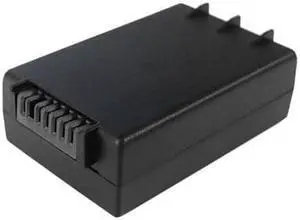
Replacement Battery: HHP Dolphin 6100, 6110, 6500 & 6000LU1. 3600mAh
- Model #: barcod808
- $47.73 –
- $15.00 Shipping

Quick View
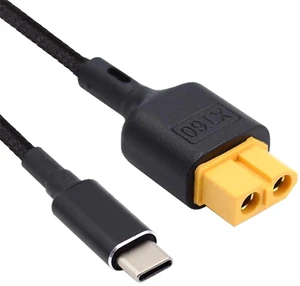
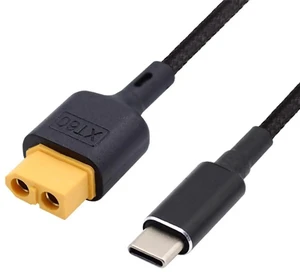
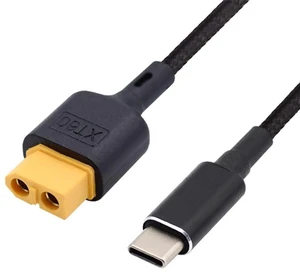
AJMRTC SC100 Protocol USBC to XT60 Fast Charging Cable 50CM, PD QC TypeC Power Cord for RC Lipo Battery, Quadcopter, Multicopter and Aeromodelling
- Model #: AJ*C8JM*U427
- $23.78 –
- Free Shipping
Choosing the Right Printer for Your Office Needs
When it comes to office solutions, printers and scanners are essential tools for any business. Whether you need to print important documents, scan invoices, or create professional-quality marketing materials, having the right equipment is crucial. In this article, we will explore the different types of printers and scanners available in the market and provide tips on how to choose the best one for your office.
All-in-One Printers: Versatility and Convenience
all-in-one printers, also known as multifunction printers, are a popular choice for offices. These devices combine the functionality of a printer, scanner, copier, and sometimes even a fax machine into a single unit. They offer versatility and convenience, allowing you to perform multiple tasks without the need for separate devices. All-in-one printers are available in both inkjet and laser options, catering to different printing needs and budgets.
Specialized Printers for Specific Tasks
In addition to all-in-one printers, there are specialized printers designed for specific tasks. For example, 3D printers are ideal for creating prototypes or intricate models, while barcode and label printers are perfect for businesses that require efficient inventory management. laser printers are known for their fast printing speeds and high-quality output, making them suitable for offices with high-volume printing needs. inkjet printers, on the other hand, are more cost-effective and can produce vibrant color prints.
Choosing the Right Supplies
Once you have selected the right printer for your office, it is important to choose the right supplies to ensure optimal performance and longevity. When it comes to inkjet printers, using high-quality ink cartridges is essential to achieve the best print quality and prevent clogging. For laser printers, it is important to choose the right type of toner cartridges that are compatible with your printer model. Additionally, investing in high-quality paper can make a significant difference in the final print results.
FAQs: Common Questions about Printers and Scanners
| Q: How often should I replace the ink cartridges? | A: The frequency of replacing ink cartridges depends on your printing volume. However, it is recommended to replace them when the print quality starts to degrade. |
|---|---|
| Q: Can I use third-party ink cartridges with my printer? | A: While it is possible to use third-party ink cartridges, it is important to ensure compatibility with your printer model. Using incompatible cartridges may result in poor print quality or damage to the printer. |
| Q: How do I clean the scanner glass? | A: To clean the scanner glass, use a soft, lint-free cloth slightly dampened with glass cleaner. Gently wipe the glass surface to remove any smudges or debris. |
| Q: What is the difference between optical and interpolated resolution in scanners? | A: Optical resolution refers to the actual hardware resolution of the scanner, while interpolated resolution is achieved through software enhancements. Optical resolution provides more accurate and detailed scans. |
| Q: How can I improve the scanning speed? | A: To improve scanning speed, reduce the scanning resolution, use black and white mode instead of color, and ensure that the scanner is connected to a high-speed USB port. |