
Your Browsing History
- Sold by Newegg
- Make an Offer
- New

Any questions? Our AI beta will help you find out quickly.
Try me now
Quick View
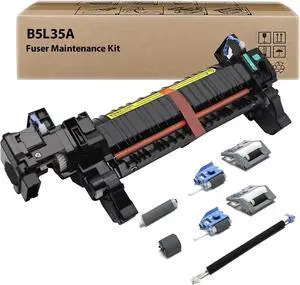
B5L35A RM2-0011 Fuser Maintenance Kit Compatible for HP Color MFP M552 M553 M554 M555 M577 M578 B5L35-67901 B5L35-67902 Fuser Unit, Transfer Roller, Tray (110V-120V)
- Model #: BAMB0FN7RFMT3
- $396.99 –
- Free Shipping
Quick View
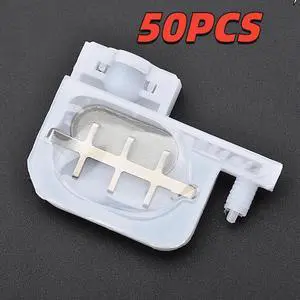
50PC small ink Damper square head forepson-R1800 1900 1390 2400 DX4 DX5 printers Eco solvent for Roland Mutohmimaki-Ink Dumper(damper)
- Product Type: Replacement Parts
- Model #: Dyjmh-231221-716
- $203.69 –
- More options from $203.69
- Free Shipping
Quick View
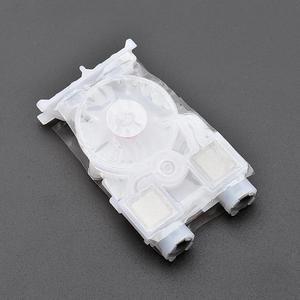
4PCS DX7 DX6 ink damper dumper filter for Roland RA640 RF640 VS540 RE640 VS640 VS420 VS300 Mutoh eco solvent plotter printer(B)
- Product Type: Replacement Parts
- Model #: Dyjmh-231221-398
- $78.69 –
- More options from $78.69
- Free Shipping
Quick View
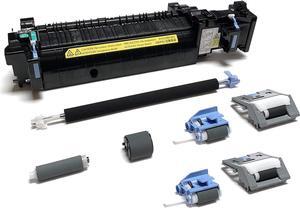
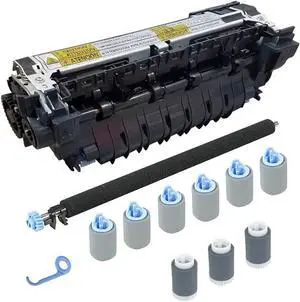
Altru Print CF064A-DLX2-AP CF064-67902 Maintenance Kit, Laser Printer Series 600 M601 / M602 / M603 (110V) Includes RM1-8395 Fuser, Transfer Roller & Tray 2-4 Rollers
- Model #: LEMLB0BQ1CNHS6
- $270.99 –
- Free Shipping
Quick View
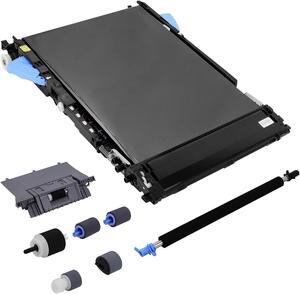
Ennovor CF081-67904 Transfer Belt Kit(RM2-7448) for M551 Includes RM1-8177 ITB, CF081-67907 Transfer Roller and CF081-67903 Roller Kit
- Model #: LIAB0BVDLQZXY
- $422.99 –
- Free Shipping
Quick View
BIGTREETECH Smart Filament Detector V2.0 - BTT SFS Sensor Detects Filament Break/Runout/Jam/Tying for 1.75mm Use with SKR Mini E3 V3.0, SKR 3, Manta E3EZ, Octopus Pro
Limited time offer, ends 01/18
- Model #: kolitt9451486459652
- $40.31 –
- More options from $38.34 - $40.31
- Free Shipping
Quick View
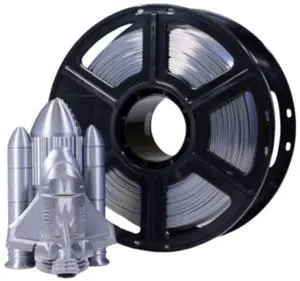
MakerBot 375-0084A Metallic Color Series 1.75mm PLA Filament for Sketch and Sketch Large Printers (Shimmering Silver, 2.2 Lb)
- Brand: Makerbot
- Color: Shimmering Silver
- Model #: 375-0084A
- $49.99 –
Quick View
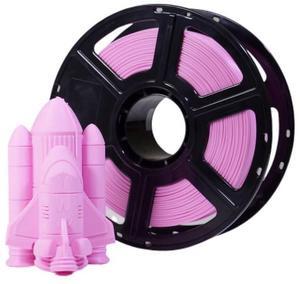
MakerBot 375-0079A Sketch PLA Filament for School Activities with Sketch 3D and Sketch Large 3D Printer Compatibility (True Pink, 2.2lb)
- Brand: Makerbot
- Color: True Pink
- Model #: 375-0079A
- $49.99 –
Quick View
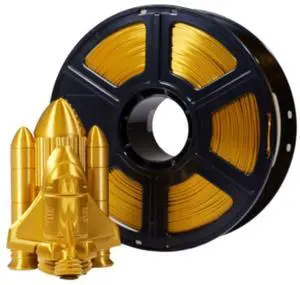
MakerBot 375-0085A Metallic Color Series 1.75mm PLA Filament for Sketch and Sketch Large Printers (Crown Gold, 2.2 Lb)
- Brand: Makerbot
- Color: Crown Gold
- Model #: 375-0085A
- $49.99 –
Quick View
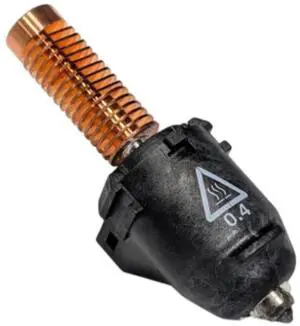
MakerBot Replacement Extruder Nozzle Assembly for Sketch Sprint 3D Printer
- Brand: Makerbot
- Model #: 830-0262A
- $59.00 –
Quick View
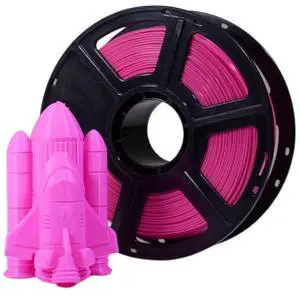
MakerBot 375-0078A Sketch PLA Filament for School Activities with Sketch 3D and Sketch Large 3D Printer Compatibility (True Hot Pink, 2.2lb)
- Brand: Makerbot
- Color: Hot Pink
- Model #: 375-0078A
- $49.99 –
Quick View
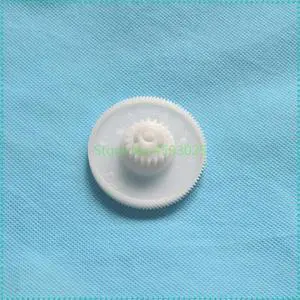
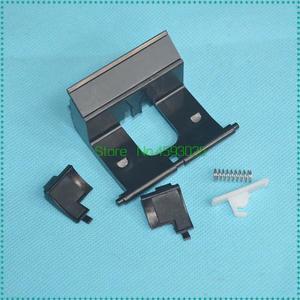
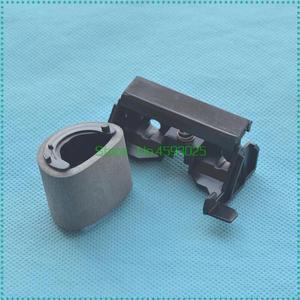
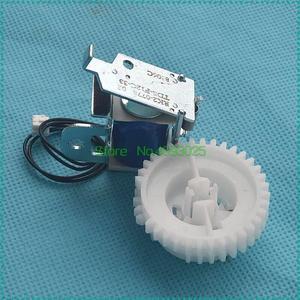
1set Separation PAD RY7-5077-000 RY7-5008-000 Forhp-5L 6L 3100 3150 FORcanon-L75 L80 L6000 RB1-7181-000 Printer Parts
- Model #: LXS-DYJ-0128
- $14.84 –
- More options from $14.60
- $5.00 Shipping
Quick View
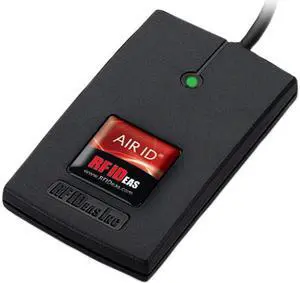
RF IDEAS RDR-7581AKU WAVE ID Solo Keystroke 13.56MHz CSN Black USB Reader
- Model #: RDR-7581AKU
- $219.00 –
- Free Shipping
Quick View
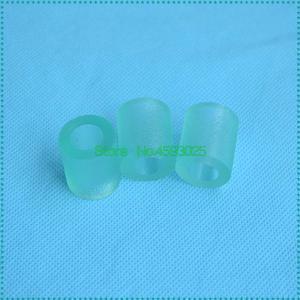
3PCS/SET Pickup Roller Rubber AF03-0090 AF03-1090 AF03-2090 for MPC2500 C2800 C3000 C3300 C3501 C4000 C4501 C5000 C5501
- Model #: LXS-DYJ-0102
- $22.04 –
- More options from $21.80
- Free Shipping
Quick View
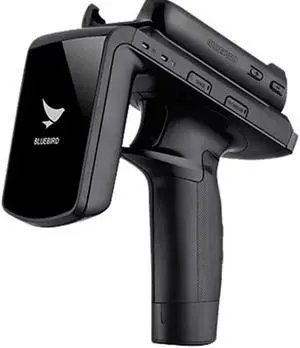
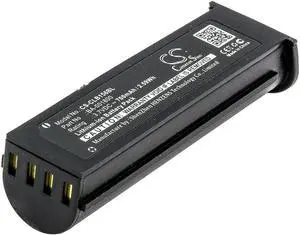
Bluebird RFR900 RFID Mobile Computer Pistol Grip Trigger RFR900-NX5R Genuine OEM
- Model #: RFR900-NX5R
- $260.25 –
- Free Shipping
Quick View
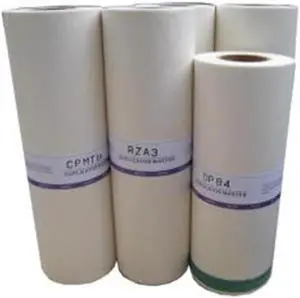
RISOGRAPH RSGS4363 Risograph Br Rx390 A3Lg - 2-320Mm X 108M Masters
- Model #: RSGS4363
- $135.26 –
- Free Shipping
Quick View
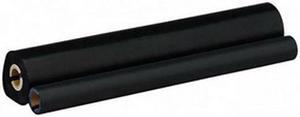
Brother PC302RF 2-pack of refill rolls for PC-301
- Product Sort: Fax Accessories
- Product Type: Refill Roll
- Compatibility: IntelliFax-775SI, IntelliFax-875MC, MFC-970MC, IntelliFax-750, IntelliFax-770, IntelliFax-775, IntelliFax-870MC, IntelliFax-885MC
- Weight: 1.3 lbs.
- Model #: PC302RF
- $24.99 –
- More options from $24.99 - $47.41
- Free Shipping
Quick View
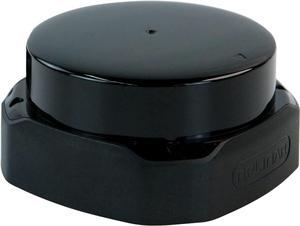
Yahboom Silan Lidar Sensor ROS Robot TOF Range Navigation 3D Scanner Laser Measurement Tool RPLIDAR A1 A2 A3 S1 S2 M2 (S2)
- CPU Type: Other
- Model #: 6909009005
- $487.00 –
- More options from $486.99
- Free Shipping
Quick View
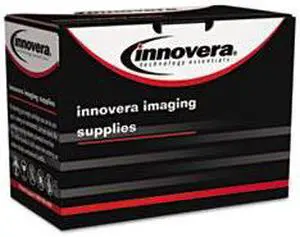
Cb506a Compatible Reman Rm1-4554-000 (p4015) Fuser, 100000 Page-Yield By: Innovera
- Model #: IVRCB506A-US1
- $235.99 –
- $15.00 Shipping
Quick View
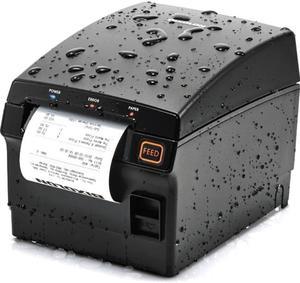
SRP-F310II RECEIPT FRONT EXIT
- Color: N/A
- Printer Type: Desktop
- Memory: 64 MB
- Media Type: Receipt
- Model #: SRP-F310IICOK
- $291.19 –
- More options from $266.99 - $310.01
Quick View
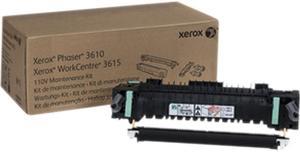
XEROX 115R00084 110V Fuser Maintenance Kit for Phaser 3610 & WorkCentre 3615
- Product Sort: Printer Accessories
- Product Type: Toner
- Color: Black
- Compatibility: Phaser 3610 & WorkCentre 3615
- Model #: 115R00084
- $364.99 –
- Free Shipping

Quick View
Used - Very Good METHOD X ABS-R FILAMENT NATURAL
- Model #: 3750070A
- $69.99 –
- More options from $69.99 - $113.99
- Free Shipping
Quick View
- $329.70 –
- More options from $329.70
- Free Shipping
Quick View
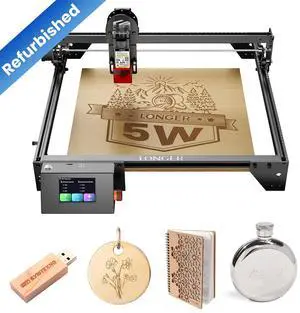
Refurbished LONGER RAY5 5W Laser Engraver, Barely used, 99% condition--Accessories complete, 40W Laser Engraving Cutting Machine for Metal and Wood, 5w Output Power, 3.5-inch Color Touch Screen
- Brand: Longer
- Series: Ray5
- Type: Laser Engraver
- Color: Black
- Model #: 5W-3

Quick View

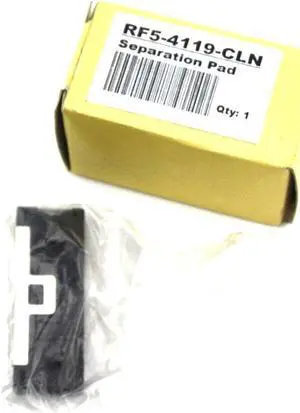
- Product Type: Separation Pad
- Model #: HP Separation Pad RF5-4119-CLN
- $9.99 –
- Free Shipping
Quick View
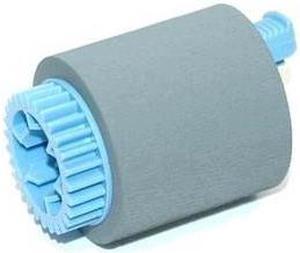
- $27.99 –
- Free Shipping
Quick View
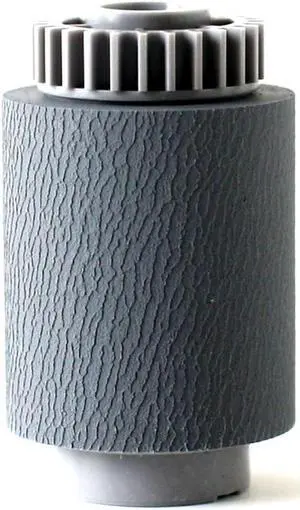
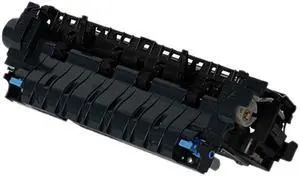
Refurbished Clover Technologies Group Refurbished Maintenance Kit with Aftermarket Parts (Includes Fuser Assembly, Transfer Roller, Tray 2 Pickup and Feed Rollers) (Replacement for HP CF064-67901) (225,000 Yield)
- Brand: Clover Technologies Group
- Product Sort: Printer Accessories
- Product Type: Maintenance Kit
- Compatibility: HP LaserJet Ent 600 M601 / M602 / M603
- Model #: CF064-67901-REF
- $249.99
- $182.99 –
- Save: $67.00 (26%)
- $2.99 Shipping

Quick View
- $40.25 –
- $14.00 Shipping
Choosing the Right Printer for Your Office Needs
When it comes to office solutions, printers and scanners are essential tools for any business. Whether you need to print important documents, scan invoices, or create professional-quality marketing materials, having the right equipment is crucial. In this article, we will explore the different types of printers and scanners available in the market and provide tips on how to choose the best one for your office.
All-in-One Printers: Versatility and Convenience
all-in-one printers, also known as multifunction printers, are a popular choice for offices. These devices combine the functionality of a printer, scanner, copier, and sometimes even a fax machine into a single unit. They offer versatility and convenience, allowing you to perform multiple tasks without the need for separate devices. All-in-one printers are available in both inkjet and laser options, catering to different printing needs and budgets.
Specialized Printers for Specific Tasks
In addition to all-in-one printers, there are specialized printers designed for specific tasks. For example, 3D printers are ideal for creating prototypes or intricate models, while barcode and label printers are perfect for businesses that require efficient inventory management. laser printers are known for their fast printing speeds and high-quality output, making them suitable for offices with high-volume printing needs. inkjet printers, on the other hand, are more cost-effective and can produce vibrant color prints.
Choosing the Right Supplies
Once you have selected the right printer for your office, it is important to choose the right supplies to ensure optimal performance and longevity. When it comes to inkjet printers, using high-quality ink cartridges is essential to achieve the best print quality and prevent clogging. For laser printers, it is important to choose the right type of toner cartridges that are compatible with your printer model. Additionally, investing in high-quality paper can make a significant difference in the final print results.
FAQs: Common Questions about Printers and Scanners
| Q: How often should I replace the ink cartridges? | A: The frequency of replacing ink cartridges depends on your printing volume. However, it is recommended to replace them when the print quality starts to degrade. |
|---|---|
| Q: Can I use third-party ink cartridges with my printer? | A: While it is possible to use third-party ink cartridges, it is important to ensure compatibility with your printer model. Using incompatible cartridges may result in poor print quality or damage to the printer. |
| Q: How do I clean the scanner glass? | A: To clean the scanner glass, use a soft, lint-free cloth slightly dampened with glass cleaner. Gently wipe the glass surface to remove any smudges or debris. |
| Q: What is the difference between optical and interpolated resolution in scanners? | A: Optical resolution refers to the actual hardware resolution of the scanner, while interpolated resolution is achieved through software enhancements. Optical resolution provides more accurate and detailed scans. |
| Q: How can I improve the scanning speed? | A: To improve scanning speed, reduce the scanning resolution, use black and white mode instead of color, and ensure that the scanner is connected to a high-speed USB port. |