

Your Browsing History
- In Stock
- Sold by Newegg
- Make an Offer
- New

Any questions? Our AI beta will help you find out quickly.
Try me now
Quick View
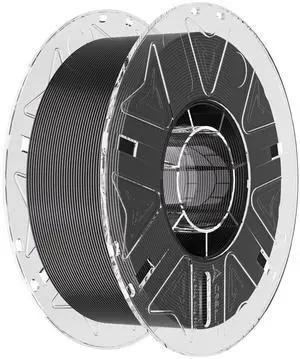
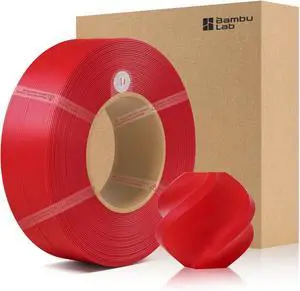
Bamboo Original 1.75MM ABS Refill Filament Good Heat & Freezing Resistance Eco Friendly with RFID for Bambu Lab X1,P1 P2S,H2D AMS 1KG +/- 0.03mm (Without Spool) (Red 40200)
- Model #: C0A1055465010414313
- $48.73 –
- Free Shipping

Quick View
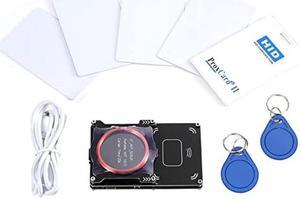
RFIdeas RDR-7512AKU pcProx 82 Series RFID Reader, 13.56 MHZ CSN Vertical USB Nano - Black
- Model #: RDR-7512AKU
- $144.45 –
- More options from $144.45 - $161.34
- Free Shipping
Quick View
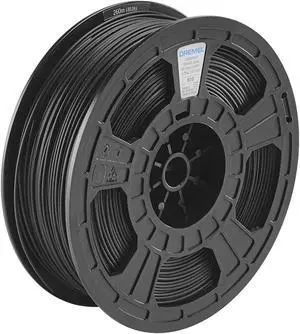
Dremel DigiLab ECO-BLA-01 3D Printer Filament, 1.75 mm Diameter, 0.75 kg Spool Weight, Color Black, RFID Enabled, New Formula and 50 Percent More per Spool
- Model #: C0A227465010406035
- $64.33 –
- Free Shipping
Quick View
- $109.00 –
- More options from $108.95
- Free Shipping

Quick View
Xerox Programable Rfid Card Reader Inside Mfp Built-In Card Reader Bay
- Model #: 497K18121
- $291.44
- $270.99 –
- Save: $20.45 (7%)
- More options from $270.99 - $324.50
- Free Shipping
Quick View
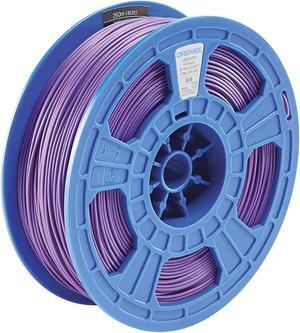
Dremel DigiLab PLA-PUR-01 3D Printer Filament, 1.75 mm Diameter, 0.75 kg Spool Weight, Color Purple, RFID Enabled, New Formula and 50 Percent More per Spool
- Model #: STARWELL426253759111Lan
- $62.98 –
- Free Shipping
Quick View
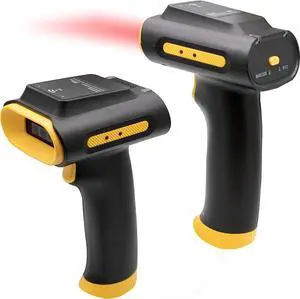
Chainway SR160 All-Purpose UHF RFID Tag Scanner and 2D/1D/QR Barcode Reader, Three Modes: UHF RFID Scanning, Barcode Scanning, Hybrid (Wireless Bluetooth)
- Model #: SR160-Wireless
- $298.00 –
- Free Shipping
Quick View
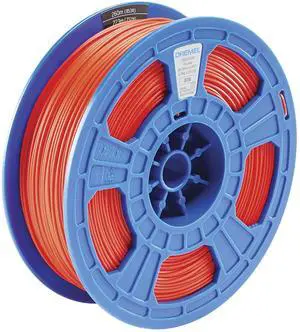
Dremel DigiLab PLA-RED-01 3D Printer Filament, 1.75 mm Diameter, 0.75 kg Spool Weight, Color Red, RFID Enabled, New Formula and 50 Percent More per Spool
- Model #: vfrtR302951373241
- $65.32 –
- Free Shipping
Quick View
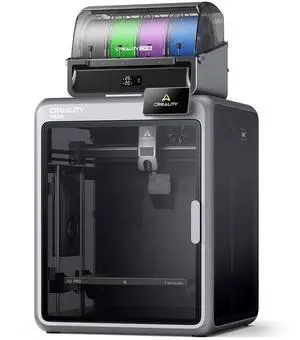
Creality K2 Pro Combo 3D Printer + CFS, 600mm/s, 300x300x300mm Build Volume, Active Chamber Heating, Dual AI Cameras, Auto Leveling, ABS/ASA/PLA-CF Ready
- Brand: Creality
- Type: 3D Printer
- Build Size: Build Volume: 300 x 300 x 300 mm
- Features: K2 PRO SPECIFICATIONS: Printing Technology: Fused Deposition Modeling Build Volume: 300 x 300 x 300 mm Printing Speed: Max 600 mm/s Acceleration: Max 20000 mm/s2 Printing Accuracy: 100±0.1 mm Layer Height: 0.05-0.3 mm Extruder: Dual-gear direct drive extruder Filament Diameter: 1.75 mm Nozzle Diameter: 0.4 mm Nozzle Temperature: Max 300 °C Heatbed Temperature: Max 110 °C Chamber Temperature: Max 60°C Build Plate: Flexible PEI build plate Leveling Mode: Full-auto leveling XYE Motor: Step-servo motors for XY axis and extruder File Transfer: USB Drive/Ethernet/WiFi File Storage: 32GB EMMC RFID Sensor Printer: Included Rated Voltage: 100-240V ~ AC 50/60 Hz Display Screen: 4" color touch screen Rated Power: 1300W Supported Filaments: PLA...
- Model #: 1002110056
- $799.99 –
- Free Shipping
Quick View
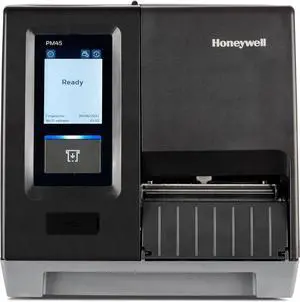
Honeywell PM45A Industrial Thermal Transfer Label Printer - Icon Display -Ethernet - Fixed Hanger - 203 DPI -Thermal Transfer PM45A00000000201
- Brand: Honeywell
- Series: PM45A
- Part Number: PM45A00000000201
- Print Technology: Thermal
- Model #: PM45A00000000201
- $1,895.00
- $1,506.99 –
- Save: $388.01 (20%)
- Free Shipping
Quick View
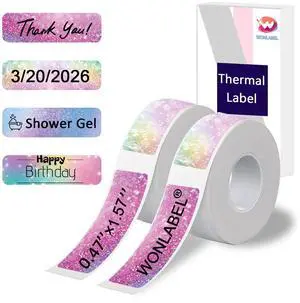
D30 Thermal Labels, 12x40mm (0.47"x1.57") Adhesive D30 Labels for D30 /D30S Label Makers, D30 Label Maker Tape Refill, 320 PCS/2Rolls
- Brand: WONLABEL
- Part Number: 1240-1-2P
- RFID Encoder: Paper
- Ribbon Characteristics: Thermal
- Model #: 730145056070
- $18.99 –
- Free Shipping
Quick View
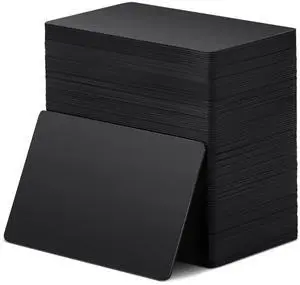
100 Pcs NFC Blank PVC Black Cards 868 Bytes Memory 216 Chip Rewritable & Programmable for Digital Business Cards, Smart Home Automation, Smart Lock, NFC Enabled Smartphones Devices
- Brand: HP
- Part Number: Xuhal-Black Cards-73325
- Features: Polyvinyl Chloride, Xuhal, 100, false
- Dimensions: 14.33in W x 12.83in H x 9.06in D
- Model #: 123255640937
- $53.99 –
- Free Shipping
Quick View
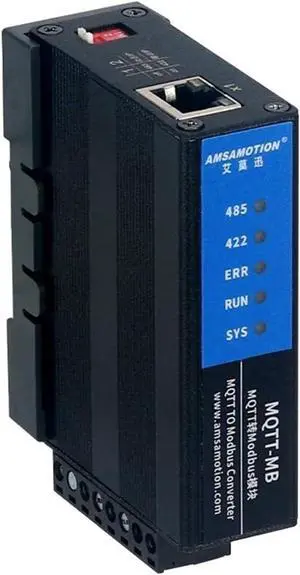
IOT Module MQTT to Modbus RTU TCP Protocol Converter Bus MQTT-MB RJ45 Ethernet Port RS485 RS422 Serial
- Model #: TOLKB0CSCVZMMV
- $333.99 –
- Free Shipping
Quick View
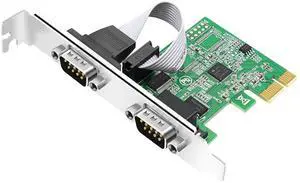
PCI Express (PCIe) 2-Port RS232 Serial Adapter Card, PCI-E to DB9 COM Port Expansion Card, 9-Pin Industrial Controller Card with Low/Full Profile Brackets for Desktop PC
Limited time offer, ends 07/26
- Model #: LHXJU016-C731-349
- $38.99 –
- Free Shipping
Quick View
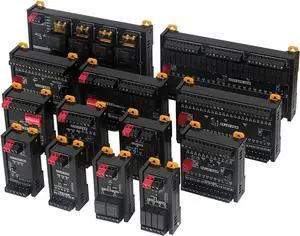
Modbus RTU Communication Protocol MR0 Module RS485 Interface Supports NPN/PNP Input, Digital/Analog/Temperature Module(MR0-QDT1601)
- Model #: TOLKB0GTDQ4WZS
- $476.99 –
- Free Shipping
Quick View
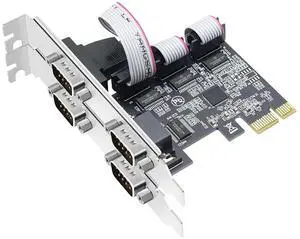
PCI Express 4-Port Serial COM Expansion Card, PCIe to DB9 RS232 Serial Adapter Card with Low Profile Bracket, Industrial 9-pin Port COM Controller Card for Desktop PC
Limited time offer, ends 07/26
- Model #: LHXJU016-C731-345
- $57.99 –
- Free Shipping
Quick View
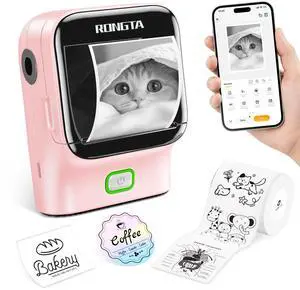
Mini Sticker Printer, Bluetooth Thermal Label Printer, Portable Inkless Label Maker Suitable for Creative Kids DIY, Diaries, Study Notes, Pink
- Brand: Rongta
- Series: R22B
- Part Number: 1
- Print Technology: inkless
- Model #: 977519719841
- $25.99 –
- Free Shipping
Quick View
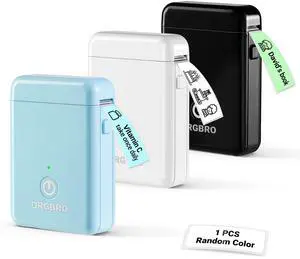
Label Maker Machine with Tape, Random Color-1 Count, X1 Bluetooth Mini Label Printer, Wireless Small Sticker Maker with Versatile App for School Home Office Organization (Random Color)
- Brand: ORGBRO
- Series: LP-X1-BLUE-DE, 1
- Part Number: LP-X1-BLUE
- Print Technology: Thermal
- Model #: 158222749050
- $35.99 –
- Free Shipping
Quick View
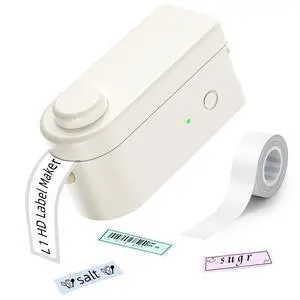
L1 HD Label Maker Machine with Tape - Portable & Rechargeable Label Makers Compatible with 9 12 16mm Waterproof Tape - Mini Bluetooth Labeler for Organizing Office Home School - 300DPI
- Brand: Makeid
- Series: L1-W300-CRUS-02
- Part Number: L1-W300-CRUS-02
- Print Technology: No Ink
- Model #: 210702575735
- $39.99 –
- Free Shipping
Quick View
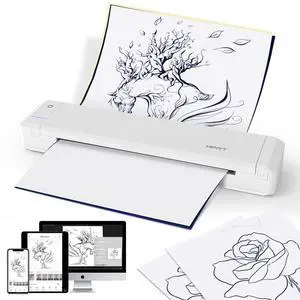
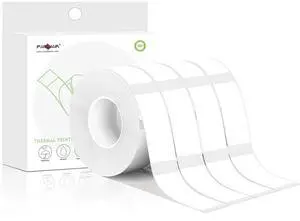
Label Maker Tape, Thermal 0.55" x 1.57" (14mm x 40mm), 640 Labels (4 Rolls), White, Compatible with D30 Printer
- Brand: PARLAIM
- Part Number: YCK14X40mm 840pcs
- RFID Encoder: Paper
- Total Media Capacity: (0.55"X1.57")4Rolls-640PCS, 4
- Model #: 424996485175
- $18.99 –
- Free Shipping
Quick View
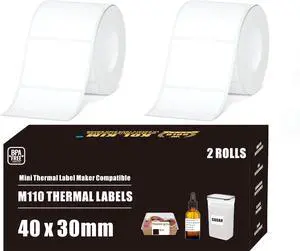
M110 Thermal Labels, 1.57''x1.18'' Compatible for Phomemo Printer M110 M220 M200 M120 M221 Labels Print Master Refill for NADA Print N20 Label Refill Clabel 221B 40x30mm 2 Rolls White
- Brand: KOl.KIM
- Part Number: 221B-P50-T50M-M220-M110 Label Refill
- RFID Encoder: Paper
- Ribbon Characteristics: White, Laminated
- Model #: 861613247964
- $19.99 –
- Free Shipping
Quick View
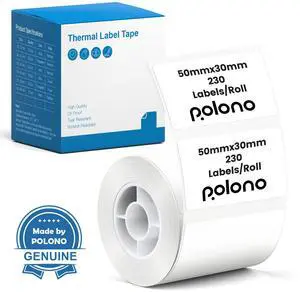
Thermal Labels for PM220S Label Maker, 1.97"x1.18" (50x30mm), Multi-Purpose Thermal Sticker Label Tape, Self-Adhesive Thermal Paper for Home, Office, 230 Labels/1Roll, White
- Brand: POLONO
- Part Number: TP50x30x230-R-BK-WH
- RFID Encoder: Paper
- Total Media Capacity: 1.97"x1.18", 230
- Model #: 453615066215
- $19.99 –
- Free Shipping
Quick View
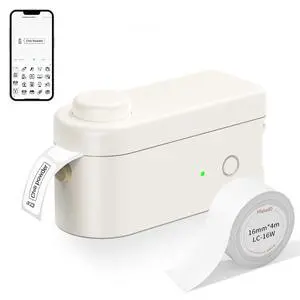
Lightweight Label Maker with Cutter L1-C Bluetooth Printer
- Brand: Makeid
- Part Number: L1-C-W203
- Printer Type: Portable, Lightweight
- Print Speed: Portable
- Model #: 511242985819
- $17.99 –
- Free Shipping
Quick View
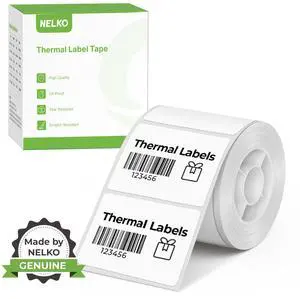
Thermal Labels for PM220 Label Maker, 1.57'' x 1.18'' (40x30mm) Thermal Sticker Label, Waterproof, Multi-Purpose Label Tape, 1 Roll of 230 Self-Adhesive Thermal Paper (White)
- Brand: Nelko
- Part Number: TP40x30
- Printer Type: Thermal Labels
- RFID Encoder: Paper
- Model #: 929444658479
- $19.99 –
- Free Shipping
Quick View
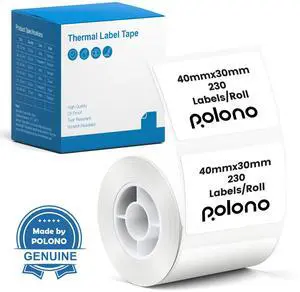
Genuine Thermal Labels for PM220S Label Makers, 1.57"x1.18" (40x30mm) Thermal Label, Waterproof, Multi-Purpose Self-Adhesive Labels for Small Bussiness, Office, School, 230 Labels/Roll (White)
- Brand: Porelon
- Part Number: TP40x30x230-R-BK-WH
- Product Sort: 55121600
- Color: White
- Model #: 951764594626
- $19.99 –
- Free Shipping
Quick View
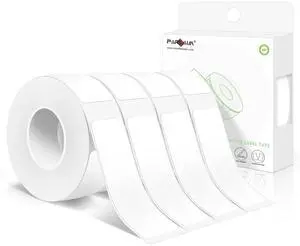
Label Maker Tape,14X50MM(1/2" X1 7/8") Thermal Label Stickers,Thermal self-Adhesive Labels Compatible with D30 Label Maker,Thermal Label Paper for Home/Office 520PCS/4Rolls White
- Brand: PARLAIM
- Part Number: YCK14X40mm 840pcs
- RFID Encoder: Paper
- Total Media Capacity: (0.55"X1.97") 4Rolls 520 PCS, 520
- Model #: 604546846676
- $18.99 –
- Free Shipping
![- Compatible DYMO 30334 (2-1/4" x 1-1/4") Multipurpose Barcode Labels, Perforated, Compatible with DYMO Labelwriter 450, 4XL, NOT FIT 550 & 5XL [10 Rolls/10000 Labels]](https://c1.neweggimages.com/productimage/nb300/C6X1D26071302SSF4C2.jpg "- Compatible DYMO 30334 (2-1/4\" x 1-1/4\") Multipurpose Barcode Labels, Perforated, Compatible with DYMO Labelwriter 450, 4XL, NOT FIT 550 & 5XL [10 Rolls/10000 Labels]")
Quick View
- Compatible DYMO 30334 (2-1/4" x 1-1/4") Multipurpose Barcode Labels, Perforated, Compatible with DYMO Labelwriter 450, 4XL, NOT FIT 550 & 5XL [10 Rolls/10000 Labels]
- Brand: HP
- Part Number: DY30334-10
- Product Sort: Printer Accessories
- Color: Black
- Model #: 613222959245
- $70.99 –
- Free Shipping
Quick View
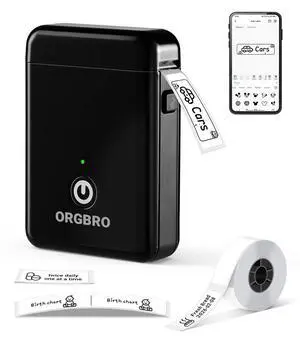
Label Maker Machine with Tape, X1 Portable Bluetooth Mini Label Printer, Support Pre-Cut & Continuous Label, Wireless Small Label Makers with Versatile App for School Home Office Organization
- Brand: ORGBRO
- Series: LP-X1-Black, 1
- Part Number: X1
- Print Technology: Thermal
- Model #: 284487990102
- $35.99 –
- Free Shipping
Quick View
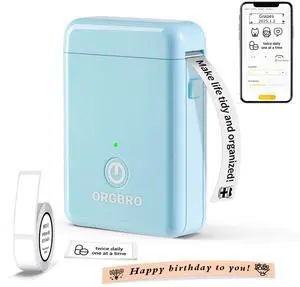
Label Maker Machine with Tape, Portable Bluetooth Label Printer for Home Office Organization, Support Pre-Cut & Continuous Labels, Inkless Thermal Small Labeler for School Kitchen, X1-Blue
- Brand: ORGBRO
- Series: LP-X1-BLUE-US
- Part Number: LP-X1-BLUE-US
- Cutter: Works with continuous & fixed-size labels, Portable, Clear Printing, fast printing with App, Thermal printing - inkless, Easy to Use, Rechargeable, WirelessInkless
- Model #: 172392199121
- $35.99 –
- Free Shipping
Quick View
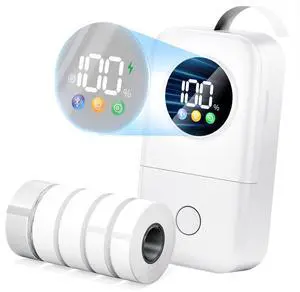
Label Maker Machine with 5 Tapes, 2026 Upgraded D30D Smart Screen Mini Bluetooth Label Maker, Small Labeler Rechargeable for Home Office School Organization, Multiple Template Font for Crafter
- Brand: CASIO
- Part Number: D30D
- Print Technology: Direct Thermal
- Cutter: Rewind
- Model #: 014724422673
- $59.99 –
- Free Shipping
Quick View
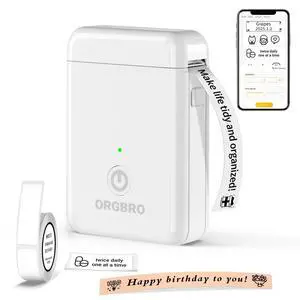
Label Maker Machine with Tape, X1 Portable Bluetooth Mini Label Printer, Support Pre-Cut & Continuous Label, Wireless Small Label Makers with Versatile App for School Home Office Organization
- Brand: ORGBRO
- Series: LP-X1-WHITE, 1
- Part Number: X1-WHITE
- Print Technology: Thermal
- Model #: 222855991048
- $35.99 –
- Free Shipping
Choosing the Right Printer for Your Office Needs
When it comes to office solutions, printers and scanners are essential tools for any business. Whether you need to print important documents, scan invoices, or create professional-quality marketing materials, having the right equipment is crucial. In this article, we will explore the different types of printers and scanners available in the market and provide tips on how to choose the best one for your office.
All-in-One Printers: Versatility and Convenience
all-in-one printers, also known as multifunction printers, are a popular choice for offices. These devices combine the functionality of a printer, scanner, copier, and sometimes even a fax machine into a single unit. They offer versatility and convenience, allowing you to perform multiple tasks without the need for separate devices. All-in-one printers are available in both inkjet and laser options, catering to different printing needs and budgets.
Specialized Printers for Specific Tasks
In addition to all-in-one printers, there are specialized printers designed for specific tasks. For example, 3D printers are ideal for creating prototypes or intricate models, while barcode and label printers are perfect for businesses that require efficient inventory management. laser printers are known for their fast printing speeds and high-quality output, making them suitable for offices with high-volume printing needs. inkjet printers, on the other hand, are more cost-effective and can produce vibrant color prints.
Choosing the Right Supplies
Once you have selected the right printer for your office, it is important to choose the right supplies to ensure optimal performance and longevity. When it comes to inkjet printers, using high-quality ink cartridges is essential to achieve the best print quality and prevent clogging. For laser printers, it is important to choose the right type of toner cartridges that are compatible with your printer model. Additionally, investing in high-quality paper can make a significant difference in the final print results.
FAQs: Common Questions about Printers and Scanners
| Q: How often should I replace the ink cartridges? | A: The frequency of replacing ink cartridges depends on your printing volume. However, it is recommended to replace them when the print quality starts to degrade. |
|---|---|
| Q: Can I use third-party ink cartridges with my printer? | A: While it is possible to use third-party ink cartridges, it is important to ensure compatibility with your printer model. Using incompatible cartridges may result in poor print quality or damage to the printer. |
| Q: How do I clean the scanner glass? | A: To clean the scanner glass, use a soft, lint-free cloth slightly dampened with glass cleaner. Gently wipe the glass surface to remove any smudges or debris. |
| Q: What is the difference between optical and interpolated resolution in scanners? | A: Optical resolution refers to the actual hardware resolution of the scanner, while interpolated resolution is achieved through software enhancements. Optical resolution provides more accurate and detailed scans. |
| Q: How can I improve the scanning speed? | A: To improve scanning speed, reduce the scanning resolution, use black and white mode instead of color, and ensure that the scanner is connected to a high-speed USB port. |