
Your Browsing History
- In Stock
- Sold by Newegg
- Make an Offer
- New

Any questions? Our AI beta will help you find out quickly.
Try me now
Quick View
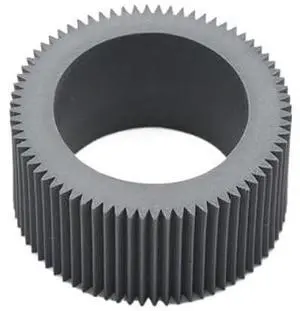
Pickup Roller Tire Pick Up Feed Rubber Compatible with Printer Supplies Riso RV RZ RP RN FR GR EZ 200 220 300 230 330 370 390 570 590 for Part Number 035-14303
- Model #: CHIPB0G4FVZ2PS
- $182.99 –
- Free Shipping
Quick View
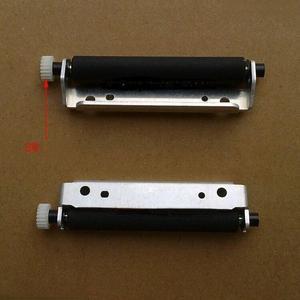
Pressing shaft Rubber roller Paper feeding roller Pick-up shaft rp-pos58nl4 58nl5 Rubber roller gear 20 teeth
- Product Type: Printhead
- Model #: ZW-d5234-020
- $123.49 –
- More options from $123.49
- Free Shipping
Quick View
Pressing shaft Rubber roller Paper feeding roller Pick-up shaft rp-pos58nl4 58nl5 Rubber roller gear 20 teeth
- Product Type: Printhead
- Model #: ZW-dyt-020
- $81.99 –
- Free Shipping
Quick View
LEXMARK 58D1H00 58D1H00 UHY RP Toner Crtrdg
- Model #: 734646669221
- $277.00 –
- More options from $233.77 - $469.57
- Free Shipping
Quick View
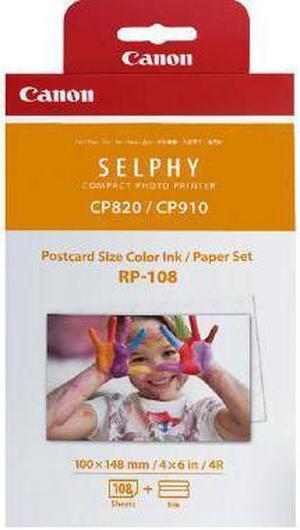
Canon 8568B001 Rp 108 - 1 - Print Ribbon Cassette And Paper Kit - For Selphy Cp1000, Cp910, Cp910 Printing Kit
- Model #: 8568B001
- $42.99 –
- Free Shipping
Quick View
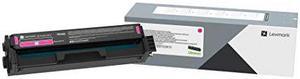
LEXMARK 20N10M0 CS/CX331, 431 1.5K MAGENTA TONER (RP)
- Model #: 20N10M0
- $95.99 –
- More options from $89.45 - $174.39
- Free Shipping
Quick View
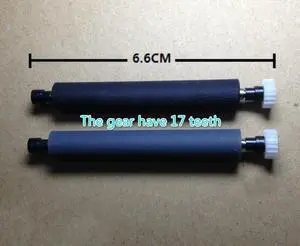
shaft platen roller For AB-58MK AB-58gk CITAQ rp-pos58ns4 628 POS Rubber Roller POS Roller
- Product Type: Printhead
- Model #: ZW-dyt-017
- $36.99 –
- Free Shipping
Quick View
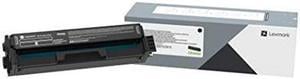
LEXMARK 20N10K0 CS/CX331, 431 1.5K BLACK TONER (RP)
- Model #: 20N10K0
- $80.99 –
- More options from $78.50 - $147.34
- Free Shipping
Quick View
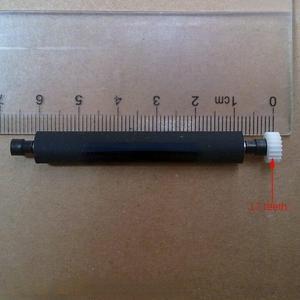
rubber roller pressure paper shaft For AB-58MK AB-58gk rp-pos58ns4 628 print head
- Product Type: Printhead
- Model #: ZW-d5234-111
- $123.49 –
- More options from $123.49
- Free Shipping
Quick View
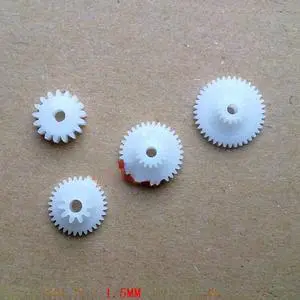
printer print head paper feeding gear gear set For Kawada-- rp-pos58ns4 vt-pos58g
- Product Type: Printhead
- Model #: ZW-dyt-216
- $47.79 –
- More options from $47.79 - $51.99
- Free Shipping
Quick View
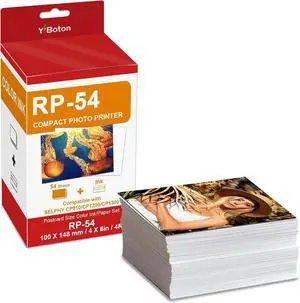
RP-54 Color Ink/Paper Set (53 Sheets) Compatible with Canon SELPHY CP820/CP910/CP1200/CP1300/CP1500 printer
- Model #: CHIDB0G3Q6F8T9
- $88.99 –
- Free Shipping
Quick View
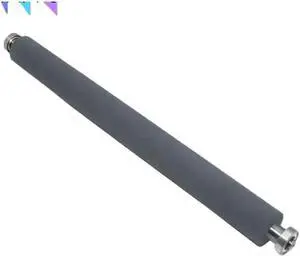
1pc 030-13101 A3 Pressure Roller Compatible with Riso RP 310 350 370 3100 3105 3500 3590 3700 3750 3770 3790 3900 Printer Supplies 030-13101
- Model #: CHIPB0GCR289XC
- $194.99 –
- Free Shipping
Quick View
rubber roller pressure paper shaft For AB-58MK AB-58gk rp-pos58ns4 628 print head
- Product Type: Printhead
- Model #: ZW-dyt-111
- $77.79 –
- More options from $77.79 - $81.99
- Free Shipping

Quick View
Image Drum Unit for Sh-rp AR 235 236 237 M256 M258 M276 M318 Printer,AR-256L ARM 255 257 270 271 276 277 318 Imaging(Lifes 100 000 Pages)
- Model #: DARUB0G4PCXV5T
- $384.99 –
- Free Shipping
Quick View
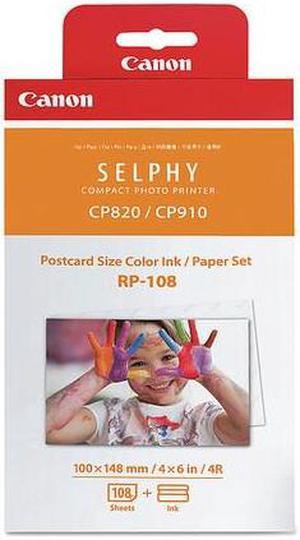
Canon 8568B001 RP-108 High-Capacity Color Ink/Paper Set
- Compatible Products: SELPHY CP1300 Black Wireless Compact Photo Printer & Battery Pack Bundle PCP-CP400 SELPHY CP910 White Wireless SELPHY CP910 Black Wireless SELPHY CP1300 Black Wireless Compact Photo Printer Card Size Paper Cassette PCC-CP400 SELPHY CP910 Blue Wireless SELPHY CP1300 White Wireless Compact Photo Printer SELPHY CP1200 Black Wireless Compact Photo Printer
- Model #: 8568B001

Quick View
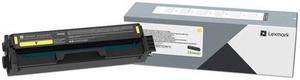
LEXMARK 20N10Y0 CS/CX331, 431 1.5K YELLOW TONER (RP)
- Model #: 20N10Y0
- $95.53 –
- More options from $79.99 - $174.58
- Free Shipping
Quick View
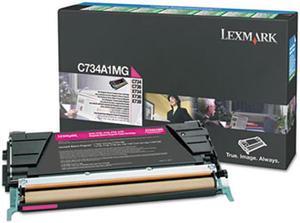
LEXMARK C748H1MG C/X748 10K MAGENTA TONER (RP)
- Compatible Products: Lexmark Printers: C748DE, C748DTE, C748E
- Coverage: 5%
- Model #: C748H1MG
Quick View
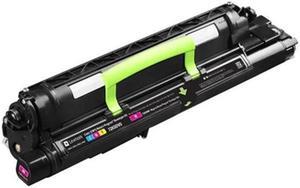
CS820 CX820 CX825 CX860 MAG DEVELOPER-RP
- Product Type: Toner
- Color: Magenta
- Weight: 3.7
- Model #: 72K0DM0
Quick View
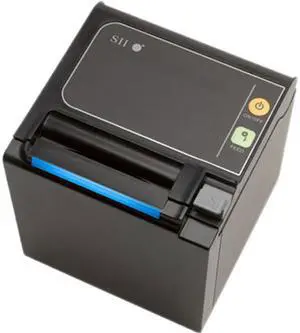
Used - Like New Seiko RP-E10-K3FJ1-S2C3 Qaliber RP-E10 Receipt Printer
- Color: Black
- Printer Type: Desktop
- Barcode Type: UPC-A/E, JAN(EAN)8/13, ITF, CODABAR, Code39, Code93, Code128, QR Code, PDF417
- Cutter: Cutting Method: Heavy-duty slide type Cutting Options: Full cut, partial cut
- Model #: RP-E10-K3FJ1-S2C3
- $119.95 –
- Free Shipping
Quick View
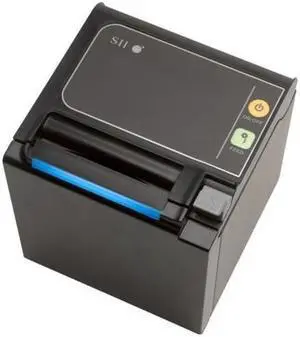
Used - Like New Seiko RP-E10-K3FJ1-S2C3 Thermal Receipt Black Serial T op-exit with powersupply,cable
- Model #: SE#RPE10K3FJ1S2C3
- $119.95 –
- Free Shipping
Quick View
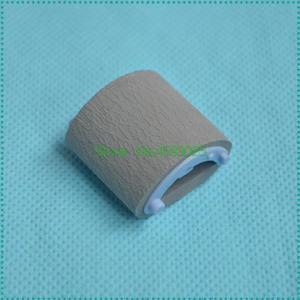
20PCS Pickup Roller RF0-1008-000 RL1-0303-000 RA0-1196-000 for 1000 1150 1200 1300 3300 3380 Printer
- Model #: LXS-DYJ-0090
- $62.80 –
- More options from $62.00
- Free Shipping
Quick View
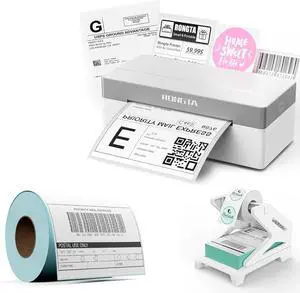
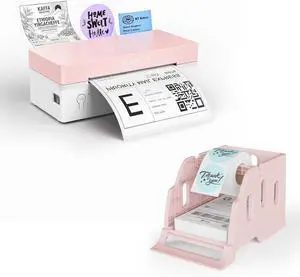
Rongta RP425 Grey Label Printer+220 PCS 4 * 6 Labels+White Label Holder
- Model #: ENGEB0GN1XLJDQ
- $92.99 –
- Free Shipping
Quick View
Rongta RP425 Pink Label Printer+ Pink Label Holder
- Model #: CHIDB0GLYWTLPQ
- $86.99 –
- Free Shipping
Quick View
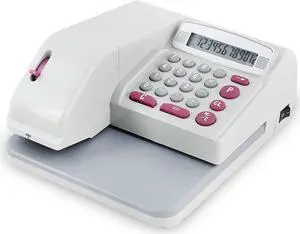
UBICON Checkwriter with Two Additional Ink Cartridges (RX200UBI), Red
- Model #: DARKB002Z9G2C4
- $268.99 –
- Free Shipping
Quick View
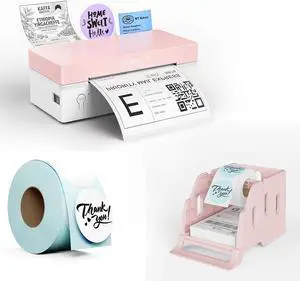
Rongta RP425 Pink Label Printer+750 PCS Labels+Pink Label Holder
- Model #: ENGEB0GN1TKPP5
- $97.99 –
- Free Shipping
Quick View
Thermal Printhead Print Head,Compatible for Rongta, RP325L RP80 RP802 RP803 RP330 RP331 RP325 RP326 RP327 RP328 JS-80IV+ Printer
- Model #: ENGEB0GT1883ZS
- $98.99 –
- Free Shipping
Quick View
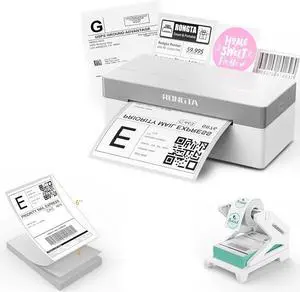
Rongta RP425 Label Printer+Label Holder+100PCS Thermal Labels
- Model #: ENGEB0GGXXW8Z8
- $88.99 –
- Free Shipping
Quick View
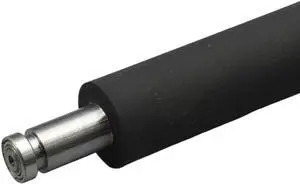
Pressure Roller ES RVA4 RVB4 Compatible with Riso RV2460 2490 3460 RZ230 330 RZ Copier Printer Spare Parts
- Model #: CHIPB0GHMS6BCW
- $210.99 –
- Free Shipping
Quick View
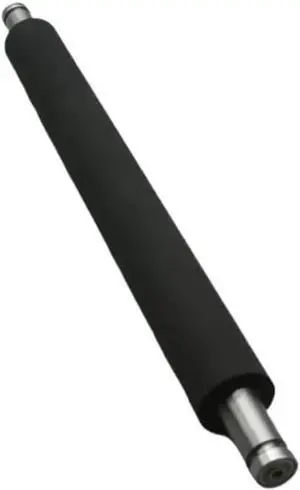
Pressure Roller ES RVA4 RVB4 Compatible with Riso RV2460 2490 3460 RZ230 330 RZ Copier Printer
- Model #: CHIPB0GG62JXHK
- $186.99 –
- Free Shipping
Quick View
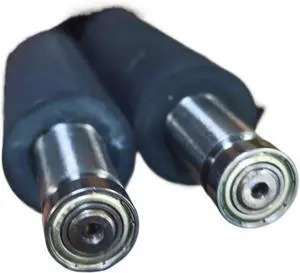
Pressure Roller ES RVA4 RVB4 Compatible with Riso RV2460 2490 3460 RZ230 330 RZ Copier Printer Spare Parts
- Model #: CHIPB0GCYTKSDY
- $184.99 –
- Free Shipping
Quick View
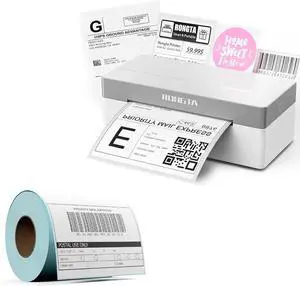
Rongta RP425 Grey Label Printer+220 PCS 4 * 6 Labels
- Model #: ENGEB0GQK7C8W5
- $74.99 –
- Free Shipping
Quick View
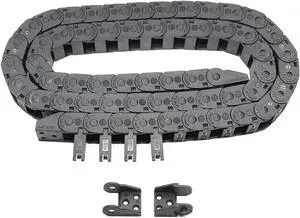
R18 Internal Size 10X15mm 1Meter Length Black Plastic Flexible Drag Chain Cable Wire Carrier Open Type for 3D Printer and CNC Machines (10mmX15mm-Outside Open)
- Model #: STARWELL426253760995Lan
- $29.98 –
- Free Shipping
Quick View
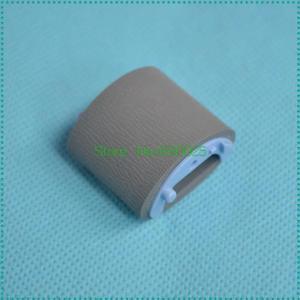
2PC Pickup Roller RC1-2050-000 RL1-0266-000 Forhp-1010 1012 1015 1018 1020 1022 2600 3010 3015 3020 3030 3050 3052 3055 M1005 M1319
- Model #: LXS-DYJ-0294
- $13.32 –
- More options from $13.10
- $5.00 Shipping
Quick View
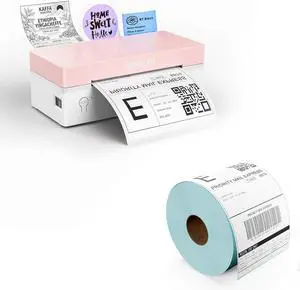
Rongta RP425 Pink Label Printer+Rolled 500 PCS Attached Labels
- Model #: ENGEB0GX6NXQNL
- $85.99 –
- Free Shipping
Quick View
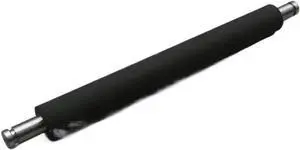
Pressure Roller ES RVA4 RVB4 Compatible with Riso RV2460 2490 3460 RZ230 330 RZ Copier Printer Spare Parts
- Model #: CHIPB0GFY4TR8C
- $189.99 –
- Free Shipping
Choosing the Right Printer for Your Office Needs
When it comes to office solutions, printers and scanners are essential tools for any business. Whether you need to print important documents, scan invoices, or create professional-quality marketing materials, having the right equipment is crucial. In this article, we will explore the different types of printers and scanners available in the market and provide tips on how to choose the best one for your office.
All-in-One Printers: Versatility and Convenience
all-in-one printers, also known as multifunction printers, are a popular choice for offices. These devices combine the functionality of a printer, scanner, copier, and sometimes even a fax machine into a single unit. They offer versatility and convenience, allowing you to perform multiple tasks without the need for separate devices. All-in-one printers are available in both inkjet and laser options, catering to different printing needs and budgets.
Specialized Printers for Specific Tasks
In addition to all-in-one printers, there are specialized printers designed for specific tasks. For example, 3D printers are ideal for creating prototypes or intricate models, while barcode and label printers are perfect for businesses that require efficient inventory management. laser printers are known for their fast printing speeds and high-quality output, making them suitable for offices with high-volume printing needs. inkjet printers, on the other hand, are more cost-effective and can produce vibrant color prints.
Choosing the Right Supplies
Once you have selected the right printer for your office, it is important to choose the right supplies to ensure optimal performance and longevity. When it comes to inkjet printers, using high-quality ink cartridges is essential to achieve the best print quality and prevent clogging. For laser printers, it is important to choose the right type of toner cartridges that are compatible with your printer model. Additionally, investing in high-quality paper can make a significant difference in the final print results.
FAQs: Common Questions about Printers and Scanners
| Q: How often should I replace the ink cartridges? | A: The frequency of replacing ink cartridges depends on your printing volume. However, it is recommended to replace them when the print quality starts to degrade. |
|---|---|
| Q: Can I use third-party ink cartridges with my printer? | A: While it is possible to use third-party ink cartridges, it is important to ensure compatibility with your printer model. Using incompatible cartridges may result in poor print quality or damage to the printer. |
| Q: How do I clean the scanner glass? | A: To clean the scanner glass, use a soft, lint-free cloth slightly dampened with glass cleaner. Gently wipe the glass surface to remove any smudges or debris. |
| Q: What is the difference between optical and interpolated resolution in scanners? | A: Optical resolution refers to the actual hardware resolution of the scanner, while interpolated resolution is achieved through software enhancements. Optical resolution provides more accurate and detailed scans. |
| Q: How can I improve the scanning speed? | A: To improve scanning speed, reduce the scanning resolution, use black and white mode instead of color, and ensure that the scanner is connected to a high-speed USB port. |