

Your Browsing History
- In Stock
- Sold by Newegg
- New

Any questions? Our AI mode will help you find out quickly.
Try me now
Quick View
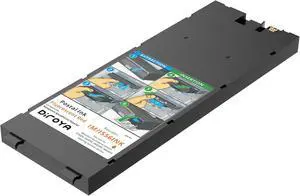
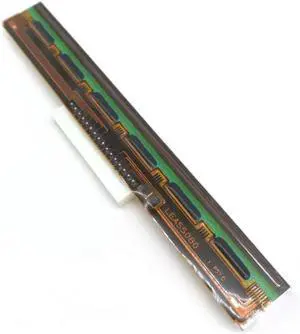
203dpi Thermal PrintHead for Godex TTP-244 ZA-123 G300 Replacement Parts
- Model #: HANZB0GZD9HB7J
- $267.99 –
- Free Shipping
Quick View
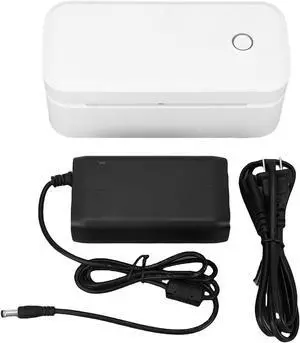
YWBL-WH 4x6 Thermal Shipping Label Printer with 200dpi, USB Connection, Auto Position Adjustment and Non Jam Technology, APP for Marklife, Easy to Use (US Plug)
- Model #: HANZB0F8DB8K83
- $141.99 –
- Free Shipping
Quick View
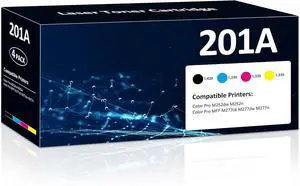
201A Toner Cartridges 4 Pack Compatible for HP Color LaserJet Pro M277dw
- Model #: HANWB0F4KFWCKF
- $450.99 –
- Free Shipping
Quick View
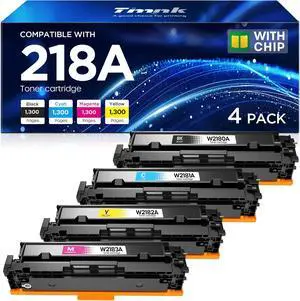
218A W2180A Toner Cartridges 4 Pack for Color LaserJet Pro
- Model #: HANWB0GHXXSVZR
- $173.99 –
- Free Shipping
Quick View
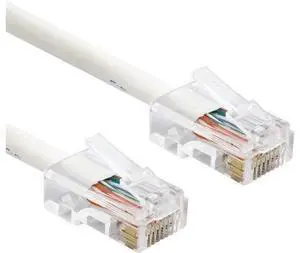
Intl - Cat6a Riser Cmr Lan Network Data Ethernet Patch Cable, Solid Pure Copper 23 Awg, 4-Pair Utp, 550Mhz, Pass Thru Rj45 Plug, Ul Etl Cmr, Assembled In Usa (40 Feet, White)
- Model #: C745-LUOYIMAN-Lsy804x-1594
- $39.99 –
- Free Shipping
Quick View
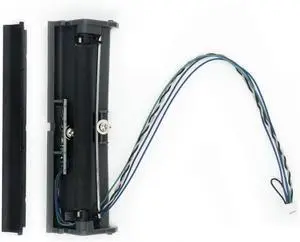
Label Present Peeler for Zebra GK420D GX420D ZP450 ZP500 Thermal Barcode Printer Dispenser P/N:105934-026 Replacement Parts
- Model #: HANZB0GZD68KT8
- $311.99 –
- Free Shipping
Quick View
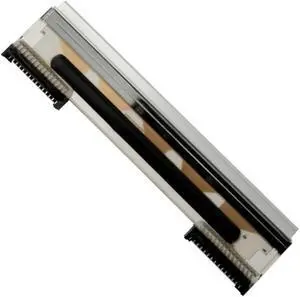
Thermal Printhead for NCR 7346-F309 Printer 497-0476754 3AC02368000 15PIN Replacement Parts
- Model #: HANZB0GZD3ZTBS
- $323.99 –
- Free Shipping
Quick View
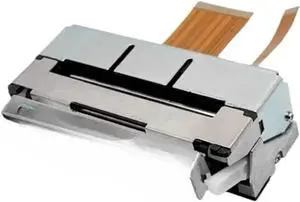
JX-2R-22H 58mm Auto-Cutting Thermal Print Head, for CAPD247 Replacement Parts
- Model #: HANZB0GZCRQ353
- $264.99 –
- Free Shipping
Quick View
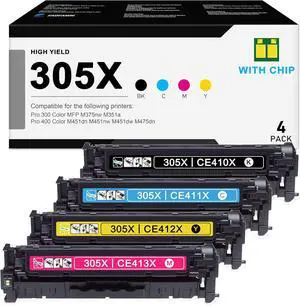
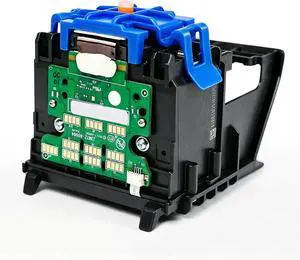
952 Printhead Compatible with HP officejet pro 8710 7740 8710 8715 8720 8725 8730 8740 Printer, Replacement for Parts 952 Printhead (1 Pack, with Chip)
- Model #: HANWB0GXDH7HJ1
- $245.99 –
- Free Shipping
Quick View
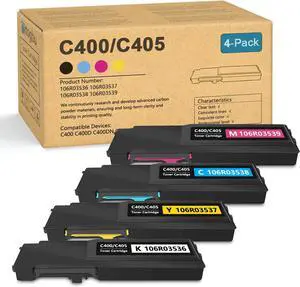
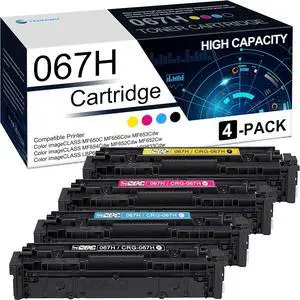
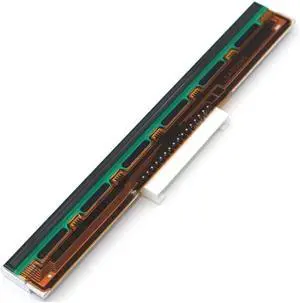
PHD20-2192-01 Printhead for Datamax E-Class E-4204B E-4205A 4206P 4204L for Mark II Thermal Desktop Printer 203dpi Replacement Parts
- Model #: HANZB0GZD17VV1
- $320.99 –
- Free Shipping
Quick View
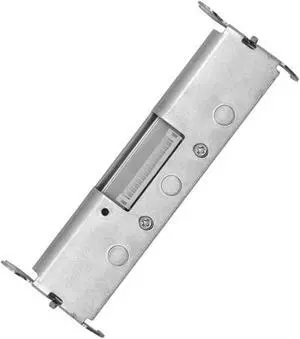
Printhead for Intermec PC42T 203Dpi Thermal Transfer Label Barcode Printer Print Head with Holder P/N:50125125-001 Replacement Parts
- Model #: HANZB0GZD1JGGC
- $345.99 –
- Free Shipping
Quick View
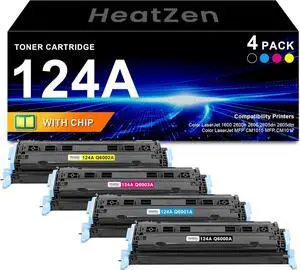
124A Toner Cartridge fQ6000A Q6001A Q6002A Q6003A, 4 Pack
- Model #: HANWB0DQ3VD83K
- $196.99 –
- Free Shipping
Quick View
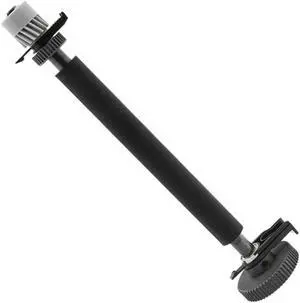
CL-S700 Roller for Citizen Platen CL-S703 CL-S700C Thermal Label Barcode Printer(Including Gear Parts),P/N:JN28801-0 Replacement Parts
- Model #: HANZB0GZCR53QQ
- $336.99 –
- Free Shipping
Quick View
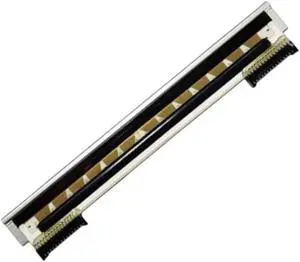
Thermal Printhead for Gprinter GP 1524T 1524t Printer Replacement Parts
- Model #: HANZB0GZCLRKSX
- $404.99 –
- Free Shipping
Quick View
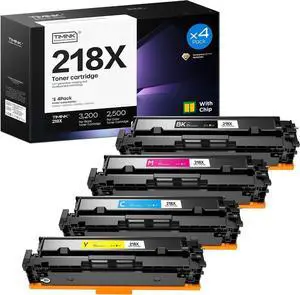
218X W2180X Toner Cartridges 4 Pack for Color LaserJet Pro
- Model #: HANWB0H1J73RSS
- $189.99 –
- Free Shipping
Quick View
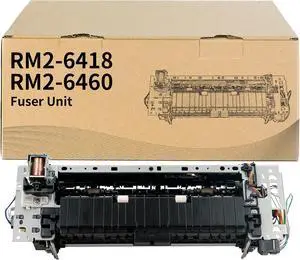
RM2-6418-000CN RM2-6460-000CN Fuser Unit RM2-6418 RM2-6460 - Duplex Models
- Model #: HANWB0F21KL8FH
- $388.99 –
- Free Shipping
Quick View
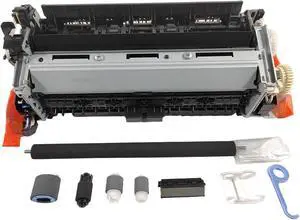
RM2-6460-KIT RM2-6418-KIT Fuser Maintenance Kit - 120V for HP Color LaserJet Pro M452, M454, M455, M377, M477, M479, M480 - Duplex Models
- Model #: HANWB0GKRYWS61
- $432.99 –
- Free Shipping
Quick View
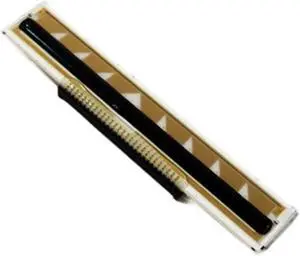
Thermal Printhead Mobile Label Printer for Argox AME-3230B 203dpi Model Replacement Parts
- Model #: HANZB0GZCWMR41
- $432.99 –
- Free Shipping
Quick View
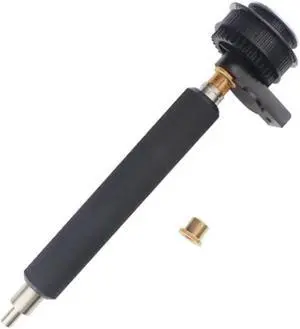
for SATO CL412E Rubber R03065000 with Gear Barcode Label Machine Accessory Paper Roller Replacement Parts
- Model #: HANZB0GZD29X34
- $333.99 –
- Free Shipping
Quick View
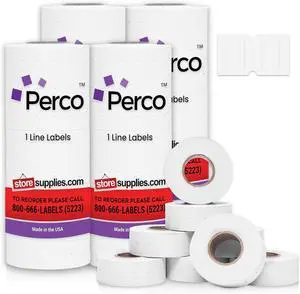
Perco 1 Line White Labels - 32,000 Blank Price and Date Gun Labels for Perco Lite, X, Plus and Pro 1 Line Price and Date Guns- 32 Rolls, 4 Sleeves - Made in USA
- Model #: HANZB07CGPTZF5
- $180.99 –
- Free Shipping

Quick View
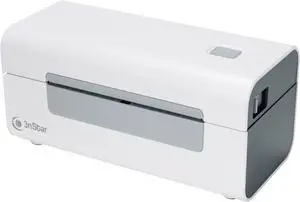
3nStar Direct Thermal Printer for Shipping Labels
- Model #: HANZB0DP1M75ZW
- $180.99 –
- Free Shipping
Quick View
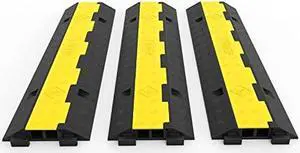
Happybuy 3 Pack of 2 Channel 11000lbs per Axle Capacity Protective Wire Cord Ramp Driveway Rubber Traffic Speed Bumps Cable Protector
- Connector Type: type
- Model #: 603904578816525
- $92.77 –
- Free Shipping
Quick View
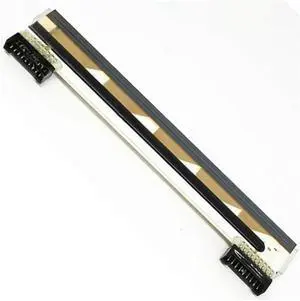
Thermal Print Head for Zebra Kr403 KD2003-CF31B CF31B513 KR403 Kd2003-cf13b KD2003-CF31 Replacement Parts
- Model #: HANZB0GZCR53QR
- $394.99 –
- Free Shipping
Quick View
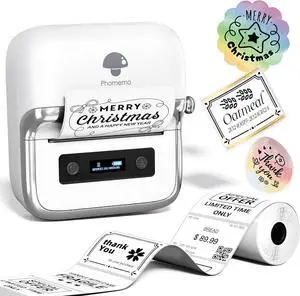
Phomemo M250 3 Inch Label Maker Machine with Tape
- Model #: HANWB0DB85HF22
- $94.99 –
- Free Shipping
Quick View
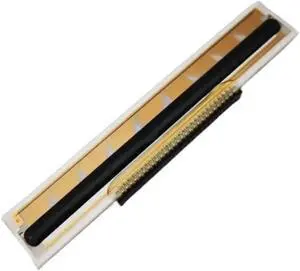
for B-EP2DL-GH30-QM-R Zr628 QLn220 Print Head QLN 220 Mobile Printing Portable Small Ticket Thermal Replacement Parts
- Model #: HANZB0GZD3C6VB
- $394.99 –
- Free Shipping
Quick View
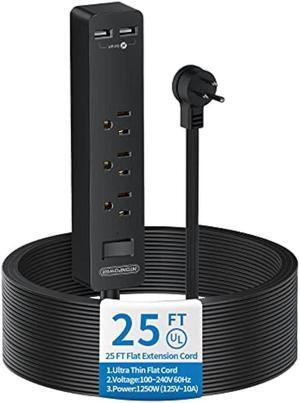
Flat Plug Extension Cord 25 Ft, NTONPOWER Ultra Thin Flat Extension Cord Under Carpet, Rug, Door, 3 Outlets Power Strip with 2 USB Ports, Wall Mount, Overload Protection for Indoor Home Office, Black
- Connector Type: type
- Model #: 603904578656725
- $58.48 –
- More options from $56.98 - $58.48
- Free Shipping
Quick View
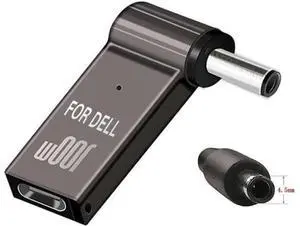
USB-C to 4.5mm Charging Cable for ASUS Q524 Q524U Q534 Q534U Q524UQ Q534UX Q534UXK P2540U P2540UA P2540NV P2540UV Q524UQ-BBI7T15 2-in-1 15.6" Touch-Screen Laptop DC Tip
Limited time offer, ends 09/19
- Model #: Kepler-8.3-OYS-343
- $13.97 –
- Free Shipping
Quick View
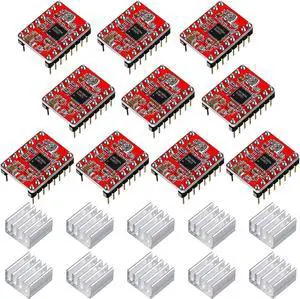
Photect 10 Pieces Stepper Motor Driver Module with Heat Sink Compatible with Stepstick Stepper A4988 3D Printer Reprap, CNC Machine or Robotics
- Model #: AIWU444275507831
- $29.55 –
- Free Shipping
Quick View
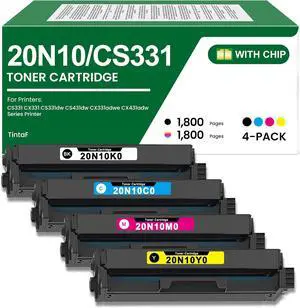
CS331 CX331 Toner Cartridge 20N10 20N10K0 20N10C0 20N10M0 20N10Y0 Ink
- Model #: HANWB0FNVS45DZ
- $531.99 –
- Free Shipping
Quick View
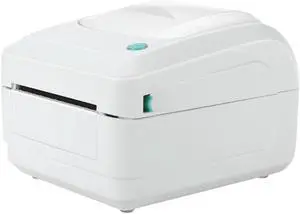
Thermal Self-Adhesive Tiktok Express Surface Single Dozen Stand-Alone Portable Label Printer
- Model #: HANZB0DW8HBW3D
- $827.99 –
- Free Shipping
Choosing the Right Printer for Your Office Needs
When it comes to office solutions, printers and scanners are essential tools for any business. Whether you need to print important documents, scan invoices, or create professional-quality marketing materials, having the right equipment is crucial. In this article, we will explore the different types of printers and scanners available in the market and provide tips on how to choose the best one for your office.
All-in-One Printers: Versatility and Convenience
all-in-one printers, also known as multifunction printers, are a popular choice for offices. These devices combine the functionality of a printer, scanner, copier, and sometimes even a fax machine into a single unit. They offer versatility and convenience, allowing you to perform multiple tasks without the need for separate devices. All-in-one printers are available in both inkjet and laser options, catering to different printing needs and budgets.
Specialized Printers for Specific Tasks
In addition to all-in-one printers, there are specialized printers designed for specific tasks. For example, 3D printers are ideal for creating prototypes or intricate models, while barcode and label printers are perfect for businesses that require efficient inventory management. laser printers are known for their fast printing speeds and high-quality output, making them suitable for offices with high-volume printing needs. inkjet printers, on the other hand, are more cost-effective and can produce vibrant color prints.
Choosing the Right Supplies
Once you have selected the right printer for your office, it is important to choose the right supplies to ensure optimal performance and longevity. When it comes to inkjet printers, using high-quality ink cartridges is essential to achieve the best print quality and prevent clogging. For laser printers, it is important to choose the right type of toner cartridges that are compatible with your printer model. Additionally, investing in high-quality paper can make a significant difference in the final print results.
FAQs: Common Questions about Printers and Scanners
| Q: How often should I replace the ink cartridges? | A: The frequency of replacing ink cartridges depends on your printing volume. However, it is recommended to replace them when the print quality starts to degrade. |
|---|---|
| Q: Can I use third-party ink cartridges with my printer? | A: While it is possible to use third-party ink cartridges, it is important to ensure compatibility with your printer model. Using incompatible cartridges may result in poor print quality or damage to the printer. |
| Q: How do I clean the scanner glass? | A: To clean the scanner glass, use a soft, lint-free cloth slightly dampened with glass cleaner. Gently wipe the glass surface to remove any smudges or debris. |
| Q: What is the difference between optical and interpolated resolution in scanners? | A: Optical resolution refers to the actual hardware resolution of the scanner, while interpolated resolution is achieved through software enhancements. Optical resolution provides more accurate and detailed scans. |
| Q: How can I improve the scanning speed? | A: To improve scanning speed, reduce the scanning resolution, use black and white mode instead of color, and ensure that the scanner is connected to a high-speed USB port. |