
Your Browsing History
- Sold by Newegg
- Make an Offer
- New

Any questions? Our AI beta will help you find out quickly.
Try me now
Quick View
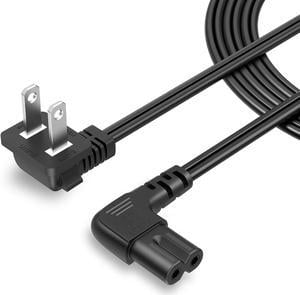
CableCreation 10 Feet 18 AWG Angled 2-Slot Non-Polarized Angle Power Cord for Samsung TV LG TCL Replacement (IEC320 C7 to Nema 1-15P), 3M
Limited time offer, ends 07/06
- Model #: STARWELL426253762395Lan
- $27.99
- See price in cart
- More options from $20.99 - $23.78
- Free Shipping
Quick View
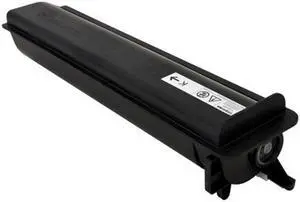
Toshiba TOST5018U E-STUDIO 2518A - Black Toner - 43,900 Page Yield
- Model #: TOST5018U
- $79.99 –
- More options from $79.99 - $167.99
- Free Shipping
Quick View
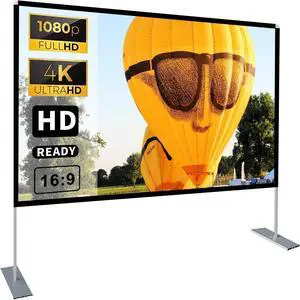
Projector Screen with Stand 100 inch 16:9 HD 4K Outdoor Projector Screen for Home Theater 3D Fast-Folding Portable Projection Screen Indoor Legs and Carry Bag Projector Movie Screen Wrinkle-Free
- Model #: STARWELL426253762784Lan
- $99.98 –
- Free Shipping
Quick View
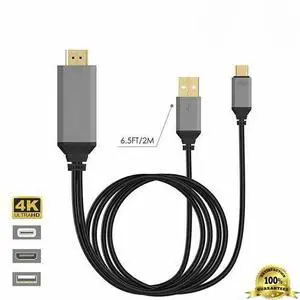
MHL USB-C Type C to HDMI USB A HD TV Cable Adapter For Android Phones Tablet BLK
- Model #: 211154201501
- $13.64 –
- Free Shipping
Quick View
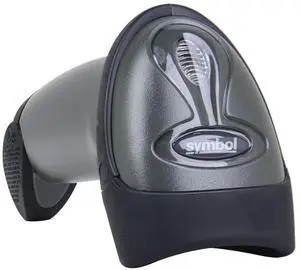
LS2208-SR20007R-NA 1D handheld with Cable & Stand
- Model #: LS2208-SR20007R-NA-s55
- $52.89 –
- Free Shipping
Quick View
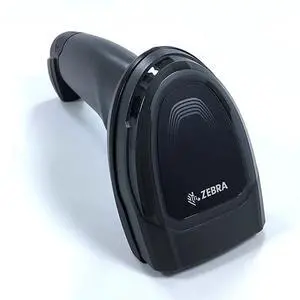
DS8108 Series 1D 2D Handheld Imager With USB Cable DS8108-SR00007ZZWW
- Model #: DS8108-SR00007ZZWW-s211
- $119.00 –
- Free Shipping
![Projector with WiFi and Bluetooth: [Auto Focus/Keystone] - NICPOW Full HD 1080P 4K Supported Portable Bluetooth Projector for Gaming Devices and Phones - Ideal for Indoor Outdoor Use - Grey](https://c1.neweggimages.com/productimage/nb300/C577D2602270PJ5AA2B.jpg "Projector with WiFi and Bluetooth: [Auto Focus/Keystone] - NICPOW Full HD 1080P 4K Supported Portable Bluetooth Projector for Gaming Devices and Phones - Ideal for Indoor Outdoor Use - Grey")
Quick View
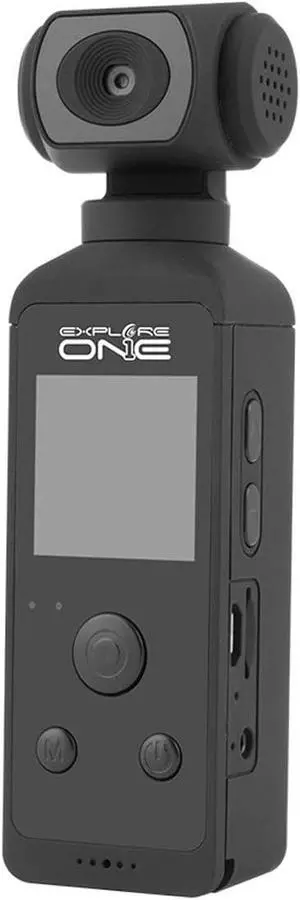
EXPLORE ONE Star Maker Video Kit 1080p HD Pocket Camera with Filming Accessories Digital Display and Multiple Data Transfer Options
- Model #: CHIDB09SS9KR4B
- $180.99 –
- Free Shipping
Quick View
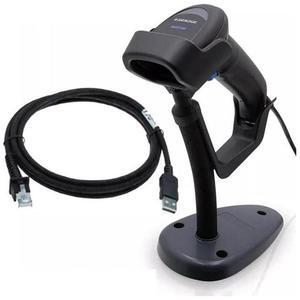
QuickScan QD2500 , HANDHELD 2D IMAGER , 1D/2D , WIRED USB CABLE
- Model #: QD2500-New
- $134.10 –
- More options from $134.10
- Free Shipping
Quick View
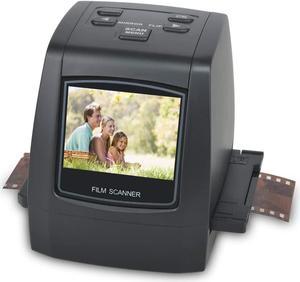
DIGITNOW Film Scanners with 22MP Converts 126KPK/135/110/Super 8 Films, Slides & Negatives All in One into Digital Photos, 2.4" LCD Screen, Impressive 128MB Built-in Memory
- Scan Size: 35mm negatives, 126KPK film, 135 film, 110 film, Super 8 film, slides and negatives
- USB Ports: Yes
- Operating Systems Supported: Mac & PC
- Windows Vista: Works with Windows Vista
- Model #: M126

Quick View
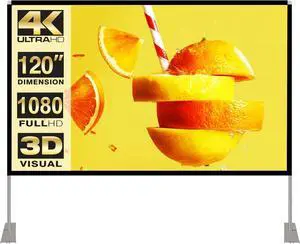
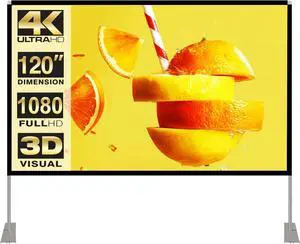
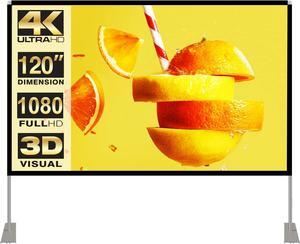
Projector Screen with Stand 120 inch 16:9 HD 4K Outdoor Indoor Projection Screen for Home Theater 3D Fast-Folding Projector Screen with Stand Legs and Carry Bag Projection Movie Wrinkle-Free
- Model #: C0A732465010411084
- $116.98 –
- Free Shipping
Quick View
Projector Screen with Stand 120 inch 16:9 HD 4K Outdoor Indoor Projection Screen for Home Theater 3D Fast-Folding Projector Screen with Stand Legs and Carry Bag Projection Movie Wrinkle-Free
- Model #: STARWELL426253762791Lan
- $119.98 –
- Free Shipping
![[Officially-Licensed APP & DoIby Audio] Smart Mini Projector with WiFi and Bluetooth, VOPLLS Portable Outdoor Projector 4K Support with TOF Real-Time Focus, Native 1080P Home Movie Projector](https://c1.neweggimages.com/productimage/nb300/VRV2D2512290DFLL154.jpg "[Officially-Licensed APP & DoIby Audio] Smart Mini Projector with WiFi and Bluetooth, VOPLLS Portable Outdoor Projector 4K Support with TOF Real-Time Focus, Native 1080P Home Movie Projector")
Quick View
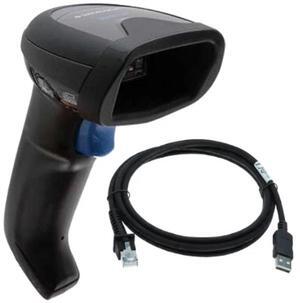
QuickScan QW2520 , HANDHELD 2D IMAGER , USB KIT
- Model #: QW2520-New
- $93.80 –
- More options from $93.80
- Free Shipping
Quick View
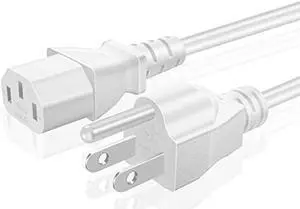
TNP Universal Power Cord (10 Feet) - NEMA 5-15P to IEC320C13 Power Cable Wire Connector Socket Plug Jack - White
- Connector Type: type
- Model #: 603904579078625
- $28.48 –
- Free Shipping
Quick View
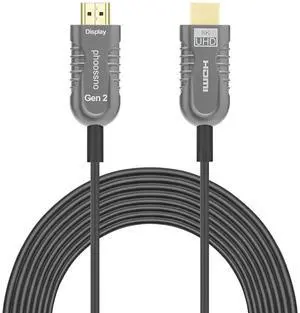
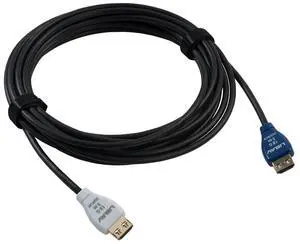
Liberty Halo Active Optical Hybrid 18G Plenum Commercial Grade in-Wall Rated Series High Speed HDMI Cables 15 Meter (49Ft.)
- Model #: GENXB0B69GPLL7
- $676.99 –
- Free Shipping
Quick View
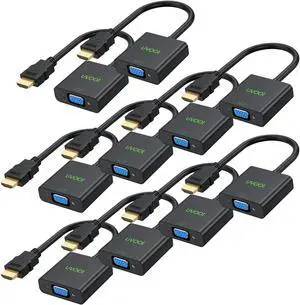
HDMI to VGA Adapter 10 Pack, HDMI to VGA Cable Male to Female Monitor Display Cord 1080P@60Hz for Desktop, Laptop, PC, Projector, HDTV, and More (Not Bidirectional)
- Model #: GENXB08F2BYBJT
- $83.99 –
- Free Shipping

Quick View
CableCreation 10 Feet 18 AWG Angled 2-Slot Non-Polarized Angle Power Cord for Samsung TV LG TCL Replacement (IEC320 C7 to Nema 1-15P), 3M
- Model #: C0A692465010410681
- $27.28 –
- Free Shipping
Quick View
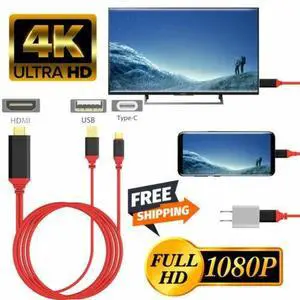
MHL USB-C Type C to HDMI USB A HD TV Cable Adapter For Android Phones Tablet RED
- Model #: 522386536739
- $13.64 –
- Free Shipping

Quick View
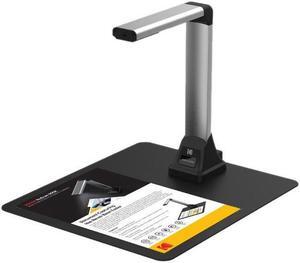
Kodak NUSCAN Q500 CMOS 2592 x 1944 Document Cameras Visual Presenter
- Light Source: LED
- Scanning Speed: Image Capture Speed: 1 Second
- Max. Document Size: 8.3" x 11.7"
- Image Formats: JPEG
- Model #: NUSCAN Q500
- $192.43 –
- More options from $192.43 - $1,124.00
- Free Shipping
Quick View
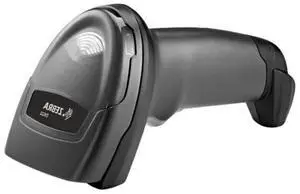
DS2208-SR00007ZZWW 1D/2D Handheld Imager With USB Cable
- Model #: DS2208-SR00007ZZWW-s141
- $78.99 –
- Free Shipping

Quick View
UP TO 600 DPI, USB 2.0/3.0, DUPLEX SCANNING, WHITE LIGHT SOURCES AND 1-YEAR HARD
- Brand: Acuant
- Type: Sheet Fed
- Model #:
- $755.98 –
- More options from $755.98 - $804.82
![[5000+ Official-Apps & AI Auto Focus & 50W Dolby Audio] Outdoor-Projector-4k with WiFi and Bluetooth, AI Movin 2.0 OS Smart Projector with HDR10+, Lisowod Portable 4K Proyector 2026 Upgraded](https://c1.neweggimages.com/productimage/nb300/C6W6D26052307TI5C10.jpg "[5000+ Official-Apps & AI Auto Focus & 50W Dolby Audio] Outdoor-Projector-4k with WiFi and Bluetooth, AI Movin 2.0 OS Smart Projector with HDR10+, Lisowod Portable 4K Proyector 2026 Upgraded")
Quick View
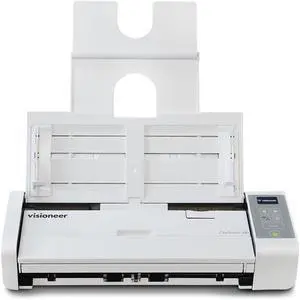
VISIONEER ONETOUCH 300 DELIVERS FAST DUPLEX SCANNING UP TO 30 PPM IN A COMPACT,
- Brand: Visioneer
- Type: Duplex
- Model #:
- $462.69 –
- More options from $462.69 - $499.82
Quick View
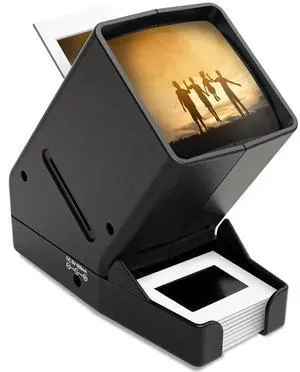
35mm Slide Viewer, 3X Magnification, USB Powered/Battery Operation-for 35mm Slides & Positive Film Negatives (4AA Batteries Included)
- Brand: kodak
- Part Number: M203
- Type: Film
- Scan Size: 2x2 inches
- Model #: 767050490529
- $43.99 –
- Free Shipping
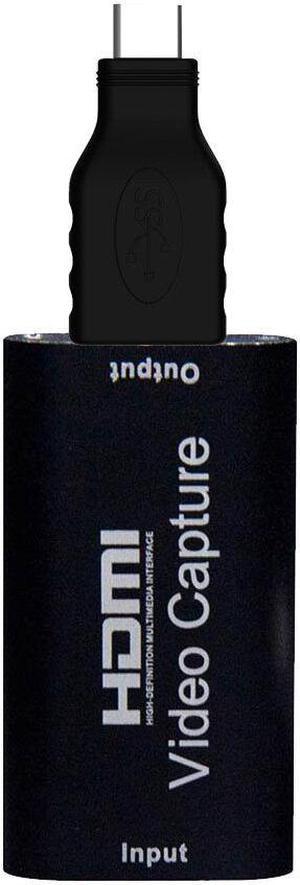
Quick View
Mini HD Video Capture 180P Video Grabber Record Box for PS4 Game DVD Camcorder HD Camera Recording
- Model #: HT-ID-616-1697525
- $31.38 –
- Free Shipping
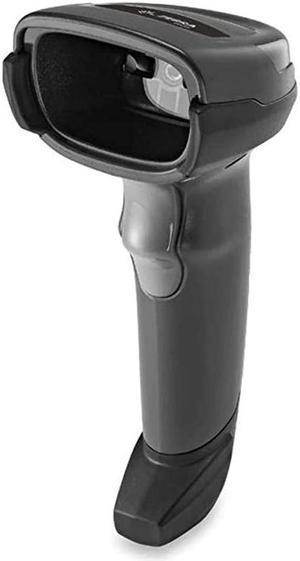
Quick View
DS2208Series SR Corded Handheld Standard Range Imager Kit with Stand and Shielded USB Cable Black DS2208SR7U2100SGW
- Model #: xASAW-B06VYGFGR7
- $76.21 –
- More options from $76.21 - $88.00
- Free Shipping
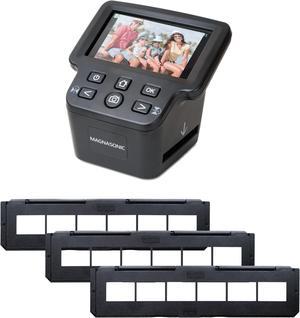
Quick View
Magnasonic All-In-One 24MP Film Scanner with Large 5" Display & HDMI, Long Tray 35mm Negative Film Holders, Converts 35mm/126/110/Super 8 Film & 135/126/110 Slides into Digital Photos, Built-in Memory
- Part Number: FS71NT01
- Dimensions: 6.00 in H x 6.00 in W x 8.00 in L
- Weight: 1.26 lbs
- Color: Black
- Model #: FS71NT01
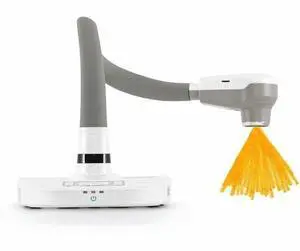
Quick View
PORTABLE DOCUMENT CAMERA
- Brand: Qomo
- Type: Duplex
- Model #: QPC80H2
- $599.35
- $598.83 –
- More options from $537.49 - $633.82
Choosing the Right Printer for Your Office Needs
When it comes to office solutions, printers and scanners are essential tools for any business. Whether you need to print important documents, scan invoices, or create professional-quality marketing materials, having the right equipment is crucial. In this article, we will explore the different types of printers and scanners available in the market and provide tips on how to choose the best one for your office.
All-in-One Printers: Versatility and Convenience
all-in-one printers, also known as multifunction printers, are a popular choice for offices. These devices combine the functionality of a printer, scanner, copier, and sometimes even a fax machine into a single unit. They offer versatility and convenience, allowing you to perform multiple tasks without the need for separate devices. All-in-one printers are available in both inkjet and laser options, catering to different printing needs and budgets.
Specialized Printers for Specific Tasks
In addition to all-in-one printers, there are specialized printers designed for specific tasks. For example, 3D printers are ideal for creating prototypes or intricate models, while barcode and label printers are perfect for businesses that require efficient inventory management. laser printers are known for their fast printing speeds and high-quality output, making them suitable for offices with high-volume printing needs. inkjet printers, on the other hand, are more cost-effective and can produce vibrant color prints.
Choosing the Right Supplies
Once you have selected the right printer for your office, it is important to choose the right supplies to ensure optimal performance and longevity. When it comes to inkjet printers, using high-quality ink cartridges is essential to achieve the best print quality and prevent clogging. For laser printers, it is important to choose the right type of toner cartridges that are compatible with your printer model. Additionally, investing in high-quality paper can make a significant difference in the final print results.
FAQs: Common Questions about Printers and Scanners
| Q: How often should I replace the ink cartridges? | A: The frequency of replacing ink cartridges depends on your printing volume. However, it is recommended to replace them when the print quality starts to degrade. |
|---|---|
| Q: Can I use third-party ink cartridges with my printer? | A: While it is possible to use third-party ink cartridges, it is important to ensure compatibility with your printer model. Using incompatible cartridges may result in poor print quality or damage to the printer. |
| Q: How do I clean the scanner glass? | A: To clean the scanner glass, use a soft, lint-free cloth slightly dampened with glass cleaner. Gently wipe the glass surface to remove any smudges or debris. |
| Q: What is the difference between optical and interpolated resolution in scanners? | A: Optical resolution refers to the actual hardware resolution of the scanner, while interpolated resolution is achieved through software enhancements. Optical resolution provides more accurate and detailed scans. |
| Q: How can I improve the scanning speed? | A: To improve scanning speed, reduce the scanning resolution, use black and white mode instead of color, and ensure that the scanner is connected to a high-speed USB port. |