
Your Browsing History
- In Stock
- Sold by Newegg
- Make an Offer
- New

Any questions? Our AI beta will help you find out quickly.
Try me now
Quick View
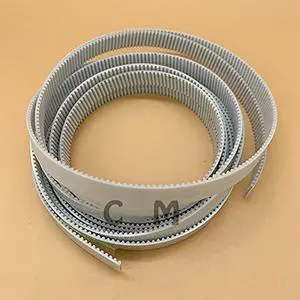
Printer Parts for Graphtec CE5000 Cutter Plotter Carriage Long Belt for Graphtec CE3000-60 CE5000-60 CE5000-120 CE7000-60 CE6000 Trolley Belt - (Color: for CE5000-60)
- Model #: LEMLB09BNGTQT9
- $129.99 –
- Free Shipping
Quick View
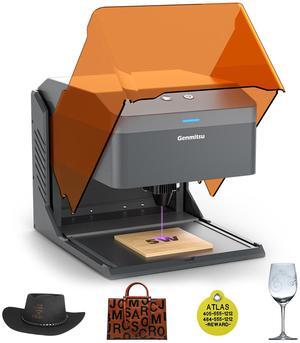
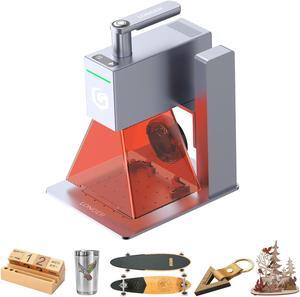
Kiosk 5W Laser Engraver, Light Weight & Portable Laser Engraver Machine, Home Laser Cutter with Acrylic Enclosure for DIY Wood/Leather/Metal, 3.9 x 3.9inch Engraving Area, Laser Safety Class 1
- Series: kiosk
- Type: Laser Engraver
- Model #: 146558611
- $249.99 –
- Free Shipping
Quick View
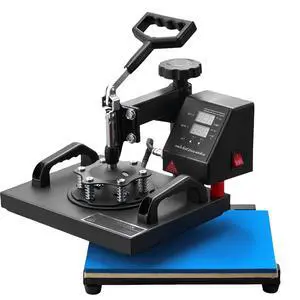
Heat Press, 12x10Inch T-Shirt Press Machine, T-shirt Press Heat Press 30x23cm Printing Machine Heat Transfer Sublimation Machine for T-shirts
- Type: Other Appliances
- Model #:
- $118.99 –
- Free Shipping

Quick View
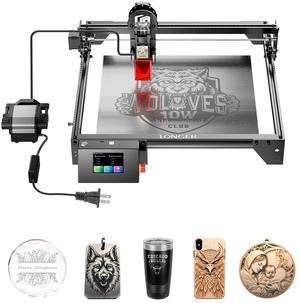
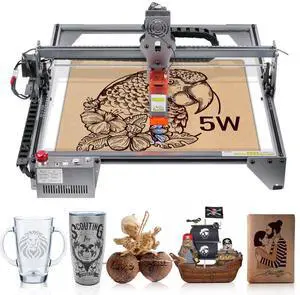
VEVOR Laser Engraver, 5W Output Laser Engraving Machine, 16.1" x 15.7" Large Working Area, 10000mm/min Movement Speed, Compressed Spot with Eye Protection, Laser Cutter for Wood, Metal, Acrylic
- Model #: KZXSE5W4140CMJMXEV1
- $216.70 –
- Free Shipping
Quick View
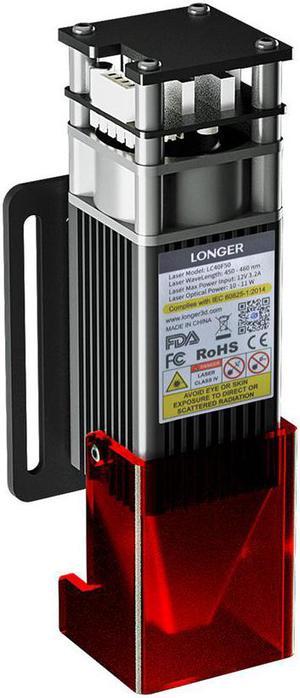
Longer 10W Engraver Module, Dual Beam Compressed 0.06mm Laser Spot, DIY Engraver Module for Engraver, 10,000mm/min Engraving Speed, Eye Protection
Limited time offer, ends 01/31
- Model #: Engraver Module
Quick View
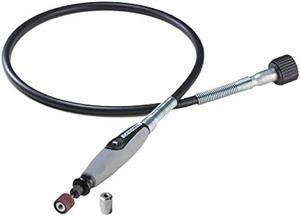
Dremel Flex Shaft Rotary Tool Attachment with Comfort Grip and 36 Long Cable - Engraver, Polisher, and Mini Sander- Ideal for Detail Metal Engraving, Wood Carving, and Jewelry Polishing ,225-02, Grey
- Connector Type: type
- Model #: 603904579017525
- $64.45 –
- Free Shipping
Quick View
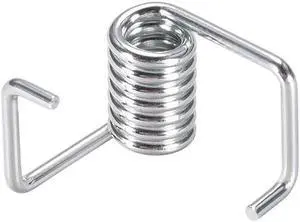
Timing Belts Tensioner Torsion Spring for 3D Printer 6mm Width GT2 Belt 20pcs
- Product Type: Accessories - Printers/Scanners/Faxes
- Model #: a19073000ux0089
Quick View
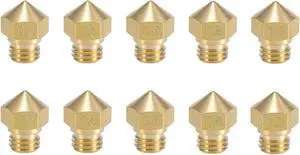
MK10 Nozzle Multi Size for 3D Printer Makerbot Parts (0.2mm 0.4mm 0.6mm 0.8mm 1.0mm) M7 Thread Brass Nozzle for Extruder Hotend 2 Pieces of Each Size 10 Pieces in Total
- Model #: vfrtR302951375948
- $29.60 –
- Free Shipping
Quick View
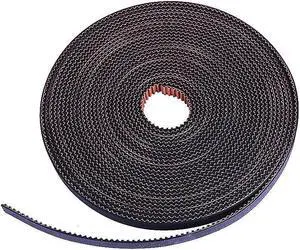
GT2 Timing Belt 10M 6mm Width Non-Slip Version,for Prusa Ender 3 CR-10,Anet A8, i3 Mega 3D Printer ect.(10M)
- Model #: vfrtR302951376174
- $39.56 –
- Free Shipping
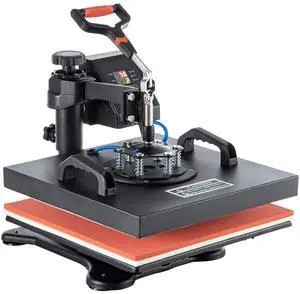
Quick View
Heat Press, 5 in 1 15 x 15 Inch Heat Press Machine, Dual LED Display Heat Press Machine, Multifunctional Sublimation, for T-Shirts, Swing Away Design
- Type: Other Appliances
- Model #:
- $190.74
- $171.97 –
- Save: $18.77 (9%)
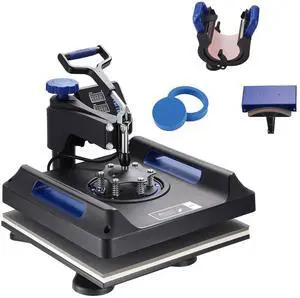
Quick View
Heat Press, 15x15in Swing Away 5 in 1 Heat Press Machine, Digital Control Multifunctional Device, Quick Heating with Safety Features, Ideal for T-shirts, Hats, Caps, Mugs, Plates
- Type: Other Appliances
- Model #:
- $209.99 –
- Free Shipping
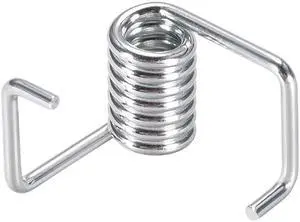
Quick View
Timing Belts Tensioner Torsion Spring for 3D Printer 6mm Width GT2 Belt 10pcs
- Product Type: Accessories - Printers/Scanners/Faxes
- Model #: a19073000ux0088
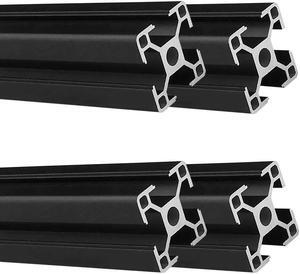
Quick View
3030 T Slot Aluminum Extrusion for 3D Printer Parts and CNC DIY Black 1500mmX4
- Model #: vfrtR302951376143
- $237.58 –
- Free Shipping
Quick View
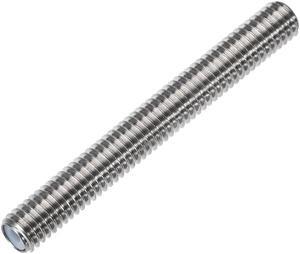
M6x50mm Extruder 1.75mm Throat Tube for MK8 Makerbot Reprap 3D Printer
- Model #: a19080700ux0217
![[5pcs/Pack] Hardened Steel Tool High Temperature Pointed Wear Resistant Nozzles 0.4 mm/1.75 mm 3D Printer Compatible with Makerbot, Creality CR-10 All Metal Hotend, Ender 3/ Ender3 pro, Prusa i3](https://c1.neweggimages.com/productimage/nb300/BMC3D230823028Y1M14.jpg "[5pcs/Pack] Hardened Steel Tool High Temperature Pointed Wear Resistant Nozzles 0.4 mm/1.75 mm 3D Printer Compatible with Makerbot, Creality CR-10 All Metal Hotend, Ender 3/ Ender3 pro, Prusa i3")
Quick View
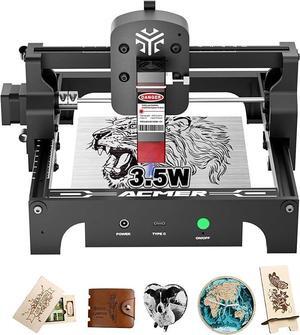
Acmer S1 Laser Engraver, 3.5W Output Laser Cutting Machine, Engraving Wood and Metal, 130 * 130mm Maximum Working Size,Only 2kg Easy to Carry Anywhere, Laser Class 4
- Series: 3.5W
- Type: Laser Engraver
- Body Material: Aluminum Alloy
- Chassis Material: Wood, glass, metal nameplate, etc.
- Model #: ACMER-S1-3.5W
Quick View
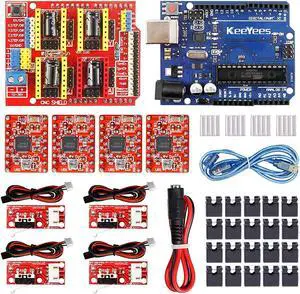
KeeYees Professional 3D Printer CNC Kit with E-Tutorial - CNC Shield Expansion Board V3.0 Board A4988 Stepper Motor Driver DC Power Cable Mechanical Switch Endstop with Jumper caps
- Model #: vfrtR302951376389
- $53.44 –
- Free Shipping
Quick View
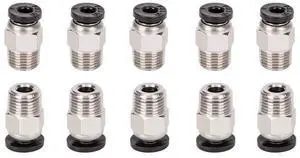
KEHIPI 10pcs PC4-M10 Straight Quick in Fitting Male Straight Pneumatic PEFE Tube Push in Quick Fitting Connector for E3D-V6 Bowden Extruder Compatible with Ender-3 Ender-3 V2 3D Printers
- Brand: AITRIP
- Color: 10*PC4-M10
- Model #: 10*PC4-M10
Quick View
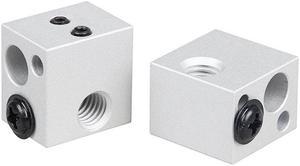
SIMAX3D2Pcs BP6 Sliver Aluminum Heating Block M6 Screw Thread for 3D Printer
- Model #: HT-ID-3239-1789890
- $34.60 –
- Free Shipping
Quick View
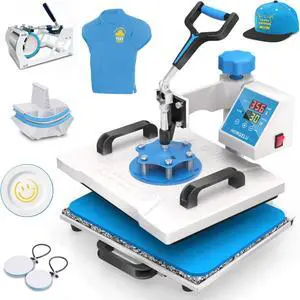
HORGELU 5 in 1 Heat Press Machine 12x15 Inch Heat Transfer Machine 360-Degree Swing Away Multifunction Digital Sublimation Combo Heat Press for T Shirt Mug Hat Plate for Commercial Home 110V
Limited time offer, ends 01/25
- Model #: WC40E-0115.83
- $398.99 –
- Free Shipping
Quick View
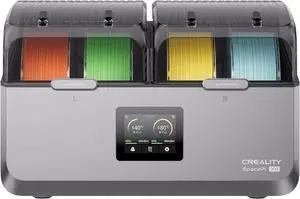
Creality Space Pi X4 Filament Dryer Box, New Upgrade 4-Spool 3D Printer Filament Storage with Dual Heating Chambers, 200W Fast Heating Up to 85, for PLA, PETG, ABS, TPU, Nylon, PC
Limited time offer, ends 01/25
- Model #: WC40E-0114.1
- $398.99 –
- Free Shipping
Quick View
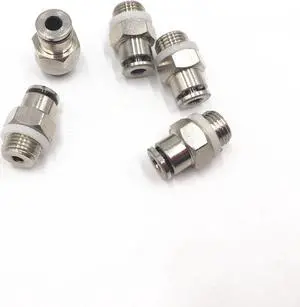
5pcs 3D Printer M10 Threaded Bowden extruder bowden tube TKC PC All Metal Fittings Feeding Tube Joint Connector Quick Joint
- Model #: ZZL-RNU-ASD1079797
- $39.94 –
- Free Shipping
Quick View
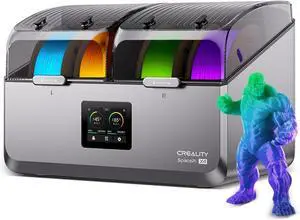
Creality Space Pi X4 Filament Dryer 4 Roll 3D Printer Dry Box with 110W PTC Heater 360° Rapid Heating LCD Touch Screen One-Key Operation PLA PETG ABS TPU Nylon Compatible
Limited time offer, ends 01/25
- Model #: WC40E-0114.17
- $498.99 –
- Free Shipping
Quick View
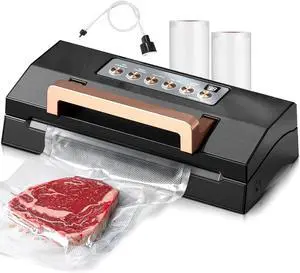
5.0 Precision Food Vacuum Sealer Machine, Commercial Full Automatic Vacuum Sealer Machine, Deluxe Powerful Vacuum Sealing System, Double Heat Seal, Built-in Cutter&Storage, 2 Bag Rolls&Hose,Sous Vide
Limited time offer, ends 01/25
- Model #: WC40E-0115.62
- $352.99 –
- Free Shipping
Quick View
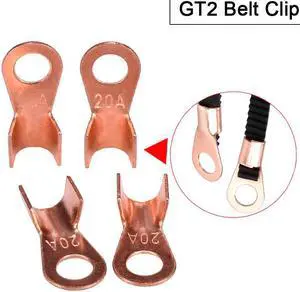
3D Printer Parts GT2 Belt Clip Suitable for GT2-6mm timing belt Fixed belt Reprap for 3d printer
- Model #: ZZL-RNU-ASD1079509
- $33.09 –
- More options from $33.09
- Free Shipping
Quick View
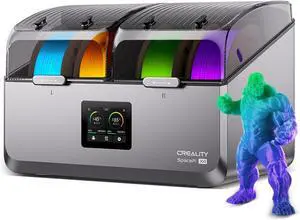
Creality Space Pi X4 Filament Dryer 4 Roll 3D Printer Dry Box with 110W PTC Heater 360° Rapid Heating LCD Touch Screen One-Key Operation PLA PETG ABS TPU Nylon Compatible
Limited time offer, ends 01/25
- Model #: WC40E-0114.15
- $498.99 –
- Free Shipping
Quick View
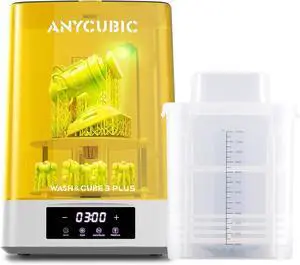
ANYCUBIC Wash and Cure 3 Plus Station, Size-Upgrade Wash Cure Machine with Gooseneck Lights, Dual-Layer Design and IPA Saving, for Anycubic Photon Mono M5 Saturn LCD/SLA/DLP 3D Printer
Limited time offer, ends 01/25
- Model #: WC40E-0113.69
- $443.99 –
- Free Shipping
Quick View
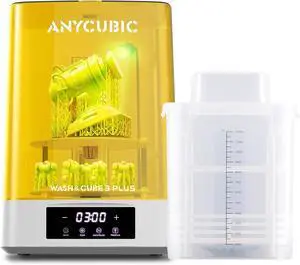
ANYCUBIC Wash and Cure 3 Plus Station, Size-Upgrade Wash Cure Machine with Gooseneck Lights, Dual-Layer Design and IPA Saving, for Anycubic Photon Mono M5 Saturn LCD/SLA/DLP 3D Printer
Limited time offer, ends 01/25
- Model #: WC40E-0113.98
- $443.99 –
- Free Shipping
Quick View
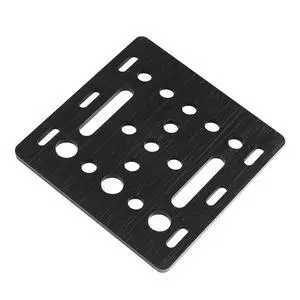
V-slot construction board 20mm V-shaped slot gantry board panel engraving machine printing accessory
- Model #: WB3EW-0104.29
- $32.01 –
- Free Shipping
Quick View
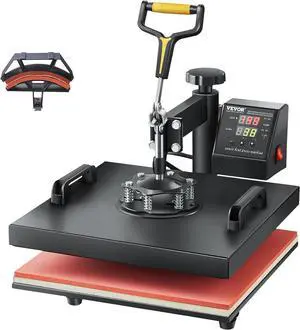
VEVOR 2 in 1 Heat Press Machine for T Shirts and Hats, 15x15 Inch Professional Swing Away Digital Tshirt Press Machine for Sublimation, Vinyl, Heat Transfer Projects
Limited time offer, ends 01/25
- Model #: WC40E-0115.73
- $298.99 –
- Free Shipping
Choosing the Right Printer for Your Office Needs
When it comes to office solutions, printers and scanners are essential tools for any business. Whether you need to print important documents, scan invoices, or create professional-quality marketing materials, having the right equipment is crucial. In this article, we will explore the different types of printers and scanners available in the market and provide tips on how to choose the best one for your office.
All-in-One Printers: Versatility and Convenience
all-in-one printers, also known as multifunction printers, are a popular choice for offices. These devices combine the functionality of a printer, scanner, copier, and sometimes even a fax machine into a single unit. They offer versatility and convenience, allowing you to perform multiple tasks without the need for separate devices. All-in-one printers are available in both inkjet and laser options, catering to different printing needs and budgets.
Specialized Printers for Specific Tasks
In addition to all-in-one printers, there are specialized printers designed for specific tasks. For example, 3D printers are ideal for creating prototypes or intricate models, while barcode and label printers are perfect for businesses that require efficient inventory management. laser printers are known for their fast printing speeds and high-quality output, making them suitable for offices with high-volume printing needs. inkjet printers, on the other hand, are more cost-effective and can produce vibrant color prints.
Choosing the Right Supplies
Once you have selected the right printer for your office, it is important to choose the right supplies to ensure optimal performance and longevity. When it comes to inkjet printers, using high-quality ink cartridges is essential to achieve the best print quality and prevent clogging. For laser printers, it is important to choose the right type of toner cartridges that are compatible with your printer model. Additionally, investing in high-quality paper can make a significant difference in the final print results.
FAQs: Common Questions about Printers and Scanners
| Q: How often should I replace the ink cartridges? | A: The frequency of replacing ink cartridges depends on your printing volume. However, it is recommended to replace them when the print quality starts to degrade. |
|---|---|
| Q: Can I use third-party ink cartridges with my printer? | A: While it is possible to use third-party ink cartridges, it is important to ensure compatibility with your printer model. Using incompatible cartridges may result in poor print quality or damage to the printer. |
| Q: How do I clean the scanner glass? | A: To clean the scanner glass, use a soft, lint-free cloth slightly dampened with glass cleaner. Gently wipe the glass surface to remove any smudges or debris. |
| Q: What is the difference between optical and interpolated resolution in scanners? | A: Optical resolution refers to the actual hardware resolution of the scanner, while interpolated resolution is achieved through software enhancements. Optical resolution provides more accurate and detailed scans. |
| Q: How can I improve the scanning speed? | A: To improve scanning speed, reduce the scanning resolution, use black and white mode instead of color, and ensure that the scanner is connected to a high-speed USB port. |