
Your Browsing History
- In Stock
- Sold by Newegg
- Make an Offer

Any questions? Our AI beta will help you find out quickly.
Try me now
Quick View
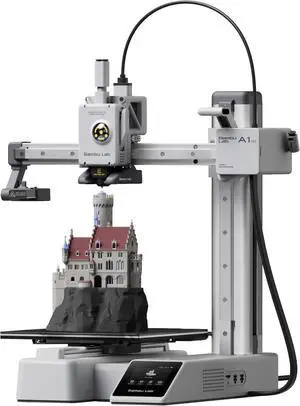
Bambu Lab A1 Mini 3D Printer, Support Multi-Color 3D Printing, Set Up in 20 Mins, High Speed & Precision, Full-Auto Calibration & Active Flow Rate Compensation, 48 dB Quiet FDM 3D Printers
Limited time offer, ends 03/19
- Model #: C40E.011232
- $498.99 –
- Free Shipping
Quick View

- $25.49
- $24.64 –
- More options from $24.64 - $56.24
- Free Shipping
Quick View
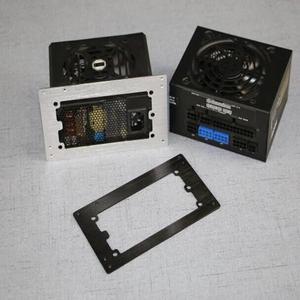
ATX Power supply Baffle Computer Small Chassis SFX Power to ATX Bracket MATX Conversion frame Black Silver
- Connector Type: Micro USB to USB A
- Model #: 1-PowerCable1533
- $32.56 –
- Free Shipping
Quick View
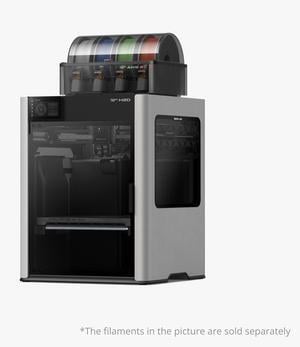
Bambu Lab H2D 3D printer laser engraving die-cutting brush multifunctional four-in-one high-precision large-size intelligent multi-color printing
- Series: H2D
- Type: 3D Printer & Engraving Machines
- Number of Extruders: 1
- Jets Diameter: 0.2mm、0.4mm、0.6mm、0.8mm
- Model #: Bambu Lab H2D
- $3,699.00
- See price in cart
- Free Shipping
Quick View
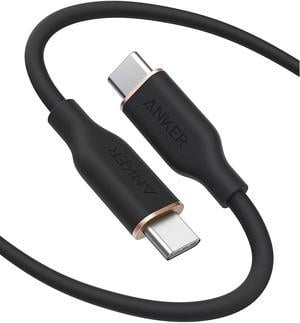
Anker Powerline III Flow, USB C to USB C Cable 100W 6ft, Type C Charging Cable Fast Charge for MacBook Pro 2020, iPad Pro, iPad Air, Galaxy S20, Pixel, Switch, LG, and More(Midnight Black)
+ $4.50 off w/ promo code EDF6653, limited offer
- Type: USB Cable
- Compatible Phone Manufacturer: Apple, Samsung and more
- Adapter: USB Type-C
- Length: 6 ft.
- Model #: A8553011

![[5pcs/Pack] Hardened Steel Tool High Temperature Pointed Wear Resistant Nozzles 0.4 mm/1.75 mm 3D Printer Compatible with Makerbot, Creality CR-10 All Metal Hotend, Ender 3/ Ender3 pro, Prusa i3](https://c1.neweggimages.com/productimage/nb300/BMC3D230823028Y1M14.jpg "[5pcs/Pack] Hardened Steel Tool High Temperature Pointed Wear Resistant Nozzles 0.4 mm/1.75 mm 3D Printer Compatible with Makerbot, Creality CR-10 All Metal Hotend, Ender 3/ Ender3 pro, Prusa i3")
Quick View
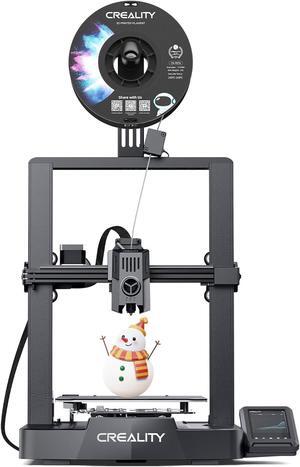
[5pcs/Pack] Hardened Steel Tool High Temperature Pointed Wear Resistant Nozzles 0.4 mm/1.75 mm 3D Printer Compatible with Makerbot, Creality CR-10 All Metal Hotend, Ender 3/ Ender3 pro, Prusa i3
Limited time offer, ends 03/21
- Model #: kolitt9451486453599
- $23.19 –
- Free Shipping
Quick View
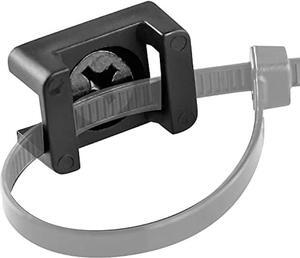
Pro-Grade, Slim, 1x .6 Cable Tie Mounts With Screws 100 Pack. High Strength, Black Zip Tie Bases For Wire Management. Permanently Anchor To Wall, Desk or Baseboard. Run Cords at Your Home or Office
- Connector Type: type
- Model #: 6039045791639
- $40.26 –
- Free Shipping
Quick View
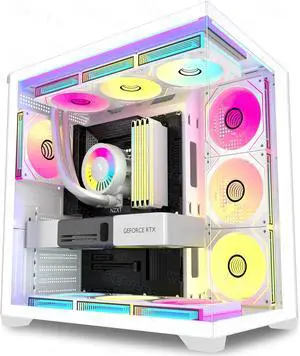
KEDIERS PC CASE 7 ARGB Fans Pre-Installed, Mid Tower ATX PC Case with Panoramic Tempered Glass, Gaming Computer Case,360MM RAD Support,White,K4
Limited time offer, ends 03/19
- Model #: WC40E-0114.76
- $232.99 –
- Free Shipping
Quick View
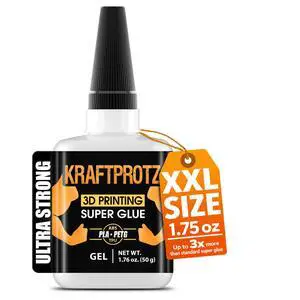
3D Printer Superglue Gel for PLA, ABS, PETG, TPU & Nylon 1.76 oz XXL No-Drip, Extra Strong & Waterproof Precision Tip for Repairs, Supports & Vertical Surfaces
- Part Number: KPG3D50US
- Color: Black
- Specification: GEL 1.76 Fl.Oz., 1x ARKA Kraftprotz, Bottle, Gel, High Viscosity, 1
- Features: GEL 1.76 Fl.Oz., 1x ARKA Kraftprotz, high, waterproof, Bottle, Clear
- Model #: 347300240086
- $27.99 –
- Free Shipping
Quick View
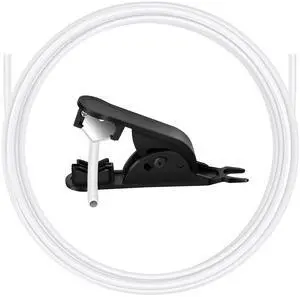
5 m (16.4ft) PTFE Tube for 1.75mm Filament - 2.5mm ID×4mm OD Bowden Tube with Cutter, Heat-Resistant 260°C Universal Fit for 3D Printers, White
- Brand: VERBATIM
- Part Number: Ptfe Tube 5m
- Color: Black
- Type: Filament
- Model #: 695500779610
- $19.99 –
- Free Shipping
Quick View
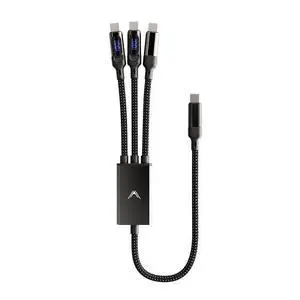
Futurizta Tech® Hydra 3in1 Triple USBC 100W PD FastCharge Cable with Smart Triboost® & LED Watt Display Charge Laptop, Phone & Tablet Simultaneously
- Model #: GENXB0DRYRBRVN
- $88.99 –
- Free Shipping
Quick View
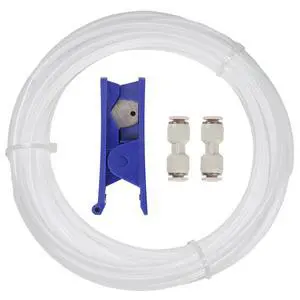
PTFE Tube 2.5mm ID 4mm OD, Length 5M/16.4ft, with 2 Couplers & Tubing Cutter for Bambu lab X1/ X1C/ P1P/ P1S/ A1/ A1 Mini, Prusa MMU3, Creality K1 Max/Ender 3 V3 & Direct Drive 3D Printer, White
- Brand: VERBATIM
- Part Number: PTFE-X1WH
- Type: Filament
- Compatible System: 1X 5 Meter PTFE Tube; 2X Coupler; 1X Tubing Cutter
- Model #: 801489305401
- $19.99 –
- Free Shipping
Quick View
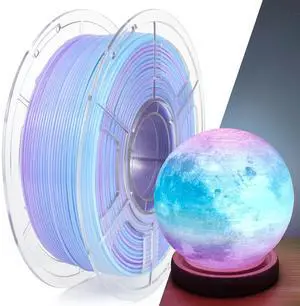
PETG Filament 1.75mm, Translucent Dual Color Gradient Blue to Purple, High-Speed 3D Printer Filament Up to 600mm/s, 1kg Spool for Artistic Creations & Home Decor
- Model #: 158170089854
- $45.99 –
- Free Shipping
Quick View
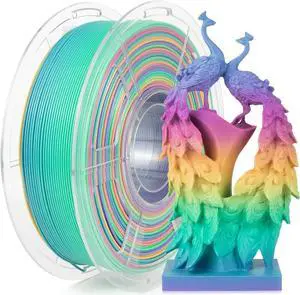
IEMAI Rainbow PLA Filament 1.75mm, Fast Color Changing Gradient, High-Speed 3D Printer Filament Up to 600mm/s, 1kg Spool for Artistic Creations & Home Decor
- Model #: vfrtR302951377300
- $48.79 –
- Free Shipping
Quick View
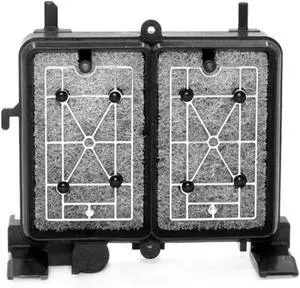
P600 Capping Station Cap Ink Pad Cap Clean Compatible with Printer Supplies P605 P607 P608 R30 R3000 for Part Number Pump Assembly
- Model #: CHIPB0G4VGWQ3C
- $115.99 –
- Free Shipping

Quick View
Fit for HP ScanJet Enterprise Flow 7000 s3 3000 s3 5000 s4 L2756A L2755-60001 Roller Kit Replacement Parts
- Model #: CHIPB0G7QLSYB1
- $213.99 –
- Free Shipping
Quick View
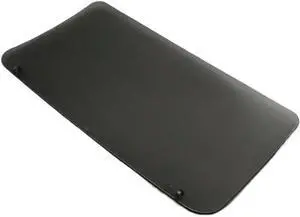
5X FC0-0657-000 Paper Delivery Output Tray Compatible with Printer Supplies LBP6000 LBP6018 LBP6020 LBP6030 LBP 6000 6018 6020 6030 for Part Number FC0-0657-000
- Model #: CHIPB0G4VG1Q3S
- $172.99 –
- Free Shipping
Quick View
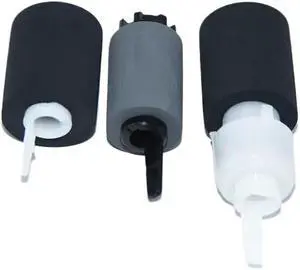
10 Sets 6052ci Pickup Roller Paper Feed Roll Compatible with Printer Models - 4002i 5002i 6002i 2552ci 3252ci for Part Number 302ND94340 302ND94351
- Model #: CHIPB0G387973R
- $244.99 –
- Free Shipping
Quick View
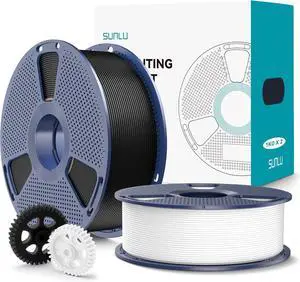
SUNLU PLA+2.0 3D Printer Filament 2KG, Upgrade PLA+ Filament 1.75mm, Tougher and Stronger, Dimensional Accuracy +/-0.02mm, 1KG per Spool, 2 Pack, 2KG Total, Black+White
- Model #: R369247663310071
- $49.08 –
- Free Shipping
Quick View
SUNLU PLA+2.0 3D Printer Filament 2KG, Upgrade PLA+ Filament 1.75mm, Tougher and Stronger, Dimensional Accuracy +/-0.02mm, 1KG per Spool, 2 Pack, 2KG Total, Black+White
- Model #: vfrtR302951377201
- $58.29 –
- Free Shipping
Quick View
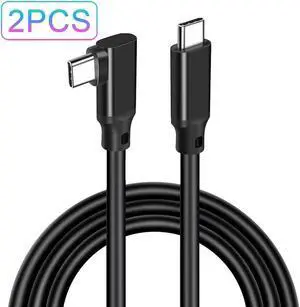
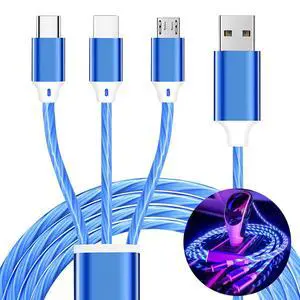
3 in 1 Light up Charging Cable,Multi LED Charging Cable,Light Up Charger Cord,3A USB Cable,Compatible with Most Smart Phones
- Cable Length: 1.2
- Brand: TISTIPPL
- Type: USB
- Connector Type: Usb Type C, Micro Usb, Fruit Charger
- Model #: 842554727725
- $25.69 –
- Free Shipping
Quick View
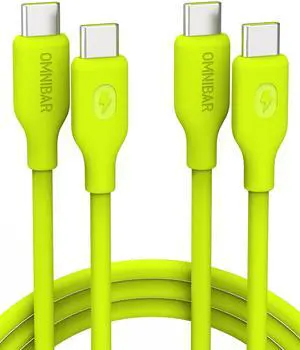
Silicone USB C to USB C Cable (6FT, 2Pack), 240W USB C Fast Charging Cable for MacBook iPad Switch, iPhone Charger Cord Type C Charger Fast Charging Cord for iPhone 17 16 Samsung S25 S24, Lime Green
- Cable Length: 6
- Brand: Omnibar
- Type: USB C to USB C Cable
- Connector Type: USB Type C
- Model #: 942009098430
- $48.99 –
- Free Shipping
Quick View
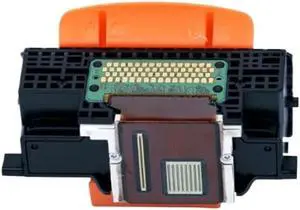
QY6-0078 QY6-0078-000 Print Head Compatible with Printer Supplies MP990 MP996 MG6120 MG6140 MG6180 MG6280 MG8120 MG8180 MG8280 MG6130 for Part Number QY6-0078 QY6-0078-000
- Model #: CHIPB0G6K1W6NY
- $141.99 –
- Free Shipping
Quick View
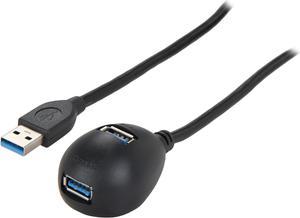
Tripp Lite 2-Port USB 3.0 SuperSpeed Desktop Extension Cable (M/2xF), 6 ft. (U324-006-DSK2)
- Type: USB 3.0
- Connector Type: USB A to USB A
- Connector Number: 3
- Connector Detail: USB 3.0 A (MALE) to 2 x USB 3.0 A (FEMALE)
- Model #: U324-006-DSK2
- $13.47 –
- More options from $13.47 - $109.38
- Free Shipping
Quick View
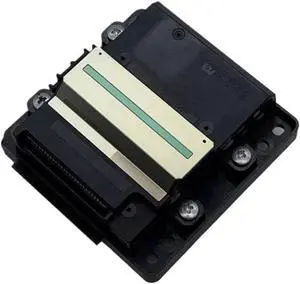
Print Head Compatible with Printer Supplies L6160 L6166 L6176 L6178 L6168 L6198 L6170N L6171 L6180 L6188 L6 for Part Number FA35001 FA35011 WF2860
- Model #: CHIPB0G4C57DWV
- $179.99 –
- Free Shipping

Quick View
SainSmart GT-3 High Speed Matte PLA Filament 1.75mm, High Flow 3D Printer Filament, Gray, 2.2 LBS (1KG) Spool, Dimensional Accuracy +/- 0.02mm
- Model #: R540247663311504
- $47.98 –
- Free Shipping
Quick View
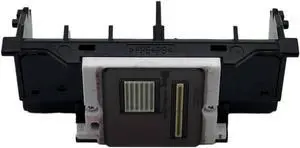
Print Head Compatible with Printer Supplies IP7210 IP7250 IP7280 MG5420 MG5460 MG5480 MG5520 MG555 for Part Number QY6 0082
- Model #: CHIPB0G48H9T7L
- $92.99 –
- Free Shipping
Choosing the Right Printer for Your Office Needs
When it comes to office solutions, printers and scanners are essential tools for any business. Whether you need to print important documents, scan invoices, or create professional-quality marketing materials, having the right equipment is crucial. In this article, we will explore the different types of printers and scanners available in the market and provide tips on how to choose the best one for your office.
All-in-One Printers: Versatility and Convenience
all-in-one printers, also known as multifunction printers, are a popular choice for offices. These devices combine the functionality of a printer, scanner, copier, and sometimes even a fax machine into a single unit. They offer versatility and convenience, allowing you to perform multiple tasks without the need for separate devices. All-in-one printers are available in both inkjet and laser options, catering to different printing needs and budgets.
Specialized Printers for Specific Tasks
In addition to all-in-one printers, there are specialized printers designed for specific tasks. For example, 3D printers are ideal for creating prototypes or intricate models, while barcode and label printers are perfect for businesses that require efficient inventory management. laser printers are known for their fast printing speeds and high-quality output, making them suitable for offices with high-volume printing needs. inkjet printers, on the other hand, are more cost-effective and can produce vibrant color prints.
Choosing the Right Supplies
Once you have selected the right printer for your office, it is important to choose the right supplies to ensure optimal performance and longevity. When it comes to inkjet printers, using high-quality ink cartridges is essential to achieve the best print quality and prevent clogging. For laser printers, it is important to choose the right type of toner cartridges that are compatible with your printer model. Additionally, investing in high-quality paper can make a significant difference in the final print results.
FAQs: Common Questions about Printers and Scanners
| Q: How often should I replace the ink cartridges? | A: The frequency of replacing ink cartridges depends on your printing volume. However, it is recommended to replace them when the print quality starts to degrade. |
|---|---|
| Q: Can I use third-party ink cartridges with my printer? | A: While it is possible to use third-party ink cartridges, it is important to ensure compatibility with your printer model. Using incompatible cartridges may result in poor print quality or damage to the printer. |
| Q: How do I clean the scanner glass? | A: To clean the scanner glass, use a soft, lint-free cloth slightly dampened with glass cleaner. Gently wipe the glass surface to remove any smudges or debris. |
| Q: What is the difference between optical and interpolated resolution in scanners? | A: Optical resolution refers to the actual hardware resolution of the scanner, while interpolated resolution is achieved through software enhancements. Optical resolution provides more accurate and detailed scans. |
| Q: How can I improve the scanning speed? | A: To improve scanning speed, reduce the scanning resolution, use black and white mode instead of color, and ensure that the scanner is connected to a high-speed USB port. |