
Your Browsing History
- In Stock

Any questions? Our AI beta will help you find out quickly.
Try me now
Quick View
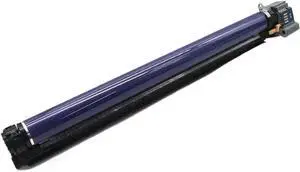
Drum Unit 013R00662 Compatible with WorkCentre 7525 7530 7535 7545 7556 7825 7830 7835 7845 7855 7970 AltaLink C8030 C8035 C8045 C8045
- Model #: CHIPB0GKLPCX9V
- $119.99 –
- Free Shipping
Quick View
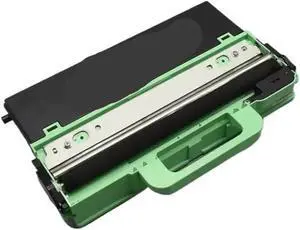
Waste Toner Collector Bottle WT-220CL Compatible with HL 3140 3140CW 3150 3170 DCP 9020 9020CDW MFC 9130 9140 9330 9340 DCP9020
- Model #: CHIPB0GNYM9FN1
- $162.99 –
- Free Shipping
Quick View
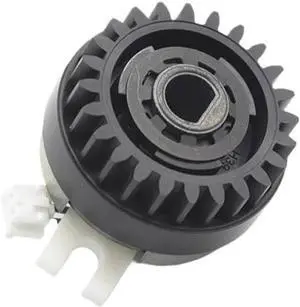
1pcs A00FM20000 A00F-M200-00 Paper Feed Clutch Compatible with Printer Supplies 223 283 363 423 for Part Number A00FM20000 A00F-M200-00
- Model #: CHIPB0G311CSXL
- $114.99 –
- Free Shipping
Quick View
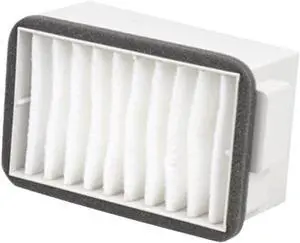
Waste Toner Bag Filter 053K96200 Compatible with DC240 DC242 DC250 DC252 DC260 7655 7665 7675 7755 7765 7775 4110 4112 4127 D95 D110 D125 D136
- Model #: CHIPB0GJ359QP2
- $211.99 –
- Free Shipping
Quick View
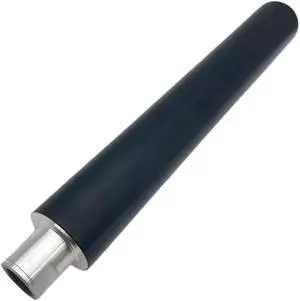
Upper Fuser Heat Roller Compatible with Printer Supplies AF1060 1065 1055 1075 MP9001 9002 for Part Number AE011097 AE011069
- Model #: CHIPB0G2X46SMM
- $112.99 –
- Free Shipping
Quick View
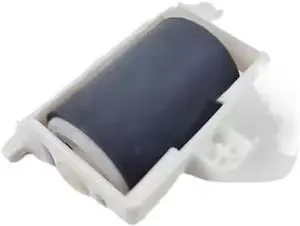
Bypass Manual Separation Roller Assembly Compatible with Printer Supplies Phaser 3610 WorkCentre 3615 3655 for Part Number 604K78371 604K78370
- Model #: CHIPB0G3WC3PXC
- $83.99 –
- Free Shipping
Quick View
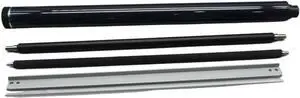
Drum Unit Rebuild Kit Compatible with Printer Supplies MPC2003 MPC2503 MPC2004 MPC2504 MPC2011SP M C2000 C2001 C2501 IMC2000 IMC2500 IMC2000A IMC2500A
- Model #: CHIPB0GL16P67T
- $163.99 –
- Free Shipping

Quick View
10PCS NROLR1682FCZZ Pickup Roller Compatible with Printer Models M850 M950 M1100 M654 M754 M6508 M7508 M654N M754N for Part Number NROLR1682FCZZ
- Model #: CHIPB0G2YY3NYW
- $80.99 –
- Free Shipping
Quick View
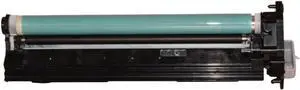
Color Drum Unit G-59 C-EXV42 Compatible with ImagePRESS IR 2002 2002L 2202 2202N 2202DN 2204AD 2204TN 2204L
- Model #: CHIPB0GML6XM4L
- $175.99 –
- Free Shipping

Quick View
42Pcs Compatible with Pickup Roller for Part Number 116R00003 Feed Roller Pick Roller for 3610 3615 3655 Printer Models
- Model #: CHIPB0G3PTMQ5R
- $90.99 –
- Free Shipping
Quick View
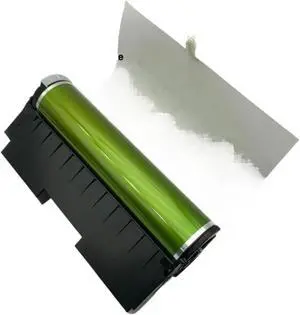
Drum Unit 118A 119A 116A 117A Compatible with Color Laser MFP 178nw 179fnw 150a 150nw 150w
- Model #: CHIPB0GHY5QMC8
- $214.99 –
- Free Shipping
Quick View
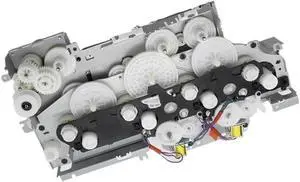
Main Drive Assembly Compatible with Printer Supplies M454 M479 M452 M377 M477 Replacement for Part Number Main Motor Unit
- Model #: CHIPB0G312F5MK
- $180.99 –
- Free Shipping
Quick View
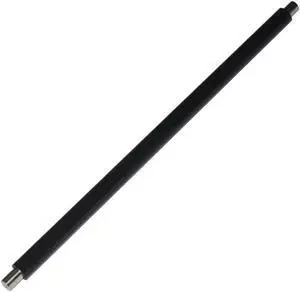
Primary Charge Roller Compatible with Printer Supplies 3500i 4500i 8000i 5500i 6500i 3501i 5501i 5550i
- Model #: CHIPB0G4BVDNV6
- $99.99 –
- Free Shipping
Quick View
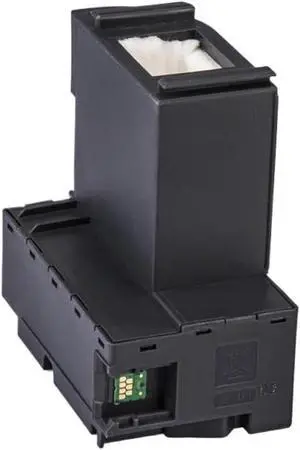
5pcs Compatible with Printer Supplies L6160 L6168 L6170 L6178 L6190 L6191 L6198 L6161 L6166 L6171 for Part Number EWMB2 Ink Maintenance Box
- Model #: CHIPB0G3ZTL61K
- $188.99 –
- Free Shipping
Quick View
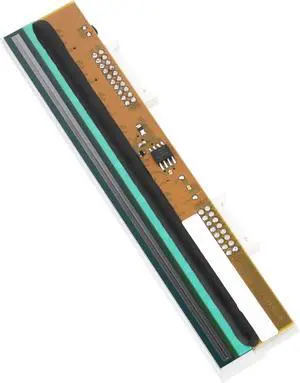
Compatible for Datamax 203DPI Thermal Printhead, Replacement for M-4210, M-4206 Printers
- Model #: CHIPB0GLY16LMP
- $589.99 –
- Free Shipping
Quick View
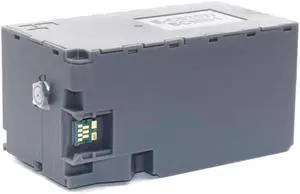
Maintenance Tank Compatible with Printer Supplies SC-PX1V P700 P703 P704 P706 708 P900 P903 P904 P906 P908 for Part Number C9357 C12C935711 SCMB1
- Model #: CHIPB0G47K9DPM
- $84.99 –
- Free Shipping
Quick View
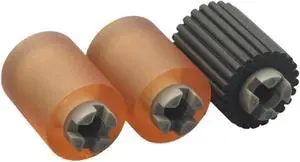
2Sets A64J564101 A64J564201 Pickup Roller Compatible with Printer Models C458 C658 C558 C650i C550i C450i for Part Number A64J564101 A64J564201
- Model #: CHIPB0G3NPT2M1
- $98.99 –
- Free Shipping
Quick View
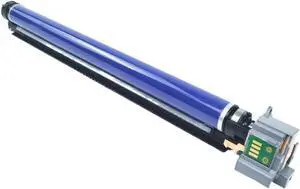
Drum Unit Compatible with - DocuCentre IV C2270 C2275 C3370 C3375 C4470 C5570 C5575
- Model #: CHIPB0GLMT258Z
- $162.99 –
- Free Shipping
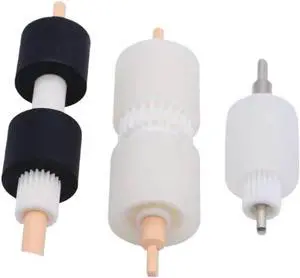
Quick View
Compatible with Printer Models 4110 4127 4112 4595 1100 900 D95 for Part Number 008R13169 604K23660 Paper Tray Pick Roller
- Model #: CHIPB0G33TTFVC
- $119.99 –
- Free Shipping
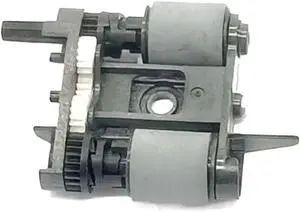
Quick View
Adf Paper Roller 8720 Compatible with Printer Supplies 8745 8216 8710 8720 8725 8210 8702 8728 8700 8730 8715 8740 for Part Number 8720
- Model #: CHIPB0G4QFLGQ2
- $131.99 –
- Free Shipping
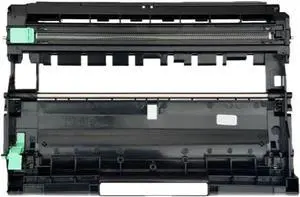
Quick View
DR2500 Drum Unit Compatible with L2400D L2460DN L2461DW L2600D L2715DW L2625DW L2640DW L2805DW L2885DW
- Model #: CHIPB0GL1BRSTR
- $208.99 –
- Free Shipping
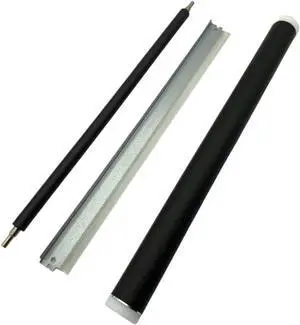
Quick View
1Set GPR-18 NPG-28 C-EXV14-Kit Drum Unit Rebuild Kit Compatible with Printer Supplies IR2016 IR2020 IR2018 IR2022 IR2025 IR2030 GPR-18 NPG-28 C-EXV14-Kit
- Model #: CHIPB0GJCCL5VR
- $123.99 –
- Free Shipping
Quick View
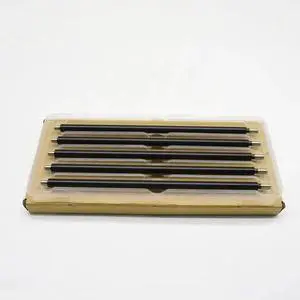
5PCS Main Charger Roller P5021 Primary Charge Roller Compatible with Printer Supplies P5018 5021cdn 5026cdn M5521 PCR M5526cdn for Part Number P5021
- Model #: CHIPB0G91M95L5
- $96.99 –
- Free Shipping
Quick View
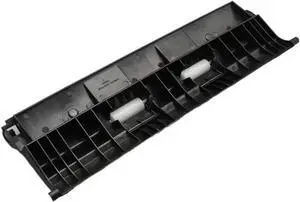
Duplex Unit Guide EXIT Right 1X 302K328200 2K328200 Compatible with FS 6025 6030 6525 6530 3010i 3510i
- Model #: CHIPB0GDWG1HPL
- $83.99 –
- Free Shipping
Quick View
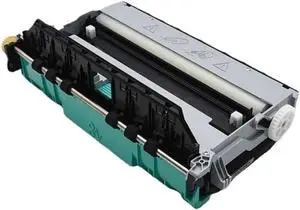
1PC CN459-60375 Duplex Module Assembly Ink Maintenance Box Compatible with 477dn 477dw 552dw 577dw 577dz Printer Models for Part Number 973 974 972
- Model #: CHIPB0G3PTW744
- $213.99 –
- Free Shipping
Quick View
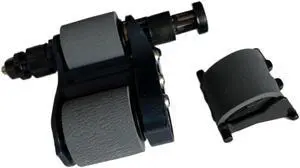
1Set Japan Quality C1P70-67901 ADF Pick Up Roller Assembly Compatible with Printer Supplies LJ M880 M830 M855 855 880 830 for Part Number C1P70-67901
- Model #: CHIPB0G2X493FG
- $136.99 –
- Free Shipping
Quick View
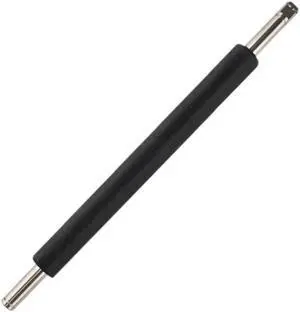
Printer Roller Compatible with Datamax E-4204B 200dpi Barcode Label Printer
- Model #: CHIPB0GCJ2R1L5
- $141.99 –
- Free Shipping
Quick View
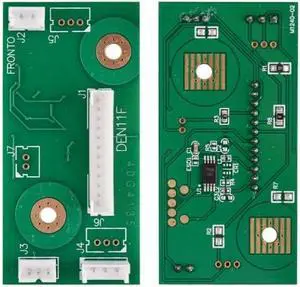
2X Fuser Chip 40G4135 200K Compatible with Printer Models MS810 MS811 MS812 MX710 MX711 MX810 MX812 World Wide Version for Part Number 40G4135
- Model #: CHIPB0GC3HNQ9N
- $95.99 –
- Free Shipping
Quick View
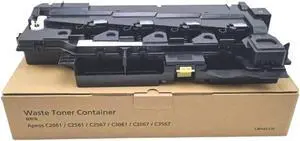
Waste Toner Container Box 1PCS CWAA1136 Compatible with APEOS C2061 C2561 C2567 C3061 C3067 C3567
- Model #: CHIPB0GPN5JQFG
- $212.99 –
- Free Shipping
Quick View
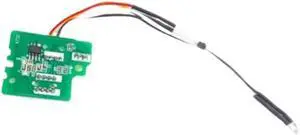
Drum Chip Compatible with 2220 2320 2221 2321 2021 1800 1801 2200 2201 2010 2011 2210 2020
- Model #: CHIPB0GPNJVKQ9
- $117.99 –
- Free Shipping
Quick View
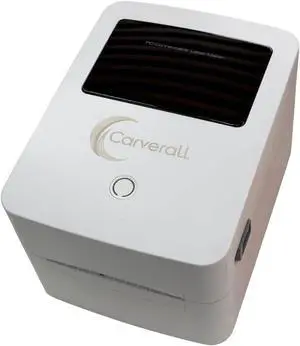
Electronic Label Printing Machines for Commercial Use, 730C 203DPI High-Speed Thermal Label Printer, 108mm Width for Shipping, Retail, Logistics
- Model #: CHIPB0GK8BRN5G
- $720.99 –
- Free Shipping
Quick View
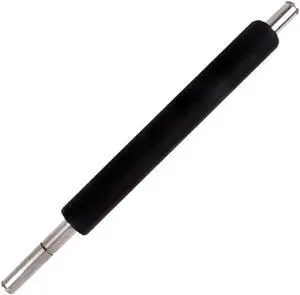
Platen Roller Compatible with Intermec PD4I PD42 EZ2100 EZ2200 EZ2300 Barcode Printer Rubber Roller Printer Spare Part
- Model #: CHIPB0G5WR6T2V
- $124.99 –
- Free Shipping
Quick View
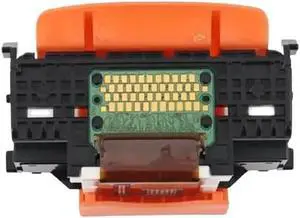
Print Head Compatible with Printer Supplies MG5470 MG5500 MG5540 MG5650 MG5740 MG5750 MG5751 MG6600 for Part Number QY6-0082
- Model #: CHIPB0G75XYX7W
- $129.99 –
- Free Shipping
Quick View
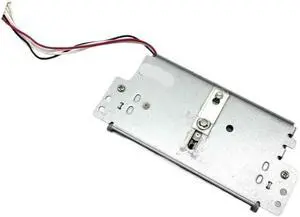
Auto Cutter Unit Assembly Compatible with Printer Supplies TSP 100 Label TSP100 Thermal for Part Number Auto Cutter Unit Assembly
- Model #: CHIPB0G4QH28FY
- $137.99 –
- Free Shipping
Quick View
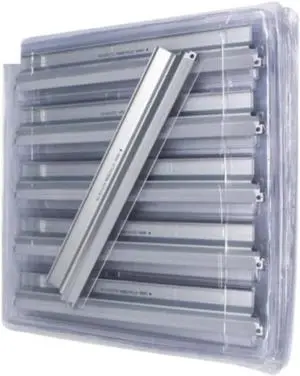
5PC Drum Cleaning Unit Compatible with CLP 310 315 320 CLP310 CLP315 CLP320 CLP-310 CLP-315 3170 3175
- Model #: CHIPB0GPPB1Y17
- $145.99 –
- Free Shipping
Quick View
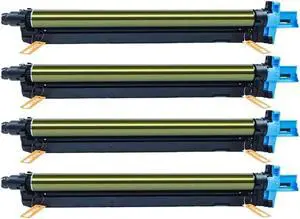
Drum Unit A7U40RD A7U40TD DR-313K KCMY Replacement for DR313 DR-313 Compatible with C258 C308 C368 C458 C558 C658 130K Pages
- Model #: CHIPB0GL27GDMK
- $213.99 –
- Free Shipping
Choosing the Right Printer for Your Office Needs
When it comes to office solutions, printers and scanners are essential tools for any business. Whether you need to print important documents, scan invoices, or create professional-quality marketing materials, having the right equipment is crucial. In this article, we will explore the different types of printers and scanners available in the market and provide tips on how to choose the best one for your office.
All-in-One Printers: Versatility and Convenience
all-in-one printers, also known as multifunction printers, are a popular choice for offices. These devices combine the functionality of a printer, scanner, copier, and sometimes even a fax machine into a single unit. They offer versatility and convenience, allowing you to perform multiple tasks without the need for separate devices. All-in-one printers are available in both inkjet and laser options, catering to different printing needs and budgets.
Specialized Printers for Specific Tasks
In addition to all-in-one printers, there are specialized printers designed for specific tasks. For example, 3D printers are ideal for creating prototypes or intricate models, while barcode and label printers are perfect for businesses that require efficient inventory management. laser printers are known for their fast printing speeds and high-quality output, making them suitable for offices with high-volume printing needs. inkjet printers, on the other hand, are more cost-effective and can produce vibrant color prints.
Choosing the Right Supplies
Once you have selected the right printer for your office, it is important to choose the right supplies to ensure optimal performance and longevity. When it comes to inkjet printers, using high-quality ink cartridges is essential to achieve the best print quality and prevent clogging. For laser printers, it is important to choose the right type of toner cartridges that are compatible with your printer model. Additionally, investing in high-quality paper can make a significant difference in the final print results.
FAQs: Common Questions about Printers and Scanners
| Q: How often should I replace the ink cartridges? | A: The frequency of replacing ink cartridges depends on your printing volume. However, it is recommended to replace them when the print quality starts to degrade. |
|---|---|
| Q: Can I use third-party ink cartridges with my printer? | A: While it is possible to use third-party ink cartridges, it is important to ensure compatibility with your printer model. Using incompatible cartridges may result in poor print quality or damage to the printer. |
| Q: How do I clean the scanner glass? | A: To clean the scanner glass, use a soft, lint-free cloth slightly dampened with glass cleaner. Gently wipe the glass surface to remove any smudges or debris. |
| Q: What is the difference between optical and interpolated resolution in scanners? | A: Optical resolution refers to the actual hardware resolution of the scanner, while interpolated resolution is achieved through software enhancements. Optical resolution provides more accurate and detailed scans. |
| Q: How can I improve the scanning speed? | A: To improve scanning speed, reduce the scanning resolution, use black and white mode instead of color, and ensure that the scanner is connected to a high-speed USB port. |