
Your Browsing History
- In Stock
- Sold by Newegg
- Make an Offer
- New

Any questions? Our AI beta will help you find out quickly.
Try me now
Quick View
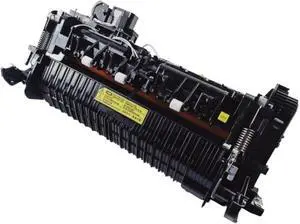
Compatible for Xerox WorkCentre 4250/4260/4265 Fuser Unit Assembly (115R00063, 126N00413, 002N02805, 110V/220V)(110V)
- Model #: BAOHB0G1SKGH7Y
- $687.99 –
- Free Shipping
Quick View
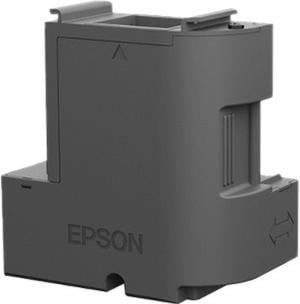
Epson EcoTank Ink Maintenance Box T04D100
- Series: EcoTank
- Product Sort: Printer Accessories
- Product Type: Ink Maintenance Box
- Compatibility: Works with EcoTank models ET-3700, ET-3750 and ET-4750.
- Model #: T04D100
- $25.99 –
- Free Shipping
Quick View
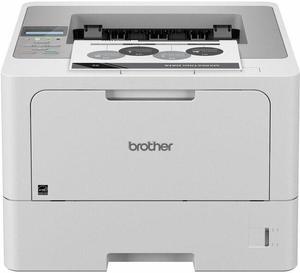
Brother HL-L5215DW Business Monochrome Laser Printer
- Model #: HLL5215DW
- $357.15 –
- More options from $349.99 - $719.27
- Free Shipping
Quick View
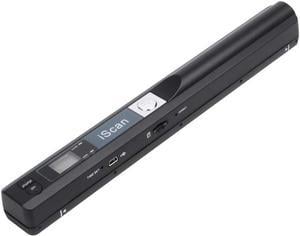
Portable Scanner iSCAN 900 DPI A4 Document Scanner Handheld for Business, Photo, Picture, Receipts, Books, JPG/PDF Format Selection, Micro SD Card Hand Scanner
Limited time offer, ends 03/14
- Max. Document Size: A4 size documents and images
- USB Ports: Yes
- Color: Black
- Model #: 3#Q1643_B
- $64.99 –
- More options from $64.99 - $66.99
- Free Shipping
Quick View
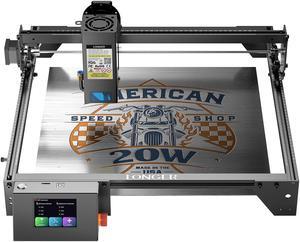
Longer RAY5 Laser Engraver 130W, Higher Accuracy Laser Engraver 20W Output Power, 3.5"Touch Screen APP Offline Control, DIY Engraver Tool for Metal/Glass/Wood, Cutting Area 14.7"x14.7"
- Series: Ray5
- Type: Laser Engraver
- Body Material: Aluminum Alloy
- Chassis Material: Wood, glass, metal nameplate, etc.
- Model #: longer ray5 20w

Quick View
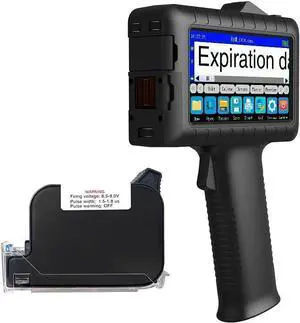
Faith Handheld Inkjet Printer with 0.5 Inch Print Height Portable Handheld Printer for Date, Batch Number, Code, Logo on Paper Wood Plastic Metal
- Model #: BAMB0F53WGP55
- $486.99 –
- Free Shipping
Quick View
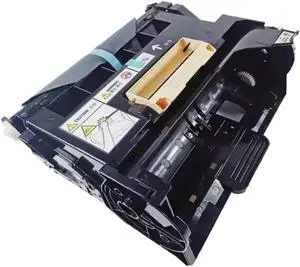
Drum Unit Compatible with Printer Models WorkCentre 3615 WorkCentre 3655 Phaser 3610 for Part Number 113R00773
- Model #: CHIPB0GJJQ9S2K
- $293.99 –
- Free Shipping
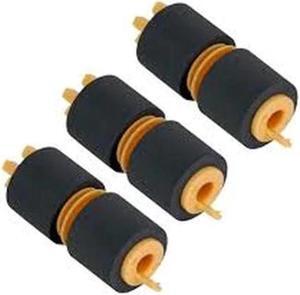
Quick View
- $29.00 –
- Free Shipping
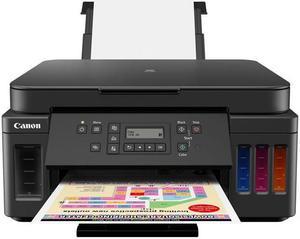
Quick View
- $214.00 –
- More options from $214.00 - $323.99
- Free Shipping
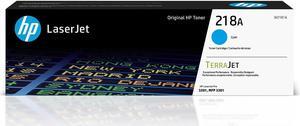
Quick View

- Part Number: W2181A
- Cartridge Quantity: HP Toner
- Storage Humidity: 10 to 95% RH
- Operating Temperature: 50 to 91°F
- Model #: W2181A
- $92.89 –
- More options from $92.89
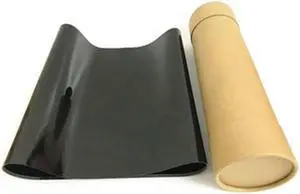
Quick View
Xerox WorkCentre 7425, 7428, 7435, 7525, 7530, 7535, 7545, 7556, 7830, 7835, 7845, 7855, 7970 IBT Belt, Transfer Belt Only With 6-7
- Model #: 064K92664
- $200.00 –
- Free Shipping
Quick View
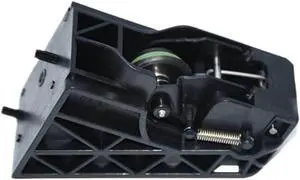
1pcs Cutter Assembly Compatible with Printer Supplies for Part Number CH538-67019 CN727-67023 Works with DesignJet T770 T790 T1200 T1300 T2300
- Model #: CHIPB0G3NJWN14
- $137.99 –
- Free Shipping
Quick View
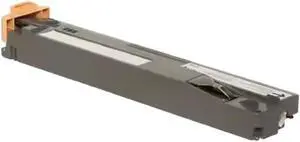
Waste Toner Container Compatible with WorkCentre 7970, 7525, 7545, 7425, AltaLink C8030, and Phaser 7800 Printers Replaces Part Numbers 8R13061 and 008R13061
- Model #: CHIPB0GPWF4DLW
- $169.99 –
- Free Shipping
Quick View
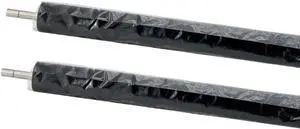
059K 46251 Compatible with Printer Models C700 700i 770 C75 J75 for Part Number 550
- Model #: CHIPB0GFYB6TVV
- $187.99 –
- Free Shipping
Quick View
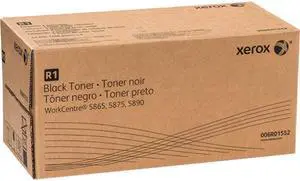
Xerox 006R01552 WorkCentre 5865 5875 5890 Toner-Cartridge (Black, 2-Pack) in Retail Packaging
- Cartridge Quantity: 2 Pack
- Compatible Products: Xerox Workcentre 5865, Xerox Workcentre 5875, Xerox Workcentre 5890
- Model #: 006R01552
- $80.00 –
- More options from $80.00 - $461.00
- Free Shipping
Quick View
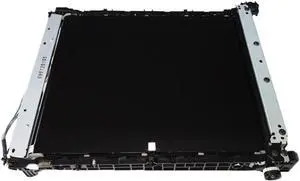
Transfer Kit Unit Compatible with CP1525n CP1525nw CP1525 1525n 1525nw 1525 Printer Supplies Replacement for Part Number RM1-7866 Transfer Belt Assembly
- Model #: CHIPB0G3VTBBJ4
- $475.99 –
- Free Shipping
Quick View
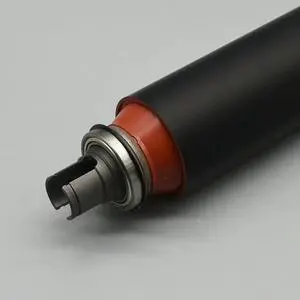
1pcs Quality V180 Lower Fuser Roller Compatible with Printer Supplies Versant 180 80 2100 3100 V80 V2100 V3100 for Part Number 059K81320
- Model #: CHIPB0G47GS35F
- $650.99 –
- Free Shipping
Quick View
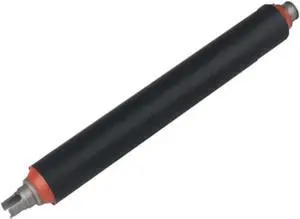
Lower Fuser Pressure Roller Compatible with Printer Supplies D95 D136 D125 D110 4110 4112 4127 4590 4595 for Part Number 059K69790 Replacement for Part Number 059K37001
- Model #: CHIPB0GF26GYWG
- $726.99 –
- Free Shipping
Quick View
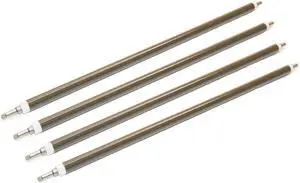
4XOEM Brown Primary Charger Roller Compatible with Printer Models MPC3003 3503 3004 3504 4503 5503 6003 4504 5504 6004 IMC3000 for Part Number AD02-7050
- Model #: CHIPB0G57XGLW8
- $341.99 –
- Free Shipping
Quick View
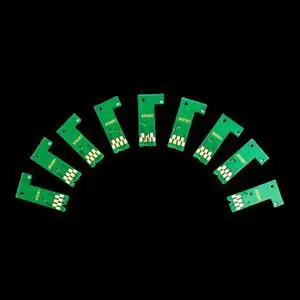
T8501-T8509 Chip for P800 Cartridges ARC Chip Compatible with Printer Supplies SureColor P800 SC-P800 Printer for Part Number T8501-T8509
- Model #: CHIPB0G3NJPKVB
- $160.99 –
- Free Shipping
Quick View
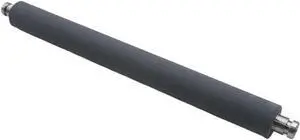
A3 Pressure Roller Compatible with Printer Supplies Riso Duplicator for Part Number 023-74068
- Model #: CHIPB0G4VHM8GC
- $175.99 –
- Free Shipping
Quick View
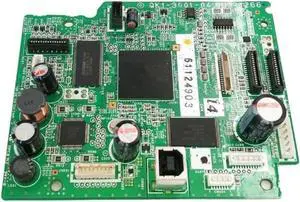
Logic Main Board for IP4300 IP 4300 Formatter Board Mainboard QM3-1266 QK1-3001-04 Compatible with Printer Supplies for Part Number QM3-1266 QK1-3001-04
- Model #: CHIPB0G3J19BWJ
- $222.99 –
- Free Shipping
Quick View
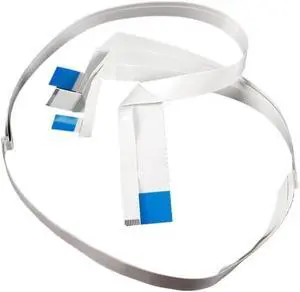
R1390 L1800 1400 1410 1500W Print Head A3 Series Nozzle is Stable and Compatible with Printer Supplies for Part Number R1390 L1800 1400 1410 1500W
- Model #: CHIPB0GFNSR157
- $124.99 –
- Free Shipping
Quick View
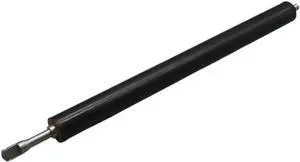
4PCS Lower Pressure Roller Compatible with Printer Supplies P1102 P1566 P1606 M1132 M1536 M1212 M1214 M1217 CP1525 M125 M127 M128 M201 M225 for Part Number RC2-9208
- Model #: CHIPB0G44NNYZF
- $182.99 –
- Free Shipping
Quick View
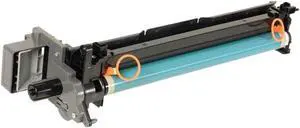
Drum Unit Compatible with iR2520 iR2525 iR2530 iR2535 iR2545 Printers - Replaces Part Numbers 2772B002AA 2772B004 2772B003AA 2772B004AA
- Model #: CHIPB0GMF31Q4H
- $263.99 –
- Free Shipping
Quick View
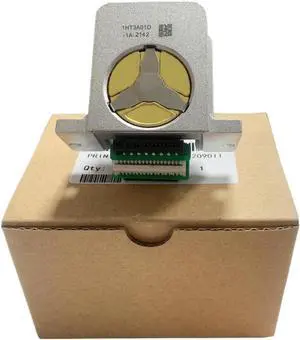
Compatible Print Head 1750068 Works with Printer Supplies Compatible with LQ2090II LQ590II for Part Number 1750068
- Model #: CHIPB0G2XFYX86
- $120.99 –
- Free Shipping
Quick View
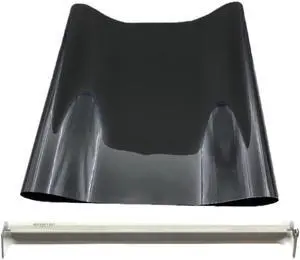
Printer Supplies C1060 C1070 1060 1070 1060S 1070L 1060 1070 for Part Number Transfer Belt Cleaning
- Model #: CHIPB0GGH9RF88
- $427.99 –
- Free Shipping
Quick View
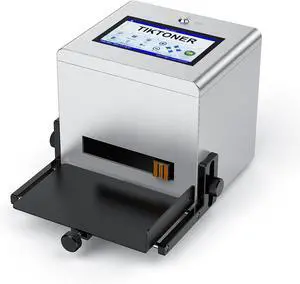
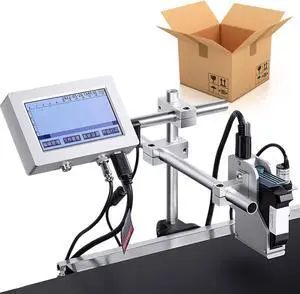
LCD Display Commercial Coding Marking Equipment, 25.4mm Automatic Online Inkjet Printer, 230 feet/Minute, for Online Batch Coding and Marking Date, numbering
- Model #: CHIPB0DTG6BBV3
- $970.99 –
- Free Shipping

Quick View
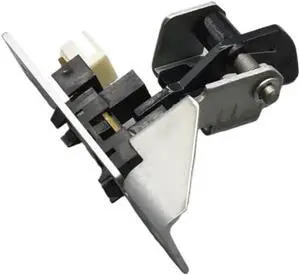
Replacement Printer Component Compatible with Phaser 4500, 5500, 5550, C118, M118, 123, and 128 Series Printers - Part Numbers 815K02550 and 604K71430
- Model #: CHIPB0GPSWZY57
- $138.99 –
- Free Shipping
Quick View
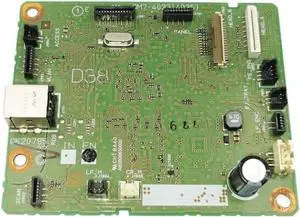
D38 Logic Main Board Compatible with MG3580 3580 Printer Supplies for Part Number QM7-4033 4035
- Model #: CHIPB0G3PVGQDY
- $184.99 –
- Free Shipping
Quick View
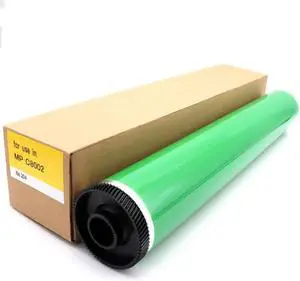
D135-9510 Compatible with Printer Models MPC5100 C5100S C6502 SP Pro C651 C751 C7710 C7100S for Part Number D074-9510
- Model #: CHIPB0GDQ755MS
- $330.99 –
- Free Shipping
Choosing the Right Printer for Your Office Needs
When it comes to office solutions, printers and scanners are essential tools for any business. Whether you need to print important documents, scan invoices, or create professional-quality marketing materials, having the right equipment is crucial. In this article, we will explore the different types of printers and scanners available in the market and provide tips on how to choose the best one for your office.
All-in-One Printers: Versatility and Convenience
all-in-one printers, also known as multifunction printers, are a popular choice for offices. These devices combine the functionality of a printer, scanner, copier, and sometimes even a fax machine into a single unit. They offer versatility and convenience, allowing you to perform multiple tasks without the need for separate devices. All-in-one printers are available in both inkjet and laser options, catering to different printing needs and budgets.
Specialized Printers for Specific Tasks
In addition to all-in-one printers, there are specialized printers designed for specific tasks. For example, 3D printers are ideal for creating prototypes or intricate models, while barcode and label printers are perfect for businesses that require efficient inventory management. laser printers are known for their fast printing speeds and high-quality output, making them suitable for offices with high-volume printing needs. inkjet printers, on the other hand, are more cost-effective and can produce vibrant color prints.
Choosing the Right Supplies
Once you have selected the right printer for your office, it is important to choose the right supplies to ensure optimal performance and longevity. When it comes to inkjet printers, using high-quality ink cartridges is essential to achieve the best print quality and prevent clogging. For laser printers, it is important to choose the right type of toner cartridges that are compatible with your printer model. Additionally, investing in high-quality paper can make a significant difference in the final print results.
FAQs: Common Questions about Printers and Scanners
| Q: How often should I replace the ink cartridges? | A: The frequency of replacing ink cartridges depends on your printing volume. However, it is recommended to replace them when the print quality starts to degrade. |
|---|---|
| Q: Can I use third-party ink cartridges with my printer? | A: While it is possible to use third-party ink cartridges, it is important to ensure compatibility with your printer model. Using incompatible cartridges may result in poor print quality or damage to the printer. |
| Q: How do I clean the scanner glass? | A: To clean the scanner glass, use a soft, lint-free cloth slightly dampened with glass cleaner. Gently wipe the glass surface to remove any smudges or debris. |
| Q: What is the difference between optical and interpolated resolution in scanners? | A: Optical resolution refers to the actual hardware resolution of the scanner, while interpolated resolution is achieved through software enhancements. Optical resolution provides more accurate and detailed scans. |
| Q: How can I improve the scanning speed? | A: To improve scanning speed, reduce the scanning resolution, use black and white mode instead of color, and ensure that the scanner is connected to a high-speed USB port. |