

Your Browsing History
- In Stock
- Sold by Newegg
- New

Any questions? Our AI mode will help you find out quickly.
Try me now
Quick View
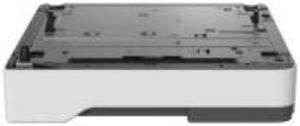
250-SHEET TRAY MS/MX53X-63X M/XM33XX
- Product Type: Computer Accessories
- Model #: 38S2910
- $169.68 –
- More options from $169.68 - $275.00
- Free Shipping
Quick View
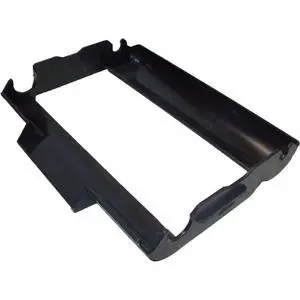
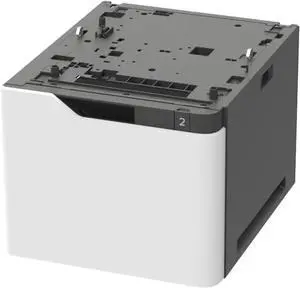
Lexmark 2100 Sheet Tray for MS7/MS8/MX7 -50G0804
- Brand: LEXMARK
- Part Number: 50G0804
- Product Type: Paper Tray
- Compatibility: Lexmark MB2770adwhe, Lexmark MS821dn, Lexmark B2865dw, Lexmark MS821n, Lexmark MS823dn, Lexmark MX721ade, Lexmark MS825dn, Lexmark MS822de, Lexmark MS826de, Lexmark MS823n, Lexmark MX722adhe, Lexmark MS725dvn, Lexmark MX721adhe, Lexmark MX722ade
- Model #: 50G0804
- $591.99 –
- More options from $591.99 - $870.00
- Free Shipping
Quick View
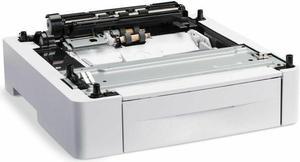
Xerox Phaser 3610, VersaLink B400 Paper Feeder/Tray 550-Sheet 497K13620
- Product Type: Paper Tray
- Model #: BE05A9HA5Z
- $189.00 –
- Free Shipping
Quick View
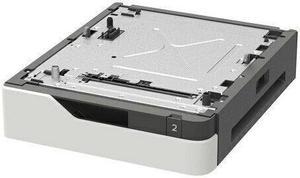
Lexmark 550-Sheet Tray
- Product Type: Paper Tray
- Color: Black
- Weight: 17.7
- Model #: 50G0802
- $292.95 –
- More options from $115.99 - $369.92
Quick View
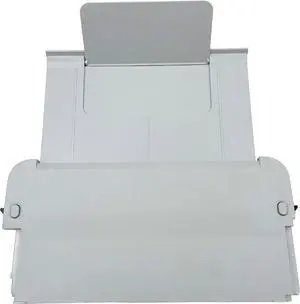
Paper Output Tray for HP OfficeJet Pro 8020 8010 8012 8026 8018 8015e 8025e 8028
- Model #: DARKB0DP4WCPTZ
- $119.99 –
- Free Shipping
Quick View
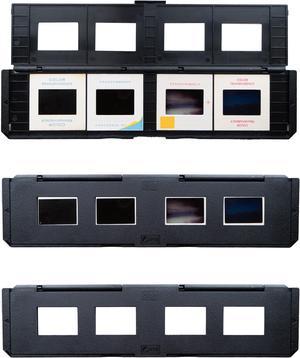
Magnasonic Long Tray Slide Film Holder for 35mm Compatible Film Scanners, Holds 4 Slides to Speed up Processing Time, Easy To Use, Gently Flattens and Protects Film Edges - Set of 3 (ST01)
- Part Number: ST01
- Dimensions: 2.70 in H x 10.50 in W x 1.00 in L
- Weight: .42 lbs
- Color: Black
- Model #: ST01

Quick View
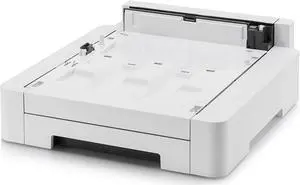
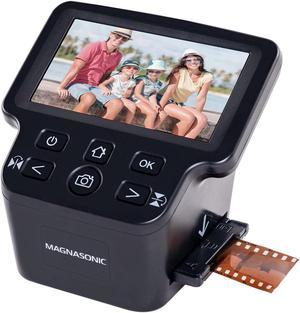
Kyocera PF-5110 Paper Feeder 250 Sheet Tray
- Product Type: Sheet Feeder
- Model #: BE99CZ50W51
Quick View
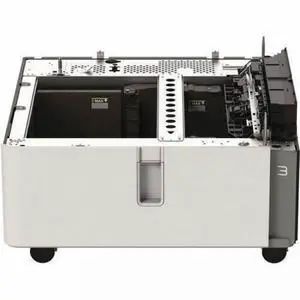
Magnasonic Long Tray Negative Film Holder for 35mm Compatible Film Scanners, Holds 6 Negative Frames to Speed up Processing Time, Easy To Use, Gently Flattens and Protects Film Edges - Set of 3 (NT01)
- Part Number: NT01
- Dimensions: 2.70 in H x 10.50 in W x 1.00 in L
- Weight: .42 lbs
- Color: Black
- Model #: NT01
Quick View
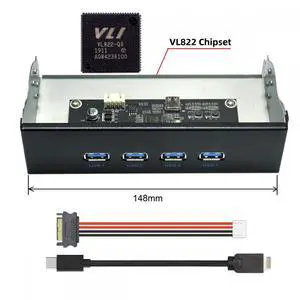
Lexmark 2000-Sheet Tandem Tray - 2000 Sheet - Card Stock, Plain Paper, Recycled Paper, Bond Paper - Letter - 20L8803
- Brand: LEXMARK
- Part Number: 20L8803
- Product Type: Paper Tray
- Compatibility: Lexmark CX962se Multifunction Laser Printer Lexmark CX950se Multifunction Laser Printer Lexmark CX961tse Multifunction Laser Printer Lexmark MX953se Multifunction Laser Printer Lexmark CX963se Multifunction Laser Printer Lexmark CX951se Multifunction Laser Printer Lexmark CX961se Multifunction Laser Printer Lexmark CS963e Multifunction Laser Printer Lexmark CX963xse Multifunction Laser Printer Lexmark CX962tse Multifunction Laser Printer Lexmark CX833xse Multifunction Laser Printer Lexmark CX833se Multifunction Laser Printer
- Model #: 20L8803
- $1,082.99 –
- More options from $1,082.69 - $1,557.00
- Free Shipping
Quick View
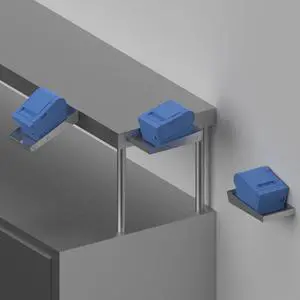
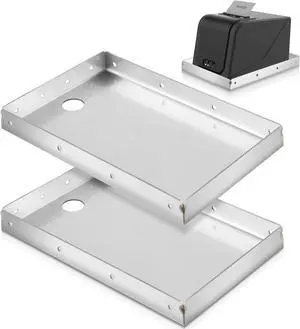
Stainless Steel Printer Tray, Mounts to Wall or Shelf Edge
- Model #: DARKB018KNKFSK
- $131.99 –
- Free Shipping
Quick View
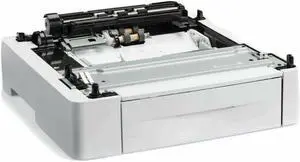
XEROX 497K13630 550-SHEET FEEDER TRAY FOR Xerox Workcentre 3615, 3615DN 1X550-Sheet Tray - For MFP3615/F3610/WC3615
- Product Type: Paper Tray
- Model #: BE0A9HZ57X53
- $299.00 –
- Free Shipping
Quick View
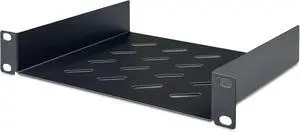
Digitus DN-10-TRAY-2-B Rack Accessory Shelf, 20 x 25.4 x 4.4 cm
- Model #: GENXB08XJXKX4R
- $84.99 –
- Free Shipping
Quick View
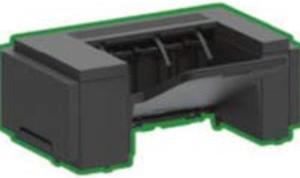
Lexmark 50G0851 Media Output Expander - Tray
- Product Type: Other Accessories
- Color: Black
- Model #: 50G0851
- $178.30 –
- More options from $177.99 - $283.00
- Free Shipping
Quick View
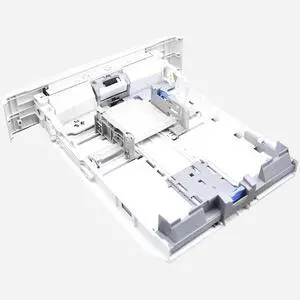
RM2-5392 Paper Input Tray 2 Replacement for HP Laserjet Pro M402n M402dn M403d M403dn M404n M405 M429dw M329 M304 M305 M426fdw M427dw (Only Paper Input Tray)
- Model #: DARJB0FLYF4SBG
- $148.99 –
- Free Shipping
Quick View
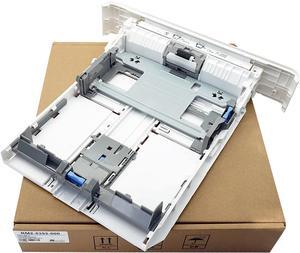
RM2-5392 Paper Tray 2 Assembly/Cassette Fits for HP LaserJet Pro M402n M402dn M403d M403dn M404n M405 M429dw M329 M304 M305 M426fdw M427dw,250-Sheet Capacity
- Model #: DARKB0F2DZVR4P
- $144.99 –
- Free Shipping
Quick View
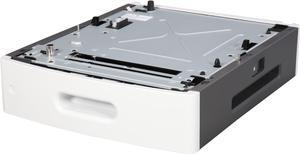
LEXMARK 40G0802 Media Tray
- Product Sort: Printer Accessories
- Product Type: Paper Tray
- Color: Black
- Compatibility: Lexmark M5155, M5163, M5170, MS810de, MS810dn, MS810dtn, MS810n, MS811dn, MS811dtn, MS811n, MS812de, MS812dn, MS812dtn, MX710de, MX710dhe, MX711de, MX711dhe, MX711dthe; XM 5163, 5170
- Model #: 40G0802
- $257.97 –
Quick View
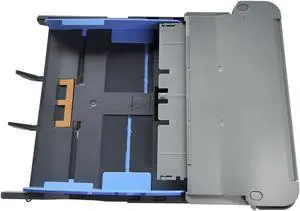
Paper Output Input Tray Paper Delivery Tray Compatible with hp OfficeJet Pro 9010 9012 9013 9014 9015 9016 9018 9019 9010E 9016E 9015E 9018E
- Model #: CHIDB0G8GK9LLR
- $77.99 –
- Free Shipping
Quick View
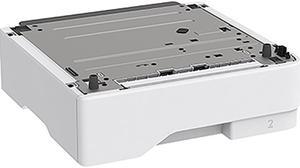
XEROX 497N07968 Printer 550 Sheet Tray
- Product Type: Paper Tray
- Model #: 497N07968
- $255.19 –
- More options from $236.12 - $284.32
- Free Shipping

Quick View
PAPER TRAY, , OEM
- Model #: LEX29S0600
- $180.25
- $165.15 –
- Save: $15.10 (8%)
- More options from $165.15 - $265.00
- Free Shipping
Quick View
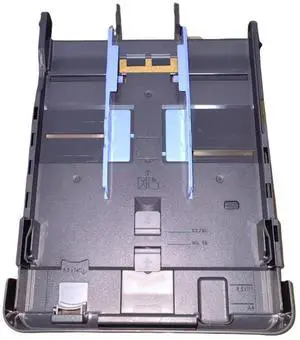
RM2-5392 Paper Tray 2 Assembly/Cassette Fits for HP LaserJet Pro Printer
- Model #: HANWB0F2DZVR4P
- $124.99 –
- Free Shipping
Quick View
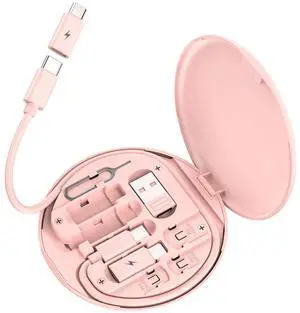
Multi USB Charging Adapter Cable Kit, USB C to iOS Adapter for Travel , Conversion Set USB & USB C to Male Micro /USB C/iOS Adapter, Data Transfer, Card Storage, Tray Eject Pin, Phone Holder (pink)
- Cable Length: 2 in.
- Brand: Razer
- Color: Tpe
- Length: < 1"
- Model #: B0BL6K2CT7458
- $13.99 –
- Free Shipping
Quick View
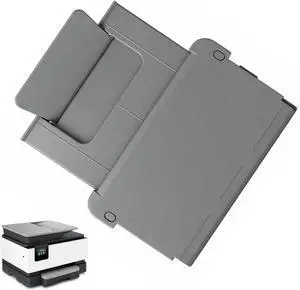
Printer Paper Output Tray Compatible with HP OfficeJet Pro 9020 9023 9025e Printer
- Model #: HANWB0GVSHFVSD
- $133.99 –
- Free Shipping
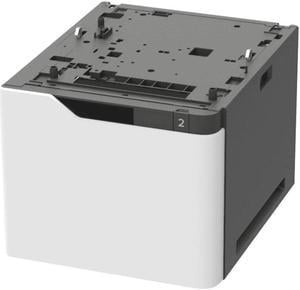

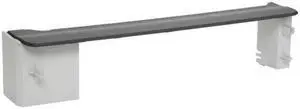
Quick View

- Part Number: L0H22A
- Product Sort: Printer Accessories
- Product Type: Cover/Box
- Compatibility: HP LaserJet Enterprise M607dn (K0Q15A) HP LaserJet Enterprise M607n (K0Q14A) HP LaserJet Enterprise M608dn (K0Q18A) HP LaserJet Enterprise M608n (K0Q17A) HP LaserJet Enterprise M608x (K0Q19A) HP LaserJet Enterprise M609dh (K0Q20A) HP LaserJet Enterprise M609dn (K0Q21A) HP LaserJet Enterprise M609x (K0Q22A)
- Model #: L0H22A
Quick View
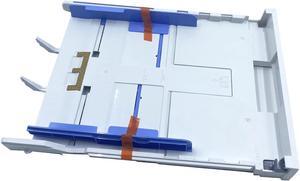
Paper Input Tray 2 for HP OfficeJet Pro 9020 9023 9025e 9135e
Limited time offer, ends 09/14
- Model #: DARKB0CXDHYN9S
- $176.98 –
- More options from $176.98 - $180.99
- Free Shipping

Quick View
Xerox Bypass Tray (497K09130)
- Model #: 497K09130
- $743.28 –
- More options from $722.82 - $975.00
Quick View
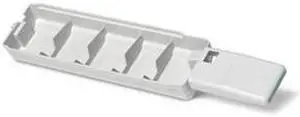
XEROX 109R00754 Waste Tray For Phaser 8500 Series
- Product Sort: Printer Accessories
- Product Type: Waste Tray
- Color: Black
- Compatibility: Phaser 8560MFP, Phaser 8560, Phaser 8500/8550
- Model #: 109R00754
- $96.85 –
- Free Shipping

Quick View
XEROX 497K17880 Envelope Tray
- Product Sort: Printer Accessories
- Product Type: Envelope Tray
- Compatibility: C8000, C9000
- Model #: 497K17880
- $303.47 –
- More options from $303.47 - $524.44
- Free Shipping
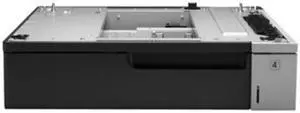
Quick View
- Product Type: Sheet Feeder
- Weight: 31
- Features: Sold as 1 Each.
- Model #: 887111017604
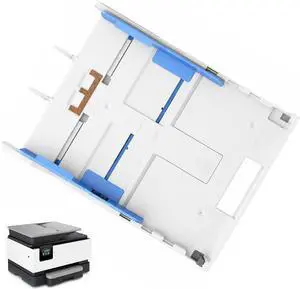
Quick View
Printer Paper Input Tray Compatible with HP OfficeJet Pro 9020 9025e 9023 9135e
- Model #: HANWB0GVS3SRNV
- $108.99 –
- Free Shipping
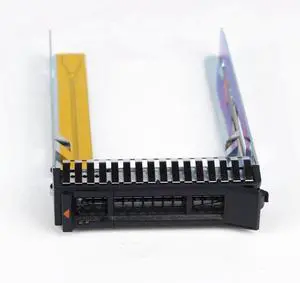
Quick View
Generic For 2.5 Hard Drive Caddy Tray for Thinksystem SR650 SR550 SR850 SR950 SR630 SR530 ST550 Caddy Bracket SM17A06246
- Model #: 2251832813620968
- $19.94 –
- Free Shipping
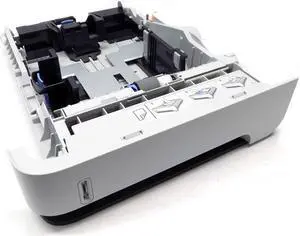
Quick View
- Product Sort: Printer Accessories
- Product Type: Other Accessories
- Model #: HEWRM1-4559-000CN-C
- $79.99 –
- $17.99 Shipping
Choosing the Right Printer for Your Office Needs
When it comes to office solutions, printers and scanners are essential tools for any business. Whether you need to print important documents, scan invoices, or create professional-quality marketing materials, having the right equipment is crucial. In this article, we will explore the different types of printers and scanners available in the market and provide tips on how to choose the best one for your office.
All-in-One Printers: Versatility and Convenience
all-in-one printers, also known as multifunction printers, are a popular choice for offices. These devices combine the functionality of a printer, scanner, copier, and sometimes even a fax machine into a single unit. They offer versatility and convenience, allowing you to perform multiple tasks without the need for separate devices. All-in-one printers are available in both inkjet and laser options, catering to different printing needs and budgets.
Specialized Printers for Specific Tasks
In addition to all-in-one printers, there are specialized printers designed for specific tasks. For example, 3D printers are ideal for creating prototypes or intricate models, while barcode and label printers are perfect for businesses that require efficient inventory management. laser printers are known for their fast printing speeds and high-quality output, making them suitable for offices with high-volume printing needs. inkjet printers, on the other hand, are more cost-effective and can produce vibrant color prints.
Choosing the Right Supplies
Once you have selected the right printer for your office, it is important to choose the right supplies to ensure optimal performance and longevity. When it comes to inkjet printers, using high-quality ink cartridges is essential to achieve the best print quality and prevent clogging. For laser printers, it is important to choose the right type of toner cartridges that are compatible with your printer model. Additionally, investing in high-quality paper can make a significant difference in the final print results.
FAQs: Common Questions about Printers and Scanners
| Q: How often should I replace the ink cartridges? | A: The frequency of replacing ink cartridges depends on your printing volume. However, it is recommended to replace them when the print quality starts to degrade. |
|---|---|
| Q: Can I use third-party ink cartridges with my printer? | A: While it is possible to use third-party ink cartridges, it is important to ensure compatibility with your printer model. Using incompatible cartridges may result in poor print quality or damage to the printer. |
| Q: How do I clean the scanner glass? | A: To clean the scanner glass, use a soft, lint-free cloth slightly dampened with glass cleaner. Gently wipe the glass surface to remove any smudges or debris. |
| Q: What is the difference between optical and interpolated resolution in scanners? | A: Optical resolution refers to the actual hardware resolution of the scanner, while interpolated resolution is achieved through software enhancements. Optical resolution provides more accurate and detailed scans. |
| Q: How can I improve the scanning speed? | A: To improve scanning speed, reduce the scanning resolution, use black and white mode instead of color, and ensure that the scanner is connected to a high-speed USB port. |