

Your Browsing History
- In Stock

Any questions? Our AI mode will help you find out quickly.
Try me now
Quick View
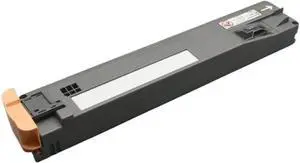
Waste Toner Bottle for Use with WorkCentre WC 7425, 7428, 7435, 7525, 7530, 7535, 7545, 7556, 7830, 7835, 7840, 7845, 7855
- Model #: ENGEB0GRTV25RZ
- $91.99 –
- Free Shipping
Quick View
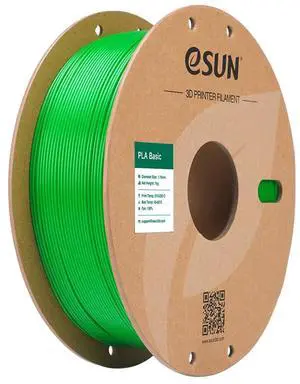
eSUN PLA Basic Filament 1.75mm, 3D Printer Filament High Speed PLA for Fast Printing, 1KG Spool (2.2 LBS) 3D Printing Filament for High Speed 3D Printers, Green
- Type: Filament
- Material: PLA Basic Filament
- Model #: PLA-BASIC-175G1A

Quick View
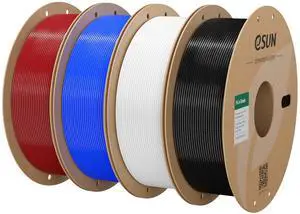
eSUN PLA Basic Filament 1.75mm 3D Printer Filament Bundle 4KG,High Speed PLA 1KG per Spool,4 Pack 3D Printing Filament for 3D Printers, Fire Engine Red+Blue+Cold White+Black
- Type: Filament
- Material: PLA Basic Filament
- Diameter: 1.75
- Color: Fr+u+cw+b
- Model #: PLA-Basic175O-FR+U+C-W+B1P-4SPOOL-US
Quick View
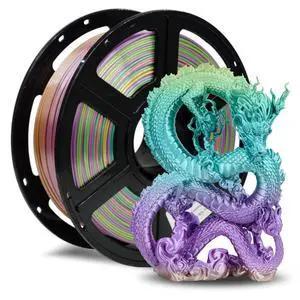
Silk PLA Filament 1.75mm, 3D Printer Filament 1kg (2.2lbs) Spool, Smooth and Silky Texture 3D Printing Filament, Dimensional Accuracy +/- 0.02mm
- Model #: 624213694373
- $39.99 –
- Free Shipping
Quick View
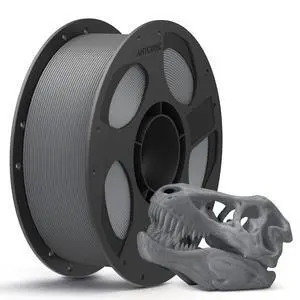
PLA 3D Printer Filament, 3D Printing PLA Filament 1.75mm Dimensional Accuracy +/- 0.02mm, 1KG Spool (2.2 lbs), Texture Grey
- Model #: 002319488905
- $28.99 –
- Free Shipping
Quick View
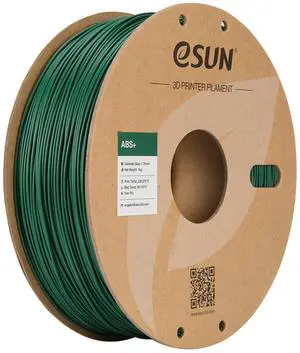
eSUN ABS+ Filament 1.75mm, 3D Printer Filament ABS Plus, Dimensional Accuracy +/- 0.05mm, 1KG Spool (2.2 LBS) 3D Printing Filament for 3D Printers Green
- Type: Filament
- Material: ABS+
- Color: Green
- Brand: eSUN
- Model #: ABS+175G1A
Quick View
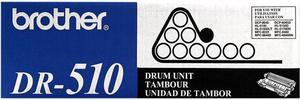
Brother DR510 Drum Unit
- Product Sort: Printer Accessories
- Product Type: Imaging Drums and Photoconductors
- Color: Black
- Compatibility: DCP-8040, DCP-8045D, HL-5140, HL-5150D, HL-5150DLT, HL-5170DN, HL-5170DNLT, MFC-8120, MFC-8220, MFC-8440, MFC-8640D, MFC-8840D, MFC-8840DN
- Model #: DR510
- $92.62 –
- More options from $92.62 - $252.62
- Free Shipping
Quick View
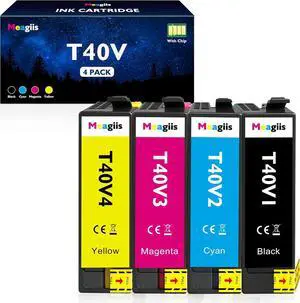
Remanufactured T40V Ink Cartridges T40W Ink SC-T2170 SC-T3170 Ink
- Model #: HANWB0GLFGYNDL
- $203.19 –
- More options from $203.19
- Free Shipping
Quick View
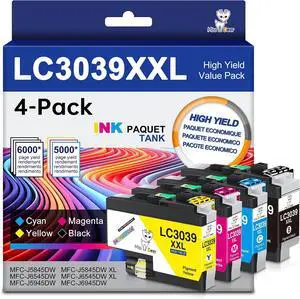
LC3039 BK/C/M/Y Ink Cartridges Miss Deer Compatible for Brother MFC-J6945DW
- Model #: HANWB0GLXJH141
- $104.19 –
- More options from $104.19
- Free Shipping
Quick View
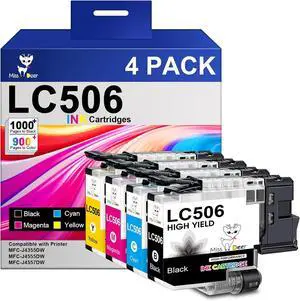
Miss Deer LC506 Ink Cartridges Compatible for Brother MFC-J4355DW/J4555DW
- Model #: HANWB0GX1HLF5J
- $86.19 –
- More options from $86.19
- Free Shipping
Quick View
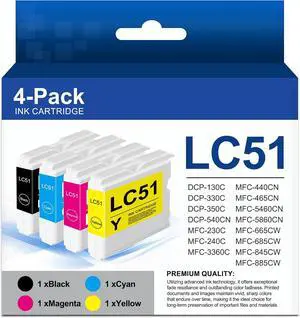
LC51 Ink Cartridges Compatible for Brother MFC-240C MFC-440CN
- Model #: HANWB0H2XCHTKK
- $162.19 –
- More options from $162.19
- Free Shipping
Quick View
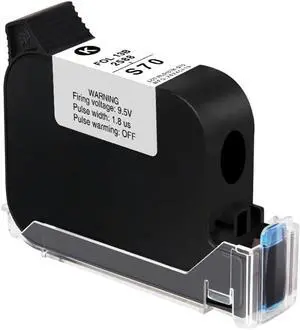
Black Quick-Drying Ink Cartridge, 42 ml, Ink, Print Height 2-12.7 mm
- Model #: ENGEB0G6XW1914
- $83.19 –
- More options from $83.19
- Free Shipping
Quick View
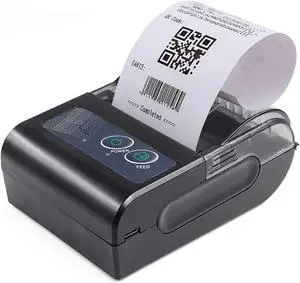
Portable Label Printer 58mm Printer Receipt Thermal Printer BT Connection
- Model #: ENGEB0FLDTVZ3T
- $522.99 –
- Free Shipping

Quick View
Portable Thermal Printer, Inkless Printing Machine with 203DPI High Resolution for Home Office School, Compatible with Phone Computer Laptop, Supports 8.5x11in A4 A5 Thermal
- Model #: ENGEB0GSLBQFTW
- $116.99 –
- Free Shipping
Quick View
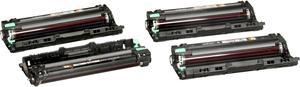
Brother DR221CL Drum Unit Set
- Brand: Kyocera
- Product Sort: Printer Accessories
- Product Type: Imaging Drums and Photoconductors
- Compatibility: HL-3140CW, HL-3170CDW, HL-3180CDW, MFC-9130CW, MFC-9330CDW, MFC-9340CDW
- Model #: DR221CL
- $173.92 –
- More options from $139.49 - $195.30
- Free Shipping
Quick View
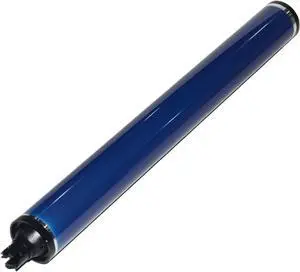
Maintenance and Replace, Compatible for Xerox 560 550 570 700 C60 C70 C75 J75 DC242 240 250 252 260 WC7655 7665 7775 7755 7765,for Office Space
- Model #: ENGEB0GPZ2JBZ6
- $370.99 –
- Free Shipping
Quick View
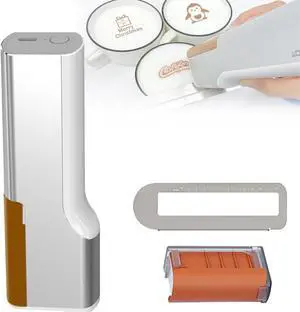
Coffee Printer - Latte Art Printer,Food Printer,Protable Handheld Food Printen Mini Food Machine PrintPen Bread Cake Printer,Coffee Printer,DIY Design PrintPen,red
- Model #: ENGEB0D7YXWBHL
- $641.99 –
- Free Shipping
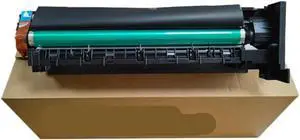
Quick View
Drum Unit 1PCS Compatible with 164 184 185 206 246 195 295 235
- Model #: ENGEB0GMT286VY
- $846.99 –
- Free Shipping
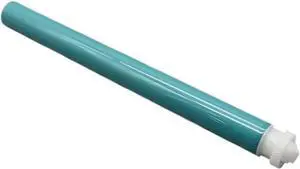
Quick View
158A Drum Unit Compatible with Printer Supplies Tank MFP 1020 1005 2506dw 2606dn 2606sdw Sdn 1020w 1005w 1602 2602 1604 2603 2604 W1580A
- Model #: ENGEB0GGRLQP11
- $71.99 –
- Free Shipping
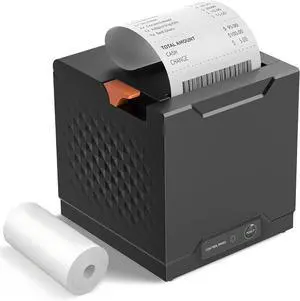
Quick View
Thermal Receipt Printer, Restaurant Kitchen Printer, 80mm POS Printer with Auto Cutter, USB/Ethernet Interface, for Windows/Mac/Linux, Not Compatible with Square
- Model #: HANWB0GF8DTP4C
- $108.99 –
- Free Shipping
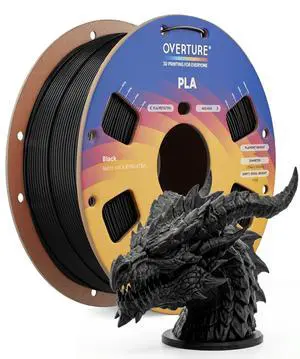
Quick View
PLA Filament 1.75mm, Neatly Wound 3D Printer Filament 1kg Spool (2.2lbs), Dimensional Accuracy +/- 0.02 mm, Fit Most FDM 3D Printers (Black 1-Pack)
- Model #: 627450114238
- $31.99 –
- Free Shipping
Quick View
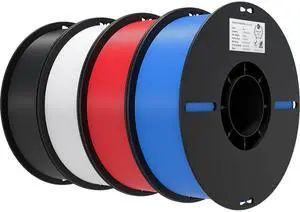
3D Printer Filament 1.75mm 4KG, PLA Filament Bulk +/- 0.02mm, 4 Pack 1kg Spool(2.2lbs) 3D Printing Filament Fits for Most FDM 3D Printers, Black White Blue Red
- Model #: 541863653215
- $85.99 –
- Free Shipping
Quick View
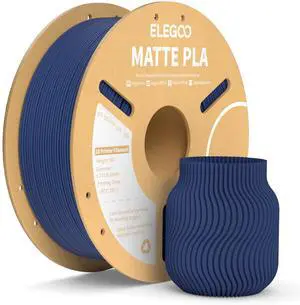
Matte PLA Filament Navy Blue 1KG, 1.75mm 3D Printer Filament Dimensional Accuracy +/- 0.02mm, 1kg Carboard Spool (2.2lbs) Fits for Most FDM 3D Printers
- Model #: 841037114414
- $35.99 –
- Free Shipping
Quick View
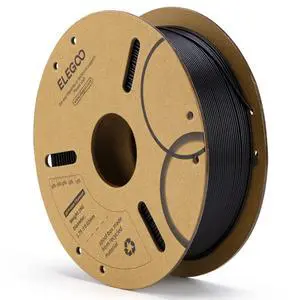
PLA Filament 1.75mm Black 1KG, 3D Printer Filament Dimensional Accuracy +/- 0.02mm, 1kg Cardboard Spool(2.2lbs) 3D Printing Filament Fits for Most FDM 3D Printers
- Model #: 858599154191
- $29.99 –
- Free Shipping
Quick View
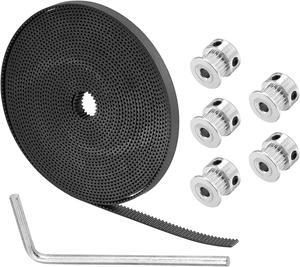
5mm 20 Teeth Timing Pulley Wheel and GT2 Timing Belt 5000mm Circumference 6mm Width Closed for 3D Printer
- Brand: Unique Bargains
- Type: 3D Printers Accessories
- Model #: a20082700ux0713
Quick View
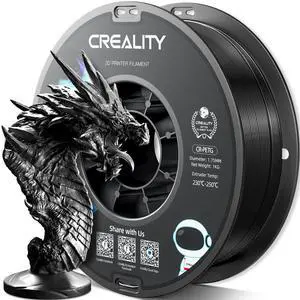
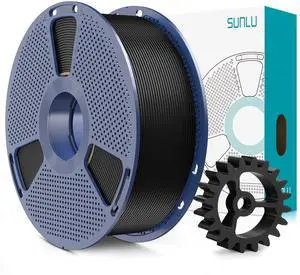
Official CREALITY PETG 3D Printer Filament 1.75mm 1KG (2.2lbs), High Precision Strong Toughness, Odorless Better Flow Moistureproof 3D Printing Ender Filament
- Model #: 397161187830
- $33.99 –
- Free Shipping
Quick View
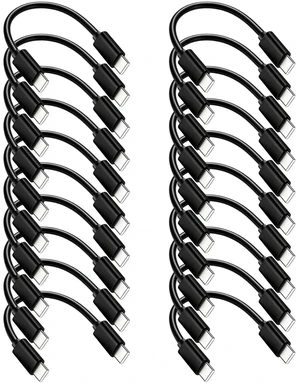
Short USB-C to USB-C Cable 6inch 20-Pack,Fast Charging & Data & Car Carplay
- Model #: 162315346980
- $47.99 –
- $5.99 Shipping
Quick View
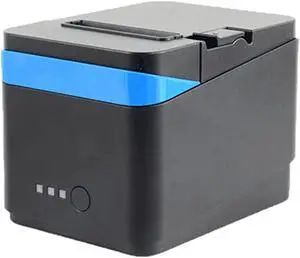
Take Away Supermarket Retail POS Cash Register 80mmThermal Receipt Printer USB Port Automatic Paper Cutting(Network Port)
- Model #: HANZB0GBWNTM1V
- $380.99 –
- Free Shipping
Quick View
Portable Label Printer 58mm Printer Receipt Thermal Printer BT Connection
- Model #: HANZB0FLDTVZ3T
- $522.99 –
- Free Shipping
Quick View
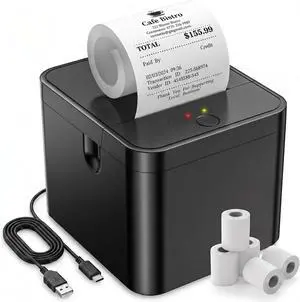
58mm Portable Thermal Printer with 5 Rolls, POS Receipt and Label Printer, Compatible with Android/Windows, On-the-Go Mobile Printing for Business, Delivery, and Logistics
- Model #: HANWB0GT8CHRQH
- $120.99 –
- Free Shipping
Quick View
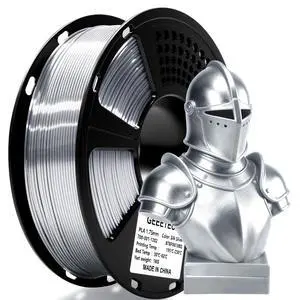
Silk PLA Filament 1.75mm for 3D Printer, Metal-Like Shiny 3D Filament 1kg (2.2lbs) 1 Spool, Dimensional Accuracy +/- 0.02 mm, Metallic Silver Silk Filament
- Model #: 369493182090
- $35.99 –
- Free Shipping
Quick View
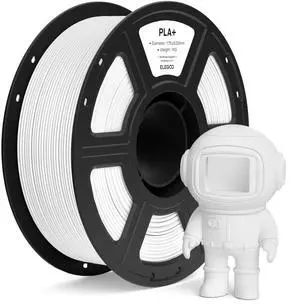
PLA+ Filament 1.75mm White 1KG, High Toughness PLA Plus 3D Printer Filament Dimensional Accuracy +/- 0.02mm, 1kg Spool(2.2lbs) Fits for Most FDM 3D Printers
- Model #: 431112889966
- $32.99 –
- Free Shipping
Quick View
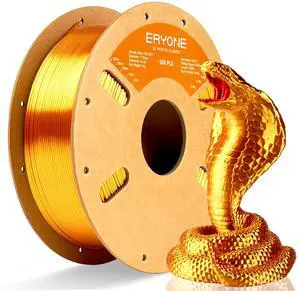
Silk PLA Filament for 3D Printer 1.75mm +/- 0.03mm, Shiny Filament 1kg (2.1lbs)/Spool, Liquid Gold
- Model #: 314228456404
- $34.99 –
- Free Shipping
Quick View
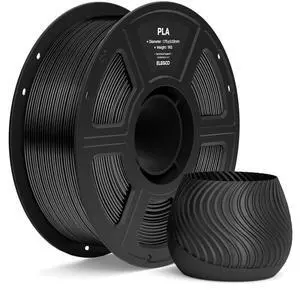
PLA Filament 1.75mm Black 1KG, 3D Printer Filament Dimensional Accuracy +/- 0.02mm, 1kg Spool(2.2lbs) Fit Most FDM 3D Printers
- Model #: 969459056013
- $31.99 –
- Free Shipping
Choosing the Right Printer for Your Office Needs
When it comes to office solutions, printers and scanners are essential tools for any business. Whether you need to print important documents, scan invoices, or create professional-quality marketing materials, having the right equipment is crucial. In this article, we will explore the different types of printers and scanners available in the market and provide tips on how to choose the best one for your office.
All-in-One Printers: Versatility and Convenience
all-in-one printers, also known as multifunction printers, are a popular choice for offices. These devices combine the functionality of a printer, scanner, copier, and sometimes even a fax machine into a single unit. They offer versatility and convenience, allowing you to perform multiple tasks without the need for separate devices. All-in-one printers are available in both inkjet and laser options, catering to different printing needs and budgets.
Specialized Printers for Specific Tasks
In addition to all-in-one printers, there are specialized printers designed for specific tasks. For example, 3D printers are ideal for creating prototypes or intricate models, while barcode and label printers are perfect for businesses that require efficient inventory management. laser printers are known for their fast printing speeds and high-quality output, making them suitable for offices with high-volume printing needs. inkjet printers, on the other hand, are more cost-effective and can produce vibrant color prints.
Choosing the Right Supplies
Once you have selected the right printer for your office, it is important to choose the right supplies to ensure optimal performance and longevity. When it comes to inkjet printers, using high-quality ink cartridges is essential to achieve the best print quality and prevent clogging. For laser printers, it is important to choose the right type of toner cartridges that are compatible with your printer model. Additionally, investing in high-quality paper can make a significant difference in the final print results.
FAQs: Common Questions about Printers and Scanners
| Q: How often should I replace the ink cartridges? | A: The frequency of replacing ink cartridges depends on your printing volume. However, it is recommended to replace them when the print quality starts to degrade. |
|---|---|
| Q: Can I use third-party ink cartridges with my printer? | A: While it is possible to use third-party ink cartridges, it is important to ensure compatibility with your printer model. Using incompatible cartridges may result in poor print quality or damage to the printer. |
| Q: How do I clean the scanner glass? | A: To clean the scanner glass, use a soft, lint-free cloth slightly dampened with glass cleaner. Gently wipe the glass surface to remove any smudges or debris. |
| Q: What is the difference between optical and interpolated resolution in scanners? | A: Optical resolution refers to the actual hardware resolution of the scanner, while interpolated resolution is achieved through software enhancements. Optical resolution provides more accurate and detailed scans. |
| Q: How can I improve the scanning speed? | A: To improve scanning speed, reduce the scanning resolution, use black and white mode instead of color, and ensure that the scanner is connected to a high-speed USB port. |