
Your Browsing History
- In Stock
- Sold by Newegg
- Make an Offer
- New

Any questions? Our AI beta will help you find out quickly.
Try me now

Quick View
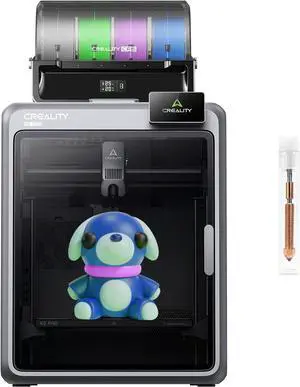
Creality Official K2 Pro Combo(A) 3D Printer, Multi-Color Printing with CFS, 600mm/s High-Speed, AI Cameras, Full Auto-Leveling, Dual Z-Axis, 300x300x300mm Build Volume
Limited time offer, ends 03/08
- Model #: C40E.011231
- $2,898.99 –
- Free Shipping
Quick View
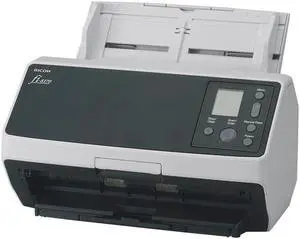
Ricoh Document scanner fi-8170 - DIN A4
- Model #: Ricoh fi-8170( PA03810-B051)
- $659.00 –
- More options from $659.00 - $680.00
- Free Shipping
Quick View
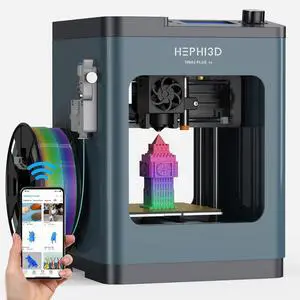
TINA2Plus 3D Printer, HEPHI3D 250mm/s High Speed FDM 3D Printers Fully Open Source, Auto Leveling Mini 3D Printer with WiFi Cloud Print, Fully Assembly 3D Printers for Beginners, Office, Home, School
Limited time offer, ends 03/08
- Model #: WC40E-0113.20
- $498.99 –
- Free Shipping
Quick View
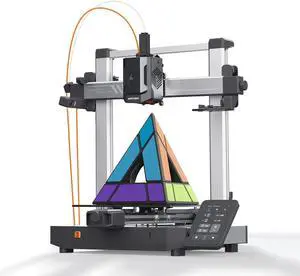
Anycubic Kobra 3 V2 3D Printer Only, New Upgrade AI Cameras Improved Auto-Leveling Max 600mm/s Print Speed Details Better, Multicolor 3D Printing Need with Additional ACE Pro 10.0'' x 10.0'' x 10.2''
Limited time offer, ends 03/08
- Model #: WC40E-0113.50
- $498.99 –
- Free Shipping
Quick View
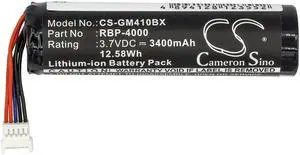
Cameron Sino Battery for Gryphon GM4100, RBP-GM40, Datalogic GM4100 GM4130 GM4400 GM4430 GBT4400 GBT4430 GM4100-BK-433Mhz RBP-GM40
- Brand: CS Cameron Sino
- Battery Pack: 68.70 x 18.40 x 18.40
- Battery Capacity: 3400 milliamp_hours
- Specifications: 68.70 x 18.40 x 18.40
- Model #: 382520013565
- $20.24 –
- Free Shipping
Quick View
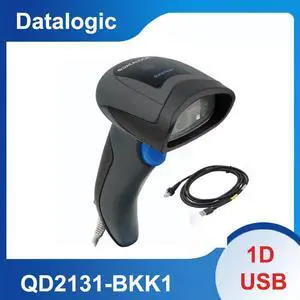
Datalogic QuickScan QD2131 Handheld Corded Linear Imager USB Kit QD2131-BKK1
- Model #: QD2131-BKK1-q5
- $68.00 –
- More options from $68.00 - $102.89
- Free Shipping
Quick View
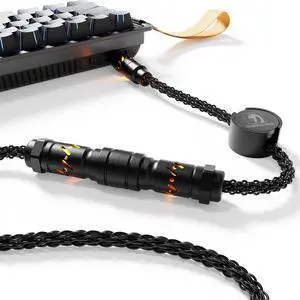
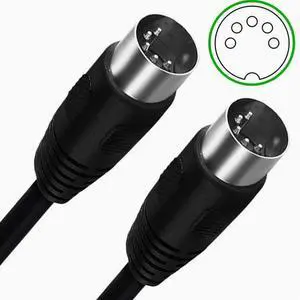
DIN5P double male head line, large 5P connection line beauty equipment wiring stage fog machine line
- Model #: wa-1368
- $16.95 –
- Free Shipping
Quick View
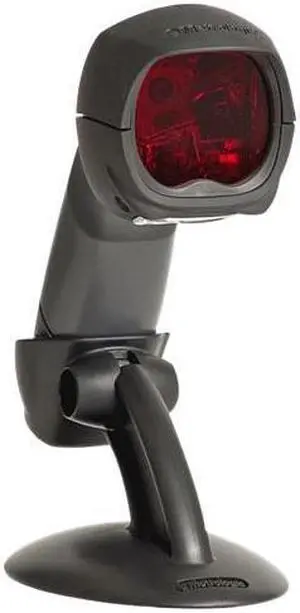
Honeywell MS3780 Fusion - barcode scanner (MK3780-61A38)
- Form Factor: Handheld
- Model #: MK3780-61A38,,
- $155.00 –
- More options from $155.00 - $394.99
- Free Shipping
Quick View
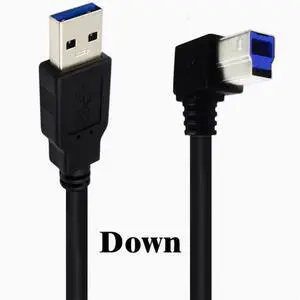
USB3.0 square port data cable A Revolution B male 90 degrees up and down left and right elbow hard disk box printer cable 0.5m Down Angle
- Model #: Aomoproing-cx58
- $15.41 –
- Free Shipping
Quick View
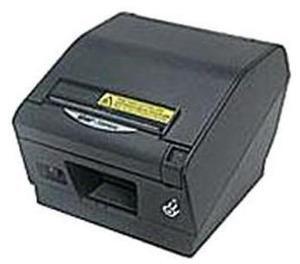
Star Micronics Direct Line Thermal Printer Gray (39441132)
- Model #: 39441132
- $926.68 –
- More options from $905.39 - $1,194.69
- Free Shipping
Quick View
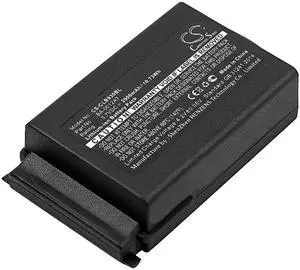
Cameron Sino Battery for CipherLAB 9300, 9400, 9600, CPT 9300, CPT 9400, CPT 9600 PN:CipherLAB BA-0012A7 2900mAh / 10.73Wh
- Brand: Cameron Sino
- Battery Pack: 65.30 x 37.50 x 16.70
- Battery Capacity: 2900.00 milliamp_hours
- Battery Type: lithium_polymer
- Model #: 191281152856
- $35.37 –
- Free Shipping
Quick View
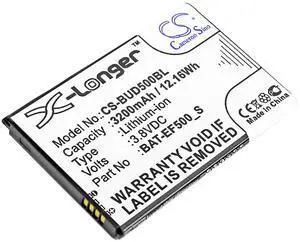
Cameron Sino Battery for Bluebird EF500, EF500R, EF501, EF501R PN:Bluebird BAT-EF500_S 3200mAh / 12.16Wh
- Parts: 1 Year
- Model #: 861110887447
- $23.41 –
- Free Shipping
Quick View
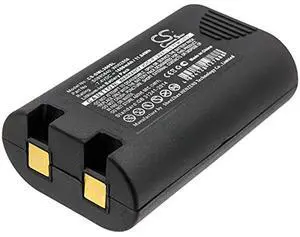
CS Battery for LabelManager 360D, LabelManager 420P, LM360D, LM420P, R5200, Rhino 4200, Rhino 420P, Rhino 5200, Rhino LM 360D PN: 1759398, S0895840, W002856 1600mAh / 11.84Wh
- Brand: Cameron Sino
- Battery Pack: 67.75 x 41.24 x 23.50
- Battery Capacity: 1600.00 milliamp_hours
- Battery Type: lithium_ion
- Model #: 057235671436
- $27.38 –
- Free Shipping
Quick View
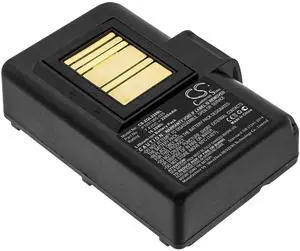
Cameron Sino Battery for QLN220, QLn220HC, QLN320, QLn320HC, ZQ500, ZQ510, ZQ520, ZQ610, ZQ610HC, ZQ620, ZQ620HC, ZR628, ZR638 2200mAh / 16.28Wh
- Brand: Cameron Sino
- Battery Pack: 73.24 x 55.80 x 24.73
- Battery Capacity: 2200 milliamp_hours
- Specifications: 73.24 x 55.80 x 24.73
- Model #: 914650116496
- $36.16 –
- Free Shipping
Quick View
- $17.69 –
- Free Shipping
Quick View
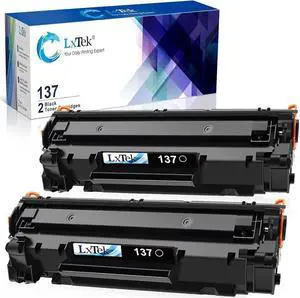
LxTek Compatible Toner Cartridge Replacement for 137 Black Toner Cartridge 137 CRG137 to Use with Imageclass D570 MF232w MF242dw MF240 MF230 MF216n MF236n(2 Pack, 137 Black)
- Compatible Products: Canon ImageClass LBP151dw, ImageClass MF236n, ImageClass MF247dw, ImageClass MF244dw, ImageClass MF249dw, ImageClass MF216N, ImageClass MF227DW, ImageClass MF229DW, ImageClass MF212W, ImageClass MF217W, ImageClass MF222DW, ImageClass MF211, ImageClass MF232W, ImageClass D570, ImageClass MF210,ImageClass MF220, ImageClass MF230,ImageClass MF242.
- Model #: B01GHQC6AWj
- $48.34 –
- More options from $48.34
- Free Shipping
![USB C to USB 3.0 Adapter [10Gbps], [2 Pack] USB Type C Male to USB3.1 USB3.2 Female, Thunderbolt 3/4 to USB Female Adapter OTG Cable for Mac-Book Pro/Air 2022 2020,Tablet PC, Smartphones](https://c1.neweggimages.com/productimage/nb300/BFGYS2412310PCJT1C5.jpg "USB C to USB 3.0 Adapter [10Gbps], [2 Pack] USB Type C Male to USB3.1 USB3.2 Female, Thunderbolt 3/4 to USB Female Adapter OTG Cable for Mac-Book Pro/Air 2022 2020,Tablet PC, Smartphones")
Quick View
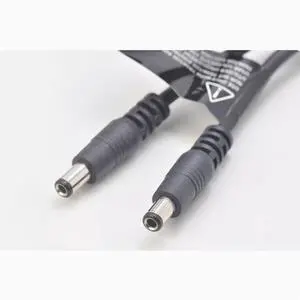
Original female 5.5mm 2.5MM DC port to two male power supply one point two power supply cable Connection cable
- Model #: wa-1332
- $14.99 –
- Free Shipping
Quick View

- $80.43 –
- More options from $80.43 - $96.00
- Free Shipping
Quick View
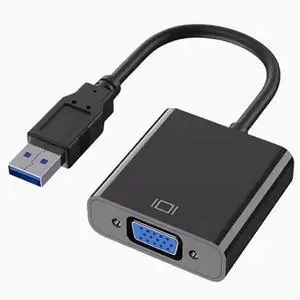
USB3.0 to VGA HD cable converter interface usb to vga multi-screen conversion cable display projector
- Model #: wa-1268
- $27.99 –
- Free Shipping
![newcloth 100W USB C to USB C Cable Fast Charge, 4.2ft Alcantara Braided Cable with LED Display, Compatible with iPhone 16/15 Pro/Pro Max/Plus, MacBook Pro, iPad Pro, Galaxy S24/S23, [Blue Shar-Pei]](https://c1.neweggimages.com/productimage/nb300/C0JYD2511080U4NMS4E.jpg "newcloth 100W USB C to USB C Cable Fast Charge, 4.2ft Alcantara Braided Cable with LED Display, Compatible with iPhone 16/15 Pro/Pro Max/Plus, MacBook Pro, iPad Pro, Galaxy S24/S23, [Blue Shar-Pei]")
![USB C to USB 3.0 Adapter [10Gbps], [2 Pack] USB Type C Male to USB3.1 USB3.2 Female, Thunderbolt 3/4 to USB Female Adapter OTG Cable for Mac-Book Pro/Air 2022 2020,Tablet PC, Smartphones](https://c1.neweggimages.com/productimage/nb300/BFGYS2501080IN38MC5.jpg "USB C to USB 3.0 Adapter [10Gbps], [2 Pack] USB Type C Male to USB3.1 USB3.2 Female, Thunderbolt 3/4 to USB Female Adapter OTG Cable for Mac-Book Pro/Air 2022 2020,Tablet PC, Smartphones")
Quick View
USB C to USB 3.0 Adapter [10Gbps], [2 Pack] USB Type C Male to USB3.1 USB3.2 Female, Thunderbolt 3/4 to USB Female Adapter OTG Cable for Mac-Book Pro/Air 2022 2020,Tablet PC, Smartphones
- Model #: Aomoproing-USB-y176
- $16.19 –
- Free Shipping
![USB C to USB 3.0 Adapter [10Gbps], [2 Pack] USB Type C Male to USB3.1 USB3.2 Female, Thunderbolt 3/4 to USB Female Adapter OTG Cable for Mac-Book Pro/Air 2022 2020,Tablet PC, Smartphones](https://c1.neweggimages.com/productimage/nb300/BFGYS2501070N63I072.jpg "USB C to USB 3.0 Adapter [10Gbps], [2 Pack] USB Type C Male to USB3.1 USB3.2 Female, Thunderbolt 3/4 to USB Female Adapter OTG Cable for Mac-Book Pro/Air 2022 2020,Tablet PC, Smartphones")
Quick View
USB C to USB 3.0 Adapter [10Gbps], [2 Pack] USB Type C Male to USB3.1 USB3.2 Female, Thunderbolt 3/4 to USB Female Adapter OTG Cable for Mac-Book Pro/Air 2022 2020,Tablet PC, Smartphones
- Model #: Aomoproing-USB-y241
- $15.99 –
- Free Shipping
Choosing the Right Printer for Your Office Needs
When it comes to office solutions, printers and scanners are essential tools for any business. Whether you need to print important documents, scan invoices, or create professional-quality marketing materials, having the right equipment is crucial. In this article, we will explore the different types of printers and scanners available in the market and provide tips on how to choose the best one for your office.
All-in-One Printers: Versatility and Convenience
all-in-one printers, also known as multifunction printers, are a popular choice for offices. These devices combine the functionality of a printer, scanner, copier, and sometimes even a fax machine into a single unit. They offer versatility and convenience, allowing you to perform multiple tasks without the need for separate devices. All-in-one printers are available in both inkjet and laser options, catering to different printing needs and budgets.
Specialized Printers for Specific Tasks
In addition to all-in-one printers, there are specialized printers designed for specific tasks. For example, 3D printers are ideal for creating prototypes or intricate models, while barcode and label printers are perfect for businesses that require efficient inventory management. laser printers are known for their fast printing speeds and high-quality output, making them suitable for offices with high-volume printing needs. inkjet printers, on the other hand, are more cost-effective and can produce vibrant color prints.
Choosing the Right Supplies
Once you have selected the right printer for your office, it is important to choose the right supplies to ensure optimal performance and longevity. When it comes to inkjet printers, using high-quality ink cartridges is essential to achieve the best print quality and prevent clogging. For laser printers, it is important to choose the right type of toner cartridges that are compatible with your printer model. Additionally, investing in high-quality paper can make a significant difference in the final print results.
FAQs: Common Questions about Printers and Scanners
| Q: How often should I replace the ink cartridges? | A: The frequency of replacing ink cartridges depends on your printing volume. However, it is recommended to replace them when the print quality starts to degrade. |
|---|---|
| Q: Can I use third-party ink cartridges with my printer? | A: While it is possible to use third-party ink cartridges, it is important to ensure compatibility with your printer model. Using incompatible cartridges may result in poor print quality or damage to the printer. |
| Q: How do I clean the scanner glass? | A: To clean the scanner glass, use a soft, lint-free cloth slightly dampened with glass cleaner. Gently wipe the glass surface to remove any smudges or debris. |
| Q: What is the difference between optical and interpolated resolution in scanners? | A: Optical resolution refers to the actual hardware resolution of the scanner, while interpolated resolution is achieved through software enhancements. Optical resolution provides more accurate and detailed scans. |
| Q: How can I improve the scanning speed? | A: To improve scanning speed, reduce the scanning resolution, use black and white mode instead of color, and ensure that the scanner is connected to a high-speed USB port. |