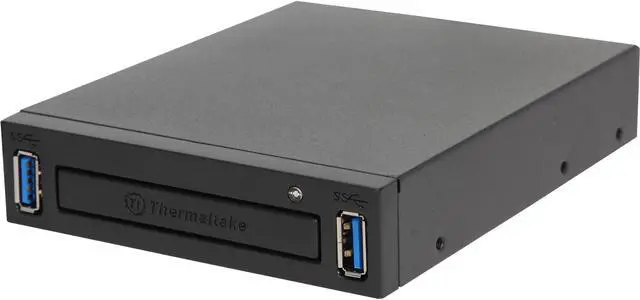
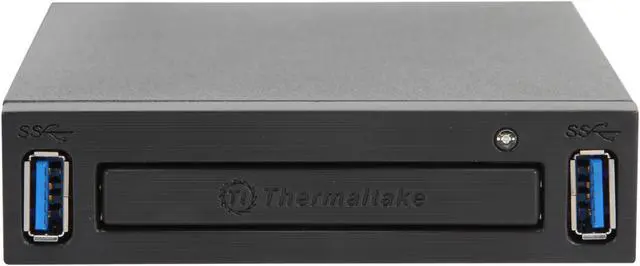
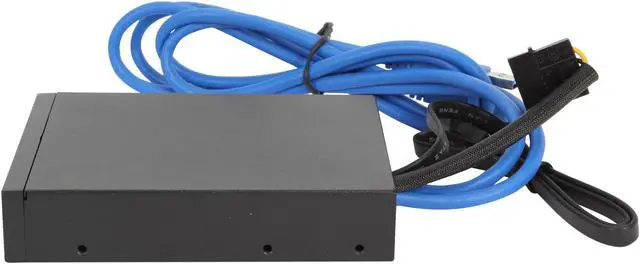
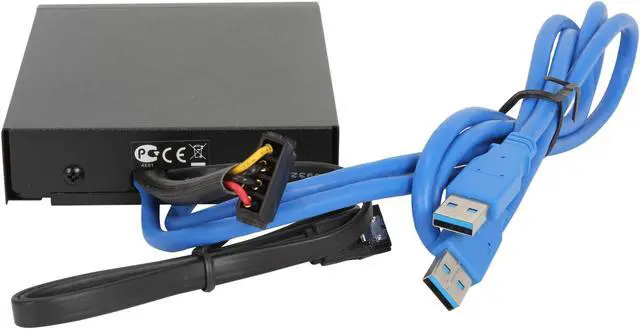
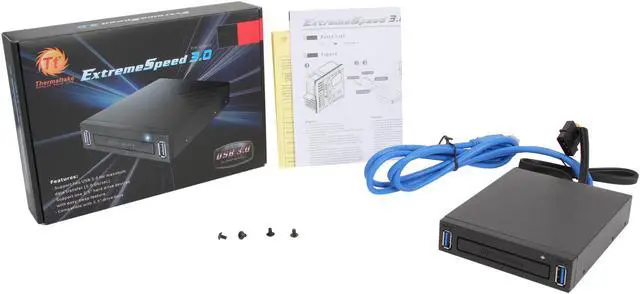
The Thermaltake AC0018 ExtremeSpeed 3.0 is a 3.5-inch drive-bay accessory for installing and easy-swapping one 2.5-inch SATA hard drive, with two USB 3.0 ports; it suits desktop PC users who want convenient drive access and added USB connectivity.
Recommended For
- Owners of a desktop tower with an unused external 3.5-inch bay who want to add two front-access USB 3.0 ports, especially when the motherboard lacks an internal USB 3.0 header. The ports connect to rear USB ports instead.
- Desktop users who regularly swap one 2.5-inch SATA HDD or SSD—for example, to access separate data or system drives—can use the front-access bay rather than opening the case for each change. Hot swapping requires AHCI support and configuration.
- Users of older desktop cases who want easier access to USB storage can add two front USB 3.0 ports; the review found no meaningful USB-drive speed loss compared with direct motherboard connection in its tests.
Real-World Use Scenarios
- When you need to check or copy files from a compatible 2.5-inch SATA drive, the front-access bay makes it easier to reach the drive without opening the PC case; the computer still needs to recognize and be able to read the drive.
- For a PC used to access a secondary SATA drive, installing the drive in the bay keeps it reachable from the front, which can be more convenient than accessing a drive mounted inside the case.
- When moving files between a 2.5-inch SATA drive and the PC, the bay provides a direct, swappable drive connection; safely eject the drive or shut down before removing it unless the system is configured to support hot swapping.
- When you frequently plug in USB accessories or storage, the two front USB ports make them easier to reach than rear motherboard ports, provided the bay is connected to compatible internal USB headers.
- For routine file transfers using the front USB ports, testing of this panel found performance close to a direct motherboard connection, so the panel should not add a noticeable transfer penalty in typical use.




 here!