• $34.99
  • Free 30-day Returns
  • Price alert
    Shop it at NeweggBusiness.

    Meet Your Seller

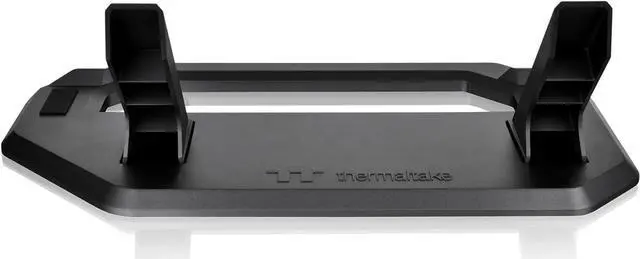
    Thermaltake Tower 300 Series Horizontal Display Chassis Support Stand -Bumblebee - AC-074-ON4NAN-A1

    • A Unique View - Horizontal Case Placement
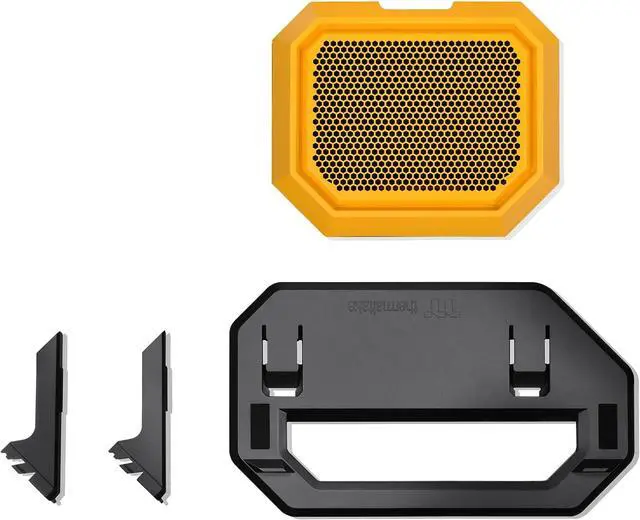
    • Includes A Bottom Cover Panel and A Display Stand
    • Easy Installation
    • Anti-Scratch Rubber Pad
    • Anti-Slip Design
    +
    +
    Overview
    Specs
    Reviews

    Any questions? Ask CelesteSM will help you find out quickly.

    Thermaltake Tower 300 Series Horizontal Display Chassis Support Stand
    Thermaltake Tower 300 Series Horizontal Display Chassis Support Stand
    Thermaltake Tower 300 Series Horizontal Display Chassis Support Stand
    Thermaltake Tower 300 Series Horizontal Display Chassis Support Stand
    Thermaltake Tower 300 Series Horizontal Display Chassis Support Stand
    Thermaltake Tower 300 Series Horizontal Display Chassis Support Stand
    Thermaltake Tower 300 Series Horizontal Display Chassis Support Stand
    Thermaltake Tower 300 Series Horizontal Display Chassis Support Stand
    Thermaltake Tower 300 Series Horizontal Display Chassis Support Stand
    Thermaltake Tower 300 Series Horizontal Display Chassis Support Stand
    Thermaltake Tower 300 Series Horizontal Display Chassis Support Stand
    Thermaltake Tower 300 Series Horizontal Display Chassis Support Stand
    Thermaltake Tower 300 Series Horizontal Display Chassis Support Stand
    Thermaltake Tower 300 Series Horizontal Display Chassis Support Stand
    Thermaltake Tower 300 Series Horizontal Display Chassis Support Stand
    Thermaltake Tower 300 Series Horizontal Display Chassis Support Stand
    Thermaltake Tower 300 Series Horizontal Display Chassis Support Stand
    Thermaltake Tower 300 Series Horizontal Display Chassis Support Stand
    Thermaltake Tower 300 Series Horizontal Display Chassis Support Stand
    Thermaltake Tower 300 Series Horizontal Display Chassis Support Stand
    Thermaltake Tower 300 Series Horizontal Display Chassis Support Stand
    Thermaltake Tower 300 Series Horizontal Display Chassis Support Stand
    Thermaltake Tower 300 Series Horizontal Display Chassis Support Stand
    Thermaltake Tower 300 Series Horizontal Display Chassis Support Stand
    Thermaltake Tower 300 Series Horizontal Display Chassis Support Stand
    Thermaltake Tower 300 Series Horizontal Display Chassis Support Stand

    Warranty & Returns

    Warranty, Returns, And Additional Information

    Warranty

    • Please contact the Seller directly for warranty information. Warranty information may also be found on the Manufacturer's website.
    • Read full details
    • CONTACT

    Return Policies

    • Return for refund within: 30 days
    • Return for replacement within: non-replaceable
    • This item is covered by Thermaltake Return Policy

    Manufacturer Contact Info

    LOADING...

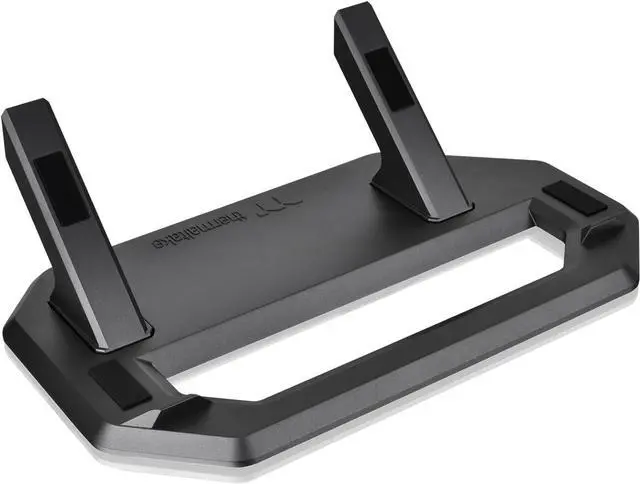
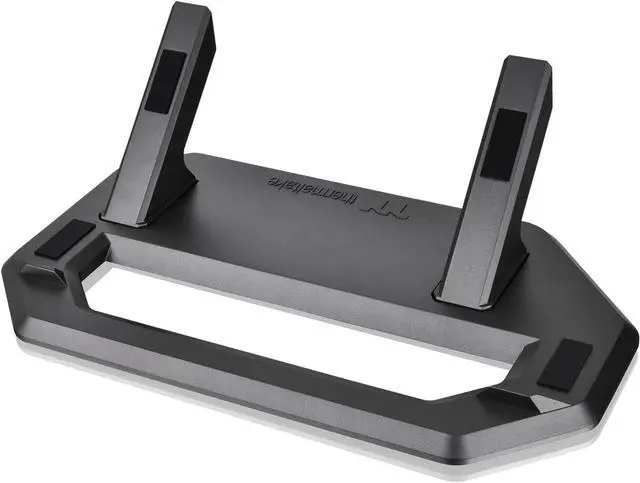
    The Thermaltake Tower 300 Series Chassis Stand Kit is a Bumblebee-colored stand and bottom cover panel for Tower 300 Series owners who want to place their case horizontally for display. Its anti-scratch rubber pad and anti-slip design support this alternate setup.

    Recommended For

    • Tower 300 owners who want to display the case horizontally for a different build-showcase look; this kit is designed specifically to provide that orientation.
    • PC builders with a fixed desk setup who prefer the Tower 300’s horizontal presentation and can accommodate its larger desk footprint in that orientation.
    • Tower 300 owners who have measured GPU temperature concerns in the vertical setup and want to test horizontal placement; some owners report improvement, but results depend on the hardware and build.
    • Tower 300 owners who want a coordinated horizontal conversion, including a matching bottom cover panel as well as the display stand.

    Real-World Use Scenarios

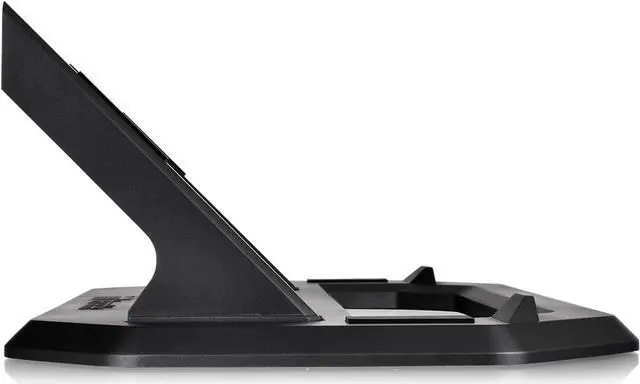
    • When a Tower 300 owner wants a different display style, the kit lets them set the case horizontally at an angle; expect a noticeably different view of the build, but plan for it to use more desk space than the upright setup.
    • If a graphics card runs unusually hot or loud in the Tower 300’s upright orientation, an owner can try the horizontal setup and compare temperatures and fan noise; community reports describe improvement for some cards, but results vary by GPU model and build.
    • For a yellow-themed PC build, the Bumblebee kit provides a matching horizontal stand and bottom panel, helping the case keep a coordinated look when its orientation changes.
    • When arranging the PC on a desk or shelf, the horizontal stand offers another placement option, but owners should check available depth and clearance first because the case can take up more room in this orientation.
    • When converting a Tower 300 build with an AIO liquid cooler, owners can use the horizontal layout while checking that the radiator remains higher than the pump, as Thermaltake recommends; this helps them plan the cooler’s position during the change.