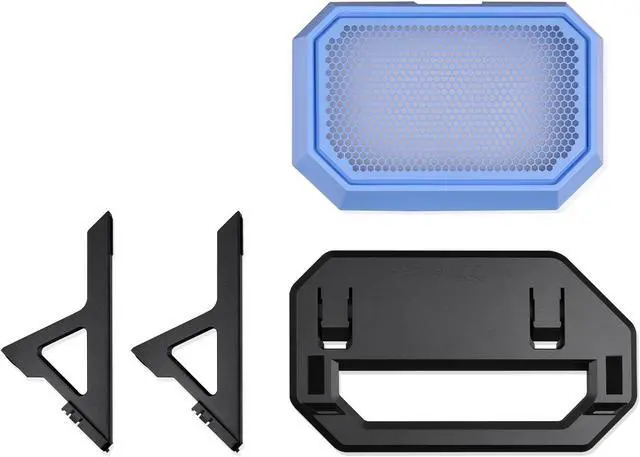
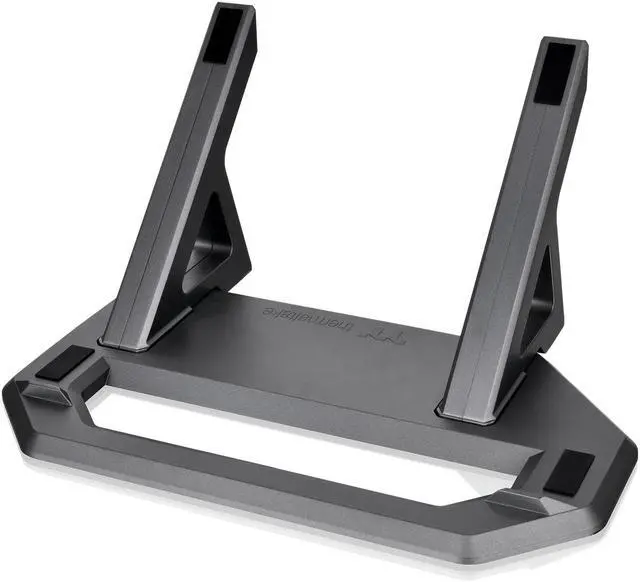
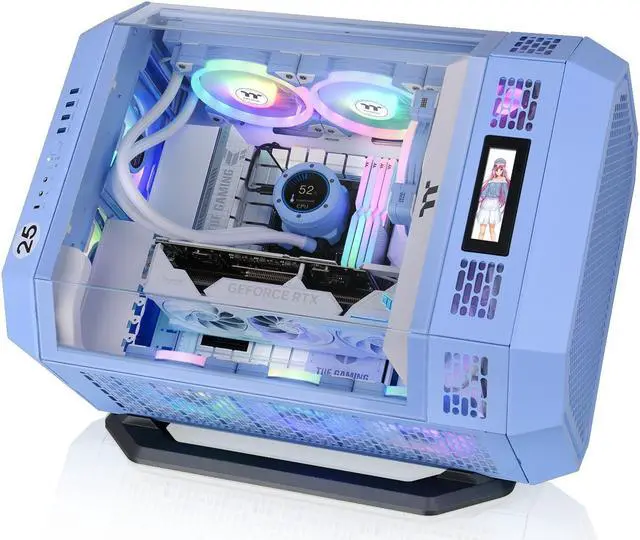
The Thermaltake Tower 600 Series Horizontal Display Chassis Support Stand is a Hydrangea Blue stand kit for Tower 600 owners who want to display their PC case horizontally; it includes a bottom cover panel, anti-scratch rubber pad, and anti-slip design.
Recommended For
- Thermaltake Tower 600 owners who want to display the case horizontally; the kit supplies the stand and replacement bottom cover for that orientation.
- Tower 600 builders who prefer a horizontal showcase layout and want to customize how the case is presented, rather than keep its standard vertical stance.
- Tower 600 owners investigating whether horizontal case orientation suits their GPU setup; community reports describe orientation-related temperature concerns, but results depend on the specific build and this stand does not guarantee a temperature improvement.
Real-World Use Scenarios
- When you want the Tower 600’s internals to be viewed from a different angle, use the stand to lay the case horizontally; it gives the completed build a distinct display orientation.
- If a tall Tower 600 does not fit beneath a shelf, place it horizontally and check that the available space accommodates the case in that orientation; one reviewer used this setup under a bookshelf.
- If your graphics card runs unusually hot in the Tower 600’s standard vertical orientation, try the horizontal stand and compare temperatures under the same workload; community reports suggest the result can depend on the specific GPU, so it is not a guaranteed fix.
- When setting up the case horizontally on a desk or shelf, use the included stand and bottom cover to support that placement; the stand’s rubber pads and raised anti-slip features help protect the case finish and keep it from sliding.




 here!