




 here!
I’m your shopping assistant for PC builds, upgrades, and everything tech.
Got questions? Ask away!
Start a conversation
here!
I’m your shopping assistant for PC builds, upgrades, and everything tech.
Got questions? Ask away!
Start a conversation Top Rated


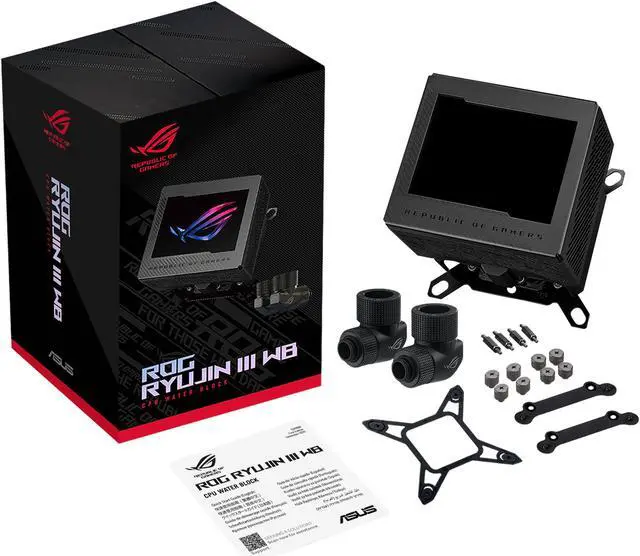
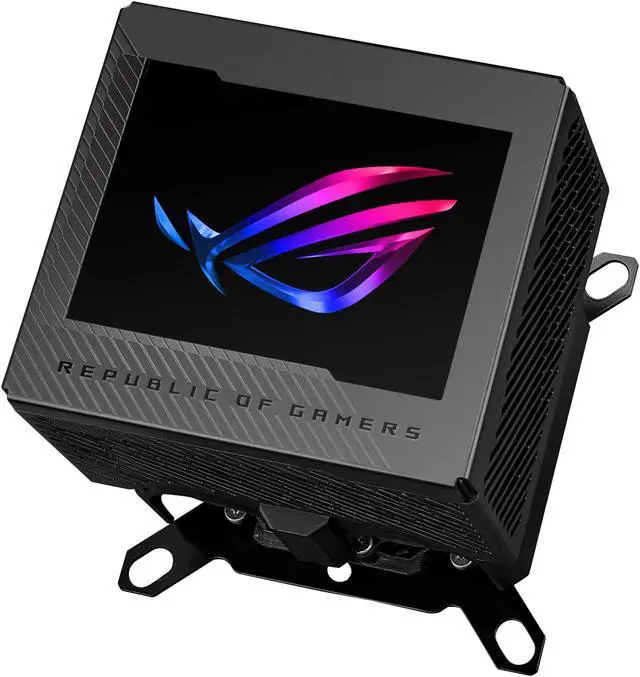
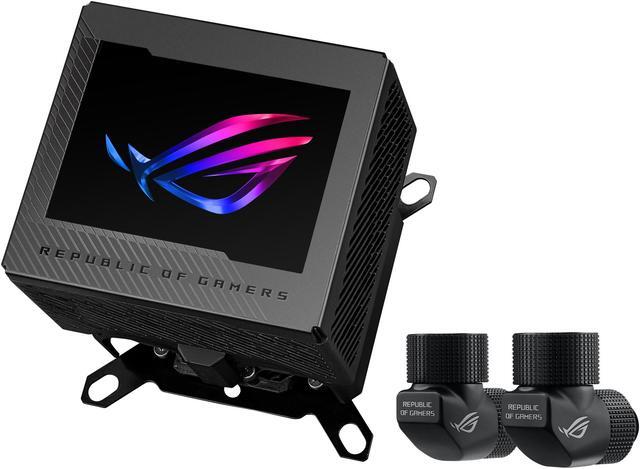
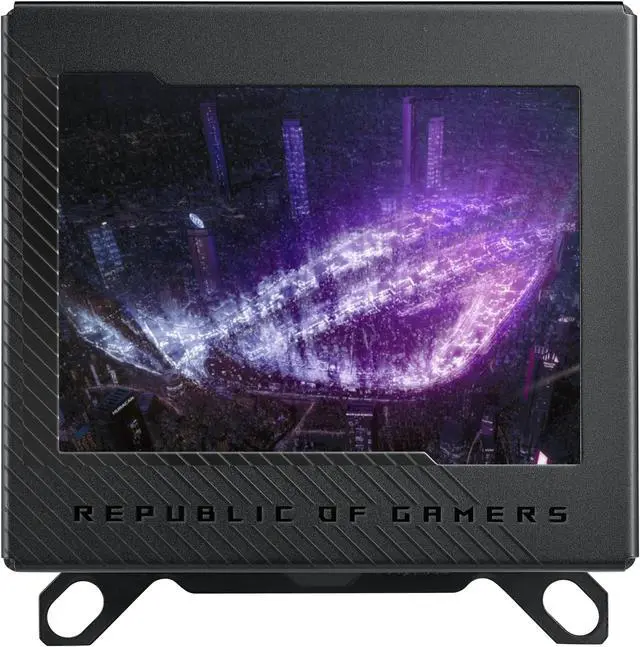



Any questions? Ask CelesteSM will help you find out quickly.
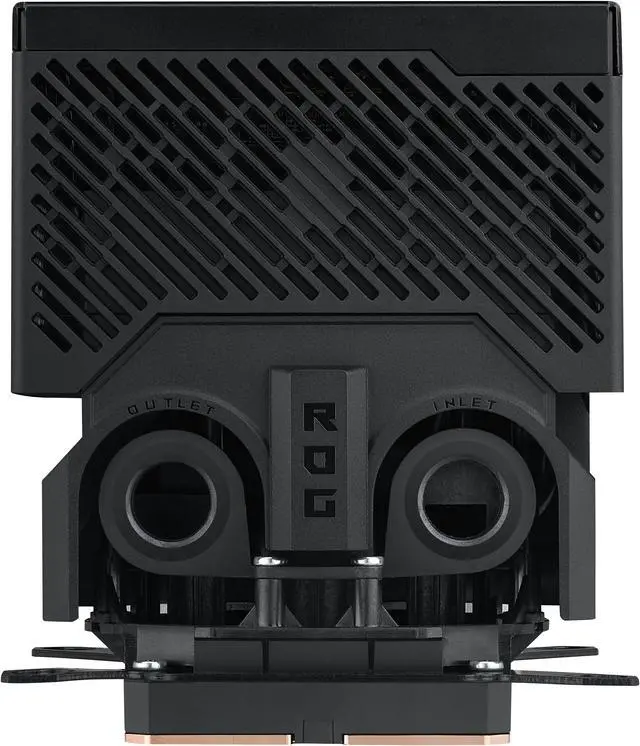
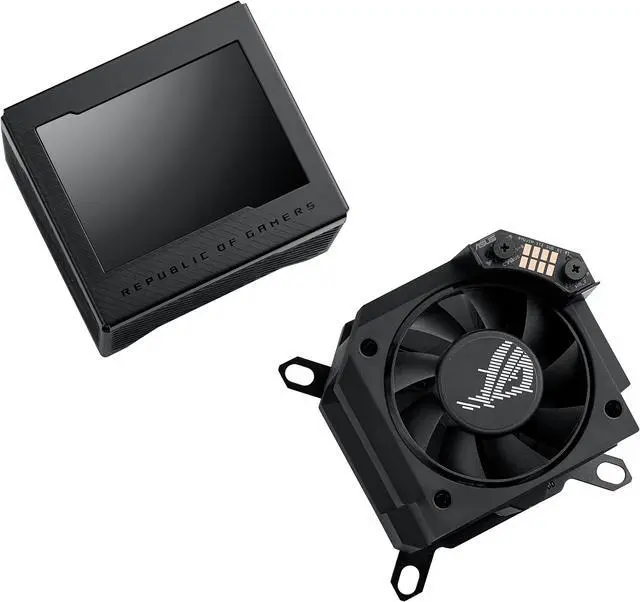
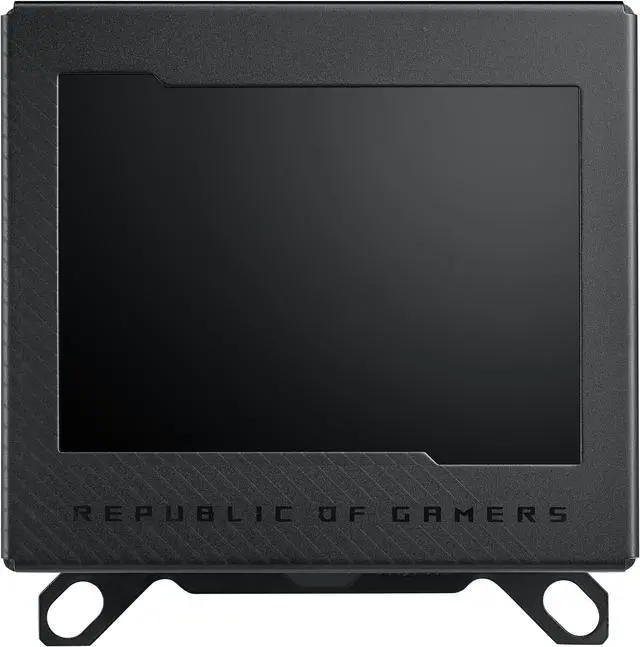
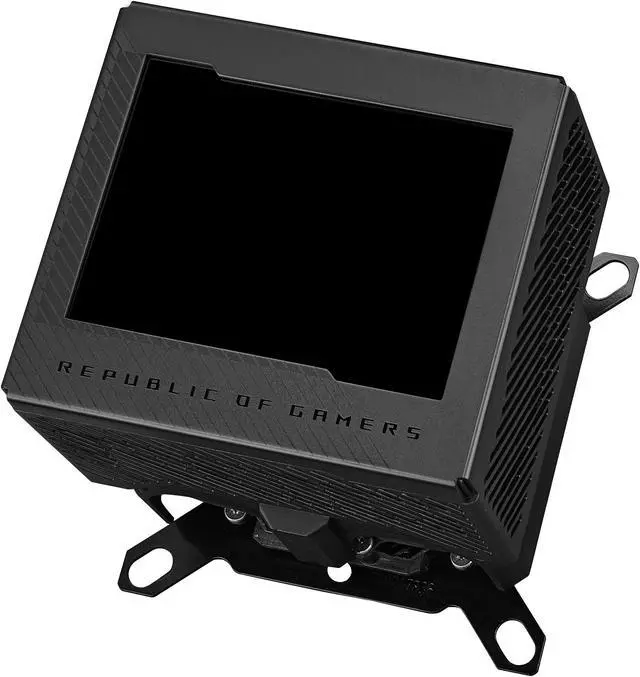
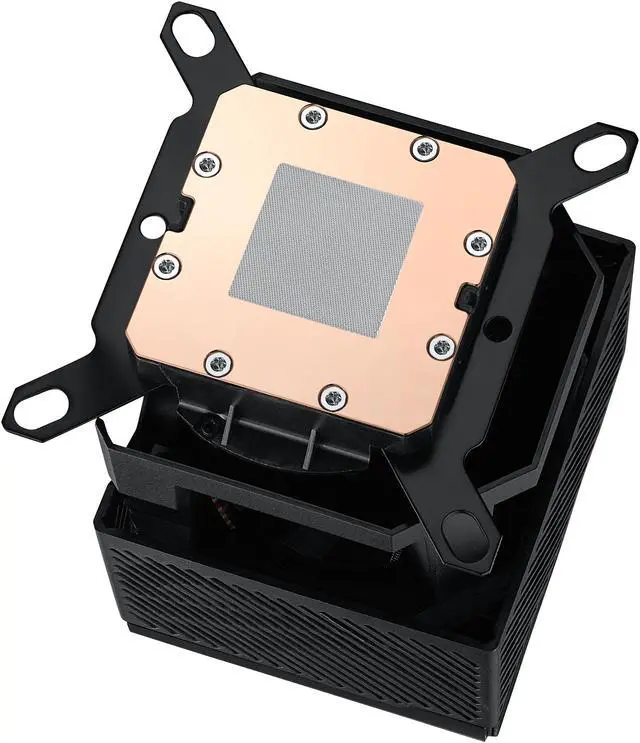
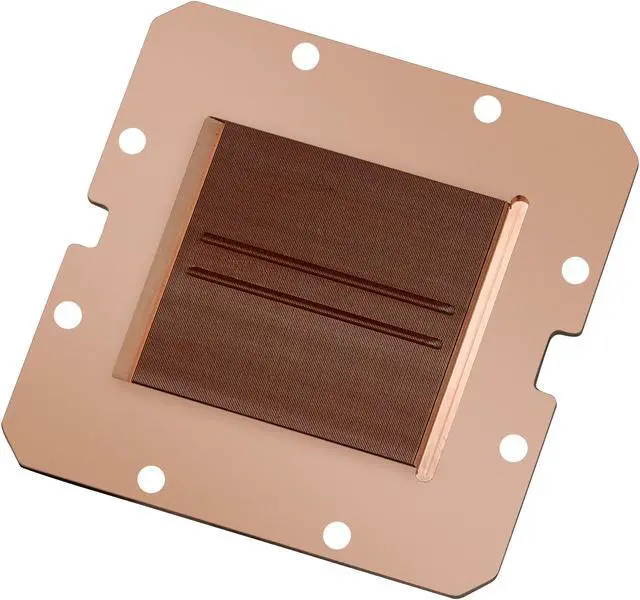
The ASUS ROG RYUJIN III WB is a custom-loop CPU water block for Intel LGA 1700/1200/115X and AMD AM4/AM5 systems. It suits performance-focused PC builders who want Asetek-powered cooling, 178 micro-cooling fins, a copper cold plate, an embedded VRM fan, and a 3.5-inch 60 FPS full-color LCD.
| Attribute | Value |
|---|---|
| Best For | Custom PC water-cooling builds using compatible AMD AM4/AM5 or Intel LGA 1150, 1151, 1155, 1156, 1200, and 1700 platforms |
| Block Design And Materials | Copper water block in a black finish, measuring 89 x 89 x 101 mm |
| Cooling And Acoustics | Water-based cooling with 21.08 CFM fan airflow and a listed noise level of 14.4 dB |
| Power And Connectivity | Uses a 4-pin power connector |
| Model Identifiers | ASUS ROG RYUJIN III WB, part number 90RC00V0-M0AAY0 |
| Package Contents | Includes one ROG cable organizer |
Q: Is the ASUS ROG Ryujin III WB better than a standard CPU water block like the EK-Quantum Velocity?
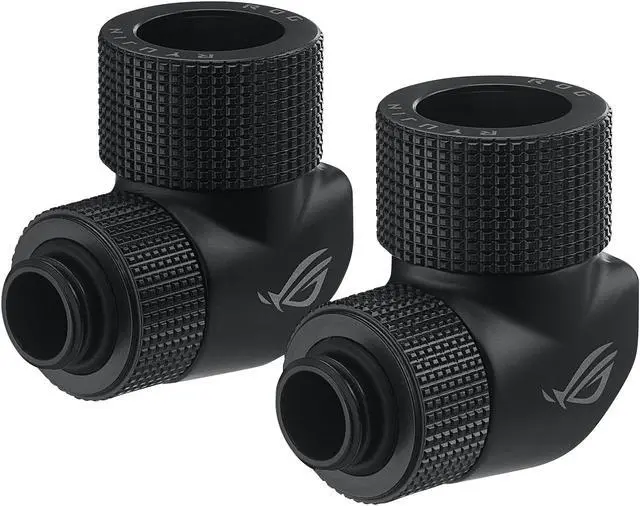
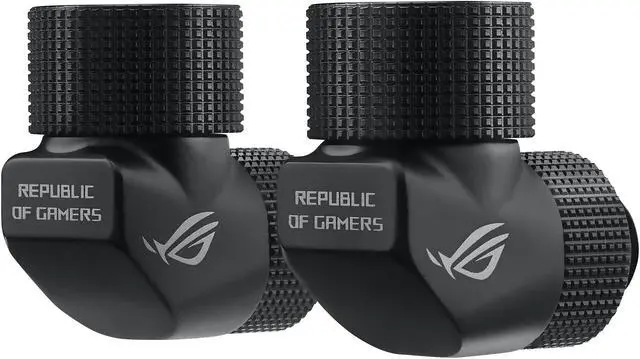
A: Choose the ROG Ryujin III WB when you want a custom-loop CPU block with a 3.5-inch LCD, an integrated VRM fan, bundled ROG fittings, and broad AM4, AM5, LGA 1700, LGA 1200, LGA 115X, and LGA 1851 support. Choose a standard block such as the EK-Quantum Velocity when you prefer a simpler CPU-only design with fewer electronics and easier integration into a minimal custom loop. Available public information does not establish a consistent thermal advantage for the Ryujin III WB over high-end conventional blocks, so the main upgrade is its monitoring and motherboard-airflow features.
Q: Should I buy the ROG Ryujin III WB or an AIO cooler such as the ROG Ryujin III 360?
A: Buy the ROG Ryujin III WB if you are building or expanding a custom loop and already plan to provide a separate pump, reservoir, radiator, tubing, coolant, and loop fittings. Buy the ROG Ryujin III 360 if you want a complete, preassembled CPU cooling system with the pump, radiator, fans, and tubing included. The WB offers greater custom-loop flexibility, while the AIO requires fewer components and less installation work.
Q: Is the ROG Ryujin III WB worth choosing over a lower-cost CPU water block?
A: The ROG Ryujin III WB is worth choosing over a basic CPU water block when the LCD, integrated 5,100-RPM VRM fan, bundled fittings, and multi-socket compatibility are important to your build. A lower-cost block is the more practical choice when you only need CPU heat transfer and want to allocate the budget to the pump, radiator, fans, or GPU block. The Ryujin III WB should be treated as a feature-rich custom-loop component rather than a guaranteed temperature upgrade.
Q: Is the ROG Ryujin III WB a good choice for a portable or frequently transported PC?
A: For a PC that will be transported often, a conventional air cooler or a complete AIO is usually the more convenient configuration because the ROG Ryujin III WB requires a custom loop with separate tubing, coolant, pump, reservoir, and radiator. Choose the Ryujin III WB for a stationary, performance-focused desktop where custom-loop expansion and visual monitoring matter more than transport simplicity. Any custom loop should be leak-tested before operation and secured carefully during system movement.
Q: Is the ASUS ROG RYUJIN III WB compatible with AM5 and LGA 1700?
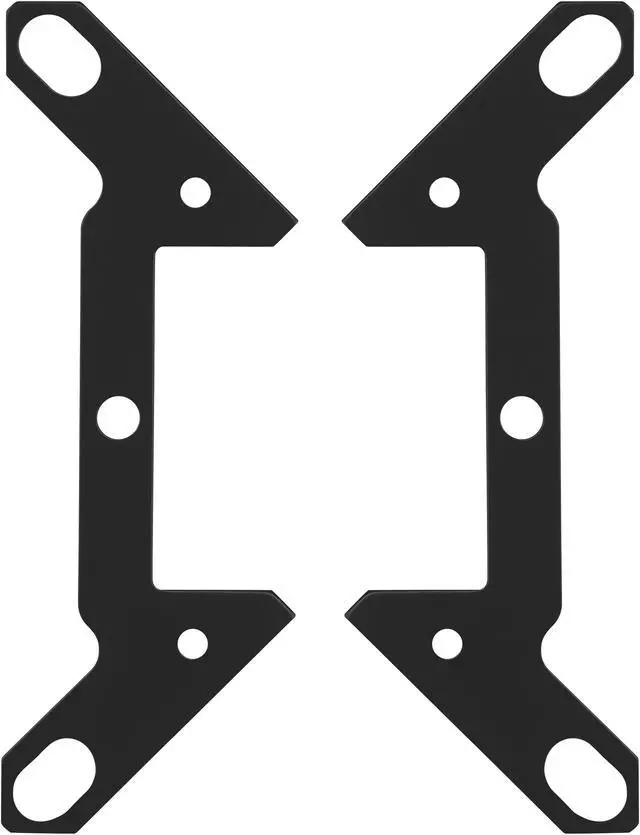
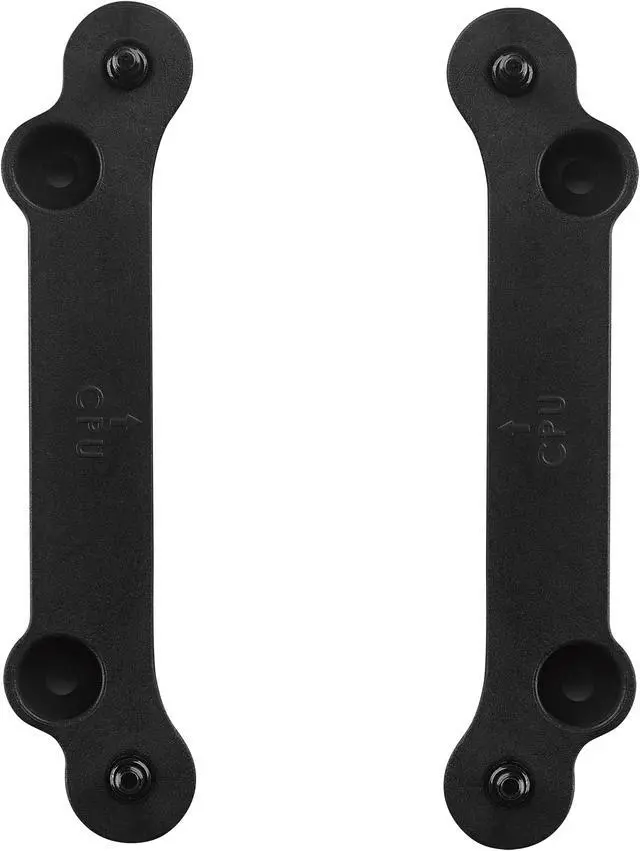
A: Yes. The water block supports AMD AM4 and AM5 motherboards, plus Intel LGA 115X, LGA 1200, and LGA 1700 platforms. Confirm the included mounting hardware and your exact motherboard layout before installation.
Q: Is this a complete liquid CPU cooler, or do I need other water-cooling parts?
A: This product is a CPU water block for a custom liquid-cooling loop, not a complete all-in-one cooler. You should plan for a compatible pump, reservoir, radiator, tubing, coolant, and any additional fittings or controls required by your loop. The listing specifically mentions ROG fittings but does not list those other loop components as included.
Q: Is the 3.5-inch LCD useful for displaying temperatures or custom images?
A: The product includes a 3.5-inch full-color LCD with a stated 60 FPS refresh rate. The supplied product information does not confirm support for custom images, GIFs, or live system telemetry, so buyers should verify the required software and display features before purchase.
Q: Who should buy the ASUS ROG RYUJIN III WB?
A: It is best suited to PC builders who already use or plan to build a custom liquid-cooling loop and want a CPU block with an integrated VRM fan and large LCD. It is less suitable for buyers seeking a simple, ready-to-install cooler because the product requires loop planning and additional cooling hardware.
Q: Will it fit my case and leave enough room around the motherboard?
A: Socket compatibility alone does not guarantee physical clearance. The block measures 89 x 89 x 101 mm, so check case specifications, motherboard heatsinks, RAM clearance, tubing direction, and space around the CPU socket before installing it.
Q: Is the ASUS ROG RYUJIN III WB worth buying?
A: It is most suitable for builders who already want a custom water-cooling loop and value the integrated 3.5-inch LCD and VRM fan. It is harder to justify if the priority is cooling performance alone, because less expensive conventional CPU water blocks can provide a simpler setup.
Q: Who is the ROG RYUJIN III WB best suited for?
A: It is designed for custom-loop PC builders using compatible Intel or AMD sockets. It is a better fit for users who want a display-equipped water block and are prepared to manage a custom loop; it is not a plug-and-play replacement for an all-in-one liquid cooler.
Q: How does the ROG RYUJIN III WB compare with other CPU water blocks?
A: Community testing indicates that it can deliver strong CPU temperatures, but its relatively high flow restriction is a significant trade-off. It may be less appropriate for complex loops with multiple blocks, restrictive fittings, or many bends, even if standalone CPU temperatures are competitive.
Q: Are there installation or software trade-offs to consider?
A: Yes. The block combines water-loop connections, an embedded fan, an LCD, USB control, and ASUS software, so setup is more involved than with a basic water block. Reddit discussions also report occasional fan-control or display-monitoring issues that may require reseating the display or checking software, firmware, and header settings.


