






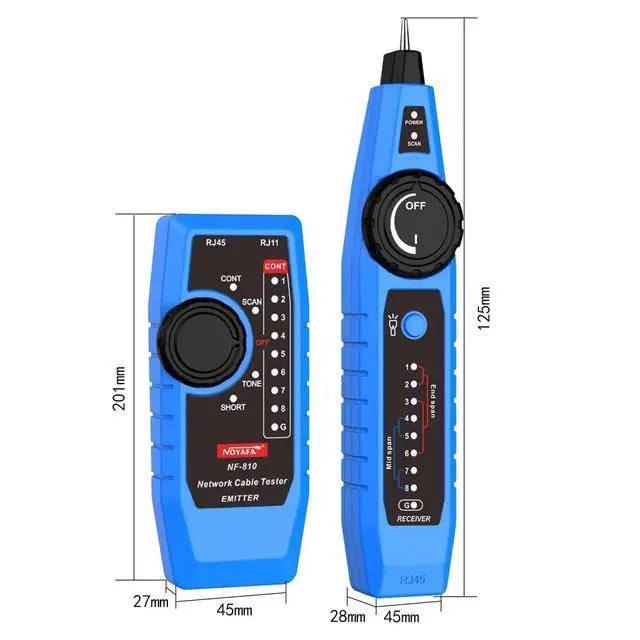
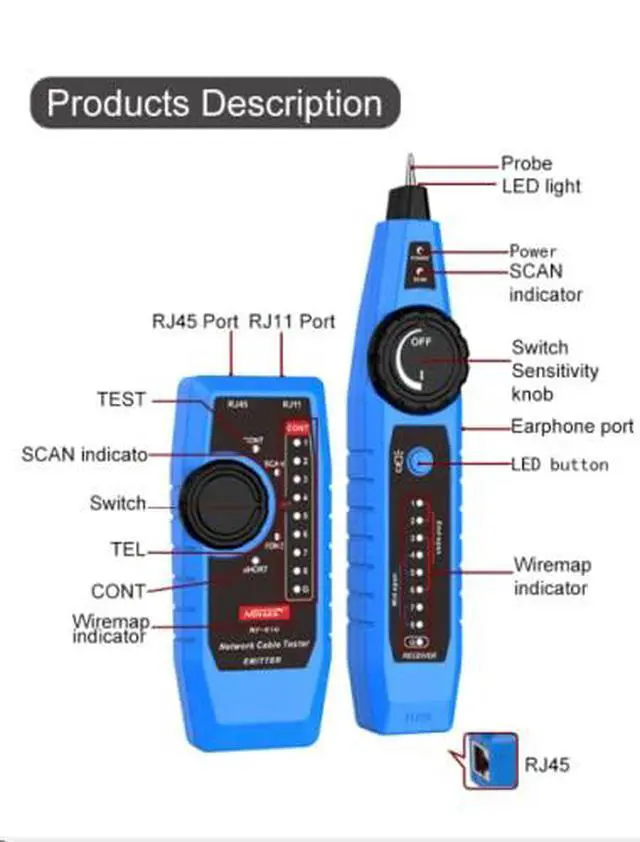





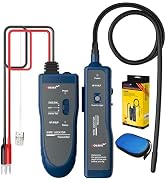
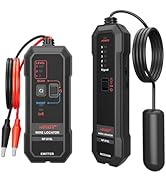
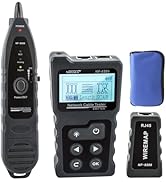
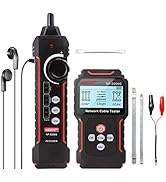
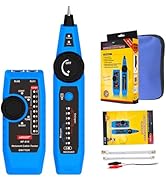
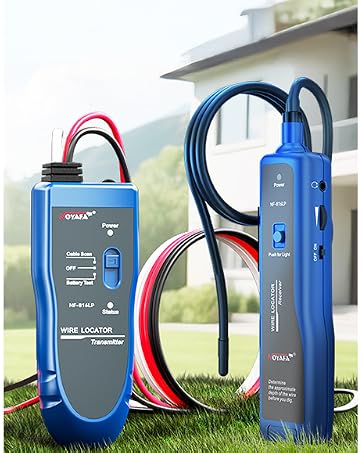

- Transmitter
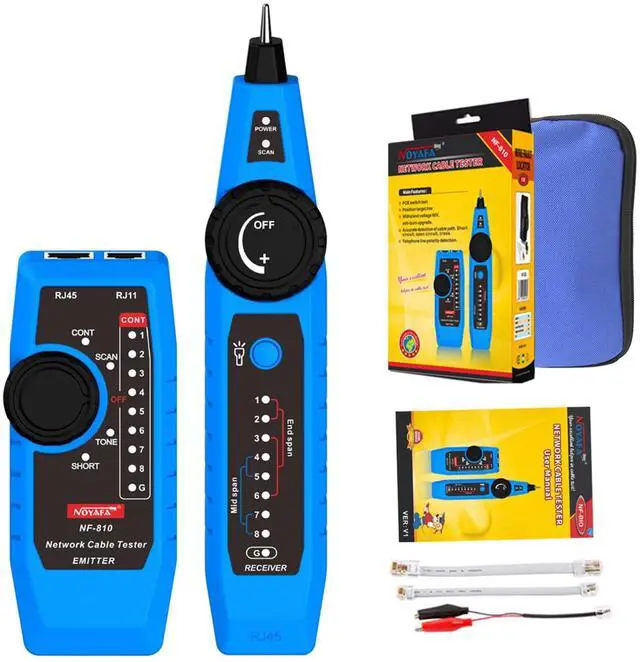
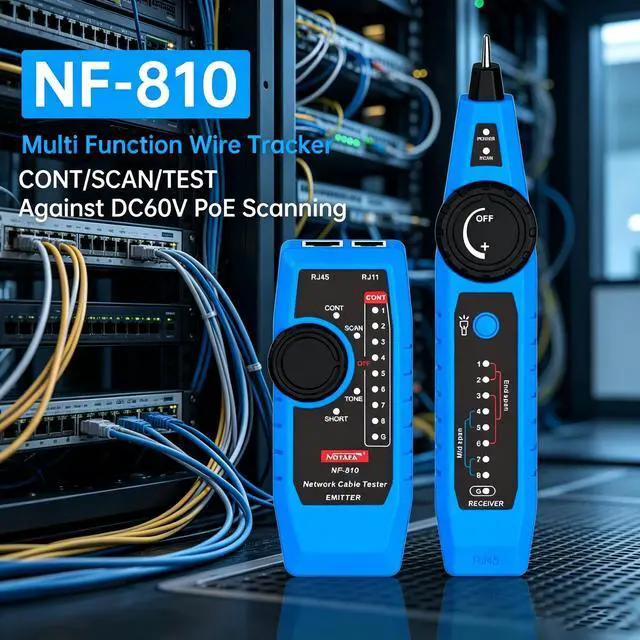
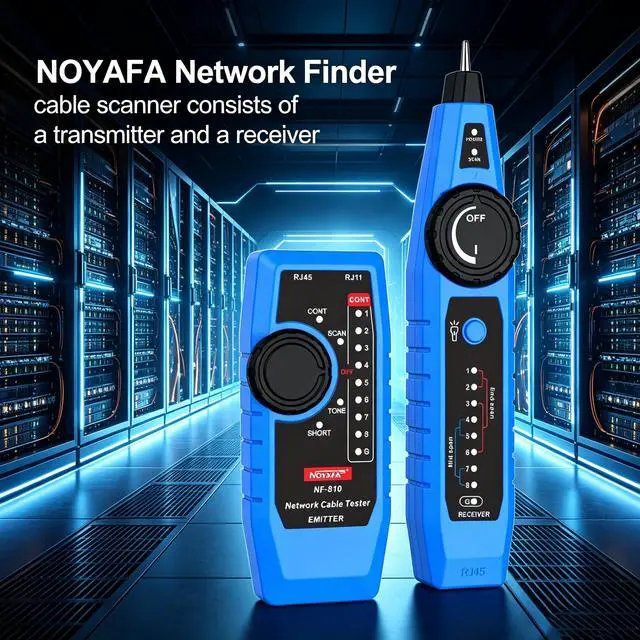
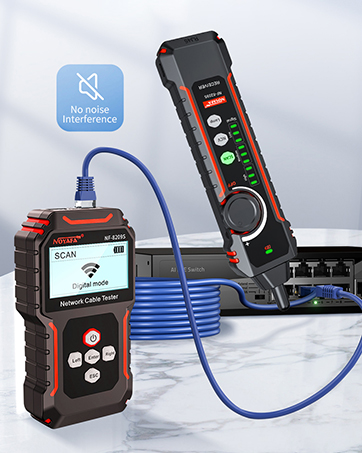
- Rotate the transmitter knob switch to the "SCAN", scan indicator is always on, indicating that the cable scanning function has been entered. After selecting the function, connect one end of the network cable/telephone cable to be tested to the RJ45/RJ11 port of the transmitter.
- Receiver
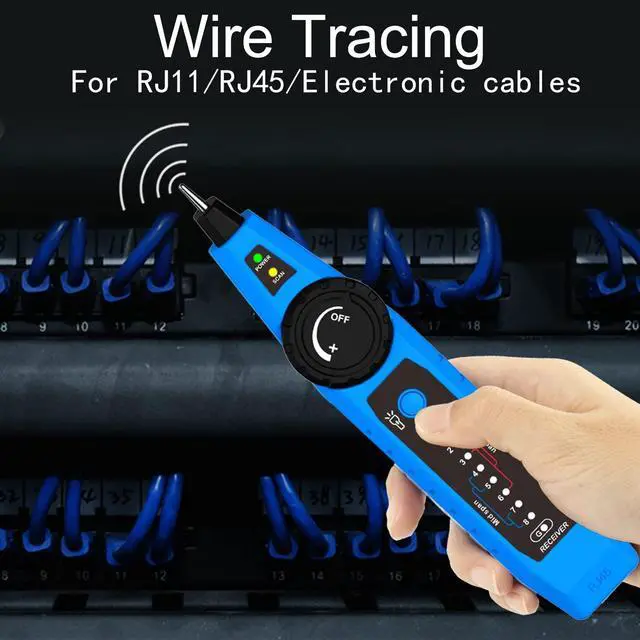
- Turn on the receiver knob switch, you can adjust the receiver knob switch to the maximum sensitivity, use the receiver probe to approach the cable, when the receiver receives a signal, the receiver emits a "dididi" sound, the stronger the signal, the yellow-green signal The brighter the indicator light flashes, you can quickly locate the approximate position of the cable in this way.
- After determining the approximate position of the cable, appropriately reduce the receiver's signal sensitivity to accurately locate the target line.
- Earphone Function
- When the receiver is tested in a noisy environment, you can wear headphones for operation to avoid external interference.
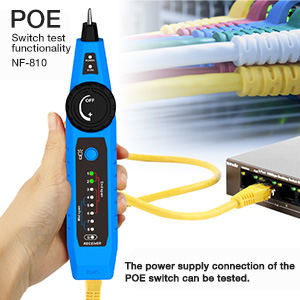
POE Switch Test Function
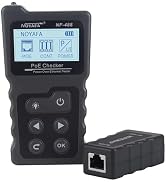
- The RJ45 of the receiver is connected to the POE switch with a normal network cable, and the power supply connection of the POE switch can be tested.
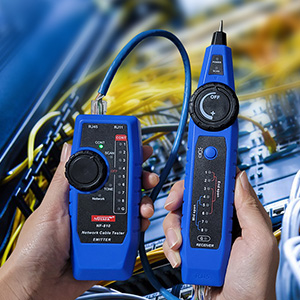
Wiremap Function
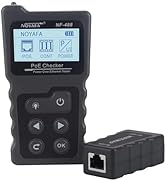
- The wiremap function is mainly used to detect the wire sequence, short circuit, open circuit, and cross of the network cable, and display the test results in the form of wire sequence lights.
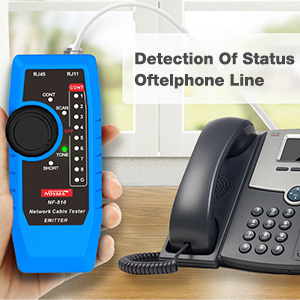
Telephone Line Status Detection Function
- Connect the transmitter to the phone using the RJ11 adapter cable, and at the same time turn the transmitter knob switch to the "telephone line", the telephone line indicator lights up.

- Transmitter
- Rotate the transmitter knob switch to the "SCAN", scan indicator is always on, indicating that the cable scanning function has been entered. After selecting the function, connect one end of the network cable/telephone cable to be tested to the RJ45/RJ11 port of the transmitter.
- Receiver
- Turn on the receiver knob switch, you can adjust the receiver knob switch to the maximum sensitivity, use the receiver probe to approach the cable, when the receiver receives a signal, the receiver emits a "dididi" sound, the stronger the signal, the yellow-green signal The brighter the indicator light flashes, you can quickly locate the approximate position of the cable in this way.
- After determining the approximate position of the cable, appropriately reduce the receiver's signal sensitivity to accurately locate the target line.
- Earphone Function
- When the receiver is tested in a noisy environment, you can wear headphones for operation to avoid external interference.
POE Switch Test Function
- The RJ45 of the receiver is connected to the POE switch with a normal network cable, and the power supply connection of the POE switch can be tested.
Wiremap Function
- The wiremap function is mainly used to detect the wire sequence, short circuit, open circuit, and cross of the network cable, and display the test results in the form of wire sequence lights.
Telephone Line Status Detection Function
- Connect the transmitter to the phone using the RJ11 adapter cable, and at the same time turn the transmitter knob switch to the "telephone line", the telephone line indicator lights up.
-
-
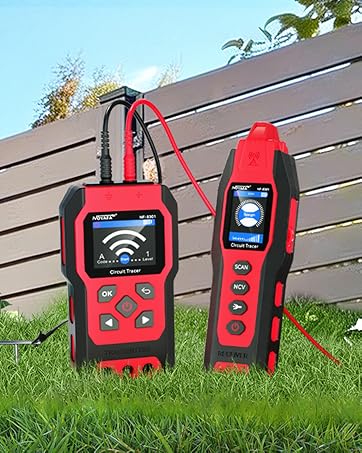
NOYAFA NF-8301 Circuit Tracer
2026 New Release
-
NF-826
-
NF-8209
-
-
Network Cable Tester
-
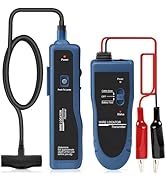
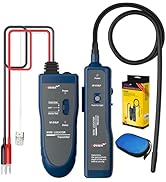
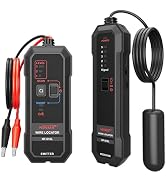
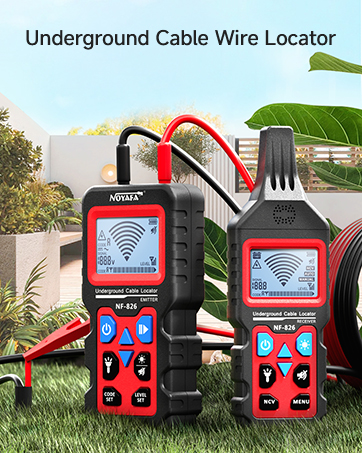
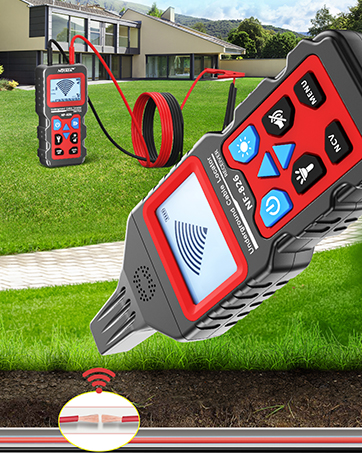
Underground Cable Wire Locator
-
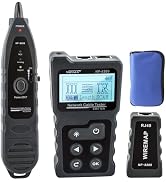
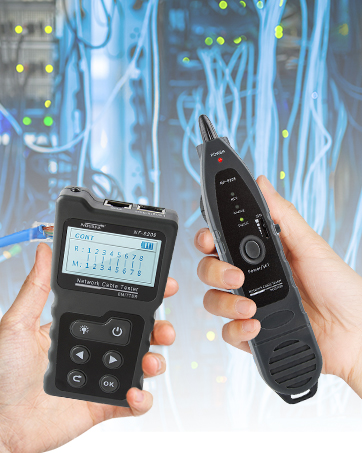
Network Cable Tester
-
NF-816LP
