
Your Browsing History





Any questions? Our AI beta will help you find out quickly.
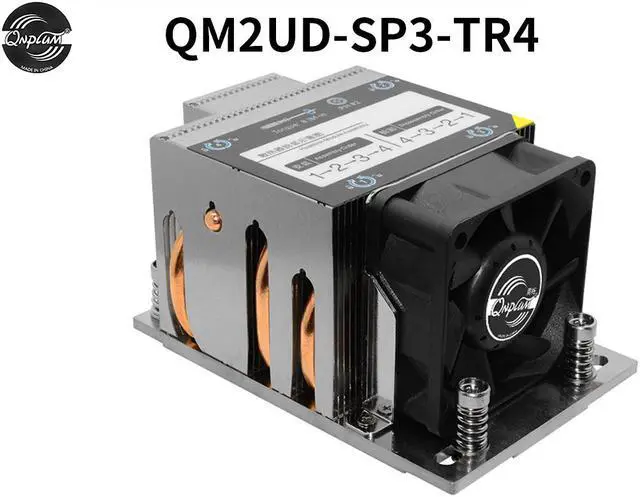
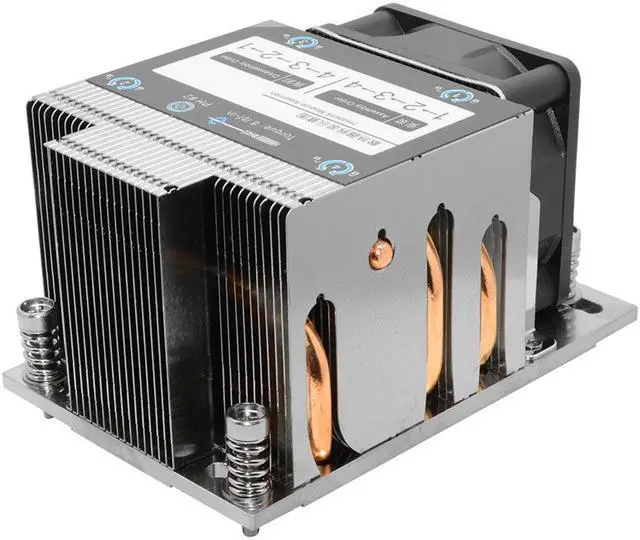
This CPU cooler is durable, with large air volume, quiet and efficient heat dissipation.
The heat sink can effectively reduce the temperature generated by the CPU during operation.
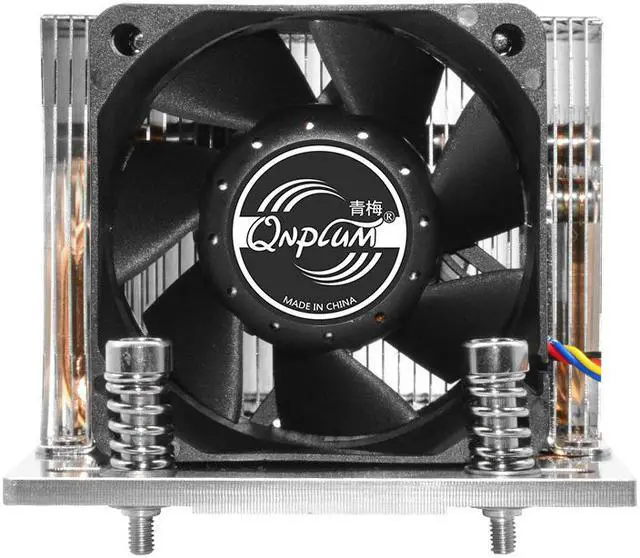
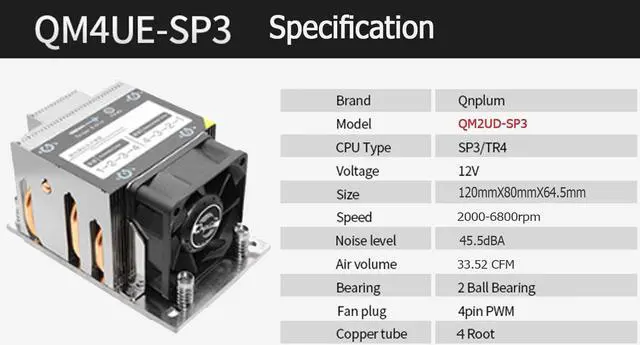
The fan revolving speed is 2000-6800RPM, low noise, stable and reliable performance.
2U Server CPU Radiator
QM2UD-SP3/TR4 temperature control fan durable ball bearing
64.5mm Height
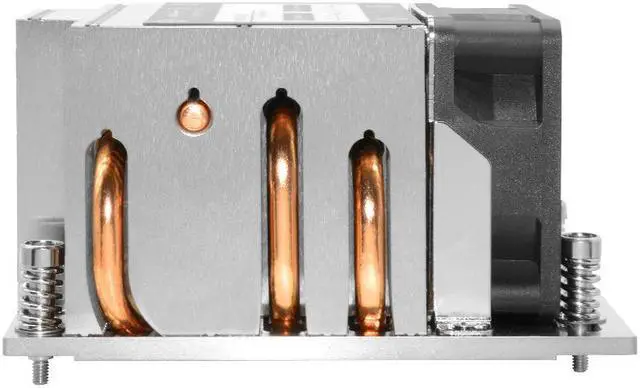
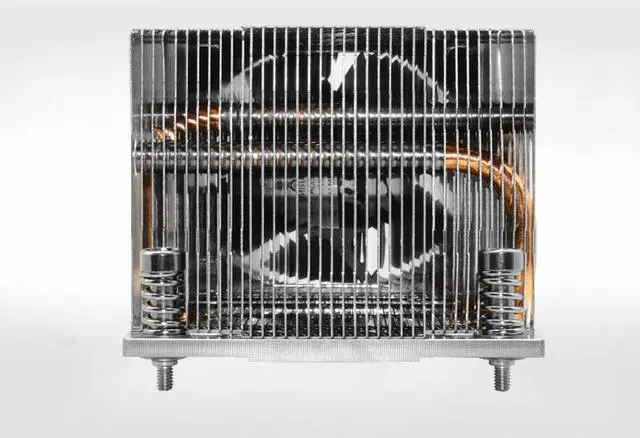
4 heat pipe nickel plated copperbottom direct contact side blown CPU radiator
6cm Double ball fan
Double ball fan, Quiet, Stable, Large airvolume.
Reflow soldering technology of copper pipe
4 copper tube and aluminum fin, reflow soldering process, good heat conduction
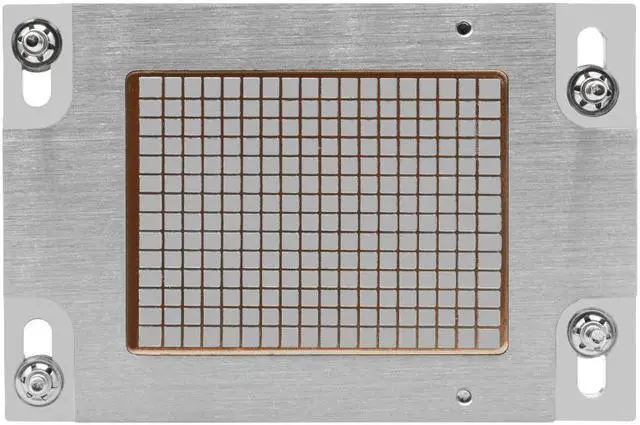
Copper bottom direct contact No need to apply silicone grease.
Copper bottom direct contact heatconduction smooth base,fit CPU.
Specification:
Packing list:
1 x 2U Server CPU Radiator
1 x User Manual
1 x Screw
How To Use:
1. Before installing the radiator, please check that the radiator must be correctly aligned with the flowing direction of the system cooling air
2. According to the required air flowing direction of the radiator, adjust the position of the radiator mounting screw so that it can be aligned with the relevant nut bracket so that the radiator can be installed on the stiffening frame.
3. Remove the thermal interface material (TIM) or thermal grease protective cover. The required amount of TIM has been pre-applied on the bottom of the heat sink. Check the pre-coated TIM for damage.
4. Place the heat sink directly on the top of the CPU so that the four heat sink mounting screws are aligned with the four heat sink mounting studs or nut brackets on the slot reinforcement frame and fixed on them. The radiator must be correctly aligned with the flowing direction of the system cooling air. Please note that when tightening the four radiator mounting screws, do not install the radiator cooling fan on the radiator body.