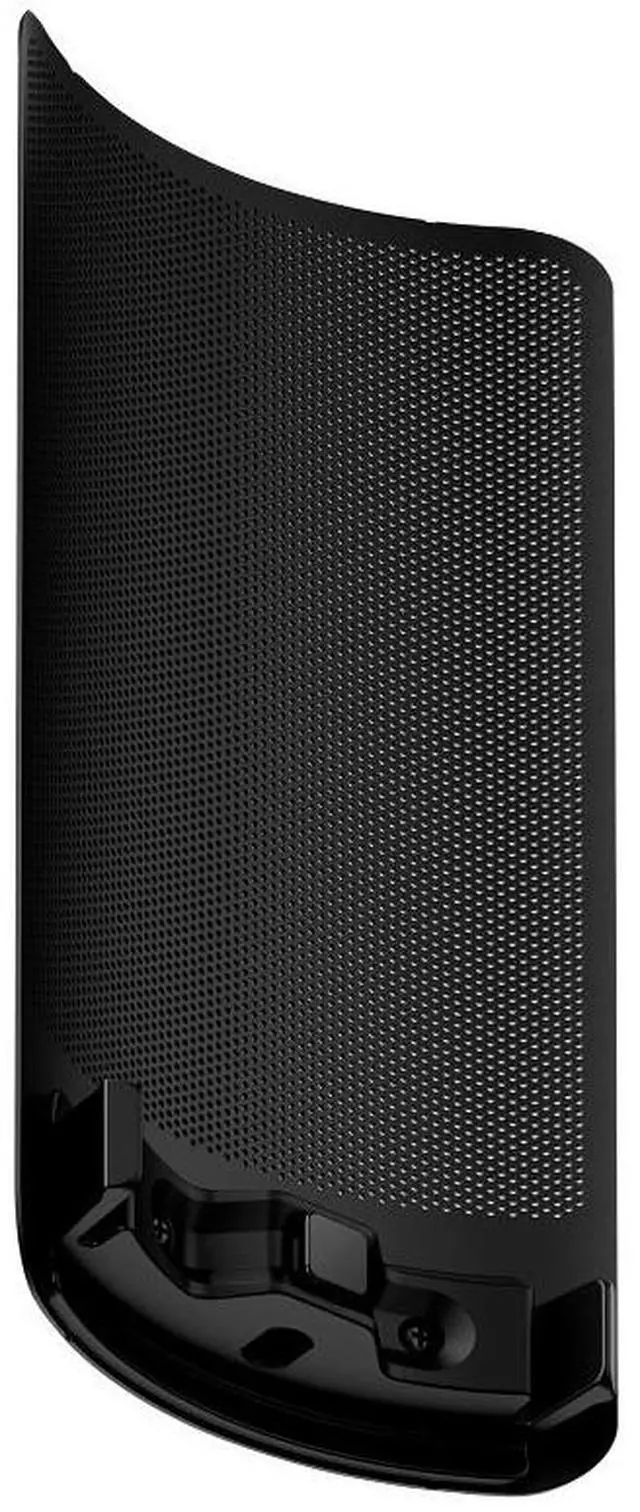
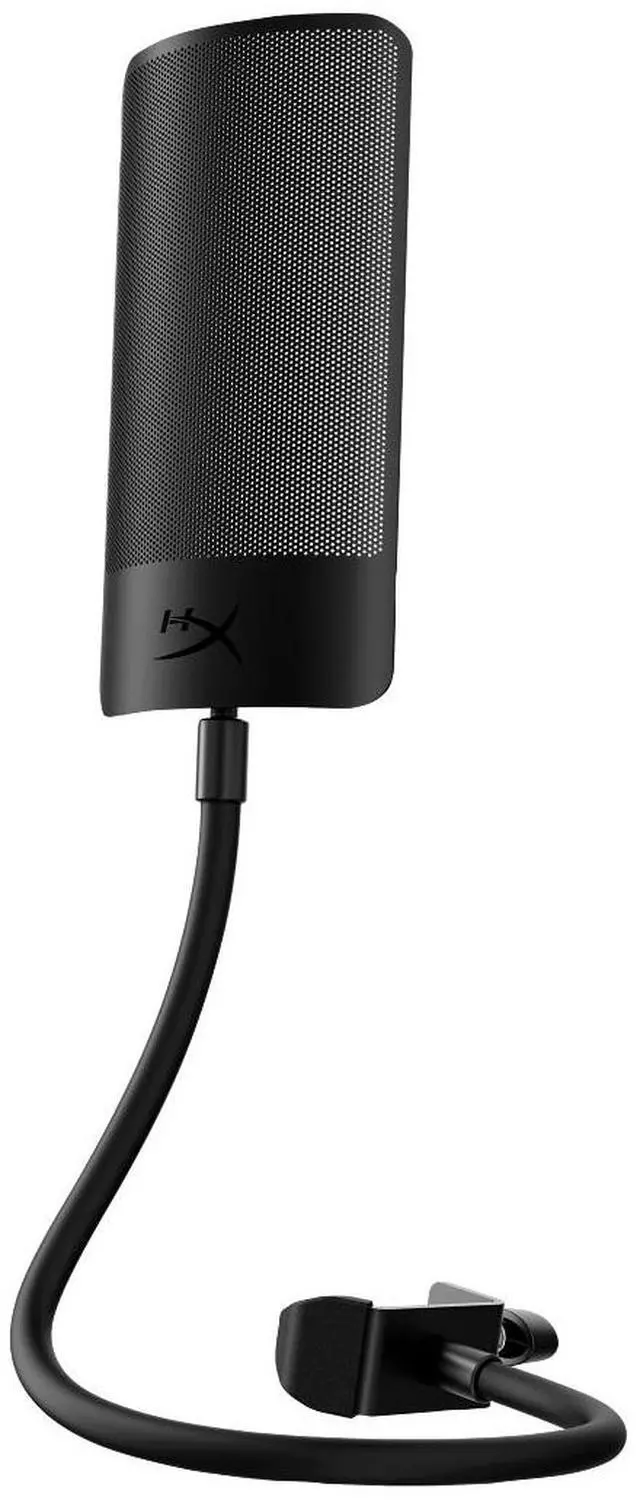
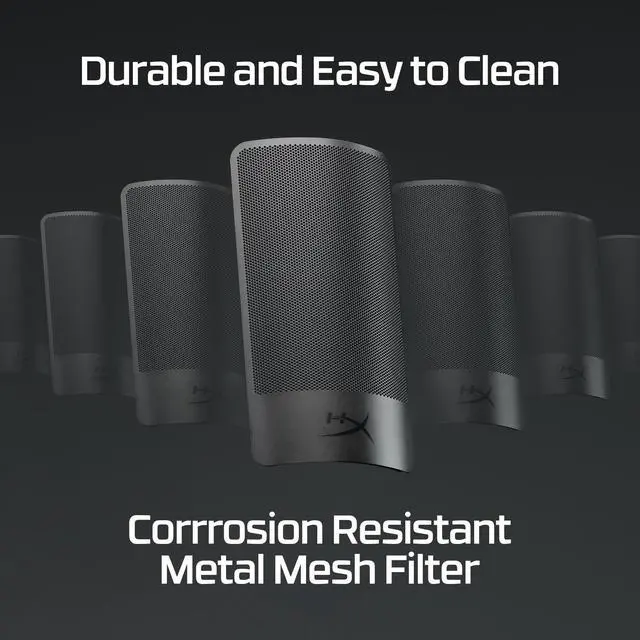
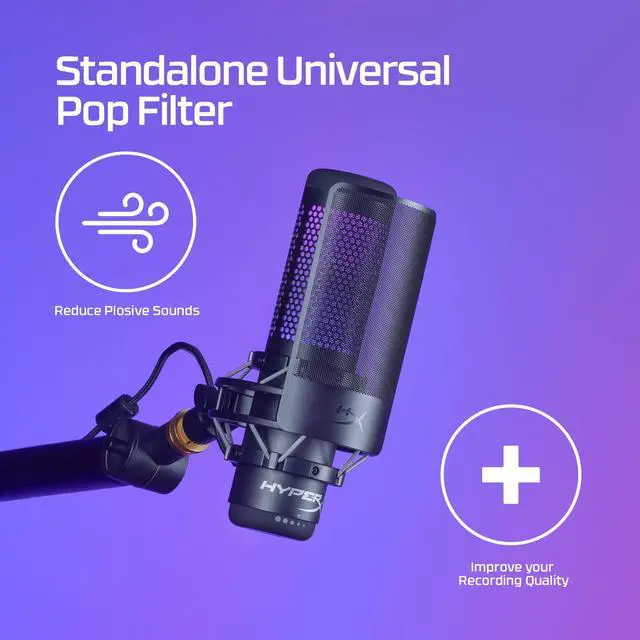
The HyperX Shield is a black microphone pop filter for streamers, podcasters, and voiceover creators who want to help reduce plosive sounds in recordings.
Recommended For
- Streamers who speak close to a desk microphone and want to reduce plosive bursts from sounds like “p” during live commentary.
- Voiceover and narration creators who want a separate pop filter they can position in front of a microphone while recording.
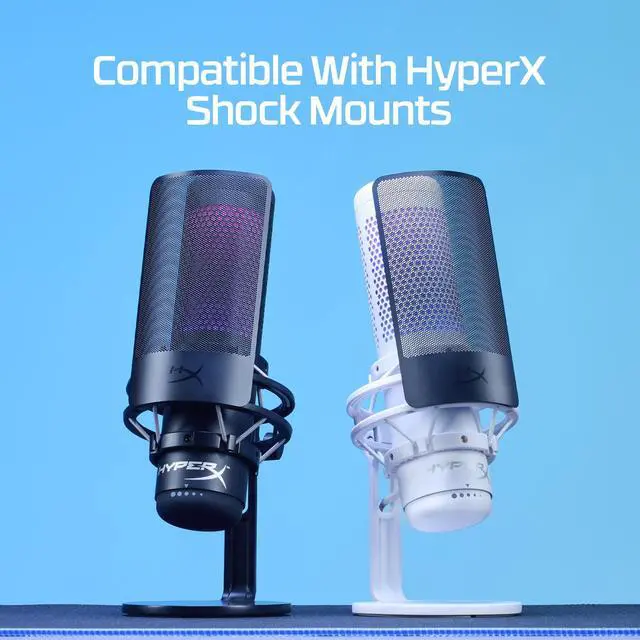
- HyperX QuadCast, QuadCast S, or ProCast owners who want to attach the filter directly to a compatible microphone shock mount.
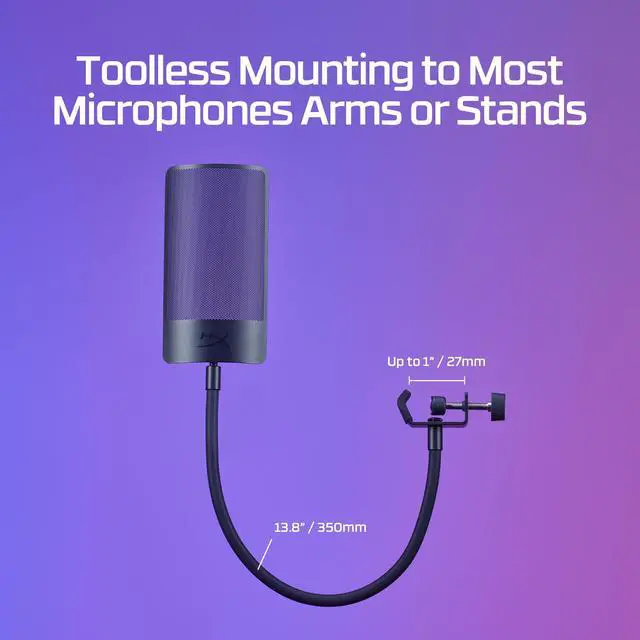
- Home recording users whose microphone or stand can take a clamp-on filter and who want a flexible gooseneck to adjust its position.
Real-World Use Scenarios
- During livestreams or gaming commentary, a speaker can place the Shield between their mouth and a QuadCast or ProCast mic to help reduce the burst of air heard on “P” and “B” sounds.
- When recording voiceovers or podcasts close to the mic, the filter can help soften plosive sounds that might otherwise stand out in the recording.
- With a compatible QuadCast or ProCast shock mount, users can attach the filter directly to the mic setup, keeping it close to the capsule without adding a separate desk-mounted arm.
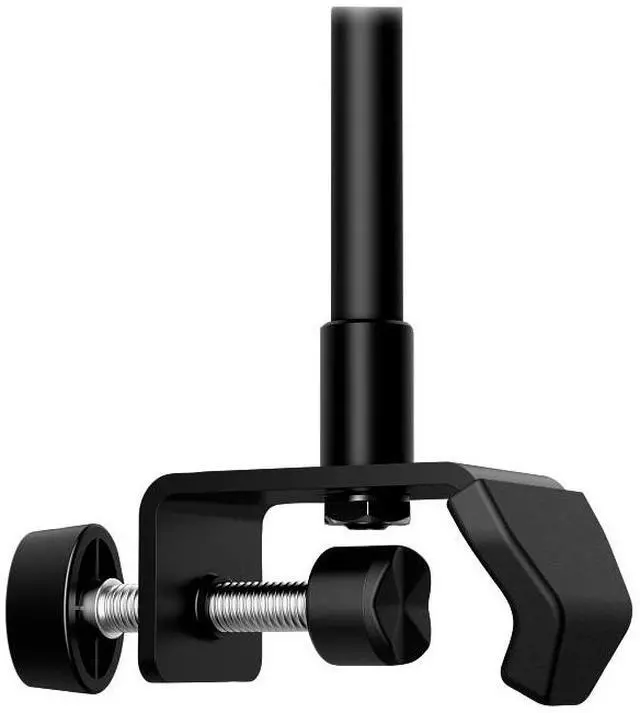
- For a microphone or stand without a compatible shock-mount attachment, users can use the included flexible mount and clamp to position the filter in front of the mic.




 here!