



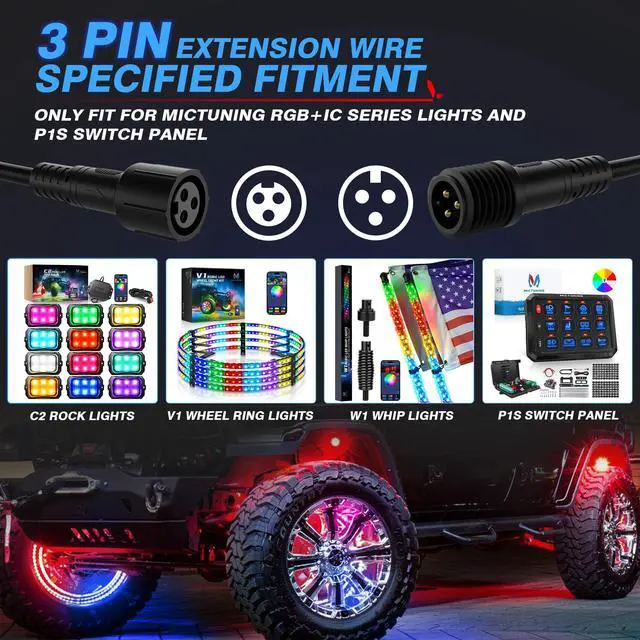
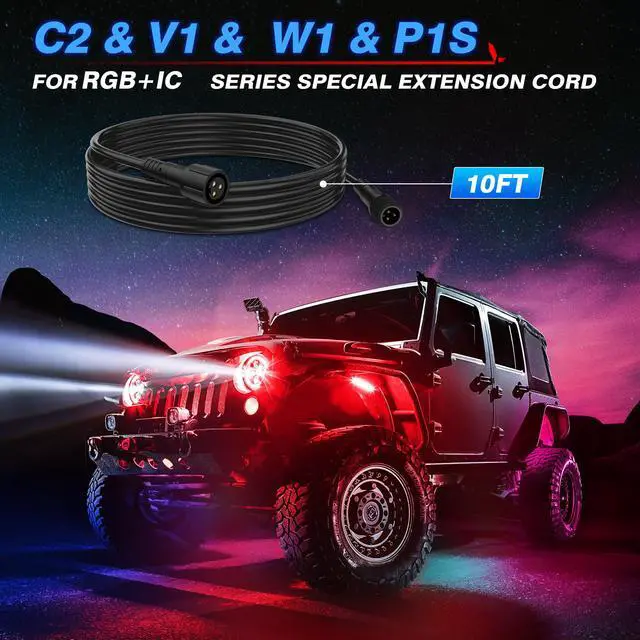


No More Limitation for MICTUNING RGB+IC Series Lights and P1s Switch Panel !

MICTUNING would like to offer you a perfect solution

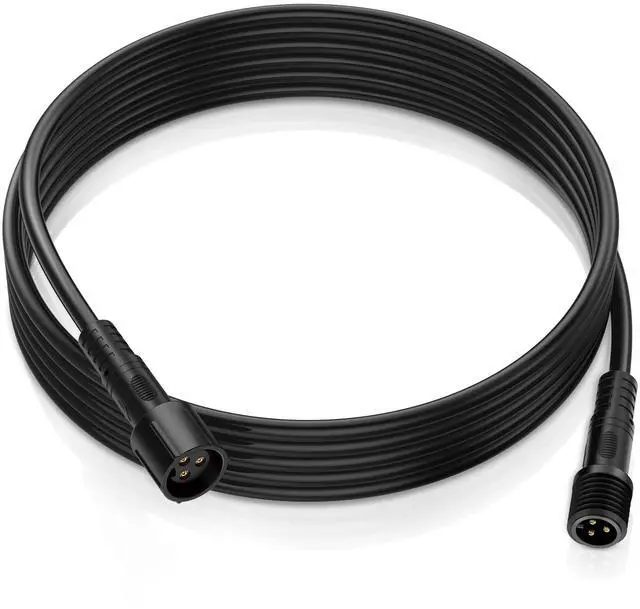
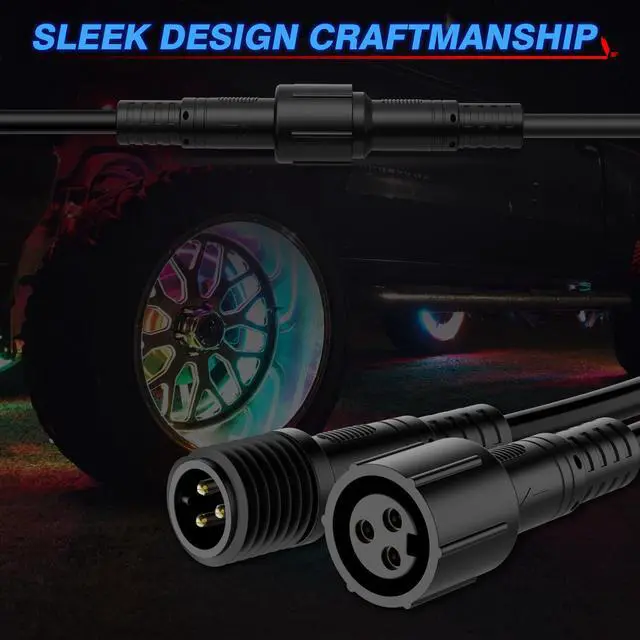
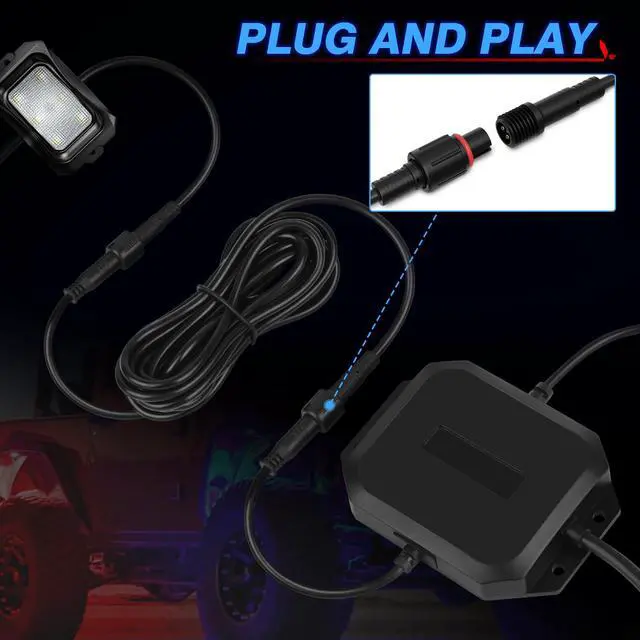
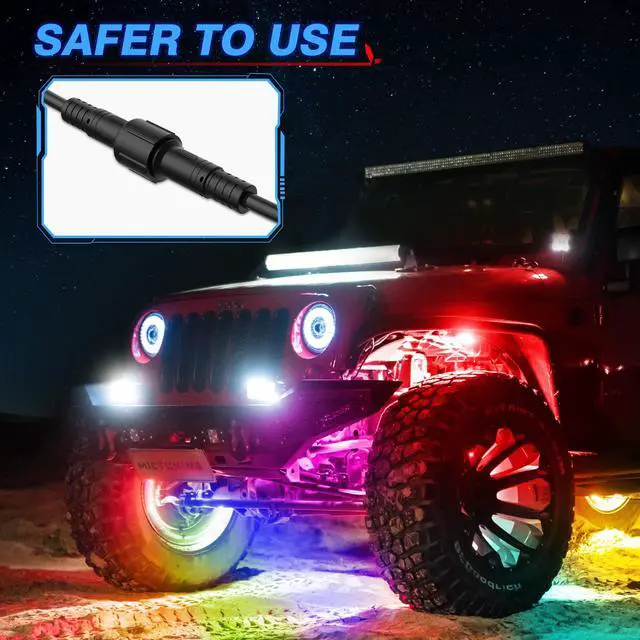
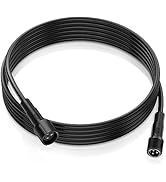
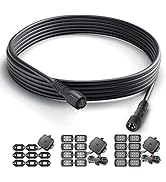
NOTE: It is 3Pin Extension Wire Cable Cord

6.56ft Extension Cable

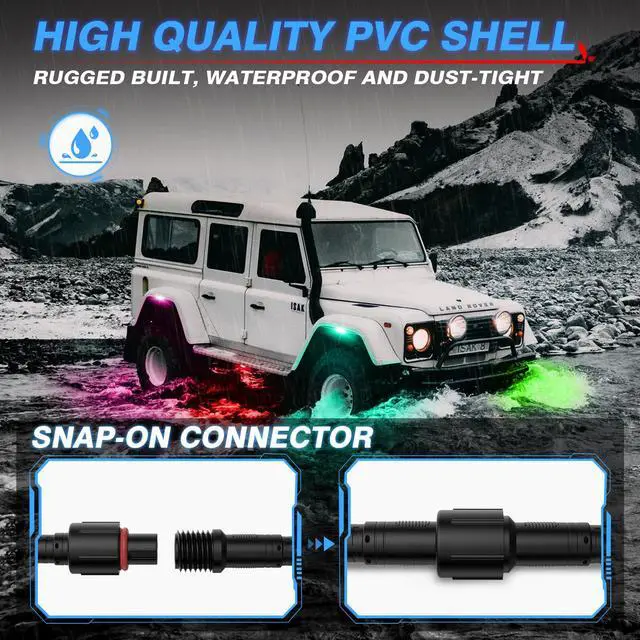
Snap-on Wire Connector

3pin Female Connector

3pin Male Connector


Since 2013, MICTUNING has been on a mission to lead the global automotive lighting modification industry. Our product philosophy is "innovative, reliable, fun", which reflects in our products from switch panels, LED lights to RV accessories. With certifications & 20+ patents, we're dedicated to quality. Our MICTUNING App is the only App on the market that allows for multi-device operation. MICTUNING family is always with you to Make it Cool.
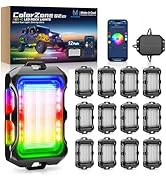
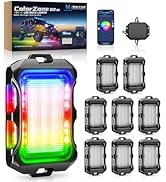
Newest Q2 Max RGB+IC
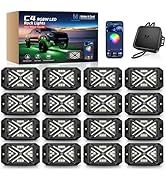
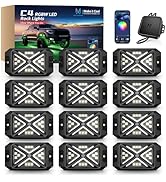
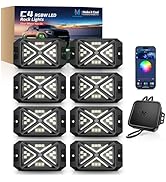
Ultra Bright C4 Rock Lights
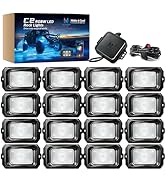
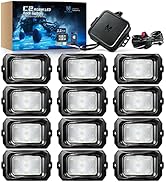
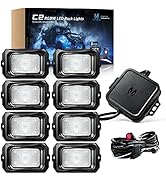
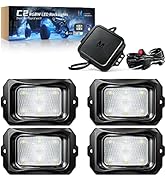
C2 RGBW Rock Lights Kit
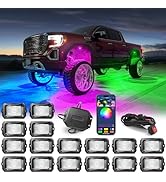
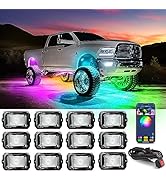
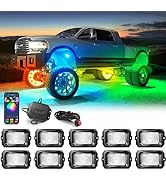
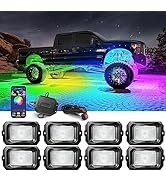
C2 Max RGB+IC Dream Color
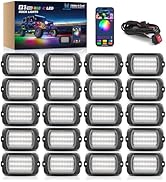
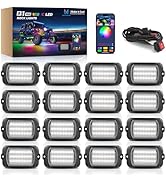
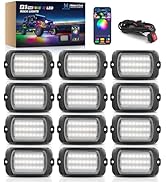
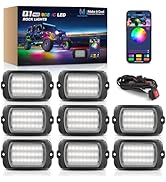
Q1+ MAX RGB IC Rock Lights
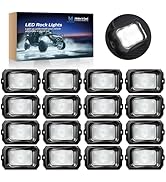
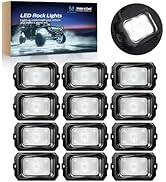
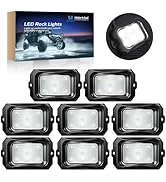
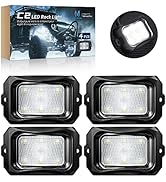
C2 Solid White
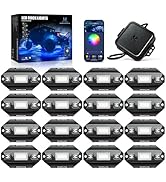
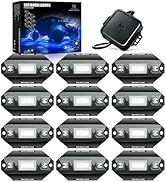
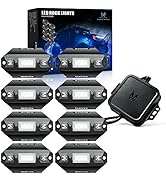
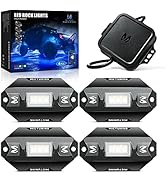
C1 Rock Light & Accessories
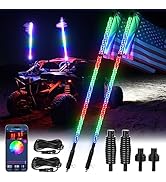
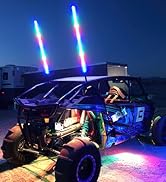
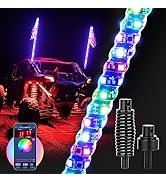
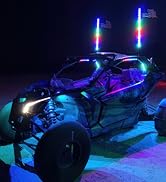
3ft & 4ft Whip Lights
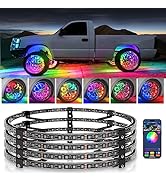
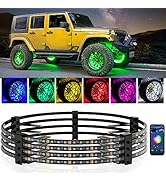
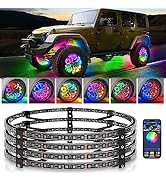
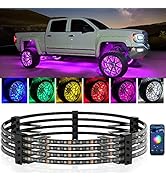
V1 WHEEL LIGHTS
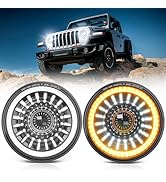
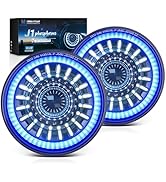
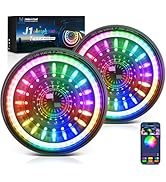
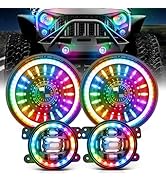
New Arrivals Headlights
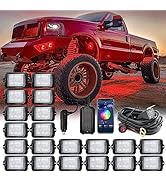
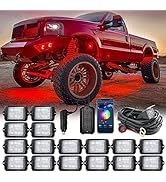
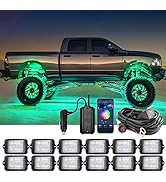
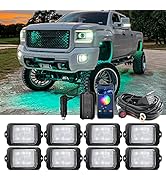
C3 RGBW Extensible Lights Kit
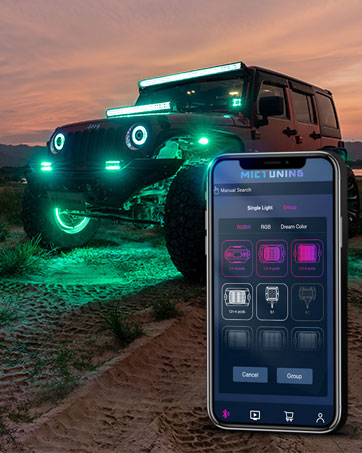
EXCLUSIVE MagicLink APP
One APP can control all MICTUNING lights, help you to get rid of multiple APPs.
Satisfaction Defender
Buy with satisfaction, We stand behind our products all the time, 30 days Return/ Replacement, 24-month Relieved Services, Within 4 Hours Friendly Response
How to get contact MICTUNING ?
Please feel free contact MICTUNING via message center if you encounter any problems on installation or use.
NOTES: Login your account - Choose Your orders - Find the order ID - Click Contact seller
Q1: The APP cannot search for the device?
Step1, Check the wiring to ensure correct connection
Step2, Open the Bluetooth settings of the mobile phone, power on normally, and the device can be searched on the mobile phone
Step3, For iPhone, please restart the mobile phone, open the APP authorization and Bluetooth authorization (phone settings - privacy - Bluetooth - allowed apps). If device cannot be searched in APP, please provide the phone model and system model. For Android devices, you also need to open the location service and APP location authorization to search and connect in the APP.
Q2: How to judge whether the product is powered on correctly?
First, after connecting the cable, turn on the switch, the switch indicator lights up. Then, turn on the Bluetooth settings of the mobile phone and search for the device signal Rock Light-C1 or Rock Light-C1S, which means that the connection is correct and the product is powered on normally. If not, check whether the connection of wire harness is correct.
Q3: Four lights on one side are not on?
This is because one of the power cords in the control box has been pulled off, please contact our after-sales staff for quick replacement.

No More Limitation for MICTUNING RGB+IC Series Lights and P1s Switch Panel !

MICTUNING would like to offer you a perfect solution

NOTE: It is 3Pin Extension Wire Cable Cord
6.56ft Extension Cable
Snap-on Wire Connector
3pin Female Connector
3pin Male Connector
Since 2013, MICTUNING has been on a mission to lead the global automotive lighting modification industry. Our product philosophy is "innovative, reliable, fun", which reflects in our products from switch panels, LED lights to RV accessories. With certifications & 20+ patents, we're dedicated to quality. Our MICTUNING App is the only App on the market that allows for multi-device operation. MICTUNING family is always with you to Make it Cool.
Newest Q2 Max RGB+IC
Ultra Bright C4 Rock Lights
C2 RGBW Rock Lights Kit
C2 Max RGB+IC Dream Color
Q1+ MAX RGB IC Rock Lights
C2 Solid White
C1 Rock Light & Accessories
3ft & 4ft Whip Lights
V1 WHEEL LIGHTS
New Arrivals Headlights
C3 RGBW Extensible Lights Kit
EXCLUSIVE MagicLink APP
One APP can control all MICTUNING lights, help you to get rid of multiple APPs.
Satisfaction Defender
Buy with satisfaction, We stand behind our products all the time, 30 days Return/ Replacement, 24-month Relieved Services, Within 4 Hours Friendly Response
How to get contact MICTUNING ?
Please feel free contact MICTUNING via message center if you encounter any problems on installation or use.
NOTES: Login your account - Choose Your orders - Find the order ID - Click Contact seller
Q1: The APP cannot search for the device?
Step1, Check the wiring to ensure correct connection
Step2, Open the Bluetooth settings of the mobile phone, power on normally, and the device can be searched on the mobile phone
Step3, For iPhone, please restart the mobile phone, open the APP authorization and Bluetooth authorization (phone settings - privacy - Bluetooth - allowed apps). If device cannot be searched in APP, please provide the phone model and system model. For Android devices, you also need to open the location service and APP location authorization to search and connect in the APP.
Q2: How to judge whether the product is powered on correctly?
First, after connecting the cable, turn on the switch, the switch indicator lights up. Then, turn on the Bluetooth settings of the mobile phone and search for the device signal Rock Light-C1 or Rock Light-C1S, which means that the connection is correct and the product is powered on normally. If not, check whether the connection of wire harness is correct.
Q3: Four lights on one side are not on?
This is because one of the power cords in the control box has been pulled off, please contact our after-sales staff for quick replacement.