

Your Browsing History

Meet Your Seller

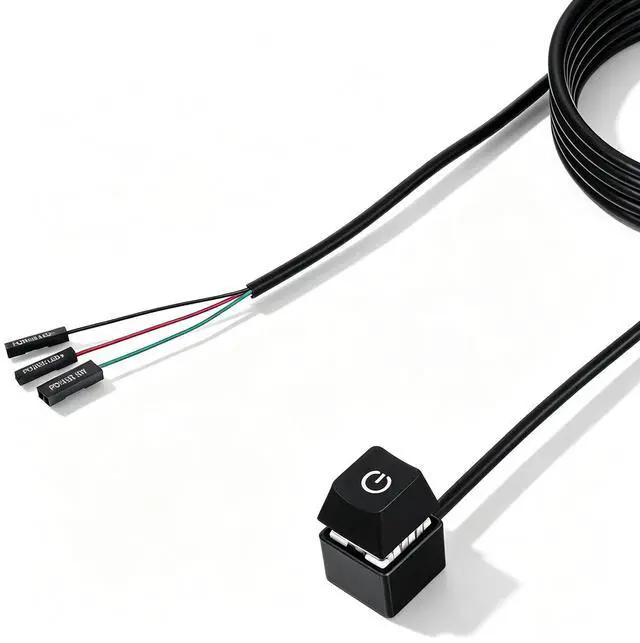
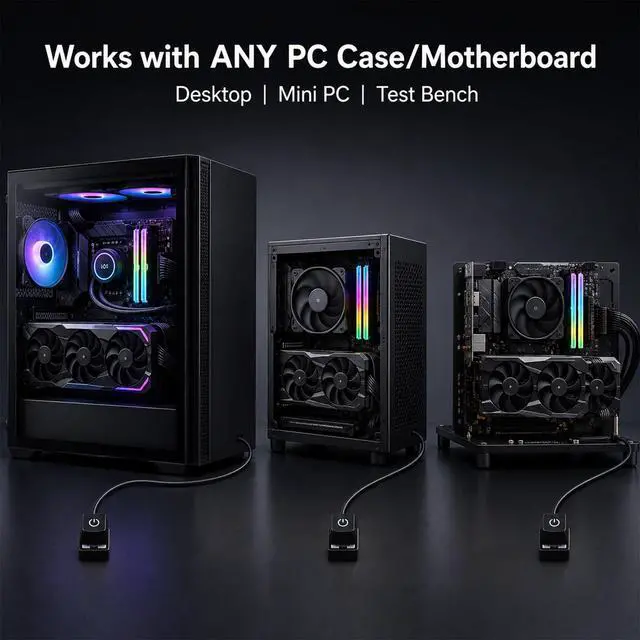

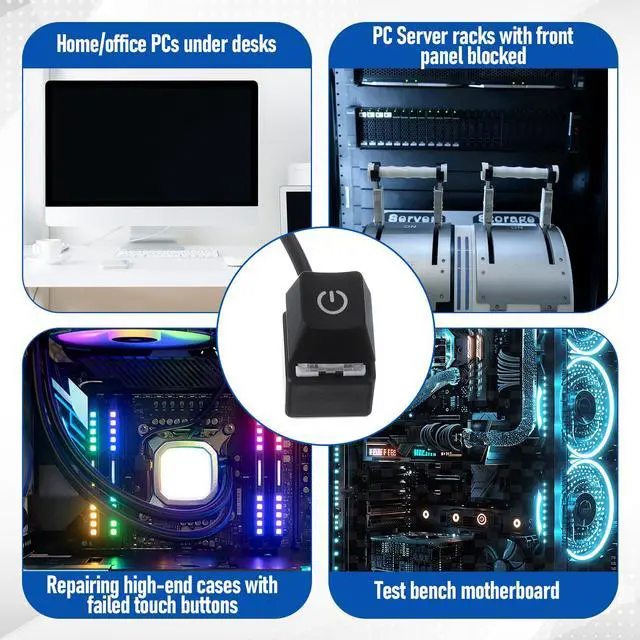


PC Power Button External Desktop on Off Switch LED with 1.8m Cable PC Power Supply Button Splitter for ATX Motherboard Splitter Installation Black
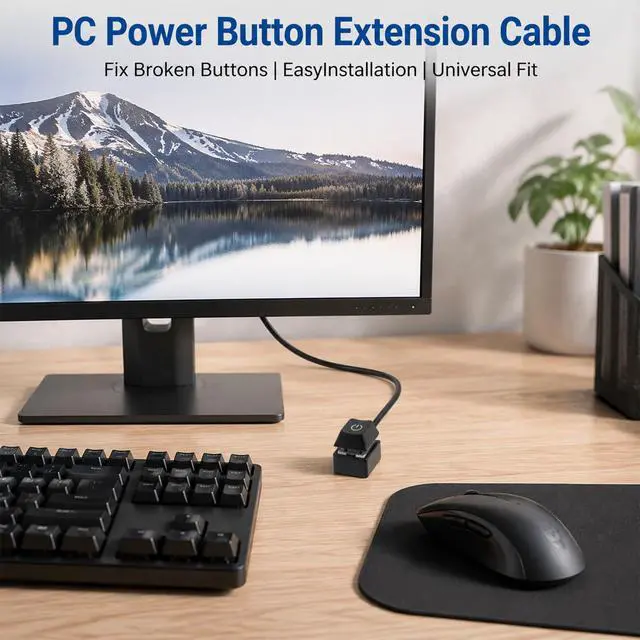
- Convenient ExtensionThis external PC power button features a 1.8-meter cable, allowing you to place the switch on your desk or any accessible location while the computer case remains under desk, on a rack, or in a hidden area. It serves as a desktop power switch for ATX computers, providing easy on/off control without reaching the case
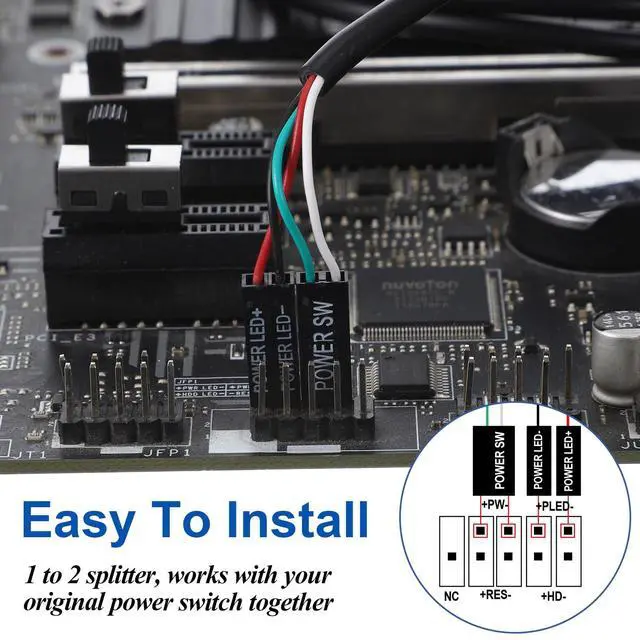
- Wide CompatibilityWorks with standard motherboard power switch pins found on most ATX motherboards. This PC power switch is compatible with a broad range of desktop computers, custom builds
- Easy InstallationInstallation is quick and tool-free. The compact switch can be mounted on desk, monitor stand, or wall. The included guide provides clear step-by-step instructions
- Dual Switch ControlThe included 1-to-2 splitter allows you to keep your original case power button functional while adding this external switch. Both switches work simultaneously, giving you dual control options. This is especially useful for test benches, where you need quick access to power on/off, or for backup access if the main button fails
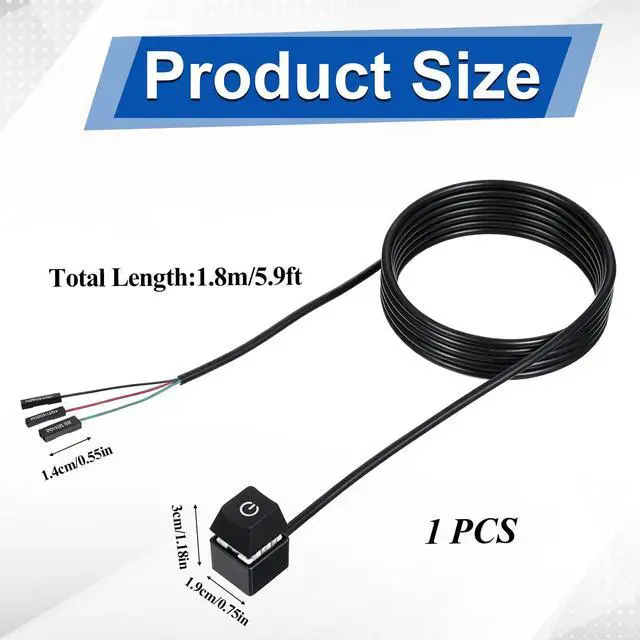
- Complete PackageThe switch body is made of durable ABS plastic in matte black finish. The cable is 1.8 meters (approximately 70.9 inches) long, providing ample reach. The splitter ensures compatibility with existing chassis button
+
+
Overview
Specs
Reviews

Any questions? Our AI mode will help you find out quickly.
Try me now
Packing List: 1 PC Power Switch
Size: Cable Length 1.8 m (180 cm / 70.9 in)
Color: Black
Material: ABS
Warranty & Returns
Warranty, Returns, And Additional Information
Warranty
- Please contact the Seller directly for warranty information. Warranty information may also be found on the Manufacturer's website.
- CONTACT
Return Policies
- Return for refund within: 30 days
- Return for replacement within: 30 days
- This item is covered by BrightMart Shop Return Policy
Manufacturer Contact Info
- For a directory of all our manufacturers, please click below.
- Manufacturers Directory
LOADING...