

Your Browsing History

Meet Your Seller



Visit EmpressTech Store
FOLLOW
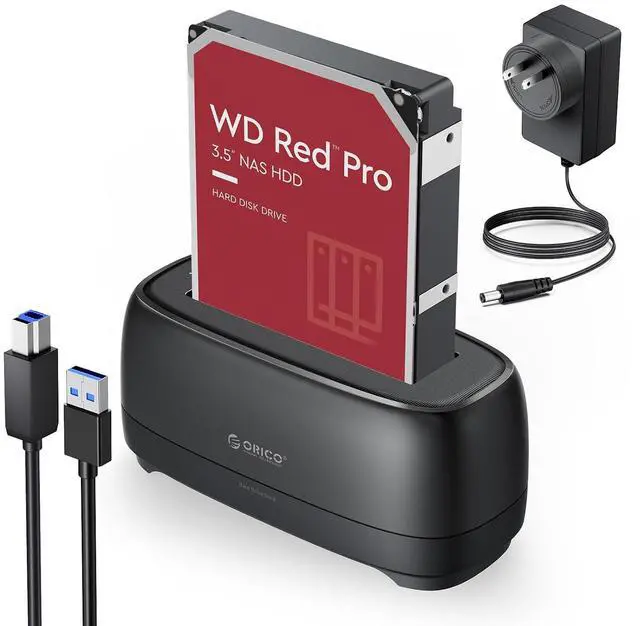
External Hard Drive Docking Station for 2.5/3.5 Inch HDD SSD USB 3.0 to SATA Hard Drive Dock Up to 22TB Support UASP 12V Power Adapter Supply-DD18
Limited time offer, ends 07/12 By EmpressTech
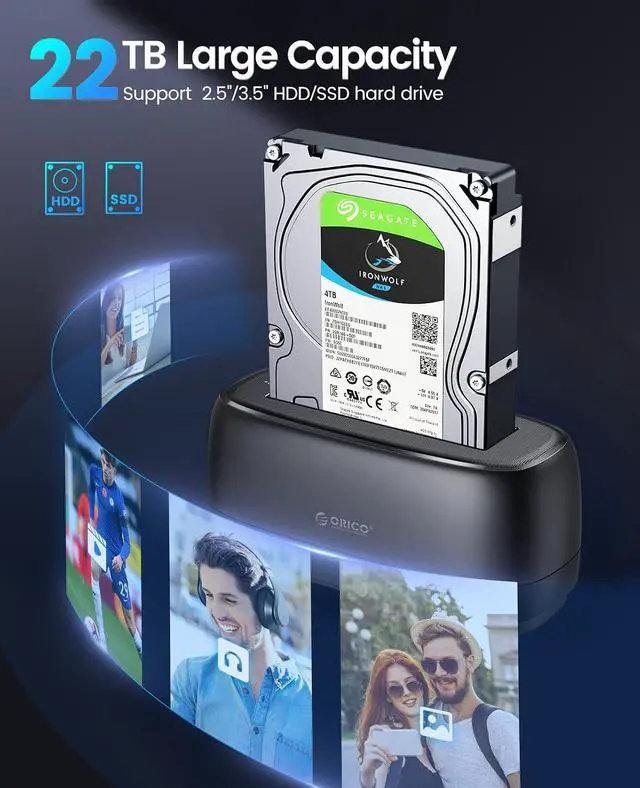
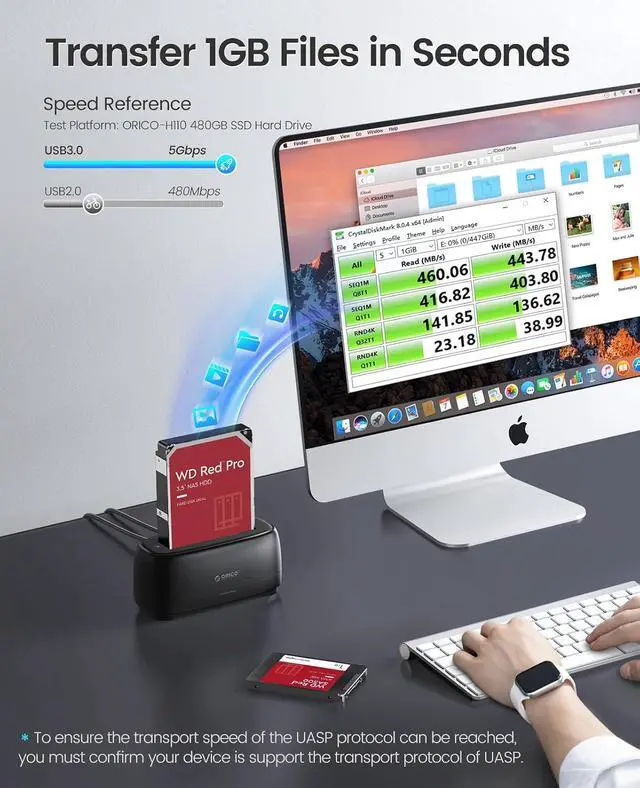
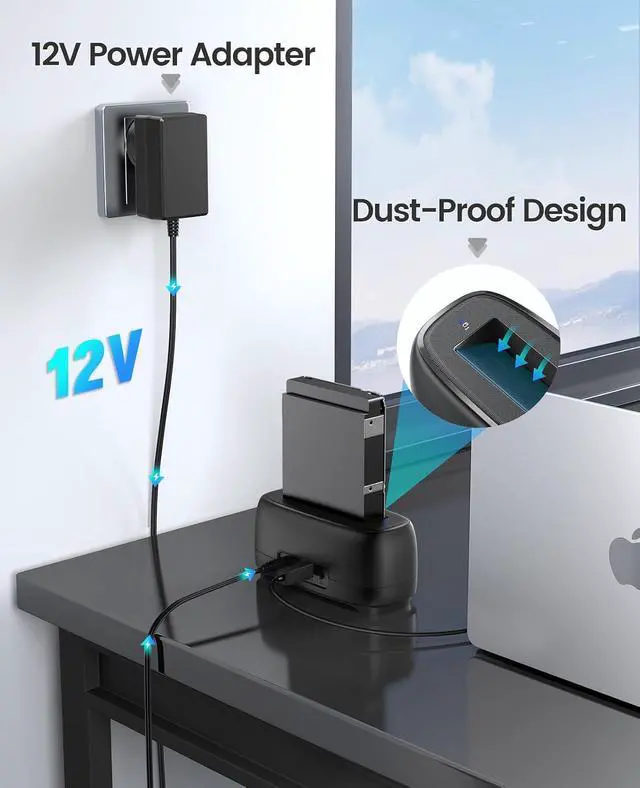
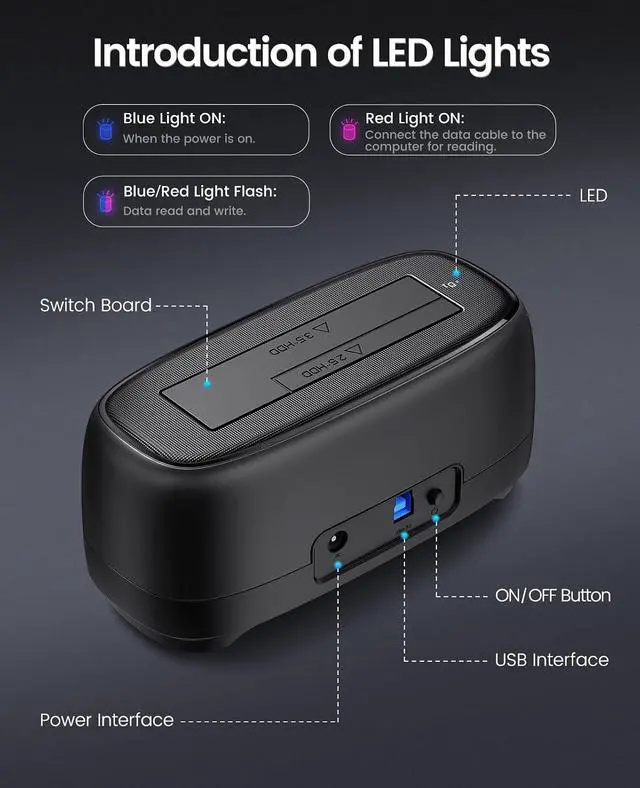
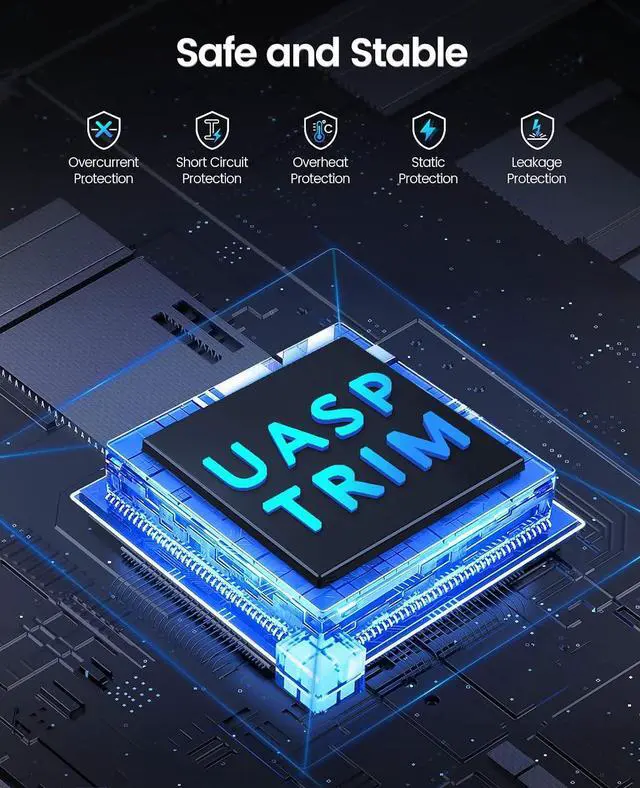
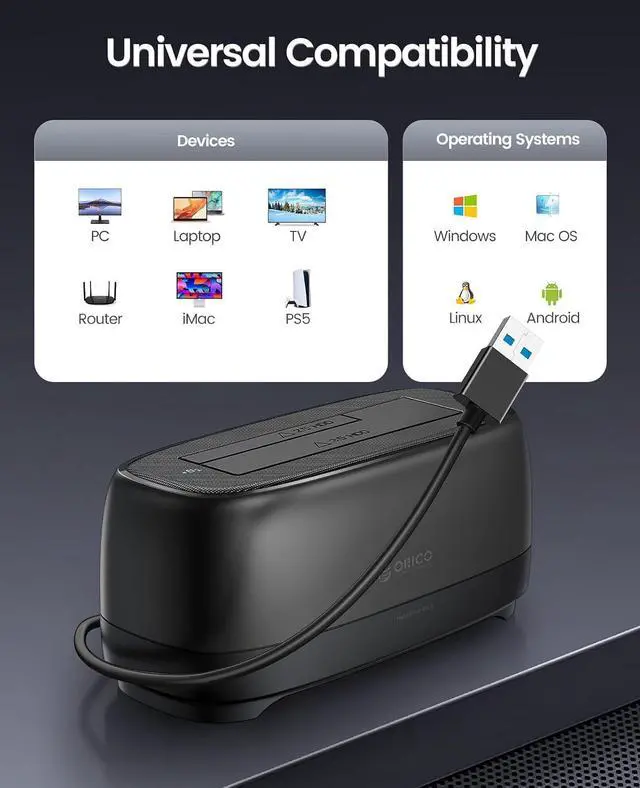
- UASP Supported: USB 3.0 external hard drive docking station supports UASP &Trim protocol with transfer speeds of up to 5Gbps; External hard drive reader enables instant access to SATA drives for file backup, disk imaging, or data transfer - Tool-less design facilitates hot-swapping; Compatible 22TB Drives: 3.5 Hard Drive Dock compatible with 2.5"/3.5" SATA I/II/III HDD and SSD, support a maximum of 22 TB serial ATA hard drives; Sata dock includes 3ft (1m) USB-A cables and power supply which can be used in most places and is small in size and easy to use; Devices Connect Freedom:This SATA hard drive docking station is suitable to connect multiple devices,such as PCs, laptops, smart TVs, smart routers, and even PS5 devices. It supports Windows, Mac, Linux, iPad OS (Thunderbolt), raspberry Pi, and other platform operating systems. With this versatility, you can enjoy seamless connectivity on all your favorite devices. {Note: Your phone should support OTG then support reading hard disk); Durability Hard Drive Docking Station: The SATA HDD drive dock with efficient 36W 12V/2A power ensures the stability and maximum durability of the uninterrupted transmission process. 3.5 hdd enclosure are inactive for 10 minutes, saving energy by automatically sleeping in mode; Application Design: The Hard Drive Docking Station USB3.0 adopts a dust-proof design and silicone anti-skid pad, Host Connection Tool-less Design - Hot-Swap - LED Indicators(Blue Reading, Red Transfer File);; NO
+
+
Overview
Specs
Reviews

Any questions? Our AI beta will help you find out quickly.
Try me now
Product description Documentation Video Editing Film Screening Fasting Game Loading **Troubleshooting Methods** **The computer does not recognize or read the disk: ** 1. Ensure that the power adapter is properly connected to both the power socket and the device. 2. Confirm that the hard disk enclosure is powered on and that the power indicator light is illuminated. 3. Verify that the data cable is securely connected. If a replacement is necessary, ensure that the new cable is functional. 4. Ensure that the computer's connection interface is working properly. Check that the relevant drivers are up to date. You may attempt reseating the cable or testing with a different interface. 5. A new hard disk must be initialized and formatted before it can be used for the first time. 6. Ensure that the file system format of the hard disk is compatible with the operating system. If not, reformatting may be required for the disk to be recognized and accessed. 7. Confirm that the hard disk itself is functioning properly and is not experiencing any hardware faults.
Warranty & Returns
Warranty, Returns, And Additional Information
Warranty
- Please contact the Seller directly for warranty information. Warranty information may also be found on the Manufacturer's website.
- CONTACT
Return Policies
- Return for refund within: 30 days
- Return for replacement within: 30 days
- This item is covered by EmpressTech Return Policy
Manufacturer Contact Info
- For a directory of all our manufacturers, please click below.
- Manufacturers Directory
LOADING...