

Your Browsing History

Meet Your Seller



Visit EmpressTech Store
FOLLOW
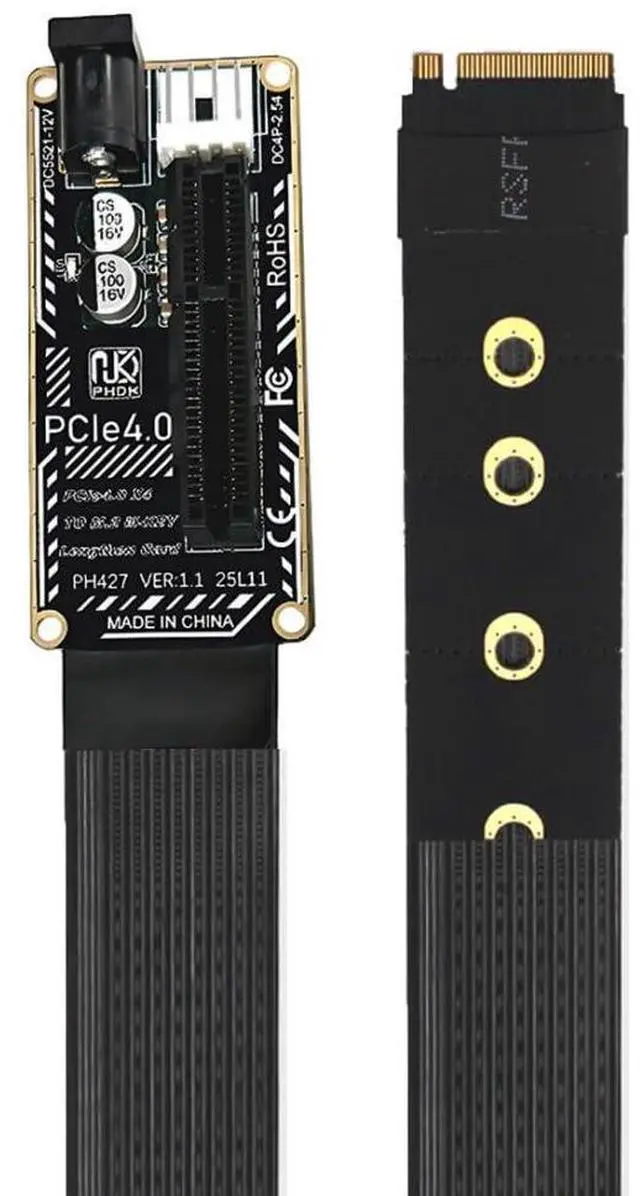
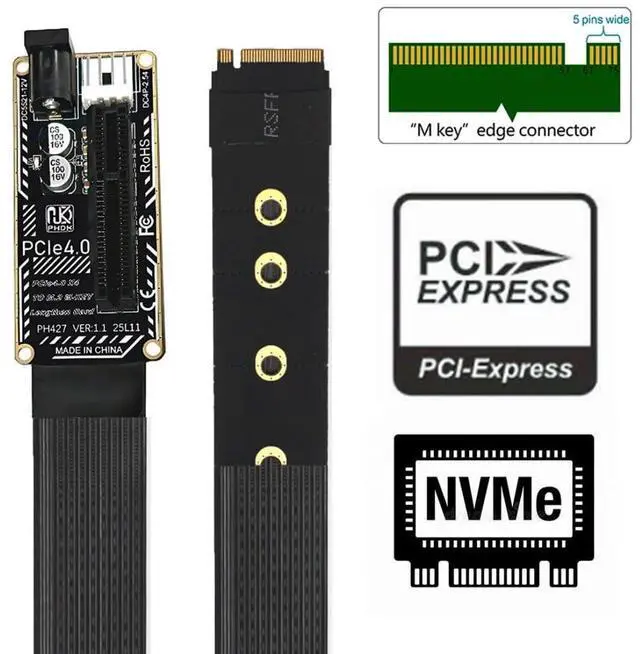
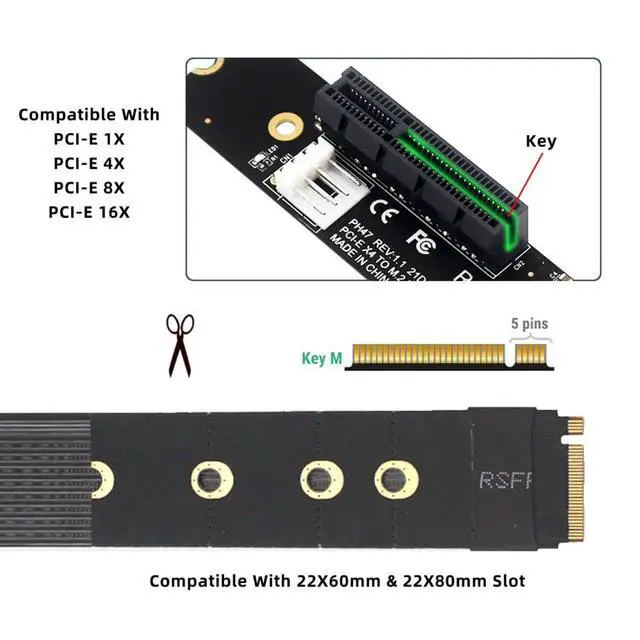
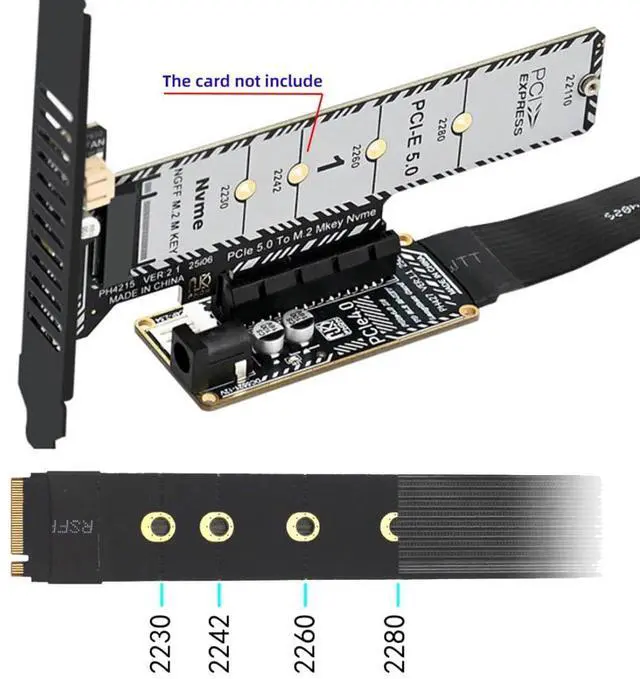
PCIe 4.0 X4 to M.2 M-Key NVME/NGFF Ribbon Flex Extension Cable Adapter with 5V/12V DC/SATA Power Compatible with PCIe X1/X8/X16 Support 2230/2242/2260/2280
Limited time offer, ends 07/12 By EmpressTech
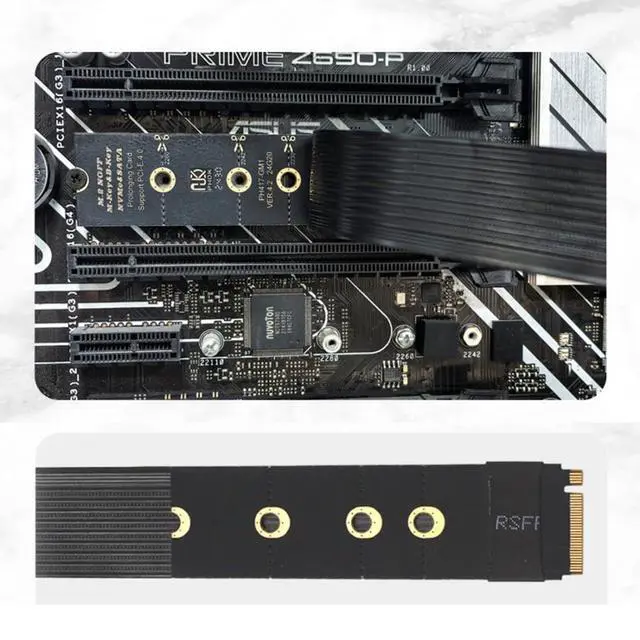
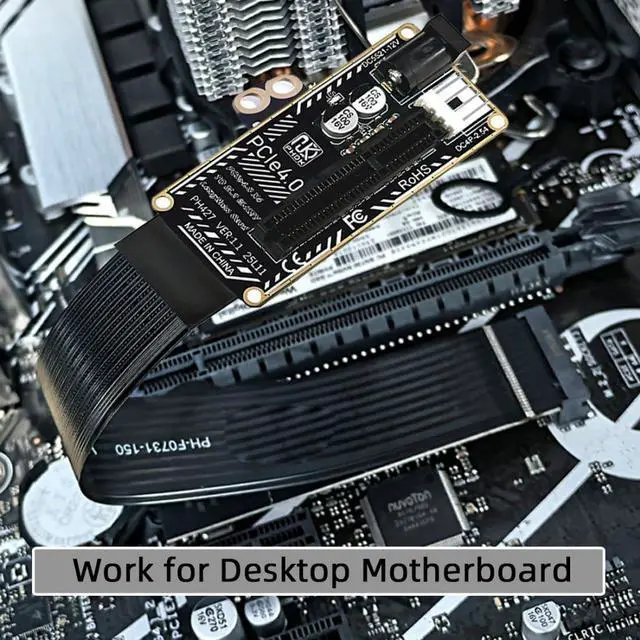
- 1) M.2 to PCIe 4.0 Extension Cable Adapter can convert the NVME slot on the motherboard into the PCIe slot, which is used to connect various PCIe X4 devices cards, and can also supports PCIe X1, X8 and X16 devices.; 2) Please note that the actual data transfer speed of this PCIe X4 slot depends on the speed of the M.2 interface. PCIe 4.0 backwards compatible with PCIe 3.0/2.0/1.0.; 3) Package includes a 12V/5V SATA power cord. Please note: 12V/5V power is available only when the cable is connected. When installing this adapter, please make sure the motherboard is powered off first.; 4) Note: To avoid damaging the device, please ensure the correct installation orientation. The adapter card does not support hot-swapping.; 5) The internal use of copper lines instead of traditional copper lines can save space, facilitate bending and use, and is suitable for overall flattening.
+
+
Overview
Specs
Reviews

Any questions? Our AI beta will help you find out quickly.
Try me now
1) M. 2 to PCIe 4.0 Extension Cable Adapter can convert the NVME slot on the motherboard into the PCIe slot, which is used to connect various PCIe X4 devices cards, and can also supports PCIe X1, X8 and X16 devices. 2) Please note that the actual data transfer speed of this PCIe X4 slot depends on the speed of the M. 2 interface. PCIe 4.0 backwards compatible with PCIe 3.0 / 2.0 / 1.0. 3) Package includes a 12V/5V SATA power cord.
Please note: 12V/5V power is available only when the cable is connected. When installing this adapter, please make sure the motherboard is powered off first.
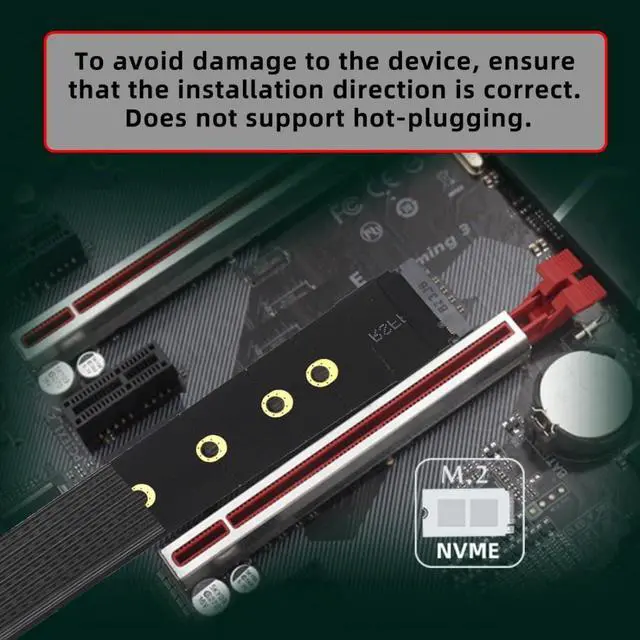
4) Note: To avoid damaging the device, please ensure the correct installation orientation. The adapter card does not support hot-swapping. 5) The internal use of copper lines instead of traditional copper lines can save space, facilitate bending and use, and is suitable for overall flattening.
Please note: 12V/5V power is available only when the cable is connected. When installing this adapter, please make sure the motherboard is powered off first.
4) Note: To avoid damaging the device, please ensure the correct installation orientation. The adapter card does not support hot-swapping. 5) The internal use of copper lines instead of traditional copper lines can save space, facilitate bending and use, and is suitable for overall flattening.
Warranty & Returns
Warranty, Returns, And Additional Information
Warranty
- Please contact the Seller directly for warranty information. Warranty information may also be found on the Manufacturer's website.
- CONTACT
Return Policies
- Return for refund within: 30 days
- Return for replacement within: 30 days
- This item is covered by EmpressTech Return Policy
Manufacturer Contact Info
- For a directory of all our manufacturers, please click below.
- Manufacturers Directory
LOADING...