

Your Browsing History
- Free 45-day Returns
$17.99
Ships from China.


Meet Your Seller

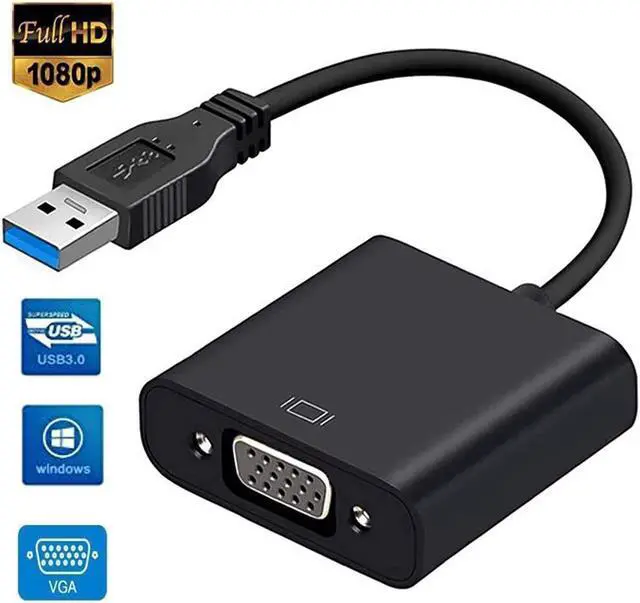
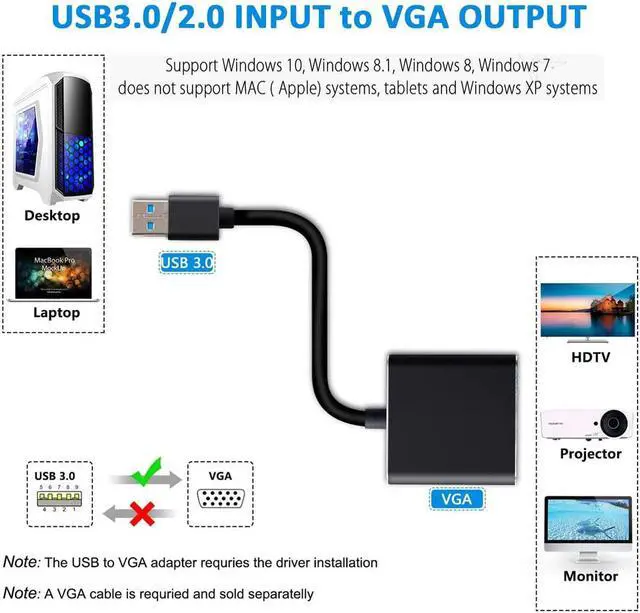
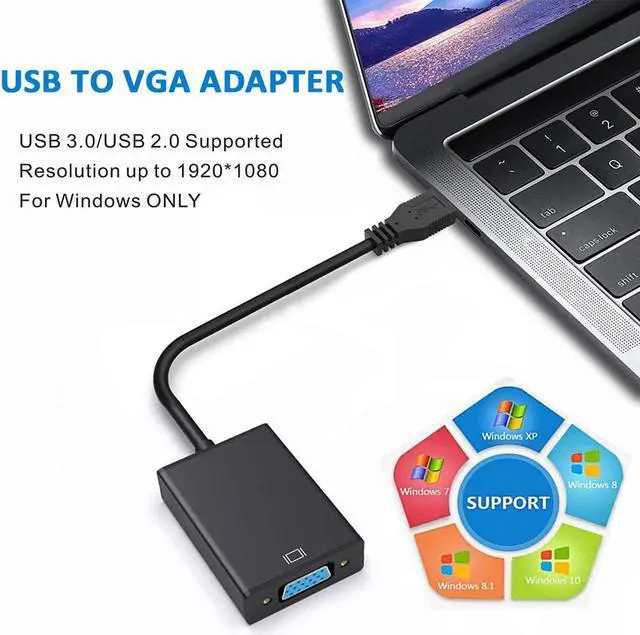


USB to VGA Adapter, USB 3.0 /2.0 to VGA Adapter 1080P Converter for Multiple Display Monitor Projector HDTV, Only Support Windows XP/7/8/8.1/10 PC Laptop Desktop (DO NOT Support Mac & Linux)
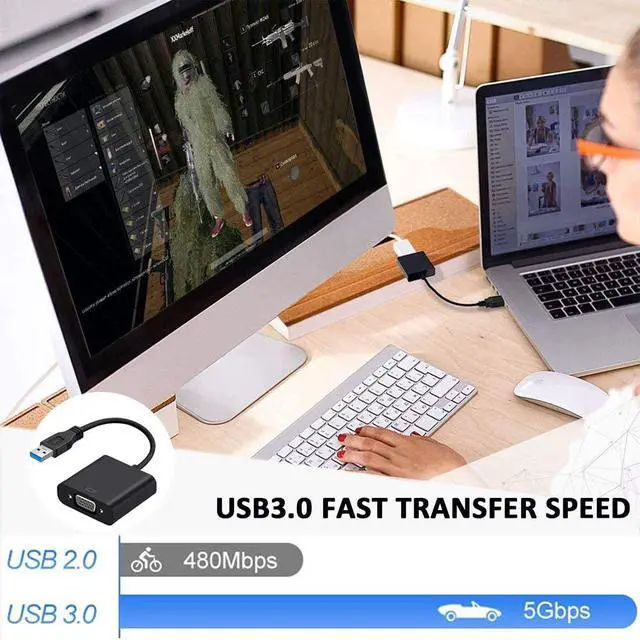
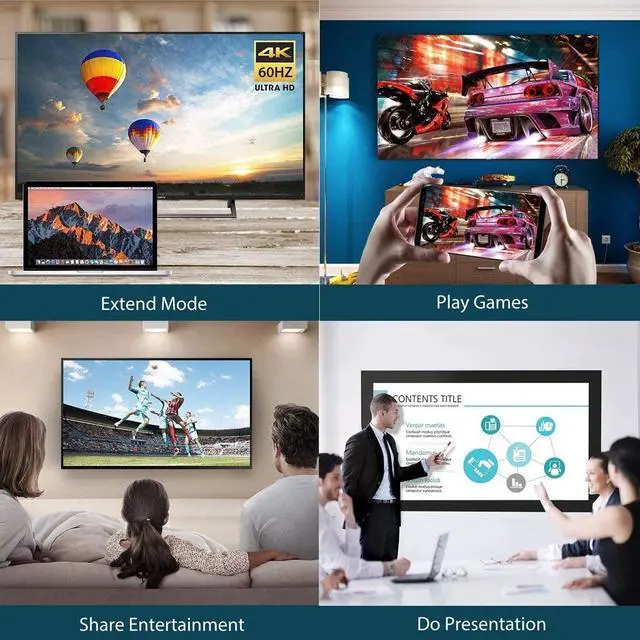
- [USB to VGA Adapter] The portable USB to VGA adapter is used to connect a desktop or laptop with USB 3.0 / 2.0 port to your VGA-equipped monitor, display, projector, or HDTV. It can be used to mirror your primary desktop, showing the same image on second display. Also can extend your desktop for multiple working space.
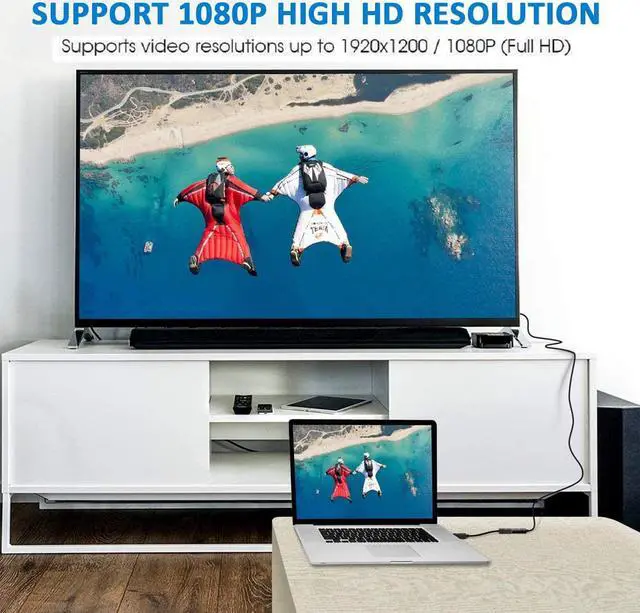
- [1080P High Resolution] USB3.0 to VGA Adapter Supports video resolutions up to 1920x1080P (Full HD) for USB 3.0 port. To ensure high resolution output, make sure that the USB port is the real USB 3.0. --- Note: If connected to USB2.0 devices, resolution is 800x600.
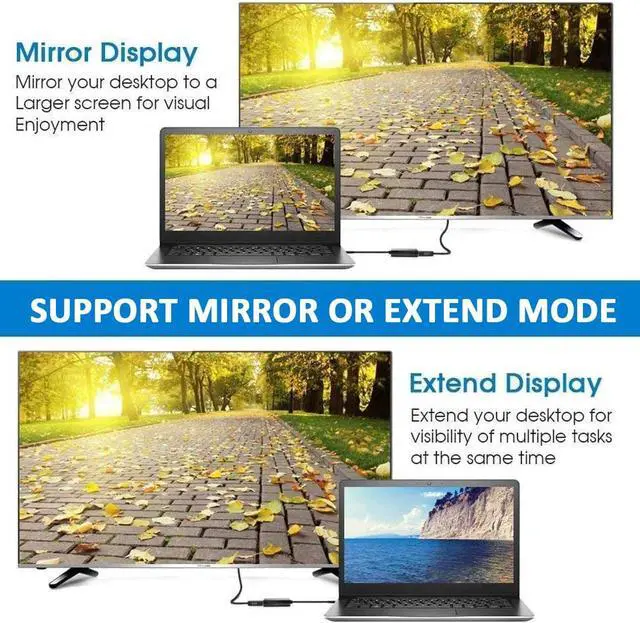
- [Mirror /Extend the Display] [Once used this USB to VGA adapter, the connected monitor can be configured to either duplicate/mirror your primary screen, or extend the Windows desktop allowing visibility for more applications at the same time.
- [Need CD-ROM] Need CD-ROM, just a few simple steps.
+
+
Overview
Specs
Reviews

Any questions? Our AI beta will help you find out quickly.
Try me now
This USB 3.0 to VGA Adapter is used to connected a USB-enabled devices( such as laptop, desktop) with a VGA-enabled devices( such as monitor, projector, TV) for multi-monitor solution, extending working space with split-screen, mirroring display, etc
How to use:
1. It connect a USB 3.0 device to VGA enabled televisions, monitors or projectors to display video and audio.
2. As for audio, go into 'System Preferences'? 'Sound'? 'Output'. There should be an option to change the audio output from your laptop to other devices.
3. As for Mirror and Extend Modes, Select 'Extension' or 'Duplicate' mode in 'Control Panel' > 'Display' to set up the secondary display.
Specification:
Color: Black
Length: 9.65 inches/ 24.5 cm
Input Interface: USB 3.0
Output Interface: VGA
Material: ABS+PVC
Support Operation System: Windows 10, 8.1, 8, 7, Vista (32-bit and 64-bit), Windows XP (32-bit only), Windows Server 2008 (32-bit and 64-bit)
NOTE:
This product is NOT a bi-directional adapter. It ONLY converts USB 3.0 to VGA.
1. DO NOT support Mac.
3. Supports Surface Pro with INTEL (Windows) processor.
2. DO NOT support Surface Pro with ARM (Windows) processor.
How to use:
1. It connect a USB 3.0 device to VGA enabled televisions, monitors or projectors to display video and audio.
2. As for audio, go into 'System Preferences'? 'Sound'? 'Output'. There should be an option to change the audio output from your laptop to other devices.
3. As for Mirror and Extend Modes, Select 'Extension' or 'Duplicate' mode in 'Control Panel' > 'Display' to set up the secondary display.
Specification:
Color: Black
Length: 9.65 inches/ 24.5 cm
Input Interface: USB 3.0
Output Interface: VGA
Material: ABS+PVC
Support Operation System: Windows 10, 8.1, 8, 7, Vista (32-bit and 64-bit), Windows XP (32-bit only), Windows Server 2008 (32-bit and 64-bit)
NOTE:
This product is NOT a bi-directional adapter. It ONLY converts USB 3.0 to VGA.
1. DO NOT support Mac.
3. Supports Surface Pro with INTEL (Windows) processor.
2. DO NOT support Surface Pro with ARM (Windows) processor.
Warranty & Returns
Warranty, Returns, And Additional Information
Warranty
- Please contact the Seller directly for warranty information. Warranty information may also be found on the Manufacturer's website.
- CONTACT
Return Policies
- Return for refund within: 45 days
- Return for replacement within: 30 days
- This item is covered by Smart Electronic Marketplace Return Policy
Manufacturer Contact Info
- For a directory of all our manufacturers, please click below.
- Manufacturers Directory
LOADING...