




Tech Specs
Is my computer compatible with the TBT-UDT3 docking station?
The TBT-UDT3 is compatible with Thunderbolt 5 Macs and Windows PCs, as well as Thunderbolt 4 Macs and Thunderbolt 4 Windows PCs (with Intel 12th Generation processors or better). Thunderbolt 3 systems are not supported.
Are my monitors compatible with the TBT-UDT3 docking station?
USB-C/Thunderbolt displays supported via downstream Thunderbolt ports. HDMI & DisplayPort displays supported via USB-C to HDMI or USB-C to DisplayPort cables/adapters. Plugable SKUs (sold separately): USBC-DP / USBC-TDP / USBC-HDMI / USBC-HDMI-CABLE
Do I need to install software or drivers in order to use the TBT-UDT3 docking station?
Drivers not required for macOS or Windows systems to use the TBT-UDT3. Windows users may wish to install Intel Thunderbolt Share, and for best Ethernet performance you may optionally install the latest Ethernet drivers (found on Plugable website).
Can I charge my phone or tablet from the TBT-UDT3?
Yes! The front and rear downstream Thunderbolt ports offer charging to connected devices up to 15W and the rear USB-A 5Gbps port offers up to 7.5W.
What is Thunderbolt Share?
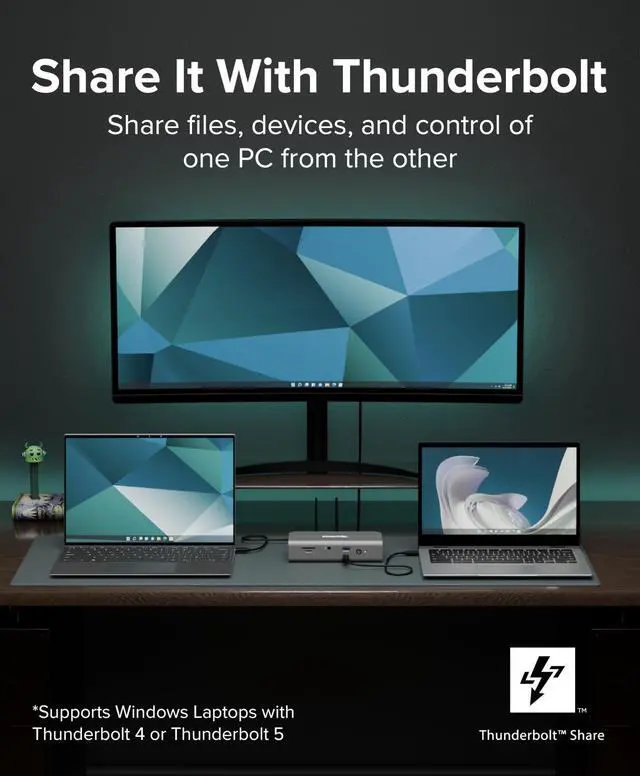
Thunderbolt Share is an optional application that enables Windows users to screen share between two PCs, control one PC from another using the same keyboard and mouse, file sharing and data migration, and more.
Compare Plugable Docking Stations
 TBT-UDT3 |  TBT4-UDZ |  TBT4-UD5 |  UD-ULTC4K | |
|---|---|---|---|---|
Customer Reviews | — | — | — | — |
Price | — | — | — | — |
Laptop Compatibility | Thunderbolt 5 & 4, USB4 | Thunderbolt 5 & 4, USB4, USB-C | Thunderbolt 5 & 4, USB4 | Thunderbolt 5 & 4, USB4, USB-C |
Data Rate | 80/120Gbps | 40Gbps | 40Gbps | 10Gbps |
Laptop Charging | 140W | 100W (98W Certified) | 100W (96W Certified) | 100W (96W Certified) |
Max # of Displays | 2x (may need USB-C adapters) | 2x TB4 Mac, 4x TB4 Windows | Up to 2x | Up to 3x |
Video Output Types | 2x Thunderbolt | 2x DisplayPort and 2x HDMI | 2x HDMI | 3x HDMI 2.0 or DisplayPort 1.4 |
# of Ports | 11 | 16 | 13 | 13 |
Downstream Thunderbolt Ports | 3 | 0 | 1 | 0 |
Charging Ports | 3x TBT USB-C 15W & 1x USB 7.5W | 1x USBC 7.5W and 1x USB-A 7.5W | 1x USB-C 7.5W and 1x TB4 15W | 1x USB-C 20W PD |
Ethernet | 2.5 Gigabit | 2.5 Gigabit | Gigabit | Gigabit |
SD/MicroSD | Yes / Yes | Yes / Yes | Yes / Yes | Yes / No |





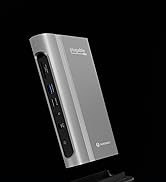
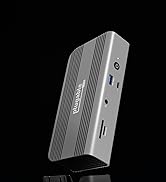

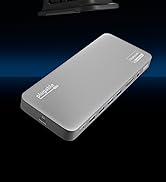

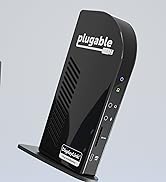


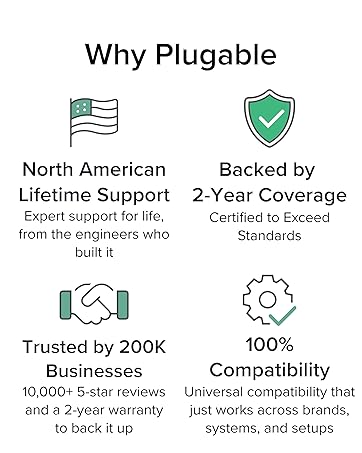

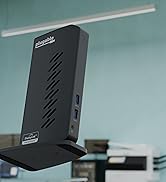
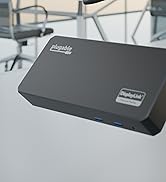


Find Your Docking Station

Shop for Mac

Shop for Windows


Shop Universal Compatability


Shop for Business


Tech Specs
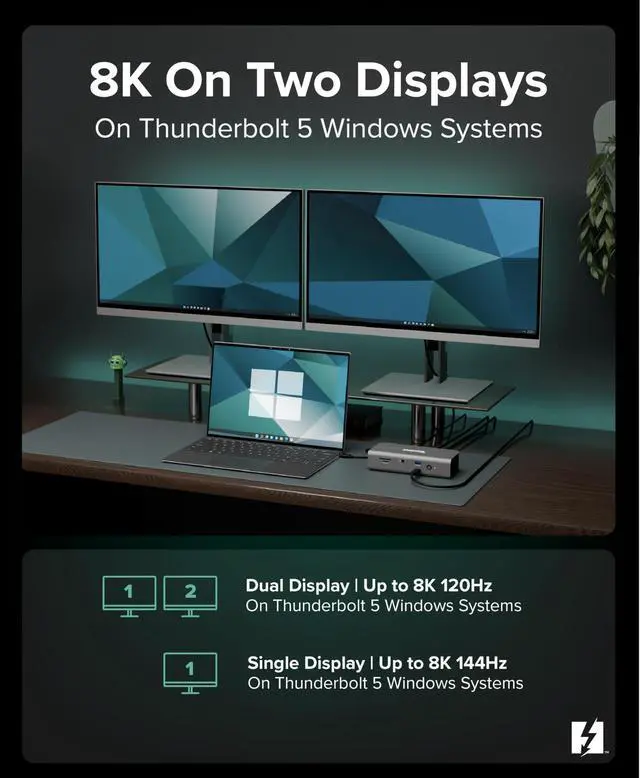
| Dual 8K Display on Windows | Connect up to 2x 8K 120Hz or 2x 4K 144Hz on Windows |
|---|---|
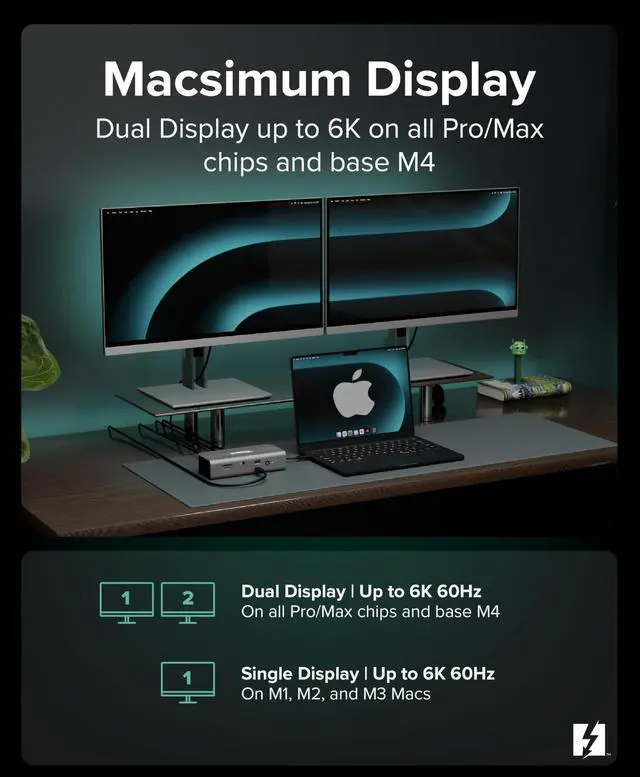
| Dual 6K Display on Mac | Connect up to 2x 6K 60Hz on Macs with any M4 / M5 chip and all prior Pro/Max chips |
| Single 6K Display on Mac | Connect up to a single 6K 60Hz display on base M1, M2, or M3 Macs |
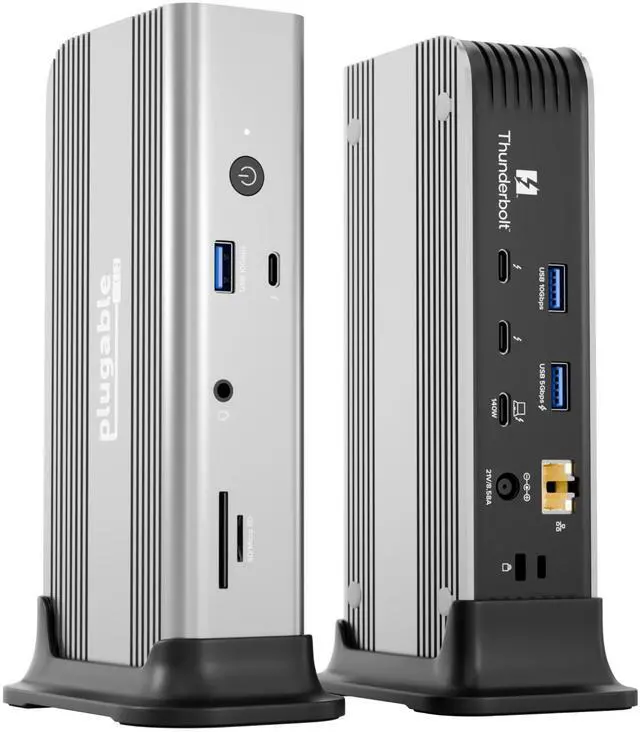
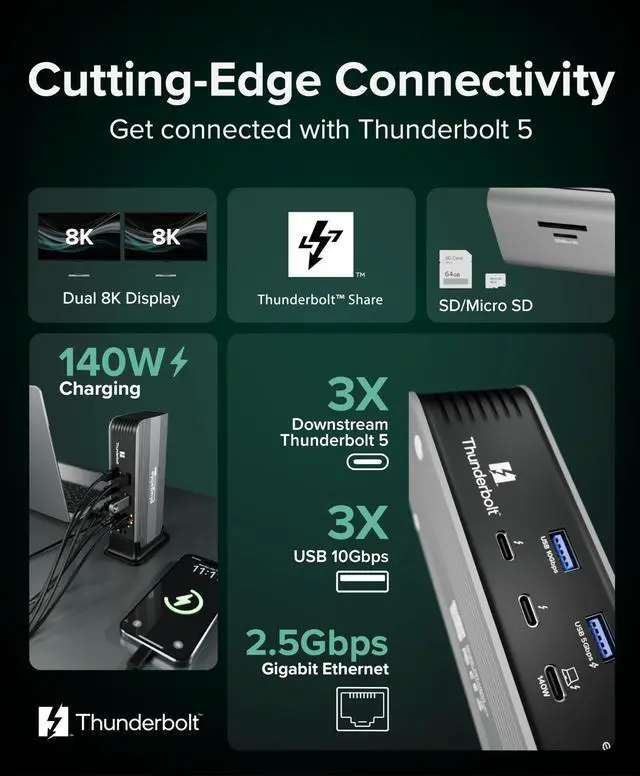
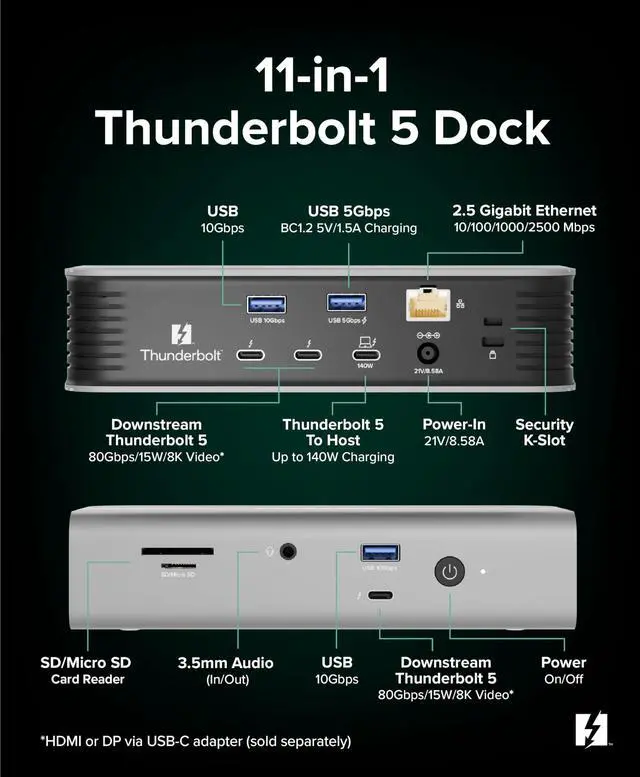
| Downstream Thunderbolt ports | Three downstream Thunderbolt ports provide up to 120Gbps via Bandwidth Boost. Can be used to connect up to two displays via USB-C/Thunderbolt or via USB-C to HDMI or USB-C to DisplayPort cables/adapters (sold separately). Additionally connect USB-C and Thunderbolt peripherals such as external drives, AI enclosures, and external GPUs (eGPU). Note: eGPUs not currently supported in macOS |
| Thunderbolt/USB-C Displays | Displays with Thunderbolt or USB-C ports can be connected via Thunderbolt or full-featured USB-C cable |
| HDMI or DP Display Output | Displays with HDMI or DisplayPort ports can be connected to the downstream Thunderbolt ports via USB-C to HDMI or USB-C to DisplayPort cables/adapters (sold separately) |
| Powerful host charging | Provides up to 140W (28V 5A) of USB Power Delivery to charge the host computer |
| Card Reader | Full size SD and Micro SD card reader means that no external adapters or dongles are required |
Is my computer compatible with the TBT-UDT3 docking station?
The TBT-UDT3 is compatible with Thunderbolt 5 Macs and Windows PCs, as well as Thunderbolt 4 Macs and Thunderbolt 4 Windows PCs (with Intel 12th Generation processors or better). Thunderbolt 3 systems are not supported.
Are my monitors compatible with the TBT-UDT3 docking station?
USB-C/Thunderbolt displays supported via downstream Thunderbolt ports. HDMI & DisplayPort displays supported via USB-C to HDMI or USB-C to DisplayPort cables/adapters. Plugable SKUs (sold separately): USBC-DP / USBC-TDP / USBC-HDMI / USBC-HDMI-CABLE
Do I need to install software or drivers in order to use the TBT-UDT3 docking station?
Drivers not required for macOS or Windows systems to use the TBT-UDT3. Windows users may wish to install Intel Thunderbolt Share, and for best Ethernet performance you may optionally install the latest Ethernet drivers (found on Plugable website).
Can I charge my phone or tablet from the TBT-UDT3?
Yes! The front and rear downstream Thunderbolt ports offer charging to connected devices up to 15W and the rear USB-A 5Gbps port offers up to 7.5W.
What is Thunderbolt Share?
Thunderbolt Share is an optional application that enables Windows users to screen share between two PCs, control one PC from another using the same keyboard and mouse, file sharing and data migration, and more.
Compare Plugable Docking Stations
TBT-UDT3 | TBT4-UDZ | TBT4-UD5 | UD-ULTC4K |
|---|---|---|---|
| Customer Reviews | |||
| — | — | — | — |
| Price | |||
| — | — | — | — |
| Laptop Compatibility | |||
| Thunderbolt 5 & 4, USB4 | Thunderbolt 5 & 4, USB4, USB-C | Thunderbolt 5 & 4, USB4 | Thunderbolt 5 & 4, USB4, USB-C |
| Data Rate | |||
| 80/120Gbps | 40Gbps | 40Gbps | 10Gbps |
| Laptop Charging | |||
| 140W | 100W (98W Certified) | 100W (96W Certified) | 100W (96W Certified) |
| Max # of Displays | |||
| 2x (may need USB-C adapters) | 2x TB4 Mac, 4x TB4 Windows | Up to 2x | Up to 3x |
| Video Output Types | |||
| 2x Thunderbolt | 2x DisplayPort and 2x HDMI | 2x HDMI | 3x HDMI 2.0 or DisplayPort 1.4 |
| # of Ports | |||
| 11 | 16 | 13 | 13 |
| Downstream Thunderbolt Ports | |||
| 3 | 0 | 1 | 0 |
| Charging Ports | |||
| 3x TBT USB-C 15W & 1x USB 7.5W | 1x USBC 7.5W and 1x USB-A 7.5W | 1x USB-C 7.5W and 1x TB4 15W | 1x USB-C 20W PD |
| Ethernet | |||
| 2.5 Gigabit | 2.5 Gigabit | Gigabit | Gigabit |
| SD/MicroSD | |||
| Yes / Yes | Yes / Yes | Yes / Yes | Yes / No |