





We develop. We innovate. We create. j5create is a team that has come together from a diverse set of backgrounds to make technologies more meaningful and inclusive. We design, build, sell and support innovative technology, and we find creative ways to apply new technologies to provide computing solutions.
Made in Taiwan
All our products are manufactured in Taiwan, which has been a global force in the electronics industry since the 1990s.
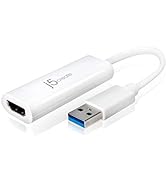
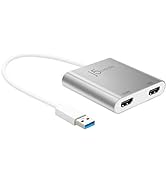
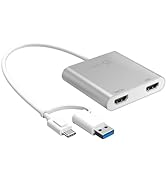
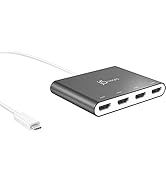
j5create USB-HDMI Adapters
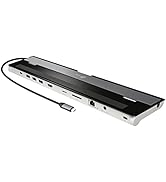
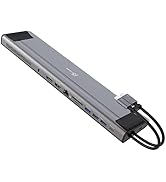
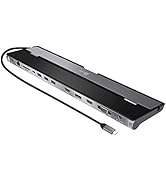
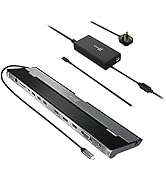
j5create Docking Stations
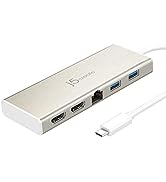
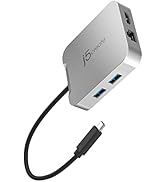
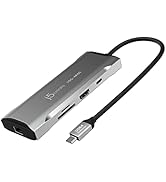
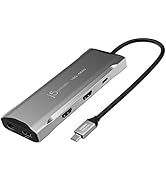
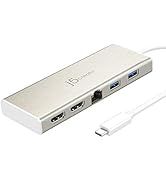
j5create USB-C Hubs
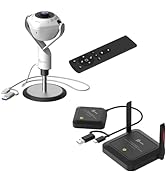
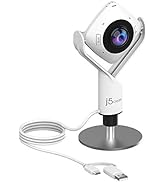
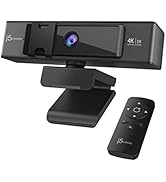
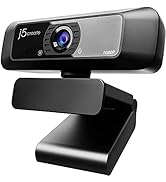
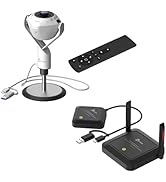
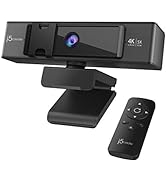
j5create Webcams
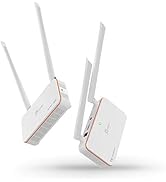
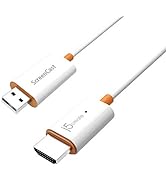
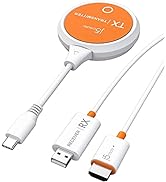
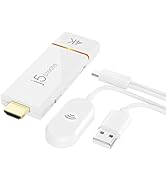
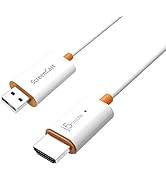
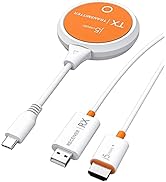
j5create Screencast Adapters
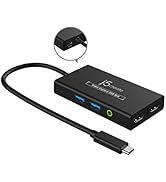
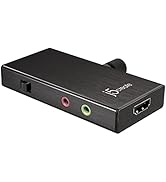
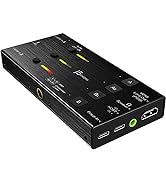
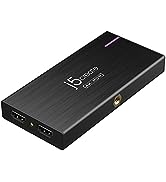
j5create Video Capture Cards
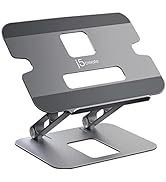
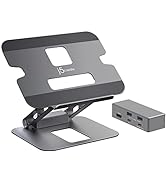
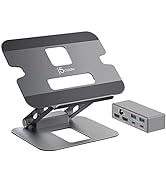
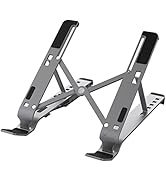
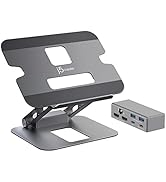
j5create Laptop Stands
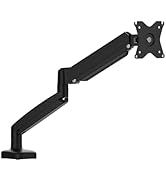
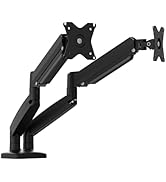
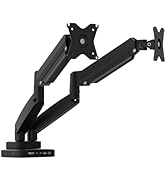
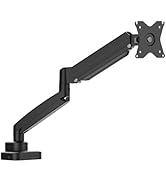
j5create Monitor Mounts

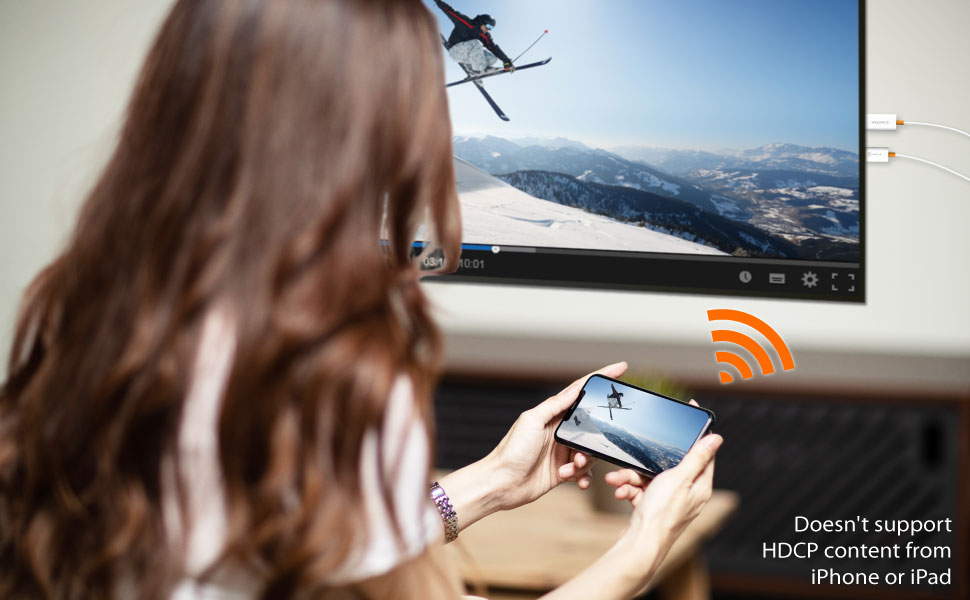
Wirelessly display content from your mobile devices onto a high-definition TV
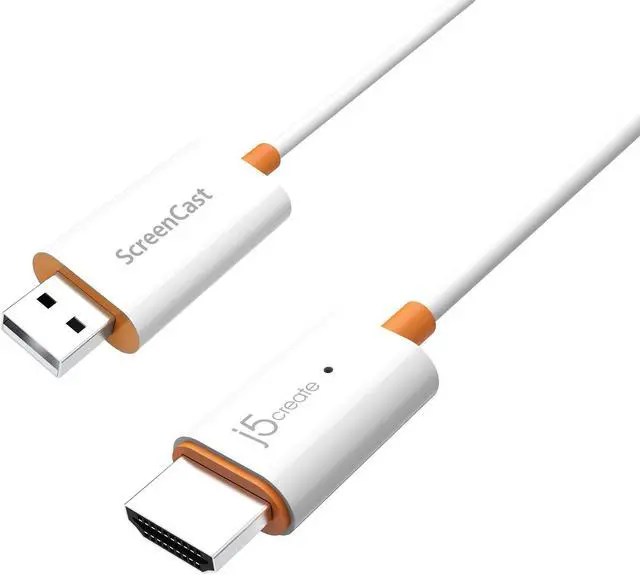
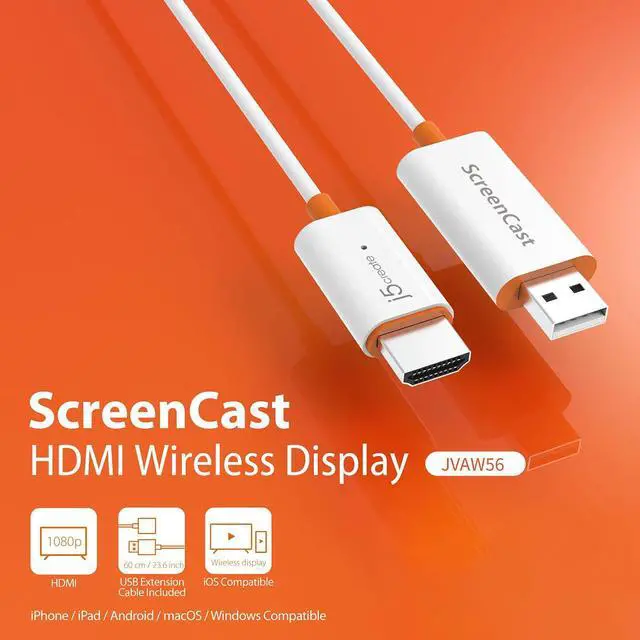
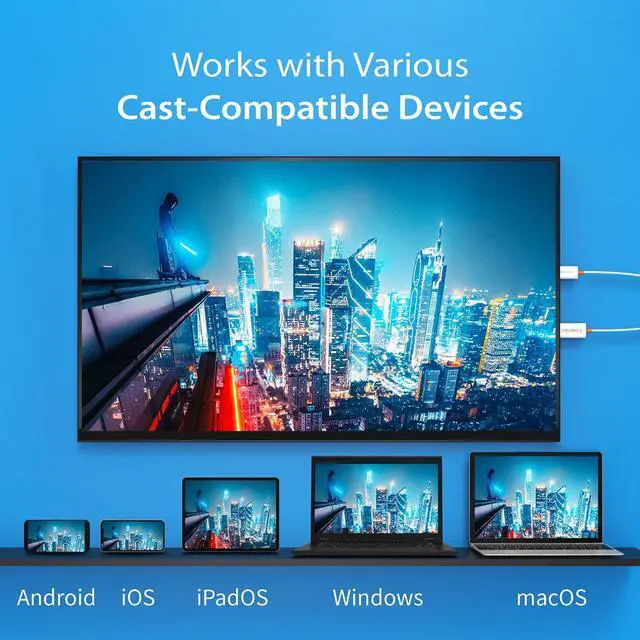
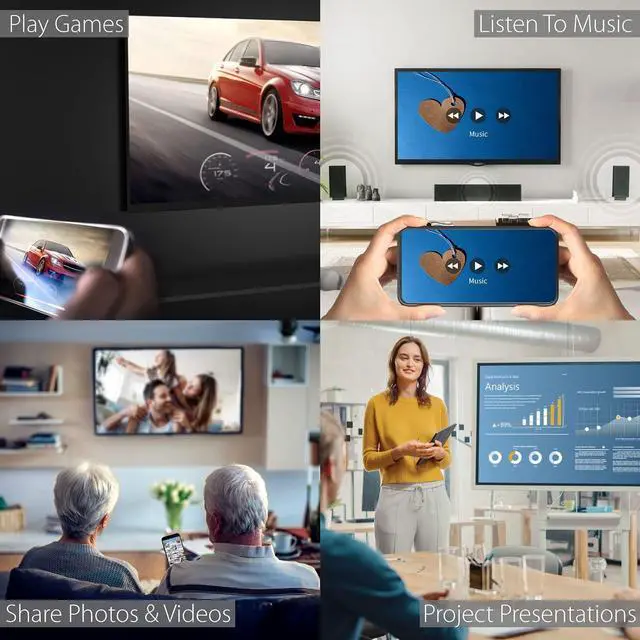
The JVAW56 wireless display adapter supports multiple wireless standards including Miracast and AirPlay. Users can extend their video sources by casting onto a bigger screen with a simple setup. The wide-ranging compatibility includes Windows laptops, MacBooks, iPhones, iPads, and Android devices.
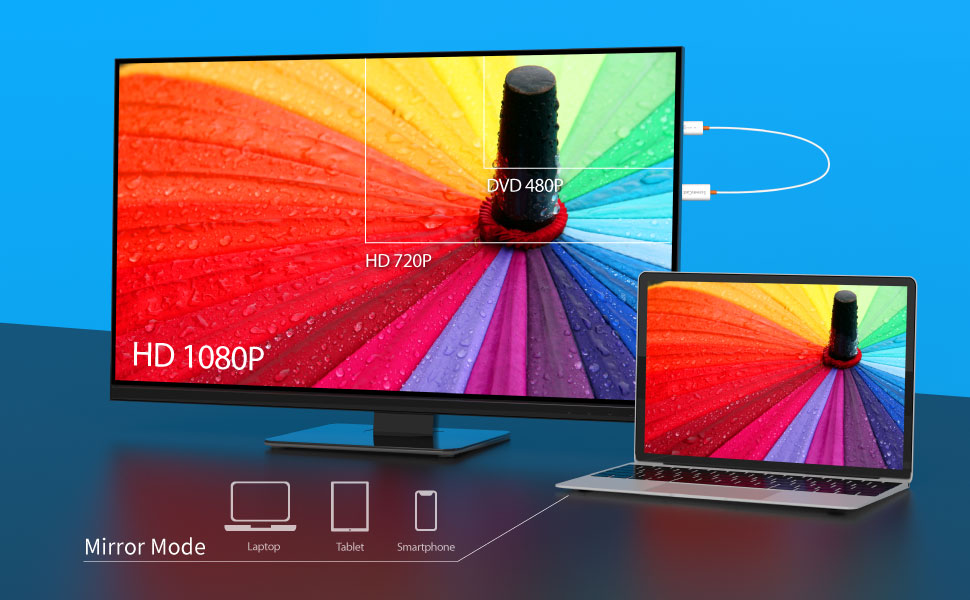
Experience the Visual Rush of 1080P Full HD Video
The wireless display receiver can wirelessly mirror the entire screen of your smartphone, tablet or laptop to an HDTV or projector, so you can enjoy 1080P Full HD quality video streamed straight from your mobile device to your big screen TV or projector, without compromising on video quality.
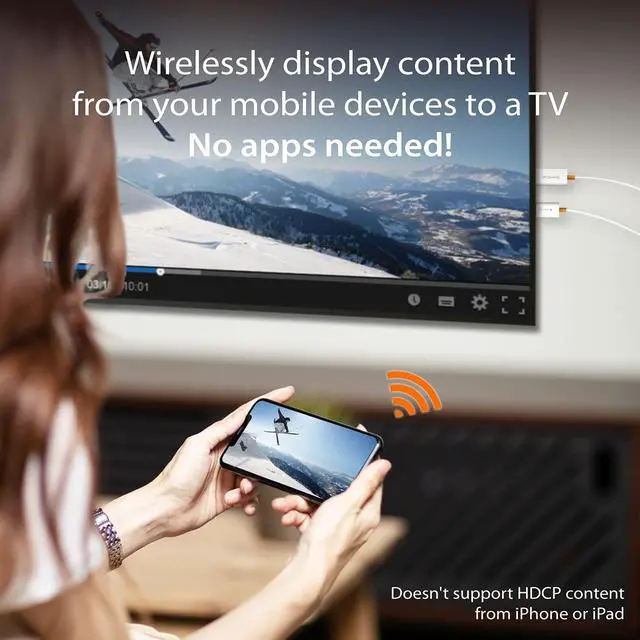
No connection via Wi-Fi needed- by creating a dedicated wireless connection directly between your mobile device and TV or projector, it ensures quick and easy setup, and so you no longer need to worry about weak Wi-Fi signals, annoying lag times, and video freezing mid-frame. No apps needed either!
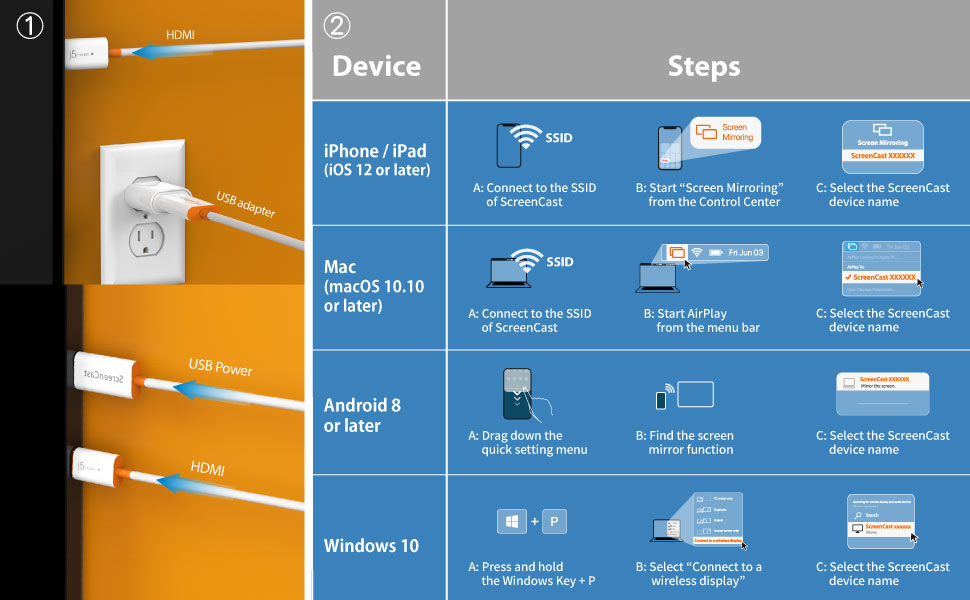
Quick and Easy Setup
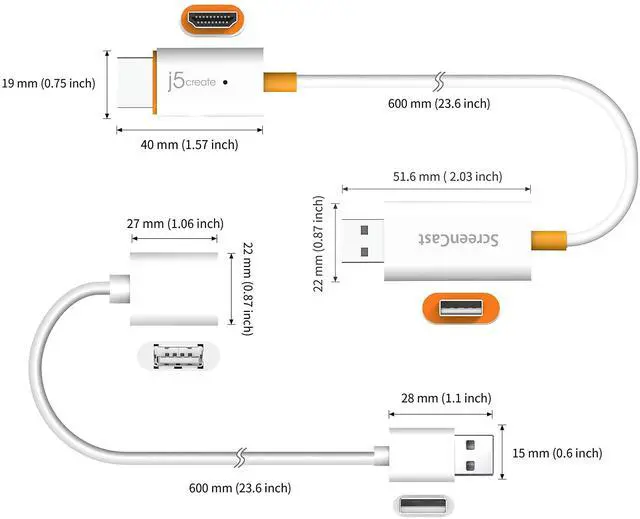
1. Plug the USB into the built-in USB port on your TV or a USB power adapter (USB extension cable included.)
2. Connect to the ScreenCast via your device's mirroring/display settings and you're ready to share. Note that iPhone/iPad/Mac users will need to connect to the SSID of ScreenCast first via the wireless internet settings on your device.
* For further instructions on how to set up on different operating systems, refer to the steps in the graphic above or the included quick start guide.
Physical Specifications
 JVAW56 |  JVAW62 |  JVAW76 |  JVAW75 |  JVAW76MAX | |
|---|---|---|---|---|---|
| Customer Reviews | — | — | — | — | — |
| Price | — | — | — | — | — |
| Resolution | 1080p | 1080p | 4K (Upscaling) | 4K | 4K (Upscaling) |
| Cast Mode | Miracast,AirPlay | USB-C Display Dongle + Wireless Receiver | Miracast, AirPlay, Google Chromecast | HDMI Display Dongle + HDMI Receiver Dongle | Miracast, AirPlay, Google Chromecast |
| Compatible Devices | iPhone, iPad, Android. Windows Laptop, MacBooks | Devices wihich support USB-C display function: MacBook, iPad Pro, iPad Air, Samsung Galaxy S series, Thunderbolt 3/4 laptops | iPhone, iPad, Android. Windows Laptop, MacBooks | Compatible with any device with an HDMI output port: Laptops, game consoles, media players, and more. | iPhone, iPad, Android, Windows Laptop, MacBook |
| Transmission Distance | 50 ft / 15 m | 50 ft / 15 m | 50 ft / 15 m | 100 ft / 30m | 50 ft / 15 m |
| Customizable Background | no data | no data | ? | no data | ? |
| Miracast PIN code | no data | no data | ? | no data | ? |
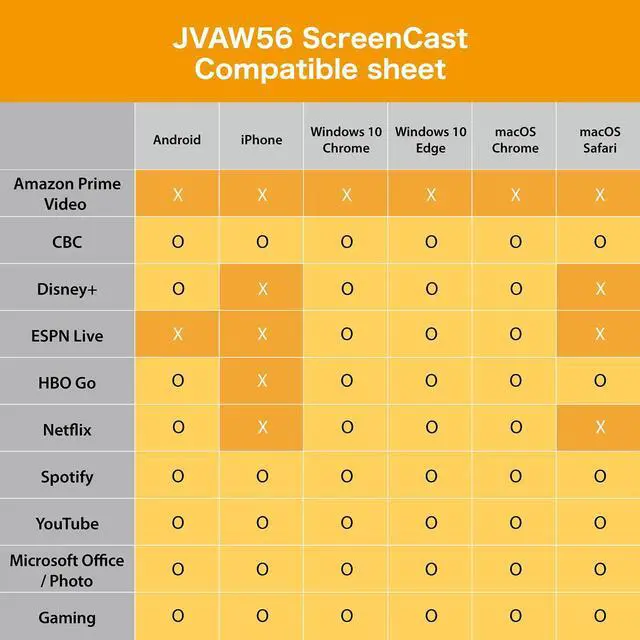
| Youtube, Spotify, Photo, Gaming, Microsoft Office, CBC | ? | ? | ? | ? | ? |
| Netflix, Disney+, Prime Video, HBO | Supported on Android | ? | Supported on Android | ? | Supported on Android |
| Admin Gateway Password | no data | no data | no data | no data | ? |
| Cast without a Wi-Fi Connection | no data | no data | no data | no data | ? (Miracast, AirPlay) |
Wirelessly display content from your mobile devices onto a high-definition TV
The JVAW56 wireless display adapter supports multiple wireless standards including Miracast and AirPlay. Users can extend their video sources by casting onto a bigger screen with a simple setup. The wide-ranging compatibility includes Windows laptops, MacBooks, iPhones, iPads, and Android devices.
Experience the Visual Rush of 1080P Full HD Video
The wireless display receiver can wirelessly mirror the entire screen of your smartphone, tablet or laptop to an HDTV or projector, so you can enjoy 1080P Full HD quality video streamed straight from your mobile device to your big screen TV or projector, without compromising on video quality.
No connection via Wi-Fi needed- by creating a dedicated wireless connection directly between your mobile device and TV or projector, it ensures quick and easy setup, and so you no longer need to worry about weak Wi-Fi signals, annoying lag times, and video freezing mid-frame. No apps needed either!
Quick and Easy Setup
1. Plug the USB into the built-in USB port on your TV or a USB power adapter (USB extension cable included.)
2. Connect to the ScreenCast via your device's mirroring/display settings and you're ready to share. Note that iPhone/iPad/Mac users will need to connect to the SSID of ScreenCast first via the wireless internet settings on your device.
* For further instructions on how to set up on different operating systems, refer to the steps in the graphic above or the included quick start guide.
Physical Specifications
JVAW56 | JVAW62 | JVAW76 | JVAW75 | JVAW76MAX | |
|---|---|---|---|---|---|
| Customer Reviews | — | — | — | — | — |
| Price | — | — | — | — | — |
| Resolution | 1080p | 1080p | 4K (Upscaling) | 4K | 4K (Upscaling) |
| Cast Mode | Miracast,AirPlay | USB-C Display Dongle + Wireless Receiver | Miracast, AirPlay, Google Chromecast | HDMI Display Dongle + HDMI Receiver Dongle | Miracast, AirPlay, Google Chromecast |
| Compatible Devices | iPhone, iPad, Android. Windows Laptop, MacBooks | Devices wihich support USB-C display function: MacBook, iPad Pro, iPad Air, Samsung Galaxy S series, Thunderbolt 3/4 laptops | iPhone, iPad, Android. Windows Laptop, MacBooks | Compatible with any device with an HDMI output port: Laptops, game consoles, media players, and more. | iPhone, iPad, Android, Windows Laptop, MacBook |
| Transmission Distance | 50 ft / 15 m | 50 ft / 15 m | 50 ft / 15 m | 100 ft / 30m | 50 ft / 15 m |
| Customizable Background | no data | no data | ? | no data | ? |
| Miracast PIN code | no data | no data | ? | no data | ? |
| Youtube, Spotify, Photo, Gaming, Microsoft Office, CBC | ? | ? | ? | ? | ? |
| Netflix, Disney+, Prime Video, HBO | Supported on Android | ? | Supported on Android | ? | Supported on Android |
| Admin Gateway Password | no data | no data | no data | no data | ? |
| Cast without a Wi-Fi Connection | no data | no data | no data | no data | ? (Miracast, AirPlay) |
We develop. We innovate. We create. j5create is a team that has come together from a diverse set of backgrounds to make technologies more meaningful and inclusive. We design, build, sell and support innovative technology, and we find creative ways to apply new technologies to provide computing solutions.
Made in Taiwan
All our products are manufactured in Taiwan, which has been a global force in the electronics industry since the 1990s.
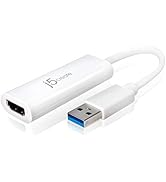
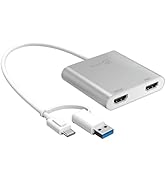
j5create USB-HDMI Adapters
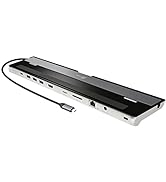
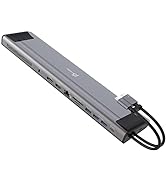
j5create Docking Stations
j5create USB-C Hubs
j5create Webcams
j5create Screencast Adapters
j5create Video Capture Cards
j5create Laptop Stands
j5create Monitor Mounts
