
 Holiday Shipping Details & Extended Holiday Returns

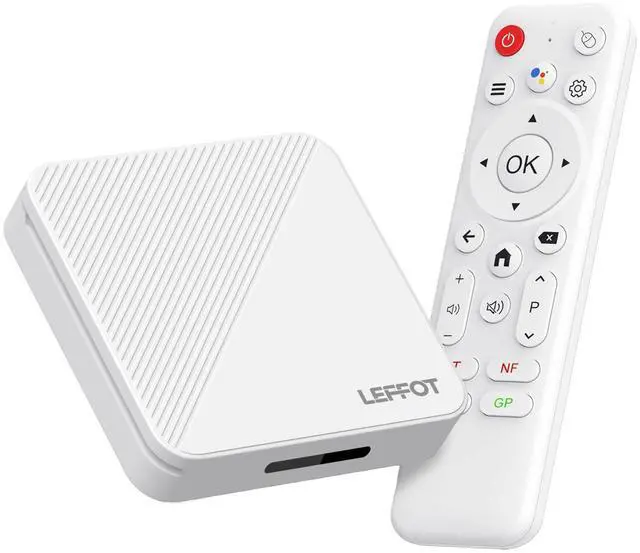

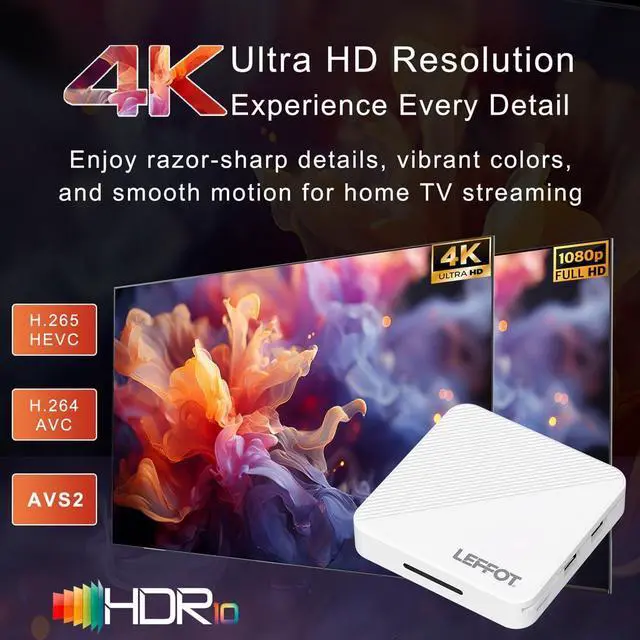

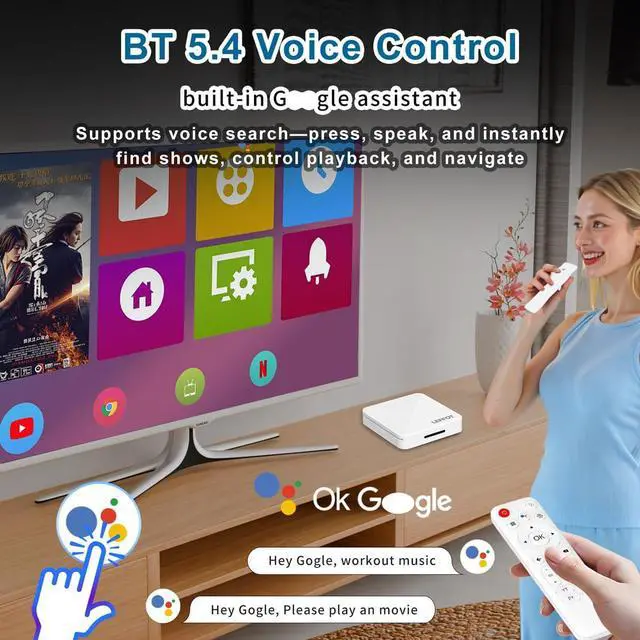
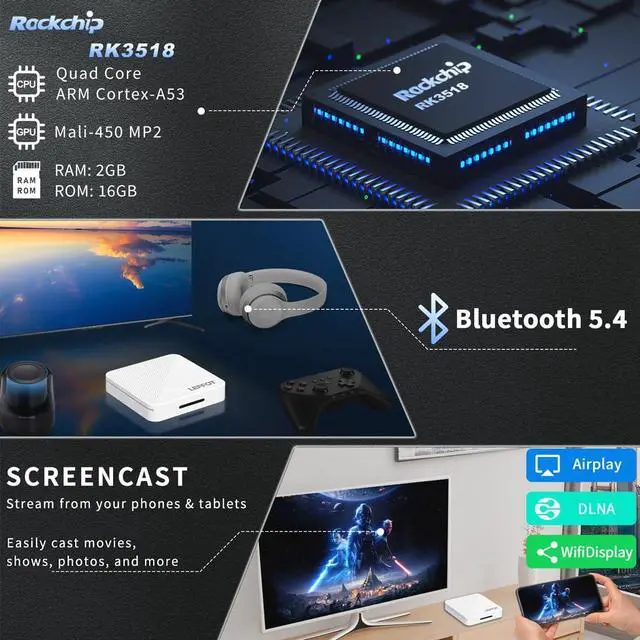
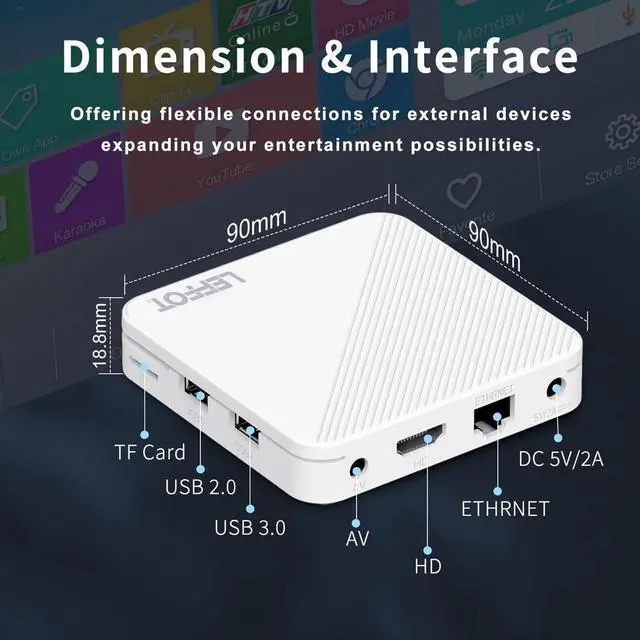


If you encounter any compatibility issues, app download problems, or any other difficulties, please let us know, and we will provide a solution as soon as possible.
For most common issues encountered during daily use, they can generally be resolved by first performing a factory reset, followed by a system update.
Factory Reset Path: Go to "Settings" ? Scroll down and select "Device Preferences" ? Select "About" ? Select "Factory Reset" or "Reset".
System Update Path 1: Go to "Settings" ? Scroll down and select "Device Preferences" ? Select "About" ? Select "System Update".
System Update Path 2: On the Home Screen, select "More APP" to enter the "More APP" interface ? Find the "FOTA Update" APP, select this application to proceed with the system update.
App Compatibility: Our TV box comes pre-installed with apps such as Google Play, Netflix, Prime Video, and YouTube. Please note: The manufacturers of these apps recommend using the pre-installed versions, as they have been adapted for the TV box's system. It is advised not to install or upgrade to other versions to avoid compatibility issues that may prevent the apps from functioning properly.
If upgrading these apps leads to compatibility issues or causes them to malfunction, performing a factory reset can restore the apps to normal operation.
If compatibility issues arise during normal use of the product, a system update can be performed to resolve them.
App Installation:
- Most apps can be installed from Google Play. It is recommended to choose the 32-bit system version or a universal version.
- Use the APKPure app store to download and install required apps, such as Disney+.
- Use the Aptoide TV app store to download and install required apps.
- Download APK files and install apps via a USB drive:
USB Installation Method: Download the APK format installation file (32-bit or universal version of the app, not a ZIP/RAR compressed package) to a USB drive. Please ensure to download the TV version (mobile versions may not be compatible with remote control operation). Format the USB drive to FAT32 or exFAT format (NTFS may not be recognized). Then, open the USB drive via "Media Center" or "File Manager", long-press the APK file, and select "Package Installer" to install.
If you encounter any compatibility issues, app download problems, or any other difficulties, please let us know, and we will provide a solution as soon as possible.
For most common issues encountered during daily use, they can generally be resolved by first performing a factory reset, followed by a system update.
Factory Reset Path: Go to "Settings" ? Scroll down and select "Device Preferences" ? Select "About" ? Select "Factory Reset" or "Reset".
System Update Path 1: Go to "Settings" ? Scroll down and select "Device Preferences" ? Select "About" ? Select "System Update".
System Update Path 2: On the Home Screen, select "More APP" to enter the "More APP" interface ? Find the "FOTA Update" APP, select this application to proceed with the system update.
App Compatibility: Our TV box comes pre-installed with apps such as Google Play, Netflix, Prime Video, and YouTube. Please note: The manufacturers of these apps recommend using the pre-installed versions, as they have been adapted for the TV box's system. It is advised not to install or upgrade to other versions to avoid compatibility issues that may prevent the apps from functioning properly.
If upgrading these apps leads to compatibility issues or causes them to malfunction, performing a factory reset can restore the apps to normal operation.
If compatibility issues arise during normal use of the product, a system update can be performed to resolve them.
App Installation:
- Most apps can be installed from Google Play. It is recommended to choose the 32-bit system version or a universal version.
- Use the APKPure app store to download and install required apps, such as Disney+.
- Use the Aptoide TV app store to download and install required apps.
- Download APK files and install apps via a USB drive:
USB Installation Method: Download the APK format installation file (32-bit or universal version of the app, not a ZIP/RAR compressed package) to a USB drive. Please ensure to download the TV version (mobile versions may not be compatible with remote control operation). Format the USB drive to FAT32 or exFAT format (NTFS may not be recognized). Then, open the USB drive via "Media Center" or "File Manager", long-press the APK file, and select "Package Installer" to install.