

Your Browsing History


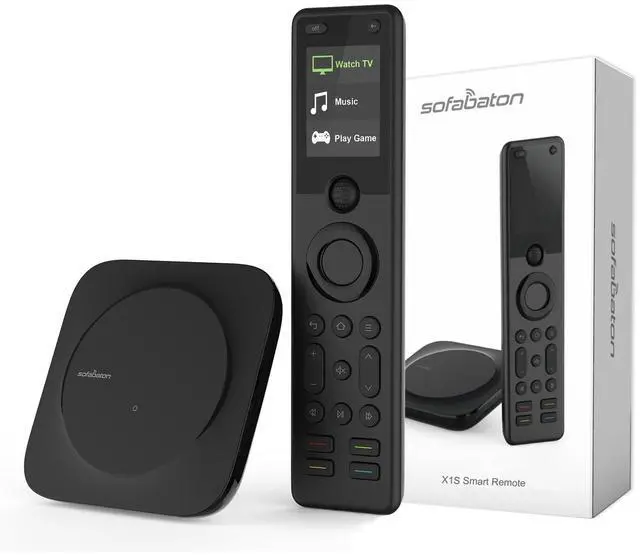


X1S Universal Remote with Hub, All in One Universal Remote Control with Customize APP, One Touch Activities, Compatible with 60 Devices, Compatible with Alexa Google Assistant
Limited time offer, ends 08/24 By Eristy shop
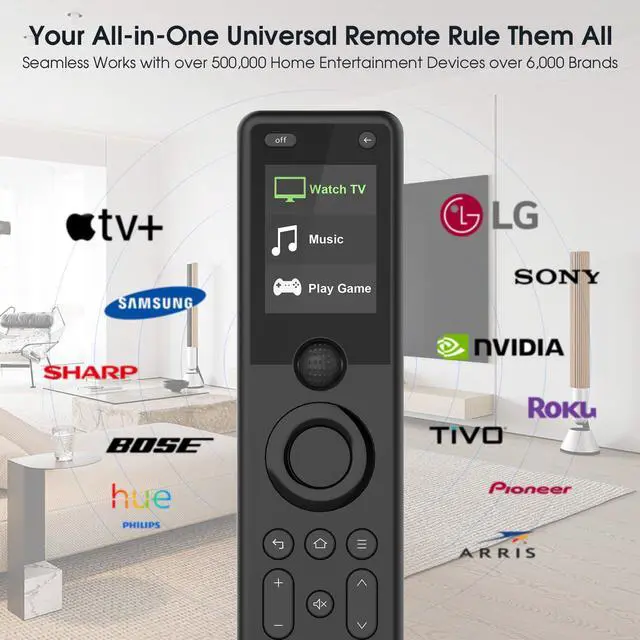
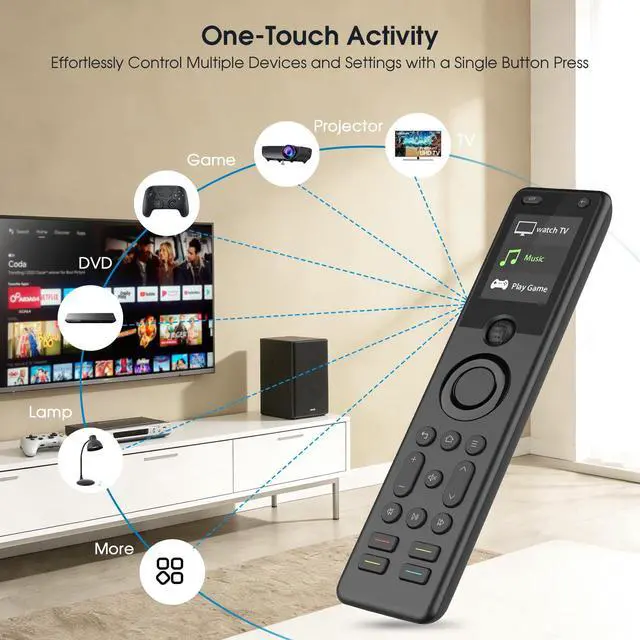
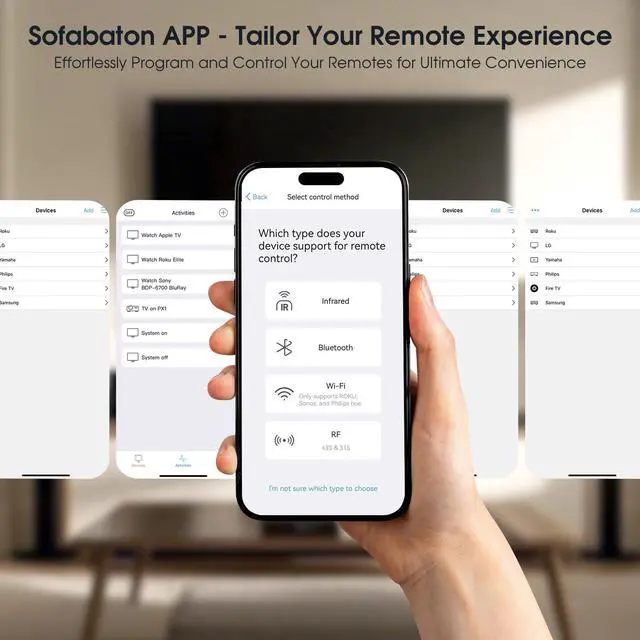
- Ever-Growing Device Library with Live Cloud Updates: Access and control over 500,000 IR, Bluetooth, and WiFi devices from more than 6,000 brandsincluding TVs, soundbars, streaming players, and game consoles. Our cloud database refreshes in real time, ensuring your remote remains compatible with new devices. One-Touch Activities: Operate multiple devices at once with a single command. The activity function lets you start a series of preset device operationsfor instance, choosing "Watch TV" will power on your TV, turn on the soundbar, and select the proper input source, removing the need to handle each device separately. Customizable APP: Add and manage devices quickly with one-tap setup. Completely personalize your remote by reassigning buttons, creating activities, and setting custom channel iconsall via an intuitive interface. The integrated remote locator activates an audible beep so you never lose control. Smart Voice Control: Handle your entertainment system using just your voice. Connect directly with Google Assistant and Alexa to launch activities, control devices, and change settingsall with easy, hands-free commands. Powerful Hub: The Hub provides whole-room, 360° signal coverage, so you don't need to point your remote. Even when placed inside a cabinet, the included wired IR blasters boost the signal for seamless control from anywhere in the room. Reassign Buttons & Macro Buttons: Tailor every button to suit your preferences, assigning any command or device funct
+
+
Overview
Specs
Reviews

Any questions? Our AI mode will help you find out quickly.
Try me now
Ever-Growing Device Library with Live Cloud Updates: Access and control over 500,000 IR, Bluetooth, and WiFi devices from more than 6,000 brandsincluding TVs, soundbars, streaming players, and game consoles. Our cloud database refreshes in real time, ensuring your remote remains compatible with new devices. One-Touch Activities: Operate multiple devices at once with a single command. The activity function lets you start a series of preset device operationsfor instance, choosing "Watch TV" will power on your TV, turn on the soundbar, and select the proper input source, removing the need to handle each device separately. Customizable APP: Add and manage devices quickly with one-tap setup. Completely personalize your remote by reassigning buttons, creating activities, and setting custom channel iconsall via an intuitive interface. The integrated remote locator activates an audible beep so you never lose control. Smart Voice Control: Handle your entertainment system using just your voice. Connect directly with Google Assistant and Alexa to launch activities, control devices, and change settingsall with easy, hands-free commands. Powerful Hub: The Hub provides whole-room, 360° signal coverage, so you don't need to point your remote. Even when placed inside a cabinet, the included wired IR blasters boost the signal for seamless control from anywhere in the room. Reassign Buttons & Macro Buttons: Tailor every button to suit your preferences, assigning any command or device function to design your perfect layout. Use programmable macro buttons to link multiple actions into one pressstreamline complex tasks and perform multi-step commands with a single touch. Lift-to-Wake & Backlit Buttons: The remote lights up automatically when lifted, with backlit buttons that stay clearly visible in dim light. Manage your setup easily in dark settingsyour remote is always prepared when you need it. Versatile API Integration: Link your remote to smart home platforms such as IFTTT or iOS Shortcuts to enable advanced automation and custom commands. Design triggered sequences, synchronize with other smart devices, and construct a fully integrated control system customized for your setup
Warranty & Returns
Warranty, Returns, And Additional Information
Warranty
- Please contact the Seller directly for warranty information. Warranty information may also be found on the Manufacturer's website.
- CONTACT
Return Policies
- Return for refund within: 30 days
- Return for replacement within: 30 days
- This item is covered by Eristy shop Return Policy
Manufacturer Contact Info
- For a directory of all our manufacturers, please click below.
- Manufacturers Directory
LOADING...