




 here!
I’m your shopping assistant for PC builds, upgrades, and everything tech.
Got questions? Ask away!
Start a conversation
here!
I’m your shopping assistant for PC builds, upgrades, and everything tech.
Got questions? Ask away!
Start a conversation



Any questions? Ask CelesteSM will help you find out quickly.


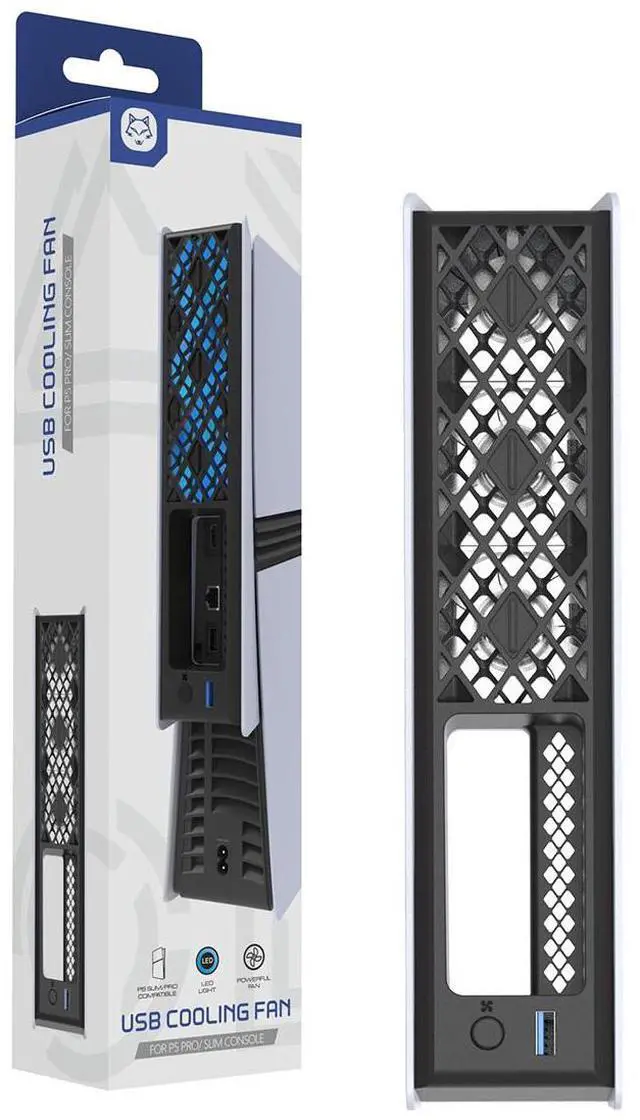
1. This fan is specifically designed for cooling the PS5 Pro/Slim (both disc and digital editions).
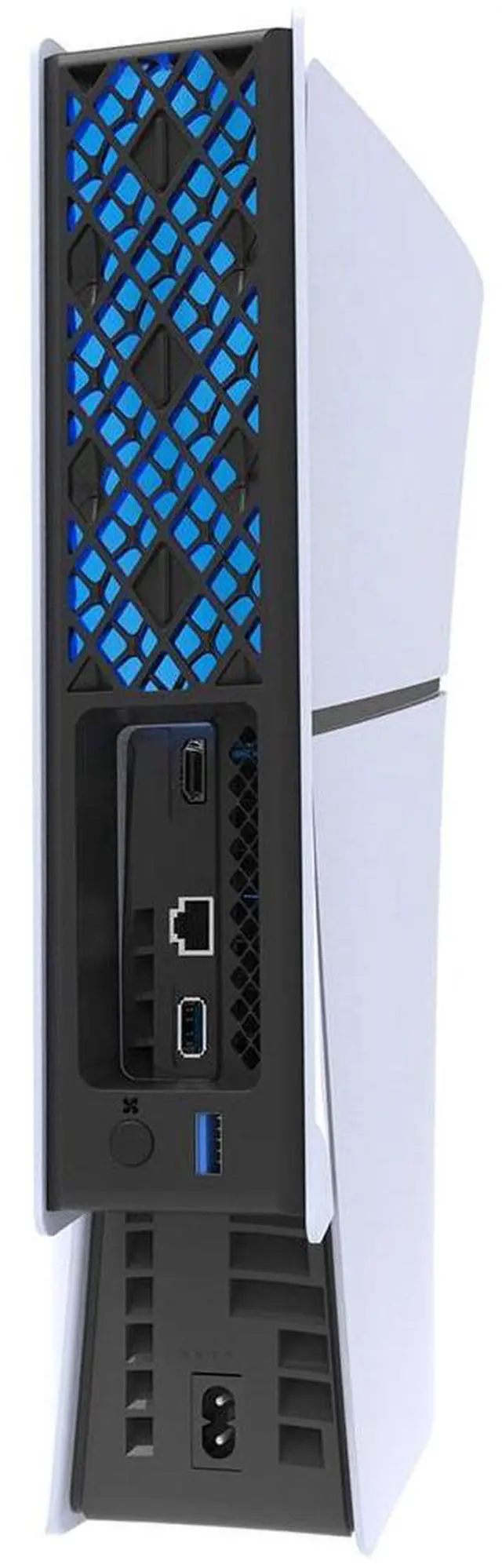
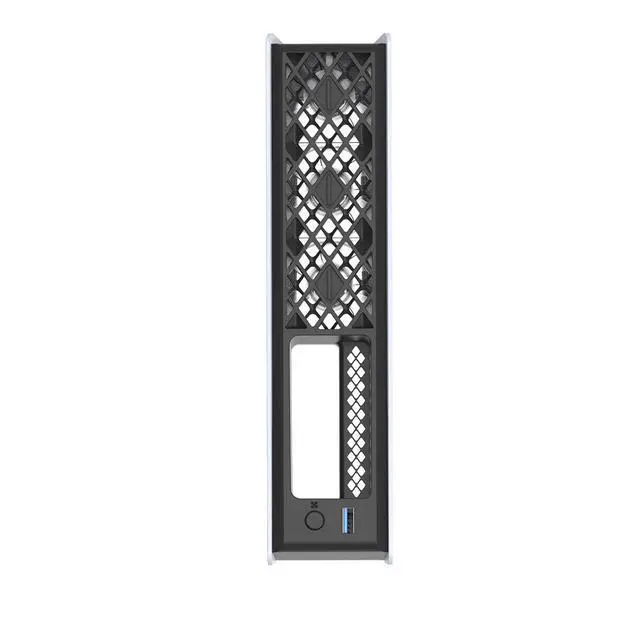
2. It features three built-in fans, is easy to install and operate, cools down quickly, and includes one USB 3.0 port. It offers three modes: Low Speed > High Speed > Auto Temperature Control. Press and hold the control button for 2 seconds to switch modes. The blue light flashes once when switching to Low Speed, the red light flashes once when switching to High Speed, and the green light flashes once when in Auto Temperature Control mode (Note: The light does not flash when it matches the ambient lighting color).
Tailor-Fit for PS5 Pro & Slim
Precision-molded to match the contours of PS5 Pro and Slim (Digital & Disc Editions). Snaps on securely without blocking any ports, buttons, or the disc drive.
Triple 5500RPM High-Speed Fans
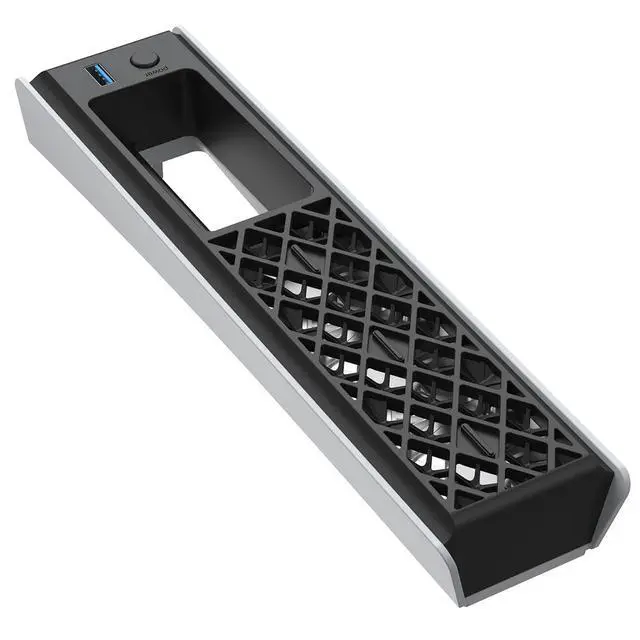
Three high-velocity fans spin at up to 5500RPM, generating strong, focused airflow that rapidly pulls heat away from the console. Keeps internal temperatures down during intense 4K gaming to help prevent throttling and hardware stress.
3 Adjustable Speed Modes
Switch easily between Low, Medium, and High. Silent for streaming and casual play, balanced for everyday gaming, or max cooling for demanding AAA titles you control the cooling power and noise.
USB 3.0 Pass-Through Port
Draws power from your consoles USB port while giving you a fully functional USB 3.0 port in return. Charge controllers, connect wireless headset dongles, or use external storage no port sacrifice needed.
Direct Heat Extraction Airflow
Fans are strategically aligned with the PS5s main heat zones to force hot air away from the console. This targeted exhaust path works together with the systems built-in cooling to maximize overall heat dissipation.
The TOPWOLF HS-P5R008 is a clip-on cooling fan for PS5 Pro and PS5 Slim consoles, including Digital and Disc Editions. It suits gamers who want targeted heat extraction during demanding 4K gaming, with three fans reaching up to 5500RPM and Low, Medium, and High speed settings.
| Attribute | Value |
|---|---|
| Best For | PS5 Pro and PS5 Slim users seeking an add-on cooling fan for console gaming |
| Model Identifiers | TOPWOLF HS-P5R008 fan accessory in black |
Q: Is the TOPWOLF PS5 Pro cooling fan better than using the PS5 Pro by itself?
A: The TOPWOLF fan is the better choice when the PS5 Pro sits in a warm or partially enclosed TV cabinet, or when you want directed rear airflow and adjustable fan control. For an openly placed PS5 Pro with at least 4 inches of clearance, using the console by itself is usually the simpler option because Sony designed the Pro with larger vents and a redesigned internal cooling system. Sony does not state that an external fan is required, and independent testing has found that third-party fans often provide only modest temperature changes in normal setups.
Q: Should I buy the TOPWOLF fan or a PS5 cooling stand?
A: Choose the TOPWOLF fan if you already have a stand and want a compact clip-on accessory with three speed settings, automatic on/off operation, and a USB 3.0 pass-through port. Choose a cooling stand if you also need controller charging, cable organization, headset storage, or a raised platform for improving airflow underneath the console. A stand generally provides more organization, while TOPWOLF focuses on rear-mounted airflow without replacing the existing stand.
Q: Is TOPWOLF better than a basic single-speed PS5 cooling fan?
A: TOPWOLF is the better fit when you want adjustable cooling, automatic operation, compatibility with both PS5 Pro and PS5 Slim, and a USB 3.0 pass-through port. A basic single-speed fan can be the more practical choice for buyers who only need simple airflow and want the smallest or lowest-cost accessory. The main trade-off is feature flexibility versus simpler operation; available testing does not establish that a higher advertised fan speed alone produces a proportional reduction in console temperature.
Q: Should I choose TOPWOLF or a PS5 Slim-only cooling fan?
A: Choose TOPWOLF if you use a PS5 Pro, may upgrade from a PS5 Slim, or want one fan that supports both PS5 Pro and PS5 Slim Digital and Disc models. A PS5 Slim-only fan may be preferable when you own only a Slim console and want an accessory designed around that single chassis. TOPWOLF offers broader compatibility, while a dedicated Slim accessory may provide a more narrowly focused fit.
Q: Will this cooling fan fit a PS5 Pro or PS5 Slim with a disc drive?
A: Yes. The product is designed for PS5 Pro and PS5 Slim consoles in both Digital and Disc Editions. Its molded fit is intended to avoid blocking the console ports, buttons, or disc drive.
Q: Is the fan quiet enough for regular gaming and streaming?
A: It has Low, Medium, and High speed modes, so users can choose lower noise for streaming or casual play and stronger airflow for demanding games. Because the fans can reach up to 5500 RPM, the High setting may be more noticeable than the lower settings.
Q: Does the fan use up a PS5 USB port, or can I still connect another device?
A: The fan draws power from a PS5 USB port and provides a USB 3.0 pass-through port, allowing users to connect compatible accessories such as a controller cable, headset dongle, or external storage device without permanently losing access to one USB connection.
Q: Can this fan stop my PS5 from overheating?
A: It is designed to improve external airflow and help remove heat from the console, but it cannot guarantee that a PS5 will not overheat. Proper ventilation, unobstructed air intakes, dust control, and correct console placement remain important. The accessory should be treated as supplemental cooling rather than a repair for an overheating console.
Q: Is the TOPWOLF PS5 Pro cooling fan worth buying if the console already has open airflow?
A: Usually not a priority. Reddit discussions commonly suggest that a PS5 Pro with unobstructed ventilation does not need an external fan. This product is more relevant when the console is in an entertainment-center cubby or another space where hot air cannot escape easily.
Q: Is this fan suitable for a PS5 Pro kept inside an entertainment cabinet?
A: It is better suited to that use case than to an openly placed console. The fan has three speed settings and is designed to extract heat from the rear of the PS5 Pro or PS5 Slim, but it should be used with adequate intake and exhaust openings rather than as a substitute for proper ventilation.
Q: Will the TOPWOLF cooling fan be quiet enough for gaming and streaming?
A: Noise will depend on the selected speed and the console’s placement. The low setting should be the least intrusive, while the high setting will produce more fan noise. Reddit users discussing similar USB exhaust fans generally report that low or medium speeds are easier to tolerate than maximum speed, especially during quiet scenes.
Q: Can an external PS5 cooling fan make airflow worse?
A: Yes, if it obstructs the console’s exhaust or recirculates hot air. Reddit discussions raise concerns that poorly aligned external fans can restrict airflow or draw warm exhaust back toward the console. This model is most appropriate when its exhaust direction aligns with an open path out of the cabinet.
Q: Does the USB 3.0 pass-through make this fan more practical than a basic USB fan?
A: Yes, if you need to preserve a console USB port. The TOPWOLF fan draws power from the PS5’s USB connection while providing a functional USB 3.0 port for compatible devices such as a controller, headset dongle, or external storage. This is a convenience benefit, not a cooling-performance guarantee.


