
Your Browsing History
- In Stock
- Sold by Newegg
- Make an Offer
- New

Any questions? Our AI beta will help you find out quickly.
Try me now

Quick View
M.2 SSD Drive with NVME Protocol M2 Adapter to PCI Express 3.0X16 Controller Card M Interface Key Support PCI Express 3.0x4 2230
Limited time offer, ends 02/24
- Model #: DIEWUseries-19
- $17.29 –
- More options from $17.29 - $19.32
- Free Shipping
Quick View
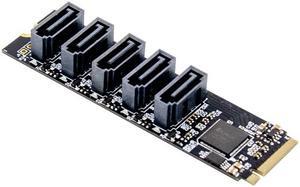
PCIE X2 M.2 Key M to SATA 3.0 5 Port Sata Expansion Card 6Gb/s JMB585
- Model #: CST-532-160
- $26.49 –
- More options from $26.49 - $36.53
- Free Shipping
Quick View
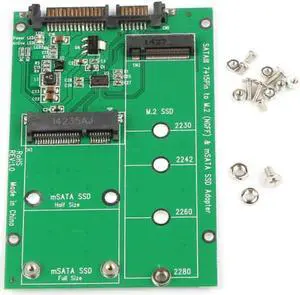
2 in 1 Combo Mini PCI- E 2 Lane M.2 NGFF & mSATA SSD to SATA 3.0 III Adapter Converter PCBA
- Model #: ZZL-RNU-ASD1686497
- $29.99 –
- Free Shipping
Quick View
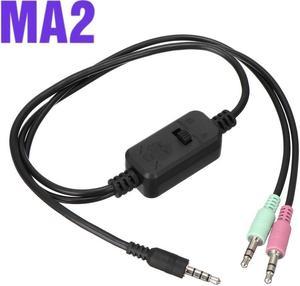
MA2 3.5mm Live Stream Streaming Sound Card Adaptor Cable Upgraded Version of MA1 sound card conversion cable
- Model #: 1-Soun1-Car10430
- $37.25 –
- More options from $32.45 - $40.12
- Free Shipping
Quick View
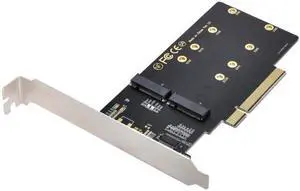
M.2 SSD Drive with NVME Protocol M2 Adapter to PCI Express 3.0X16 Controller Card M Interface Key Support PCI Express 3.0x4 2230
Limited time offer, ends 02/24
- Model #: DIEWUseries-32
- $12.57 –
- More options from $12.57 - $14.59
- Free Shipping
Quick View
SA-012 Dual 2X NVME M.2 AHCI to PCIE Express 3.0 Gen3 X8 X16 Raid Card VROC Raid0 Hyper Adapter
Limited time offer, ends 02/24
- Model #: C32P.120549
- $40.99 –
- Free Shipping
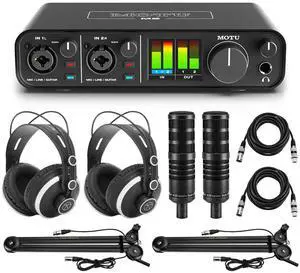
Quick View
- $490.71 –
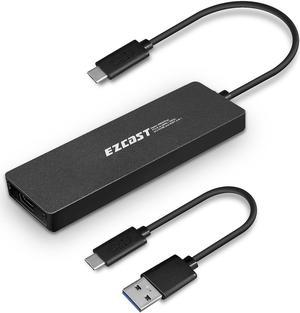

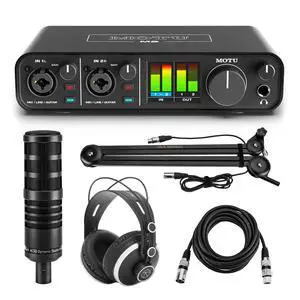
Quick View
- $369.94 –
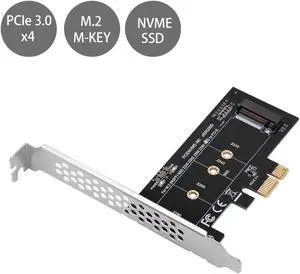
Quick View
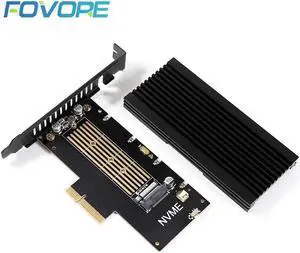
M2 pcie adapter adapter PCI e M.2 NVME M Key 2280 SSD controller M.2 ssd pcie converter PCI express to M2 adapter with heatsink
Limited time offer, ends 02/24
- Model #: YING-GD01-A3-07341
- $48.99 –
- Free Shipping
Quick View
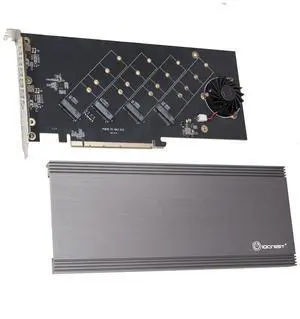
Vszerda Quad M.2 NVMe PCIe 4.0 x4 PCIe x16 Expansion Card NVMe M.2 up to 256Gbps for AMD 3rd Ryzen sTRX40, AM4 Socket and Intel VROC NVMe Raid, PCIe 4.0 Model (SI-PEX40162)
- Brand: IO Crest
- Part Number: SI-PEX40162
- Interface: pci_express_x16
- BUS: pci_express_x16
- Model #: SI-PEX40162A
- $85.99 –
- Free Shipping
Quick View
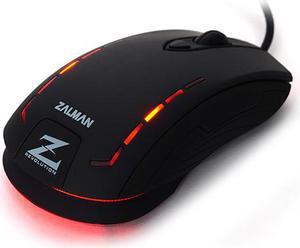
Zalman ZM-M401R Avago A5050 Gaming Sensor Optical Gaming Mouse 2500 DPI
- Resolution (DPI): 2500 dpi
- Model #: ZM-M401R
Quick View
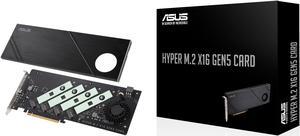
ASUS Hyper M.2 x16 Gen5 Card (PCIe 5.0/4.0) supports four NVMe M.2 (2242/2260/2280/22110) devices up to 512 Gbps for AMD and Intel® platform RAID functions.
- Type: PCI Express to M.2 Card
- Compatibility: Compatible Models: Visit www.asus.com for latest compatible model lists. Maximum numbers of M.2 SSD support will vary, depending on different CPU specs and PCIe bifurcation settings in different ASUS motherboards. Please see the FAQ link for further information: https://www.asus.com/support/FAQ/ 1037507
- Specifications: Interface: PCIe 5.0 x16 interface, support data transfer rates up to 512 Gbps. External Connectors: 4 x M.2 slots (Key M), type 2242/2260/2280/22110 (supports PCIe 5.0)* * Supports PCIe M.2 storage devices only. LED & Switch: 1 x M.2 FAN Power Switch 4 x M.2 access LEDs Thermal Solution : Active fan with heatsink, support fan control from MB chassis fan header Dimensions: 29(L)*12.2(W) *1.5(H)cm Compatible Models: Visit www.asus.com for latest compatible model...
- Model #: HYPER M.2 X16 GEN5 CARD
- $108.29 –
- More options from $83.99 - $234.30
Quick View
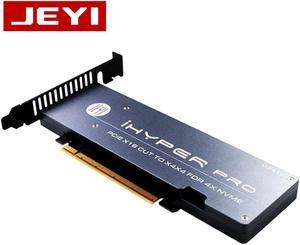
JEYI iHyper-Pro m.2 X16 TO 4X NVME PCIE3.0 GEN3 RAID CARD PCI-E VROC M.2X16 M2X16 4XX4
Limited time offer, ends 02/24
- Model #: ooc-0141160
- $102.35 –
- More options from $102.35 - $103.36
- Free Shipping
Quick View
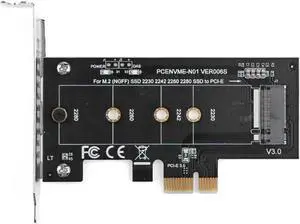
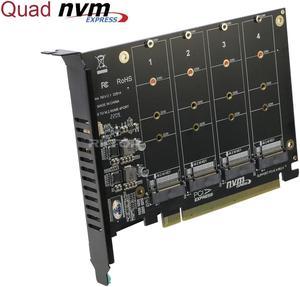
Quad M.2 NVMe to PCIe Adapter Expansion Card (PCIe Bifurcation Motherboard is Required), Support 4* M.2 PCIe NVMe SSD
Limited time offer, ends 02/22
- Type: Controller Card
- Model #: 4NV-PCE16X

Quick View

- Type: SSD ADAPTER
- Model #: ROG PCIE 5.0 M.2 Card
- $39.99 –

Quick View
PCIe to M.2 NVMe SSD Adapter Card, PCI Express 4.0 X1/X4/X8/X16 Expansion Converter Supports 2230/2242/2260/2280 M.2 NVMe Drives, Compatible with Windows, Linux, macOS (PCIE x16 to M.2)
Limited time offer, ends 02/24
- Model #: C32P.111087
- $13.33 –
- Free Shipping
Quick View
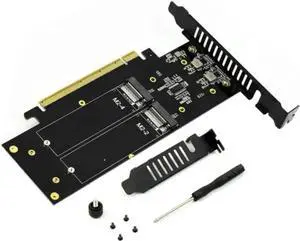
JAENFONG M.2 X16 to 4X PCIE 4.0 GEN4 Expansion Card Supports NVMe M.2 m Key 2280 up to 32Gbps for VROC NVMe Raid
Limited time offer, ends 02/18
- Model #: mo-1148
- $51.50 –
- Free Shipping
Quick View
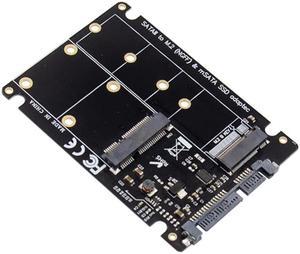
SATA to M.2 B & mSATA SSD NVMe adapter Card 6Gbps
- Type: SATA to M. 2 or mSATA
- Model #: CST-524-18
Quick View
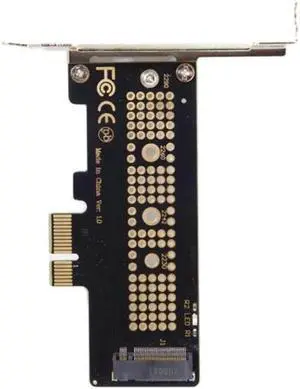
Aomoproing Low Profile PCI-E 3.0 x1 Lane to M.2 NGFF M-Key SSD Nvme AHCI PCI Express Adapter Card
- Model #: oo-912
- $16.39 –
- Free Shipping
Quick View
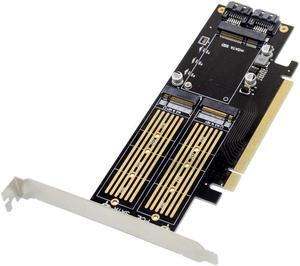
PCIE mSATA + M.2 B&M Key SSD NVMe Adapter 6Gb/s
- Model #: CST-533-38
Quick View
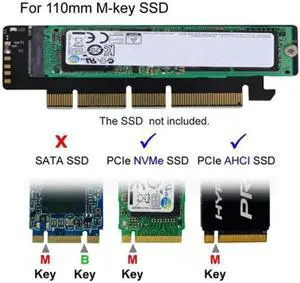
Aomoproing NGFF M.2 M-key NVME AHCI SSD to PCI-E 3.0 16x 4x Adapter for 110mm 80mm SSD
- Model #: oo-916
- $16.39 –
- Free Shipping
Quick View
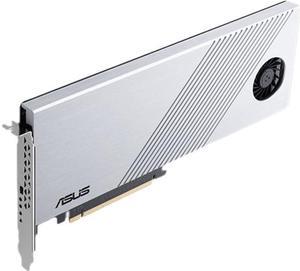
Asus HYPER M.2 X16 GEN 4 CARD Hyper M.2 x16 Gen 4 Card (PCIe 4.0/3.0)
- Type: PCI Express to M.2 Card
- External Ports: 4 x M.2 slots (Key M), type 2242/2260/2280/22110 (supports PCIe 4.0/3.0)* * Supports PCIe M.2 storage devices only.
- Internal Ports: PCIe 4.0/3.0 x16 interface, compatible with PCIe x8 and x16 slots, support data transfer rates up to 256 Gbps.
- Specifications: 1 x M.2 FAN Power Switch 4 x M.2 access LEDs
- Model #: HYPER M.2 X16 GEN 4
- $89.30
- $86.62 –
- More options from $58.90 - $139.34
Quick View
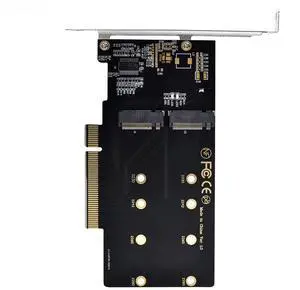
Vszerda Dual M.2 to PCIe 3.0 X8 Adapter, Dual NVME/AHCI SSD to PCI Express Expansion Card Adapter with 12cm Slot Bracket
Limited time offer, ends 02/26
- Model #: SA-012
- $47.18 –
- Free Shipping
Quick View
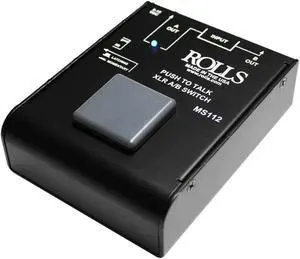
Used - Like New Rolls MS112 Push to Talk XLR A-B Switch
- Model #: MS112
- $101.99 –
- More options from $101.99 - $139.00
- Free Shipping
Quick View
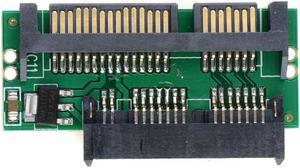
Pro 1.8 Micro MSATA SSD TO 7+15 2.5 inch SATA Adapter Converter Card Board
- Model #: LRS-Converter c-41
- $12.99 –
- Free Shipping

Quick View
M202 Gaming Headset Stereo 40mm Dynamic Drivers Noise Reduction Earphone 3.5mm Wired Head-Mounded Gaming Headphones with Mic
- Wireless Type: Bluetooth
- Model #: HT-ID707-1786763
- $31.78 –
- Free Shipping
Quick View
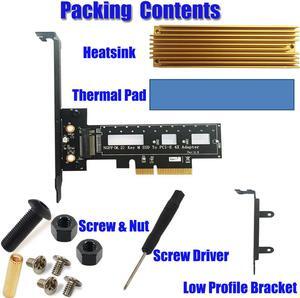
PCI Express M.2 SSD NGFF PCIe Card to PCIe 3.0 x4 Adapter with Heatsink Support M.2 PCIe (NVMe or AHCI) Type 2280, 2260, 2242
- Model #: PCI-e x4
- $26.89 –
- $1.99 Shipping

Quick View
M.2 NVMe SSD Convert Adapter Card for MacBook Air Pro Retina (Year 2013-2017), NVME/AHCI SSD Upgraded Kit for A1465 A1466 A1398 A1502
Limited time offer, ends 02/22
- Color: Black
- Specifications: Applications: 1. Make sure to move to High Sierra while still on your old drive, so that a newer firmware is installed that can handle NVMe. 2. Do a full backup to your TimeMachine. 3. Create a High Sierra Installer on a bootable USB stick. 4. Open the macbook and disconnect the battery while wsitching out the drive and make sure both adapter and new SSD sit snug. Finally reconnect the battery before closing the shell. 5. Insert the installer USB stick from step2, and press the option key while the machine starts. Once its up you can now go to the disk utils to format.
- Package Contents: 1x M.2 NVMe SSD Adapter Card for Upgrade of Macbook 2013-2017.
- Model #: NVMETMAC
- $11.95 –
- Free Shipping
Quick View
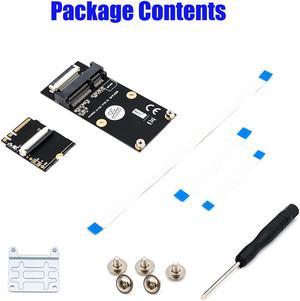
M.2 (NGFF) key A/E/A+E to Mini PCI-E Adapter with FFC Cable
- Type: Mini PCI Express to Mini PCI Express
- Model #: 1045
- $18.68 –
- $1.99 Shipping
Quick View
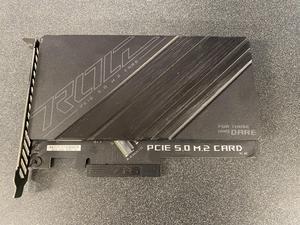
- Type: PCI Express to M.2 Card
- Model #: PCIE 5.0 M.2 CARD
- $59.99 –
- Free Shipping
Quick View
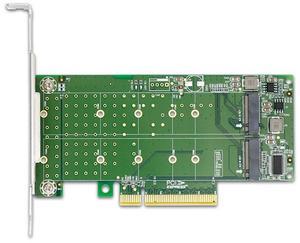
eShinreal 2-Port PCIe 4.0 x8 to M.2 NVMe SSD Adapter Card PCIe Bifurcation Needed
- Model #: XIC PE382-2I
- $31.50 –
- $16.00 Shipping