Your Browsing History
- In Stock
- Sold by Newegg
- Make an Offer
- New

Any questions? Our AI beta will help you find out quickly.
Try me now
Quick View
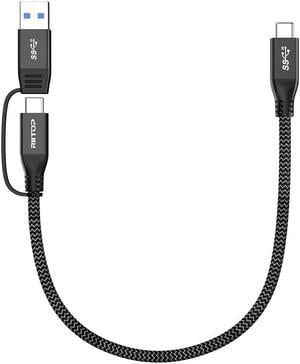
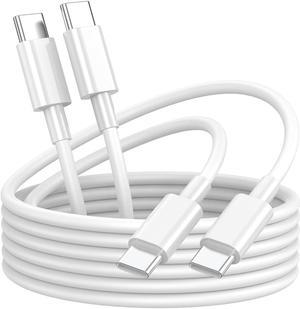
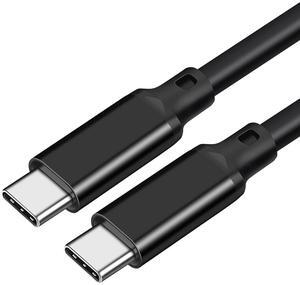
USB 3.2 Type C to USB C Cable 20Gbps 100W 1ft, 2-in-1 USB-A/C to USB-C Fast Charger Charging Cable Cord and Data Sync for Apple MacBook Pro/Air 2020,iPad Pro 2020,Samsung Galaxy S21,Type-C Laptops
Limited time offer, ends 05/11
- Cable Length: 1 ft.
- Type: USB 3.2
- Connector Type: USB C to USB C
- Connector Number: 3
- Model #: CMM-E03Y-BK
- $15.99 –
- Free Shipping
Quick View
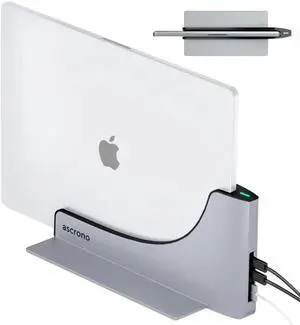
Dock for 13" Apple MacBook Air - Docking Station - Connect Dual Displays with Two Thunderbolt 4 USB-C Ports - Mac Docking Station Hub - Supports MacBook Air 13" (M2 2022 & M3 2024)
- Model #: EQWER249649107231
- $455.38 –
- Free Shipping
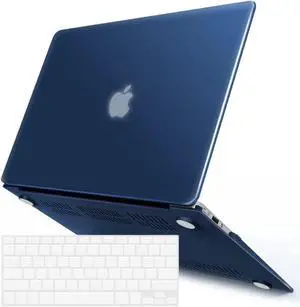
Quick View
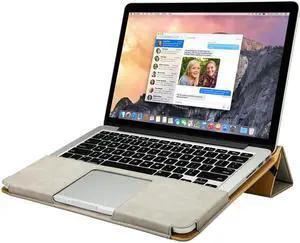
Macbook Air 13 inch Case Premium Quality PU Leather Book Cover Folio Flip Case laotop Sleeve Protective Cover with Stand Function for Apple Macbook Air 13" Model A1369 / A1466 Case
- Count: N/A
- Style: Backpack
- Size: N/A
- Option: N/A
- Model #: tovf1
- $54.99 –
- Free Shipping
Quick View
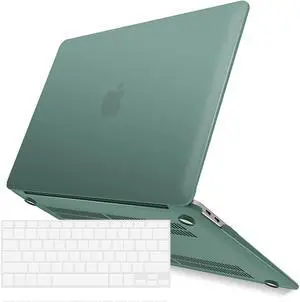
Compatible with MacBook Air 11 Inch Case Model A1370 A1465, Soft Touch Plastic Hard Shell Cover with Keyboard Cover for Apple Mac Air 11" Green
- Case Type: Hard Case
- Model #: 16Y270G-11111
- $20.99 –
- Free Shipping
Quick View
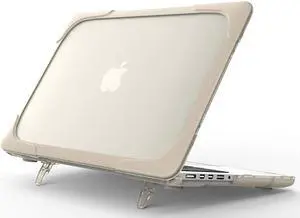
MacBook Air 13 Inch Case 2019 2018 A1932 Heavy Duty Slim Hard Shell Protective Cover with Fold Kickstand for Apple MacBook Air 13 Retina with Touch ID
- Count: N/A
- Style: Sleeve
- Size: N/A
- Option: N/A
- Model #: 3443fg11
- $37.99 –
- Free Shipping
Quick View
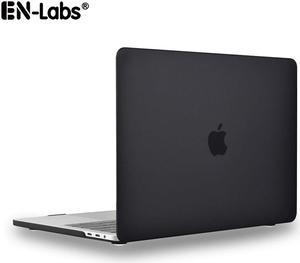
Matte Laptop Case for Apple Macbook Air 13.3",Hard Sell Case Protective for Mac Book A1369 A1466 - Matte Black
Limited time offer, ends 05/30
- Option: 13.3-Inch
- Model #: MTCASE13A1466

Quick View
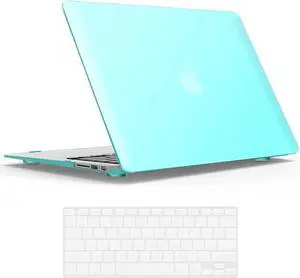
Compatible with Old Version MacBook Air 13 Inch Case (2017-2010 Release) Model: A1466 / A1369, Plastic Hard Shell Case with Keyboard for Apple Mac Air 13" Blue
- Case Type: Hard Case
- Model #: 18Y320G-111111
- $22.99 –
- Free Shipping
Quick View
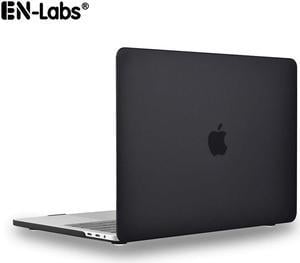
Matte Laptop Case for Apple Macbook Air 11.6",Hard Sell Case Protective for Mac Book A1370 A1465 - Matte Black
Limited time offer, ends 05/30
- Count: 1 PC
- Size: 11.6"
- Model #: MTCASE11A1370
Quick View
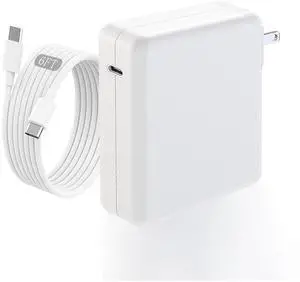
Charge,140w Fast Mac book Air/Pro Charger With 6FT Fast Charger USB C to C Cable Cord For Apple MacBook Pro/MacBook Air 16 15 14 13 Inch,M1 M2 M3,iPad Pro,Samsung Galaxy & All USB C Device
Limited time offer, ends 05/21
- Model #: 461285059104
- $59.98
- See price in cart
- More options from $44.99 - $79.99
- Free Shipping
Quick View
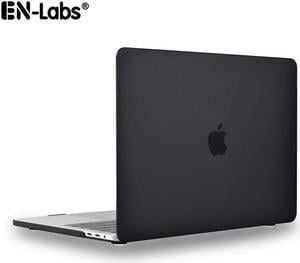
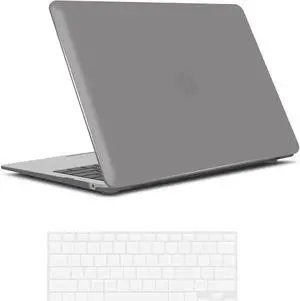
Matte Laptop Case for Apple Macbook Air 13.3" with Touch bar & Touch ID,Hard Sell Case Protective for Mac Book A1932 - Matte Black
Limited time offer, ends 05/30
- Case Type: Hard-Shell Case
- Material: PC
- Option: 13.3-Inch
- Model #: MTCASE13A1932
Quick View
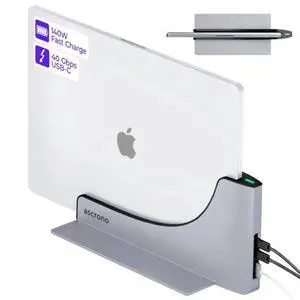
Dock for 13" Apple MacBook Air - Docking Station - Connect Dual Displays with Two Thunderbolt 4 USB-C Ports - Mac Docking Station Hub - Supports MacBook Air 13" (M2,M3,M4,M5 2022-2026)
- Model #: Fahint418367067466
- $455.38 –
- Free Shipping
Quick View
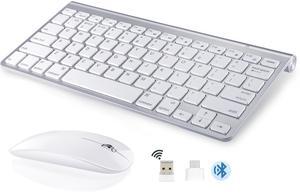
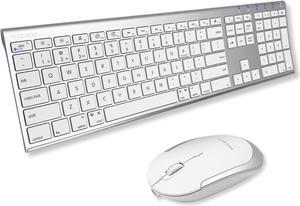
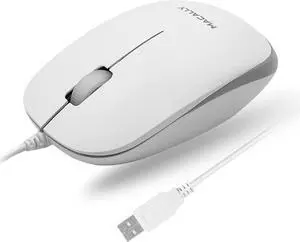
Macally Premium Bluetooth Keyboard and Mouse for Mac | Compatible Wireless Apple Keyboard and Mouse Combo (110 Keys Multi-Device Rechargeable) for MacBook Pro/Air and iMac
- Model #: C0A1553551984577400
- $136.48 –
- Free Shipping
![Laptop Stand - Jansicotek Aluminum Cooling Computer Stand: [Update Version] Stand, Holder for Apple MacBook Air, MacBook Pro, All 10-17'' Notebooks, (Z19-Black)](https://c1.neweggimages.com/productimage/nb300/AD8FS210717lq0AI.jpg "Laptop Stand - Jansicotek Aluminum Cooling Computer Stand: [Update Version] Stand, Holder for Apple MacBook Air, MacBook Pro, All 10-17'' Notebooks, (Z19-Black)")
Quick View
Laptop Stand - Jansicotek Aluminum Cooling Computer Stand: [Update Version] Stand, Holder for Apple MacBook Air, MacBook Pro, All 10-17'' Notebooks, (Z19-Black)
Limited time offer, ends 05/23
- Accessory Type: Stand
- Color: Black
- Maximum support size: Support up to 17-in. Laptop
- Dimension: Pruduct size (L x W x H): 9.40 x 11.22 x 2.16 In
- Model #: W-Z19-BK-7
![Adjustable Tablet Stand - Jansicotek Aluminum Cooling Computer Stand [Update Version] Stand, Holder with 4 High-speed Cooling Fan for Apple MacBook Air, MacBook Pro, All 9-13.3'' Tablets Notebooks](https://c1.neweggimages.com/productimage/nb300/AD8FS2207160IVYID35.jpg "Adjustable Tablet Stand - Jansicotek Aluminum Cooling Computer Stand [Update Version] Stand, Holder with 4 High-speed Cooling Fan for Apple MacBook Air, MacBook Pro, All 9-13.3'' Tablets Notebooks")
Quick View
Adjustable Tablet Stand - Jansicotek Aluminum Cooling Computer Stand [Update Version] Stand, Holder with 4 High-speed Cooling Fan for Apple MacBook Air, MacBook Pro, All 9-13.3'' Tablets Notebooks
Limited time offer, ends 05/23
- Part Number: X6CS
- Accessory Type: Stand
- Color: Silver
- Maximum support size: 13.3"
- Model #: W-X6CS-7
![Laptop Stand - Jansicotek Aluminum Cooling Computer Stand: [Update Version] Stand, Holder for Apple MacBook Air, MacBook Pro, All 10-16'' Notebooks, (Black)](https://c1.neweggimages.com/productimage/nb300/AD8FS210716p13wx.jpg "Laptop Stand - Jansicotek Aluminum Cooling Computer Stand: [Update Version] Stand, Holder for Apple MacBook Air, MacBook Pro, All 10-16'' Notebooks, (Black)")
Quick View
Laptop Stand - Jansicotek Aluminum Cooling Computer Stand: [Update Version] Stand, Holder for Apple MacBook Air, MacBook Pro, All 10-16'' Notebooks, (Black)
Limited time offer, ends 05/23
- Accessory Type: Stand
- Color: Black
- Maximum support size: Support up to 15.6-in. Laptop
- Dimension: 12.68 x 8.03 x 2.44 inches
- Model #: W-C08LS-BK-7
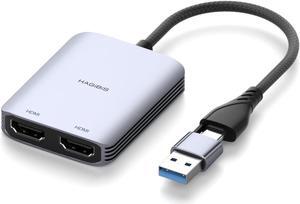
Quick View
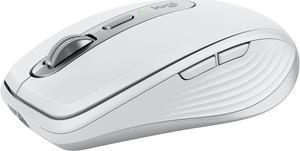
Logitech MX Anywhere 3S for Mac, Compact Wireless Bluetooth Mouse, 8K DPI Any-Surface Tracking, Quiet Clicks, USB C, Wireless Mouse for MacBook Pro, MacBook Air, iMac, iPad - Pale Grey
- Brand: Logitech
- Color: Pale Gray
- Buttons: 6 buttons (Left/Right-click, Back/Forward, Wheel mode-shift, Middle click)
- Scrolling Capability: Scroll Wheel, with auto-shift
- Model #: 910-006944
- $89.99
- $79.99 –
- Save: $10.00 (11%)
- More options from $69.95 - $117.00
- Free Shipping
Quick View
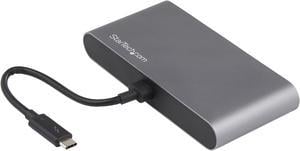
Thunderbolt 3 Mini Dock - Portable Dual Monitor w/ DP 4K 60Hz - 2X USB-A Hub (3.2/2.0), GbE - 28cm Cable - TB3 Multiport Adapter - Mac/Windows - Upgraded Version of TB3DKM2DP (TB3DKMDPL)
- Compatibility: Windows 10 (32/64 bit), 8.1 (32/64bit), 7 (32/64bit) Windows Server 2008 R2, 2012(32/64bit) Mac OS 10.10 - 10.15
- Ports Spec: 2 x 4K DisplayPort (DP) displays (up to 4096 x 2160p @ 60Hz) 1 x USB 3.2 Gen 1 Type-A port (5 Gbps) 1 x Gigabit Ethernet port (with PXE Boot and Wake-on-LAN support)
- Dimension: 1.10" x 4.90" x 2.70"
- Weight: 5.20 oz.
- Model #: TB3DKM2DPL
- $35.99 –
- More options from $35.99 - $43.26
- Free Shipping
Quick View

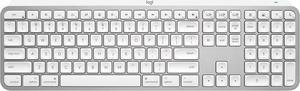
- Keyboard Interface: Bluetooth
- Design Style: Standard
- Keyboard Color: Pale Gray
- Brand: Logitech
- Model #: 920-011622
- $129.99 –
- More options from $129.99 - $173.00
- Free Shipping
Quick View
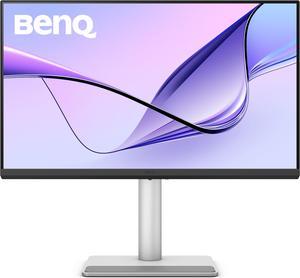
BenQ MA270U 27” 4K 3840x2160 Monitor for MacBook Pro/Air, Dual USB-C, 90W Power Delivery, Mac Color Match, USB Hub, Brightness & Volume Control on Mac, Height & Tilt Adjustable Stand, P3 Color Gamut
- Resolution: 3840 x 2160 (4K)
- Refresh Rate: 60Hz
- Display Colors: 1.07 Billion
- Brand: BenQ
- Model #: MA270U
- $549.99 –
- More options from $499.99 - $598.87
- $40.62 Shipping
Quick View
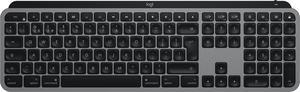
- Keyboard Interface: Bluetooth
- Design Style: Standard
- Keyboard Color: Space Gray
- Brand: Logitech
- Model #: 920-011621
- $129.99 –
- More options from $129.99 - $225.52
- Free Shipping
Quick View
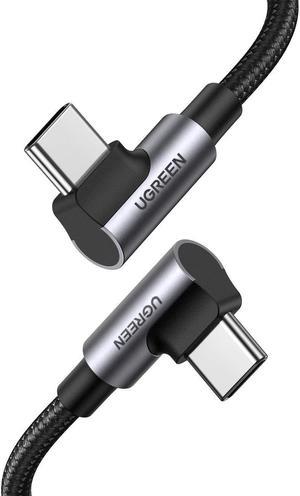
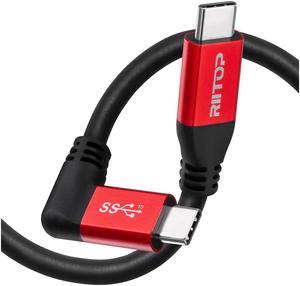
Quest Link Cable 10ft, RIITOP Oculus Quest2 Link Cable, High Speed Data Transfer & Fast Charging USB C Cable Compatible for Oculus Quest2 Headset and Gaming PC
Limited time offer, ends 05/11
- Cable Length: 3M / 10Ft
- Type: USB 3.1
- Connector Type: USB C to USB C
- Connector Number: 2
- Model #: CTC-EM30L
Quick View
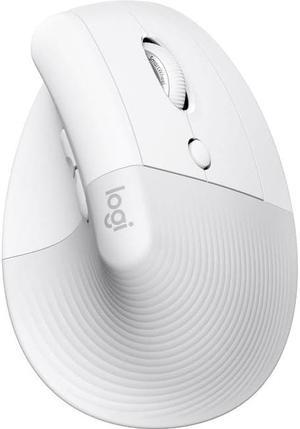
Logitech Lift for Mac Wireless Vertical Ergonomic Mouse, Bluetooth, Quiet Clicks, Silent Smartwheel, 4 Customisable Buttons, for macOS/iPadOS/MacBook Pro/ Air/iMac/iPad - Off White
- Brand: Logitech
- Name: Logitech Lift for Mac
- Color: Black
- Buttons: 3
- Model #: 910-006471
- $79.99 –
- More options from $69.98 - $132.11
- $0.99 Shipping
Quick View
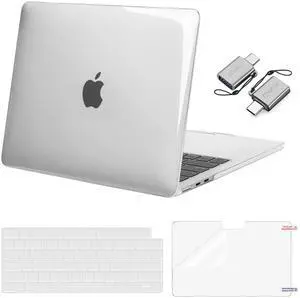
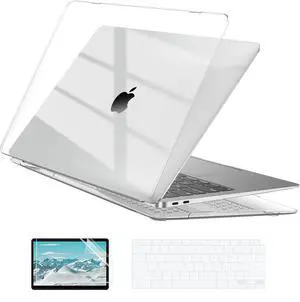
Hard Case Compatible with MacBook Air 13.3 inch M1 Chip 2021-2018 with Retina Display, Air 13.3 inch Plastic Protective Case + Transparant Keyboard Cover + Screen Protector, Crystal Clear
- Brand: EooCoo
- Part Number: 2F-0DQG-6MQW
- Case Type: Case, Cover
- Material: Polycarbonate
- Model #: 755349410045
- $29.99 –
- Free Shipping

Quick View
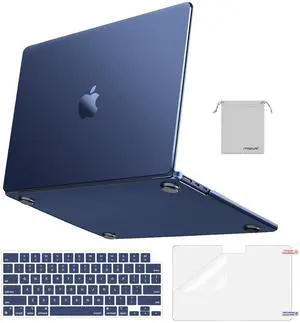
M.2 NVMe SSD Convert Adapter Card for MacBook Air Pro Retina (Year 2013-2017), NVME/AHCI SSD Upgraded Kit for A1465 A1466 A1398 A1502
Limited time offer, ends 05/11
- Color: Black
- Specifications: Applications: 1. Make sure to move to High Sierra while still on your old drive, so that a newer firmware is installed that can handle NVMe. 2. Do a full backup to your TimeMachine. 3. Create a High Sierra Installer on a bootable USB stick. 4. Open the macbook and disconnect the battery while wsitching out the drive and make sure both adapter and new SSD sit snug. Finally reconnect the battery before closing the shell. 5. Insert the installer USB stick from step2, and press the option key while the machine starts. Once its up you can now go to the disk utils to format.
- Package Contents: 1x M.2 NVMe SSD Adapter Card for Upgrade of Macbook 2013-2017.
- Model #: NVMETMAC
- $11.95 –
- Free Shipping
Quick View
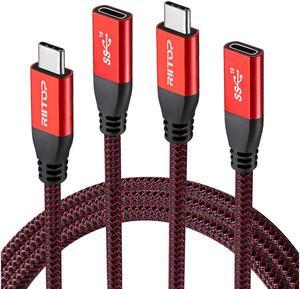
USB C Extension Cable 6Ft (2Pack), RIITOP USB 3.1 Gen2 10Gbps Type C Male to Female Extension Charging & Sync for Nintendo Switch, M1 MacBook Pro Air iPad Pro 2020 Dell XPS Surface Book
Limited time offer, ends 05/11
- Cable Length: 5.9ft / 1.8m.
- Type: Cable Connectors
- Connector Type: USB C to USB C
- Connector Number: 2
- Model #: CMTF-18RD-2P