




 here!
I’m your shopping assistant for PC builds, upgrades, and everything tech.
Got questions? Ask away!
Start a conversation
here!
I’m your shopping assistant for PC builds, upgrades, and everything tech.
Got questions? Ask away!
Start a conversationShipped by Newegg
 Hot Seller
 Top Rated





Any questions? Ask CelesteSM will help you find out quickly.
We want to ensure your holiday shopping this year is hassle-free. That’s why we’re automatically extending our return policies on almost every product! For purchases placed between November 1st, 2026 and December 31, 2026 you will have until January 31, 2027 to return your product.
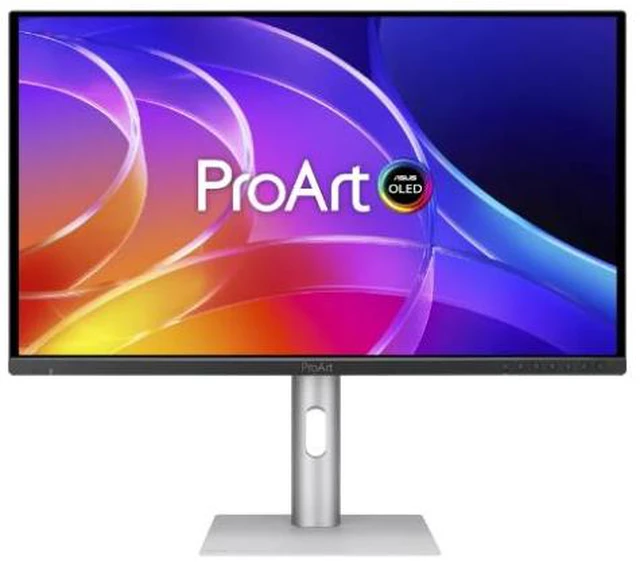
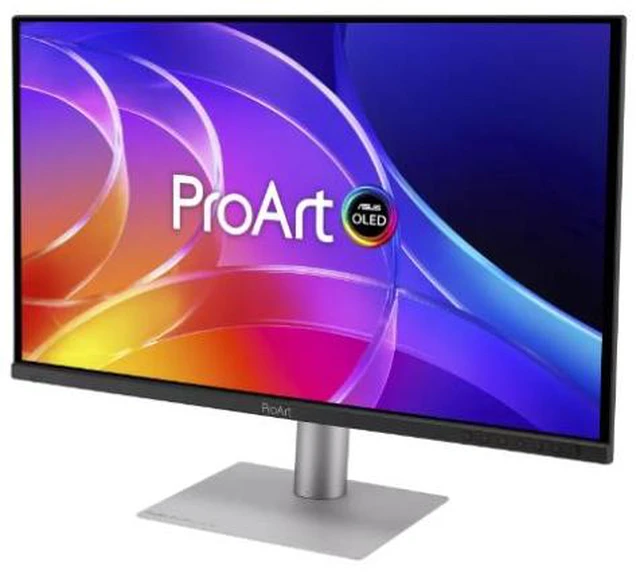
The ASUS ProArt Display OLED PA329CDV is a 31.5-inch 4K QD-OLED professional monitor with 99% DCI-P3 coverage, Calman verification, and factory-calibrated Delta E < 1.5 accuracy, making it suitable for video editors, designers, and other color-critical creative work.
| Attribute | Value |
|---|---|
| Best For | Color-focused photo and video editing, 4K viewing, and gaming, with laptop-friendly USB-C connectivity |
| Panel And Resolution | 31.5-inch flat QD-OLED panel with 4K UHD resolution (3840 × 2160), a 16:9 aspect ratio, anti-reflection screen, 178° horizontal and vertical viewing angles, and 0.182 mm pixel density |
| Refresh Rate And Response | 120 Hz refresh rate and 0.1 ms GTG response time, with Adaptive-Sync variable refresh support |
| Color And HDR | 100% sRGB and 99% DCI-P3 color gamut, 1.073 billion display colors, 300 cd/m² brightness, 1,500,000:1 contrast ratio, HDR10, and VESA DisplayHDR True Black 500; Calman Verified |
| Ports And Connectivity | HDMI 2.1, USB-C with DisplayPort Alt Mode and 96 W Power Delivery, and two DisplayPort 1.4 ports with daisy-chain support; built-in USB hub with one USB-C and three USB-A ports, headphone jack, and HDCP support |
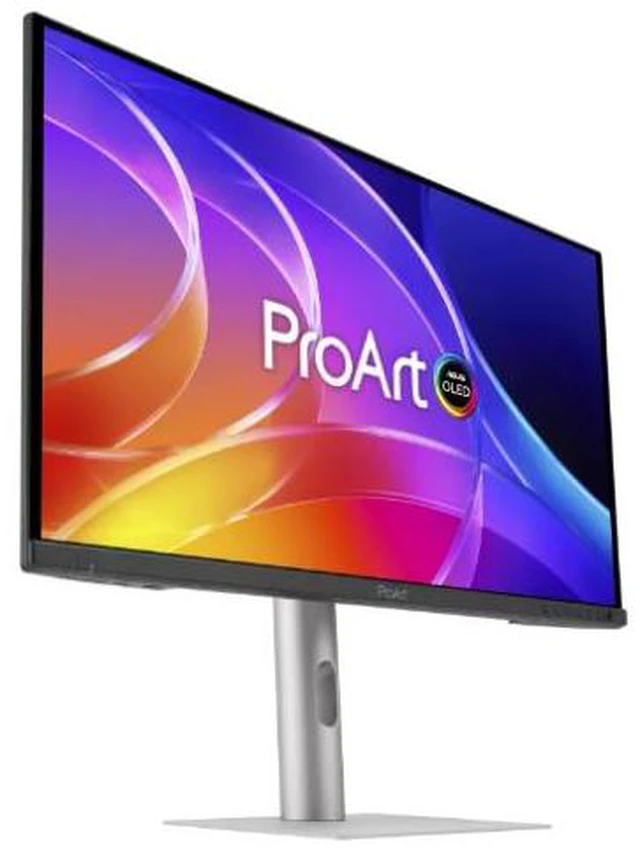
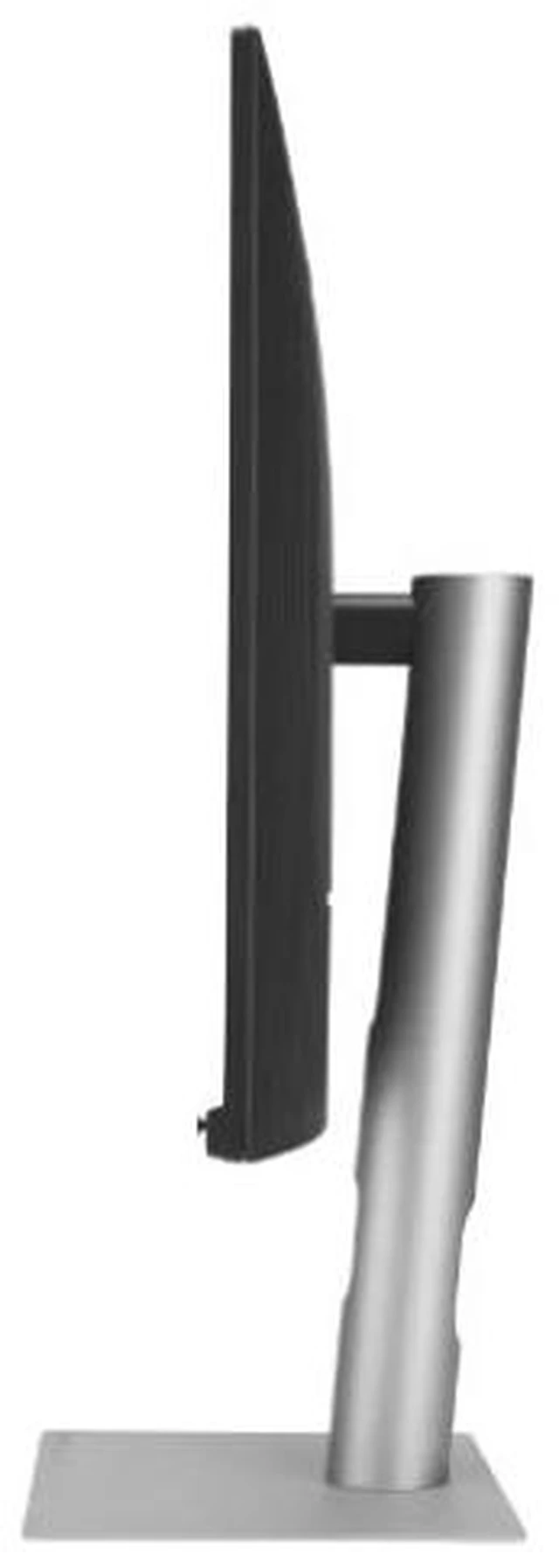
| Stand And Ergonomics | Height, tilt, swivel, and pivot adjustments |
| Audio And Webcam | Two built-in 2 W speakers; no built-in webcam |
| Eye Care And Sensors | Blue light filtering, flicker-free and eye-care features, plus ambient-light and proximity sensors |
| Power And Efficiency | 100–240 VAC, 50/60 Hz input; power consumption below 25.5 W, below 0.5 W in power-saving mode, and 0 W when switched off |
| Mounting And Dimensions | 100 × 100 mm VESA mounting; 28.37 × 23.91 × 8.74 inches with stand or 28.37 × 16.65 × 1.85 inches without stand; weighs 15.54 lb with stand or 9.85 lb without stand |
| Certifications And Compatibility | Mac compliance; EPEAT Gold, Energy Star, FSC Mix, TÜV Low Blue Light, TÜV Flicker-free, and VESA MediaSync Display certifications or features |
| Package Contents | DisplayPort cable, USB-C cable, power cord, quick-release stand, color pre-calibration report, quick-start guide, and warranty card |
| Model Identifiers | ASUS ProArt Display OLED, model PA329CDV; part number PA329CDV |
Q: ASUS ProArt PA329CDV vs PA32UCDM: which 32-inch 4K OLED should I choose?
A: Choose the PA329CDV for a 31.5-inch 4K QD-OLED with 120Hz, factory-calibrated Delta E < 1.5, USB-C power delivery up to 96W, and Auto KVM. The PA32UCDM is the step-up option for workflows that benefit from 240Hz, Delta E < 1 accuracy, hardware calibration, Dolby Vision and HLG, and Thunderbolt 4 connectivity.
Q: ASUS ProArt PA329CDV vs PA329CV: what changes with the OLED model?
A: Choose the PA329CDV for QD-OLED, 120Hz, 99% DCI-P3 coverage, and factory-calibrated Delta E < 1.5. The PA329CV is a 32-inch 4K IPS option with 60Hz, 100% sRGB and Rec. 709 coverage, and Delta E < 2 calibration; both include USB-C power delivery and an ergonomic stand.
Q: Should I get the 32-inch ASUS ProArt PA329CDV or the 27-inch PA279CDV?
A: Choose the PA329CDV for a larger 31.5-inch workspace; choose the PA279CDV for a more compact 26.5-inch display. Both are 4K QD-OLED monitors with 120Hz refresh, 99% DCI-P3 coverage, Delta E < 1.5 factory calibration, USB-C power delivery up to 96W, and KVM functionality.
Q: Is this monitor suitable for photo and video editing on a Mac?
A: It is designed for color-focused creative work: the provided specifications list 4K resolution, 100% sRGB, 99% DCI-P3, 10-bit color, Calman verification, and factory calibration to Delta E < 1.5. It is described as Mac-compatible and optimized for Mac color temperature. Confirm that your Mac and cable support the resolution and refresh rate you plan to use.
Q: Can one USB-C cable connect and charge my laptop?
A: The monitor’s USB-C port supports DisplayPort video and up to 96W Power Delivery, so a compatible laptop can use one cable for display and charging. Actual charging depends on the laptop’s power needs and USB-C video support; a laptop requiring more than 96W may need its own charger.
Q: Can I switch one keyboard and mouse between two computers?
A: Yes. The built-in Auto KVM is designed to switch a keyboard and mouse between two connected computers. Connect each computer for video and USB data, and check the monitor’s setup instructions for the required port arrangement.
Q: Is an OLED monitor a good choice for long office sessions with static windows?
A: It can handle office work, but prolonged static content—such as fixed toolbars or spreadsheets—can increase OLED burn-in risk. The provided product information does not specify its burn-in protection features, so use available panel-care settings and vary or hide static content if your work keeps the same interface onscreen for long periods.
Q: Is the PA329CDV a good fit for photo or video editing with some gaming?
A: Its stated 4K resolution, factory-calibrated Delta E < 1.5 color accuracy, 99% DCI-P3 coverage, and 120Hz refresh rate suit color-focused editing and mixed use. A Reddit discussion about editing monitors names the PA329CDV as a candidate, while noting that OLED text rendering may be a concern for some users.
Q: Is this QD-OLED a good choice for a bright room?
A: It may be less suitable if the room is very bright or light falls directly on the screen. In a Reddit discussion that mentions the PA329CDV, a commenter recommends QD-OLED for rooms without strong ambient light or direct light on the monitor.
Q: Is the PA329CDV suitable for long hours of office work and reading text?
A: It has 4K resolution and an anti-reflection surface, but the Reddit discussion raises OLED text rendering and long-term work use as considerations. If sharp text and extended static-content work are your main priorities, compare it with non-OLED options before choosing.


