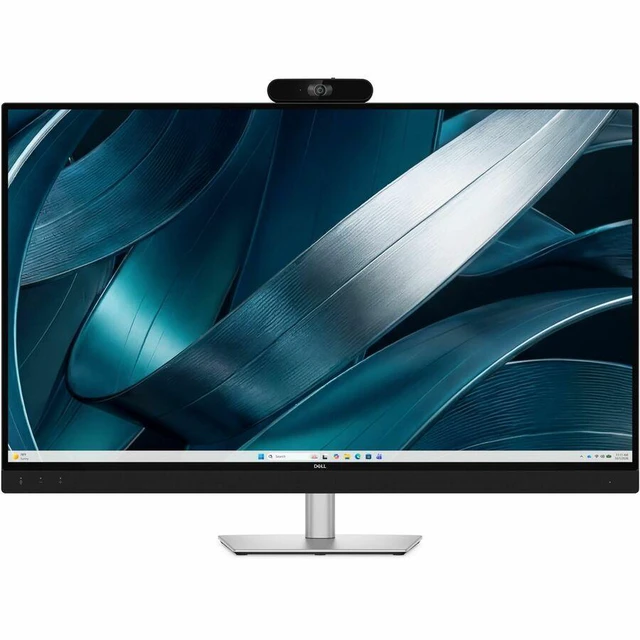
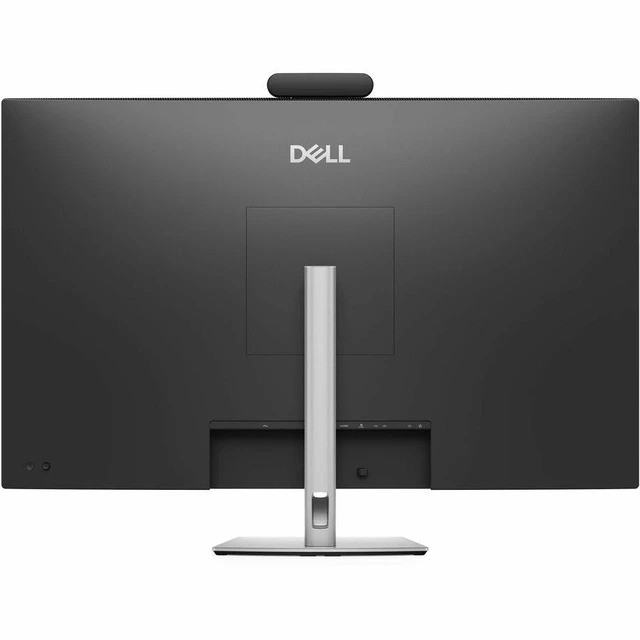
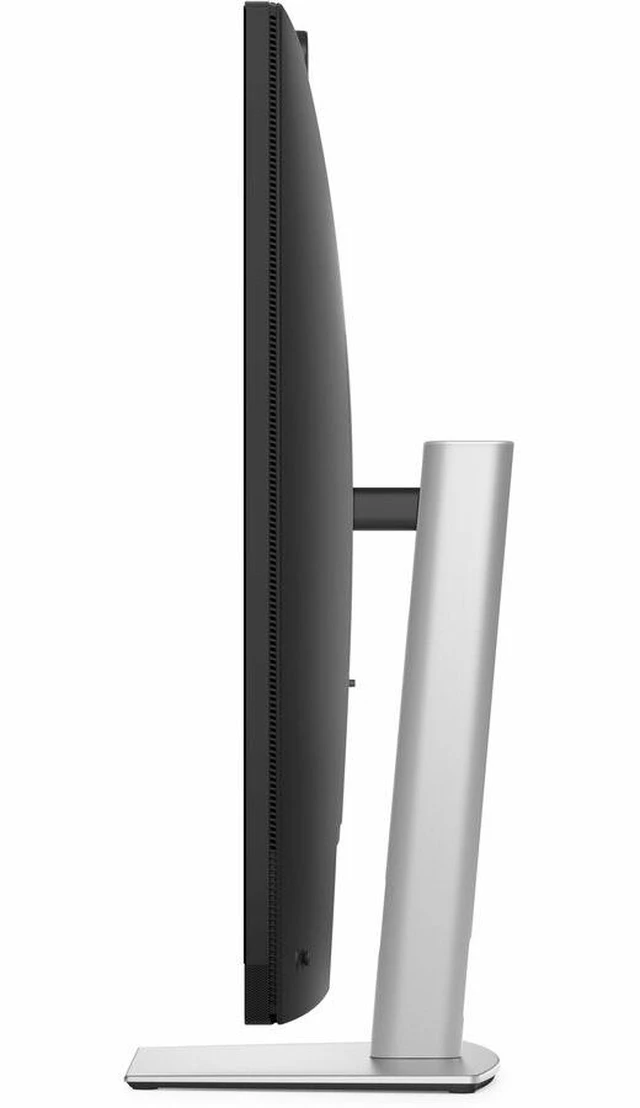
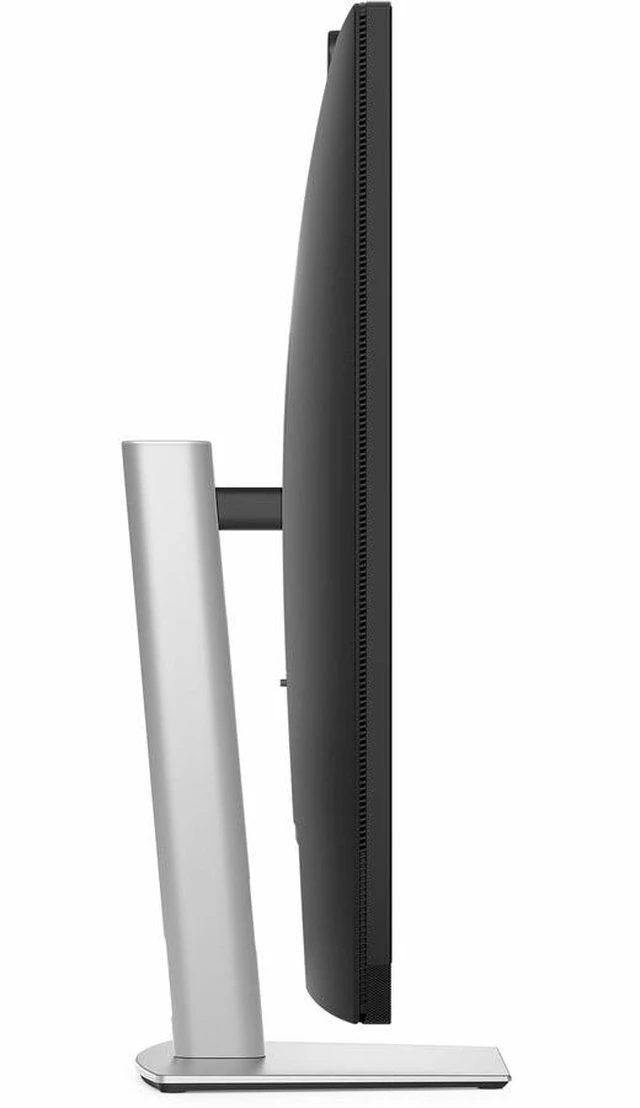
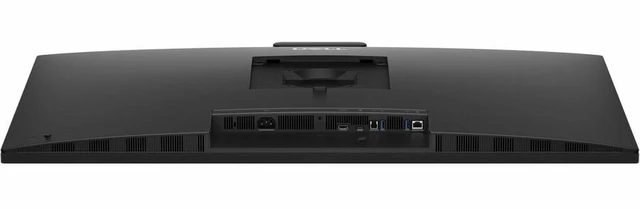
The Dell Pro P 43 (P4326QEB) is a 43-inch 4K conferencing monitor with an integrated 8MP Sony STARVIS camera, microphone, speakers, AI noise cancellation, and USB-C connectivity, suited to teams equipping huddle rooms or small meeting spaces with an all-in-one video-call display.
Recommended For
- Small meeting rooms and huddle spaces with up to six people that need a shared display, camera, microphones, and speakers in one setup.
- IT and facilities teams standardizing video meetings across multiple huddle rooms, especially where fewer separate devices and simpler room setup matter.
- Hybrid teams that pass a laptop between meeting participants and want one USB-C connection for display, meeting audio, data, and up to 100W laptop charging.
- Teams that hold Zoom Rooms meetings in a small conference space and want a Zoom Rooms-certified display with integrated group framing and a physical camera privacy shutter.
Real-World Use Scenarios
- In a small huddle-room meeting with up to six people, a team connects a laptop and uses the monitor’s built-in camera, microphones, and speakers; remote attendees can see and hear the group without a separate camera-and-speaker setup.
- For a quick meeting in a shared room, a presenter plugs in a compatible laptop over USB-C to show their screen and charge the laptop, reducing the need to set up separate display and charging cables.
- When participants move or join a group call, automatic group framing adjusts the camera view to help keep the people in the room visible to remote attendees.
- During a meeting where people share slides or documents while speaking, the large 4K screen gives in-room participants room to view shared content while the integrated conferencing hardware supports the call.
- For an organization equipping several small meeting rooms, using an all-in-one monitor can simplify room setup by consolidating the display, camera, microphones, and speakers into one device.




 here!

 Hot Seller