




 here!
I’m your shopping assistant for PC builds, upgrades, and everything tech.
Got questions? Ask away!
Start a conversation
here!
I’m your shopping assistant for PC builds, upgrades, and everything tech.
Got questions? Ask away!
Start a conversation



Combo Up Savings Up To $220+
The more you add, the more you'll save!
Any questions? Ask CelesteSM will help you find out quickly.


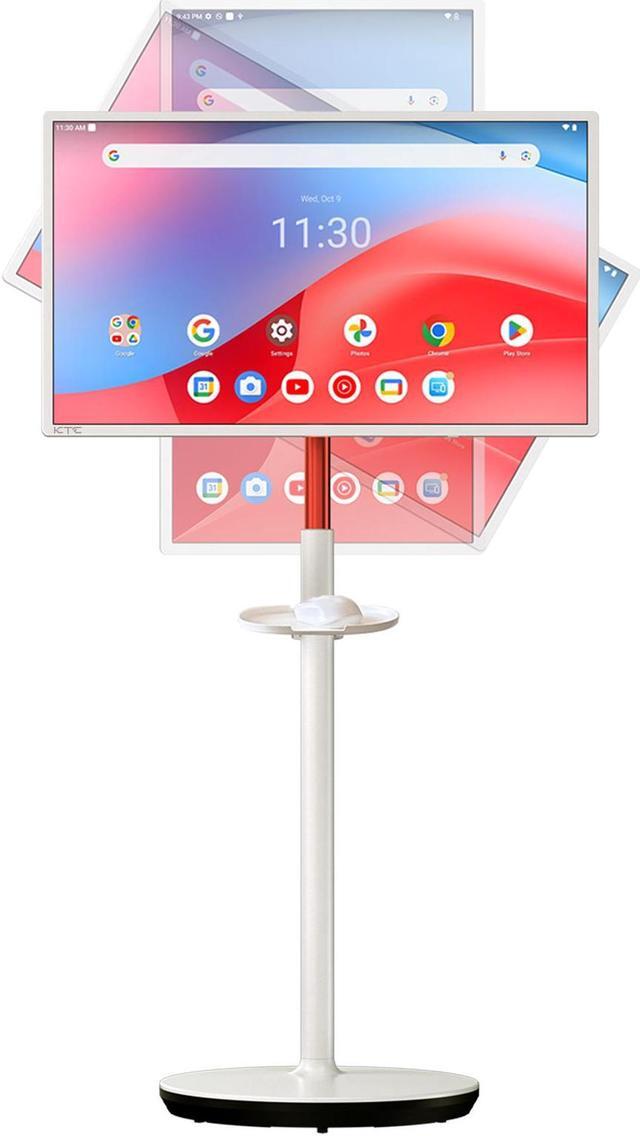
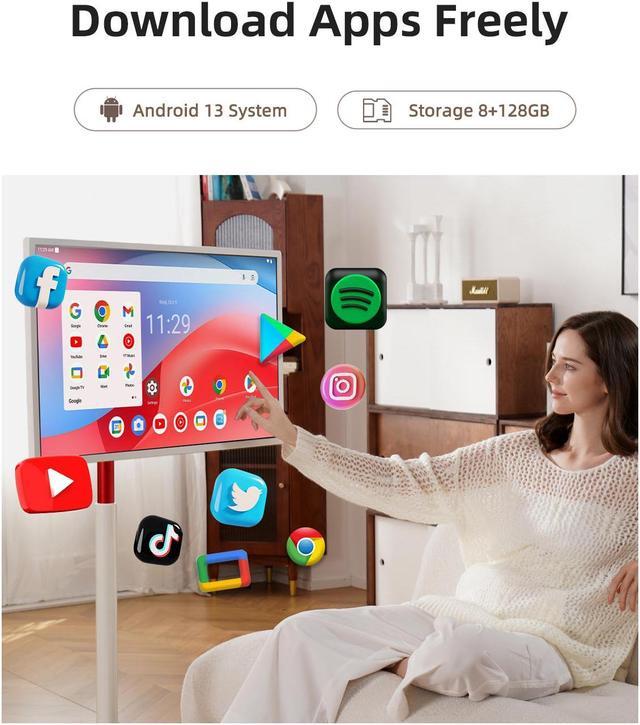
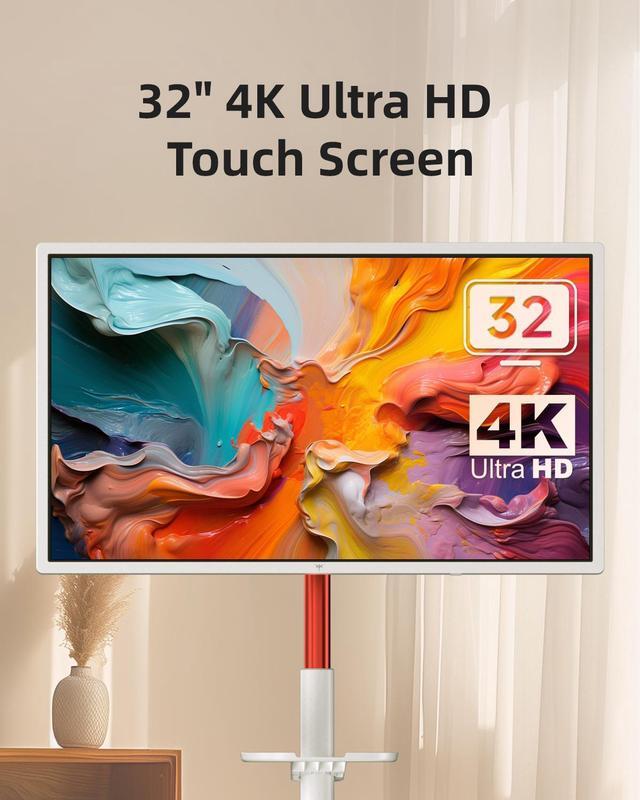
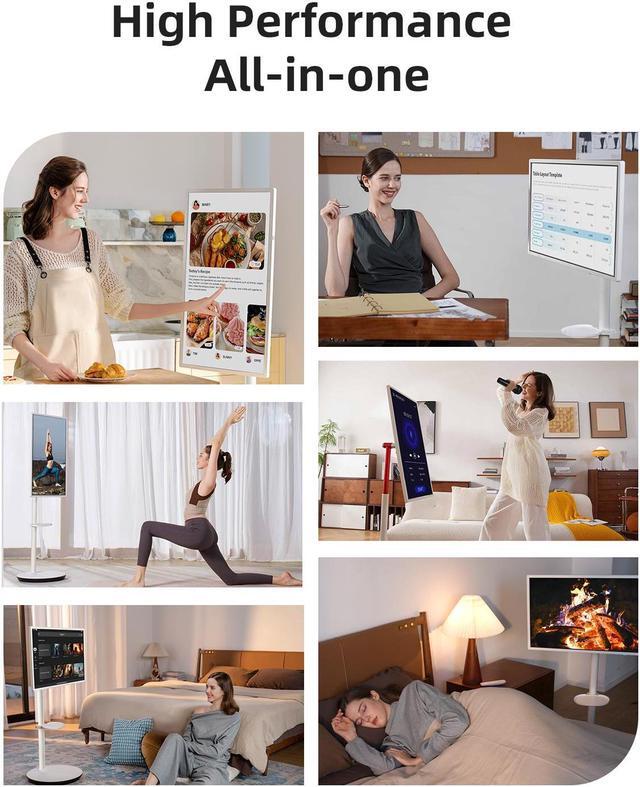
The KTC A32Q7 Pro MegPad is a 31.5-inch 4K touchscreen rolling smart monitor with Android 13, Google Play access, 8GB RAM, and 128GB storage. It suits users who want a portable all-in-one display for streaming, web apps, recipes, learning, and casual work across different rooms.
| Attribute | Value |
|---|---|
| Best For | Interactive 4K viewing, entertainment, and work in spaces that benefit from a large touchscreen, built-in audio, Bluetooth, and remote control |
| Panel And Resolution | 31.5-inch UHD VA display with 3840 x 2160 4K resolution, 16:9 aspect ratio, 178° horizontal and vertical viewing angles, and support for 1.07 billion display colors |
| Refresh Rate And Response | 60Hz refresh rate for standard desktop, media, and interactive viewing |
| Ports And Connectivity | HDMI 2.0, USB 3.0, and USB 2.0 connectivity, with Bluetooth support and remote control functionality |
| Audio Setup | Built-in stereo speakers rated at 2 x 6W for integrated audio without separate speakers |
| Model Identifiers | KTC A32Q7 Pro in a white cabinet |
Q: Is the KTC MegPad A32Q7 Pro better than the LG StanbyME for a large portable touchscreen?
A: Choose the KTC MegPad A32Q7 Pro if you want a larger 31.5-inch screen, 4K resolution, Android 13 with Google Play access, and HDMI connectivity. The LG StanbyME is smaller at 27 inches and uses a 1,920 x 1,080 display with LG webOS, so it is the better fit when a simpler smart-TV interface and LG’s lifestyle-screen design are more important than resolution and screen size. ([au.ktcplay.com](https://au.ktcplay.com/products/32-4k-mobile-touch-screen-monitor?utm_source=openai))
Q: Should I buy the KTC MegPad A32Q7 Pro or the Samsung M8 for work and entertainment?
A: Choose the KTC MegPad A32Q7 Pro for room-to-room use, touchscreen control, built-in battery operation, and Android app flexibility. Choose the Samsung M8 for desk-based productivity because it adds USB-C connectivity with up to 65W charging, a built-in camera, 400-nit typical brightness, and Samsung’s Tizen smart-monitor platform. Both provide 32-inch 4K resolution at up to 60Hz, but they target different setups: mobile home use versus connected desktop work. ([samsung.com](https://www.samsung.com/us/monitors/smart/32-inch-smart-monitor-m80f-4k-uhd-vision-ai-monitor-sku-ls32fm803unxza/?affiliateid=78888&affiliatename=Skimlinks&merchant=17946&utm_source=openai))
Q: Is the 32-inch KTC MegPad worth choosing over the 27-inch MegPad?
A: Choose the 32-inch KTC MegPad A32Q7 Pro when 4K sharpness, a larger viewing area, and detailed work or media viewing are priorities. Choose the 27-inch MegPad when a smaller footprint and lower purchase price matter more; KTC positions its 27-inch model as a more compact middle option and lists it with a Full HD display. The 32-inch model is the stronger choice for reading text, viewing spreadsheets, and using the screen from farther away. ([us.ktcplay.com](https://us.ktcplay.com/blogs/news/portable-smart-screen-world-cup-tv?utm_source=openai))
Q: Can the KTC MegPad A32Q7 Pro replace a gaming monitor?
A: The KTC MegPad A32Q7 Pro is suitable for casual console or PC gaming at 4K and 60Hz, especially when a large touchscreen and movable display are useful. It is not designed for high-refresh competitive gaming: professional testing measured a typical response time of about 21ms, and the unit has only HDMI 2.0, USB-A ports, and a 60Hz refresh rate. A conventional gaming monitor is the better choice for fast-response play, higher frame rates, USB-C display input, or DisplayPort connectivity. ([heise.de](https://www.heise.de/bestenlisten/testbericht/ktc-a32q7-pro-im-test/xbh5yt5?utm_source=openai))
Q: Is the KTC MegPad A32Q7 Pro portable enough for outdoor use?
A: The KTC MegPad A32Q7 Pro is primarily portable for indoor, room-to-room use rather than bright outdoor use. It has a rolling stand and built-in battery, but testing found brightness around 220 nits as a stated maximum and concluded that it is not well suited to outdoor viewing. Choose it for kitchens, bedrooms, classrooms, presentations, or patios with controlled lighting; choose a brighter conventional display or outdoor-rated screen for direct sunlight. ([heise.de](https://www.heise.de/bestenlisten/testbericht/ktc-a32q7-pro-im-test/xbh5yt5?utm_source=openai))
Q: Can the KTC MegPad be used without being plugged into an outlet?
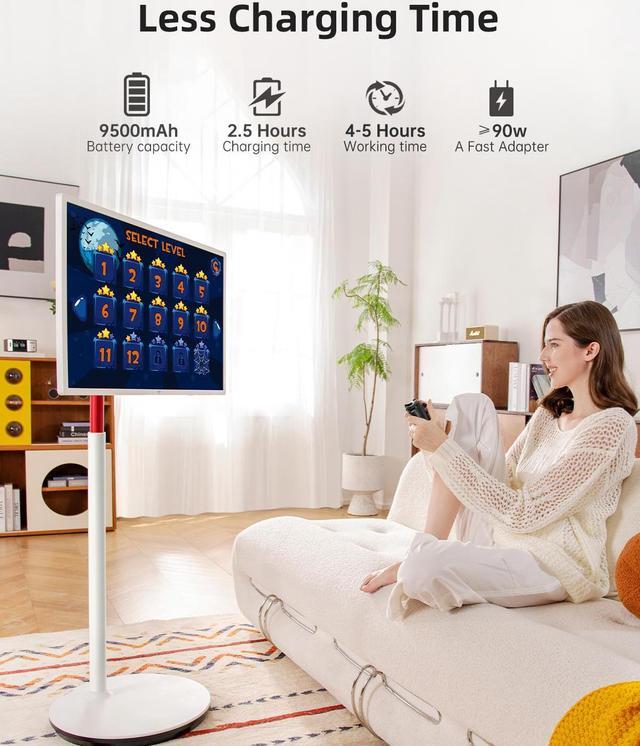
A: Yes. The KTC MegPad has a built-in 9500mAh battery for cordless use. However, the provided product information does not specify expected runtime, so it is best suited for room-to-room portability rather than situations where all-day battery operation is required.
Q: Can it stream Netflix, YouTube, and other apps without a separate streaming device?
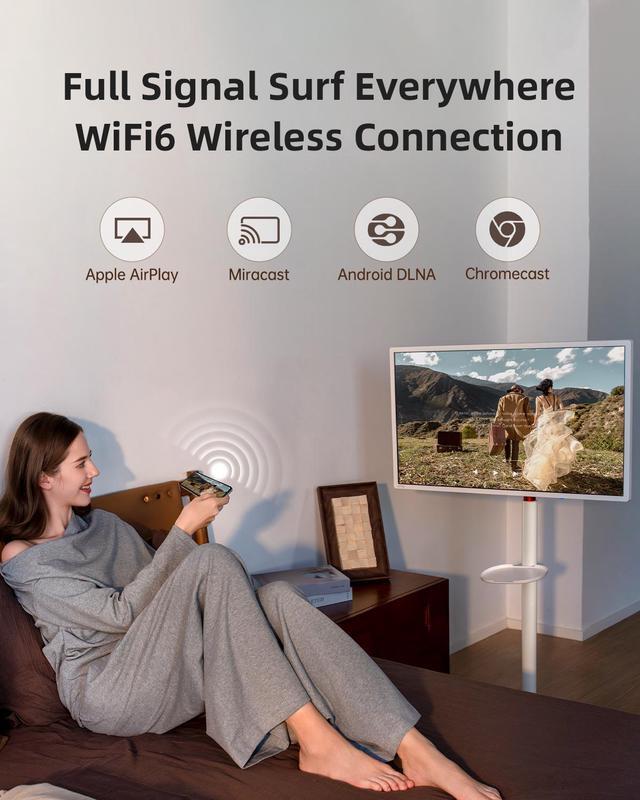
A: Yes. The KTC MegPad runs Google-certified Android 13 and includes access to Google Play apps over Wi-Fi, so it can function as a standalone smart display for supported streaming and productivity applications. A separate streaming stick is not required for apps available through its Android platform.
Q: Is it suitable for note-taking, recipes, or other touch-based tasks?
A: It is suitable for finger-based navigation, on-screen controls, recipes, digital signage, and compatible Android apps because it supports ten-point touch. The listing does not confirm active stylus support or pressure sensitivity, so it should not be treated as a dedicated digital-writing tablet without verifying pen compatibility.
Q: Is it a good choice for meetings and office work?
A: It can work well as a large-screen Android workstation for web apps, documents, presentations, video playback, and touch navigation. It includes 4K resolution, 8GB RAM, 128GB storage, built-in speakers, Bluetooth, Wi-Fi 6, and HDMI/USB ports. However, no built-in camera or microphone is listed, so video meetings may require an external camera, microphone, or another connected device.
Q: Can it connect to a laptop, phone, or game console?
A: The KTC MegPad includes one HDMI 2.0 input and USB ports, so HDMI-equipped laptops, consoles, and media devices are the clearest supported external sources. Compatibility with a phone depends on whether the phone can output video and whether the required adapter is available. The provided specifications do not list USB-C video input, so USB-C-only connections should not be assumed.
Q: Who is the KTC MegPad A32Q7 Pro best suited for?
A: It is best suited for users who want one movable device that can function as a large Android screen, streaming display, touchscreen workspace, and occasional secondary monitor. It is less suitable for users seeking a conventional TV, a compact tablet, or a lightweight monitor for frequent travel.
Q: Can the KTC MegPad A32Q7 Pro replace a regular TV or computer monitor?
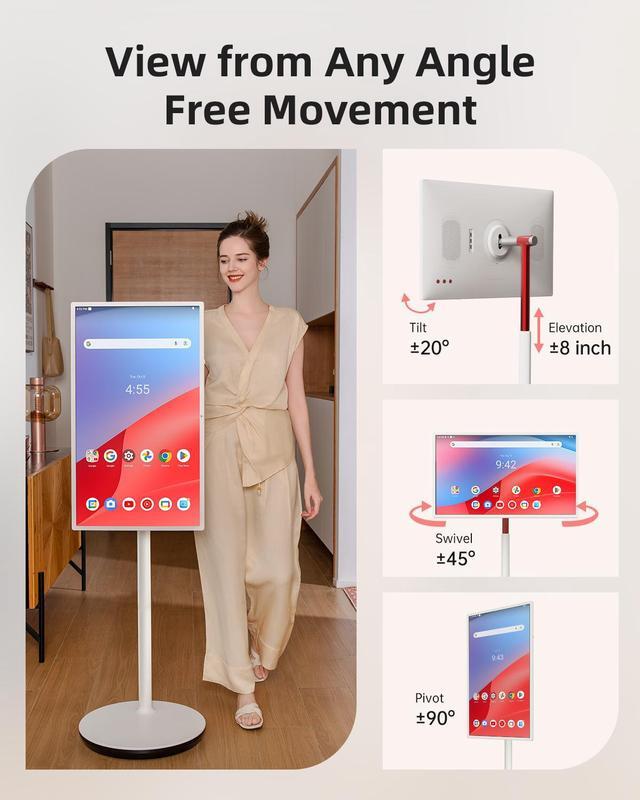
A: It can replace a regular TV for app-based streaming and can serve as a secondary HDMI monitor, but it is not a complete replacement for every setup. The 32-inch 4K screen, Android 13, speakers, touchscreen, and battery add flexibility, while the 60Hz refresh rate, limited listed ports, rolling stand, and dependence on app compatibility limit its use as a dedicated monitor or traditional television.
Q: Is the KTC MegPad A32Q7 Pro practical for work and note-taking?
A: It can be useful for large-screen browsing, reference material, presentations, and touchscreen interaction. For computer work, it is more practical as an HDMI-connected secondary display than as a laptop replacement because the device runs Android, has a 60Hz panel, and its listed physical inputs are HDMI 2.0 and USB-A rather than a full desktop docking setup.
Q: What are the main trade-offs of buying the KTC MegPad A32Q7 Pro?
A: The main benefits are mobility around the home, a sharp 32-inch 4K touchscreen, built-in Android apps, integrated speakers, and battery operation. The trade-offs are its large physical size and weight, limited outdoor suitability, 60Hz refresh rate, and possible streaming or browser-app limitations. It is most valuable when mobility and multi-purpose use matter more than compactness or maximum desktop performance.
Q: Does the KTC MegPad work well as a wired portable monitor?
A: The product data lists one HDMI 2.0 input and USB-A ports, so wired video should be planned around HDMI rather than USB-C. Community discussion about other MegPad models reports confusion and compatibility problems with USB-C video and charging. Buyers who specifically need plug-and-play USB-C display input or USB-C charging should verify compatibility before purchasing.


