




How do I know if my Yeti Orb microphone is active and recording?
LED colors are used to indicate three different states:
Power on — white
Active — green
Mute — red
G HUB can be used to customize the Power On and Active states. Mute will always be red and cannot be customized.
My Gaming mic won’t turn on.
The LED on the microphone indicates that it’s on. If not:
Try a different USB cable with the same port.
Try a different USB type-A port with the original supplied cable.
If using an adapter, use a 1 to 1 adapter.
Avoid using hubs or docks
My Gaming mic does not pick up audio on my macOS computer.
1. Confirm the Gaming Mic is listed. ? Go to Apple > System Preferences>click the Sound icon.
2. On the Input tab, click on the Mic to select it as your default input device.
? Disconnect other devices.
? Disconnect your Mic, then reconnect
My Gaming mic is not picking up audio on my Windows computer.
The microphone may not be selected as the default recording device. To set:
? Settings > Privacy > Microphone and making sure that everything is enabled for use with the mic.
? Access your Sound Menu to confirm the Mic is recognized
Do I need Logi G HUB software for my Yeti Orb?
You can use your Yeti Orb with or without G HUB software
You can customize the following features using G Hub:
Blue VO!CE
Samplers
LIGHTSYNC LED customization

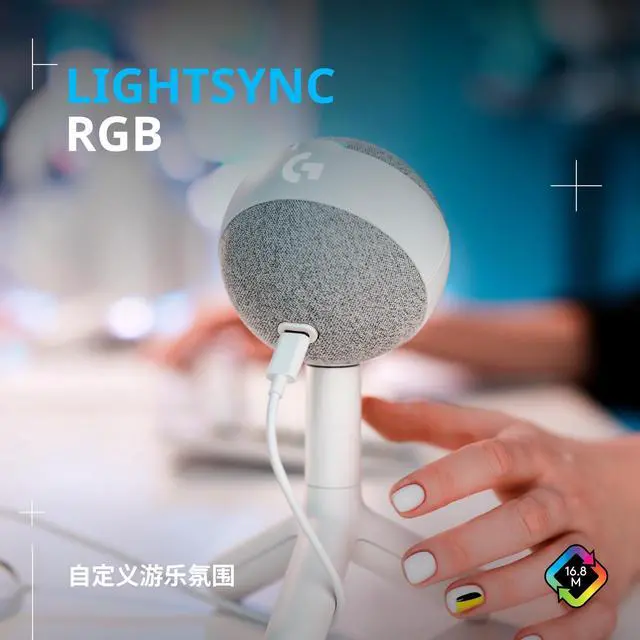
IMMERSIVE PLAY WITH LIGHTSYNC
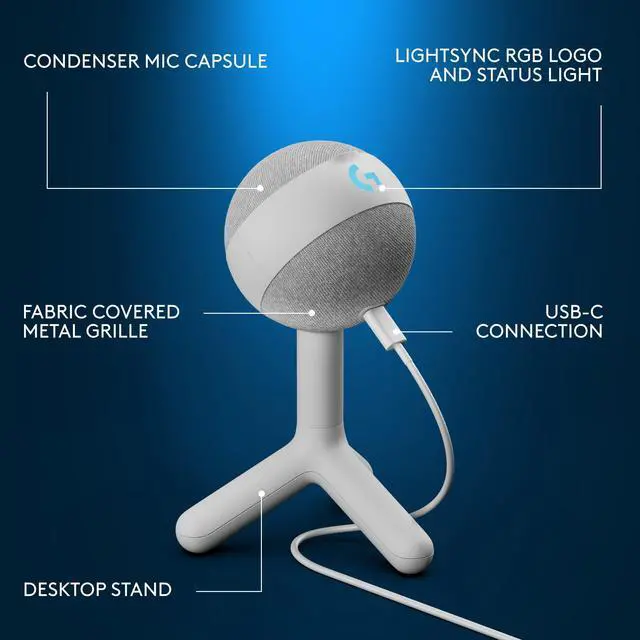
Yeti Orb’s built-in RGB logo and status light work with LIGHTSYNC to enable custom lighting effects.

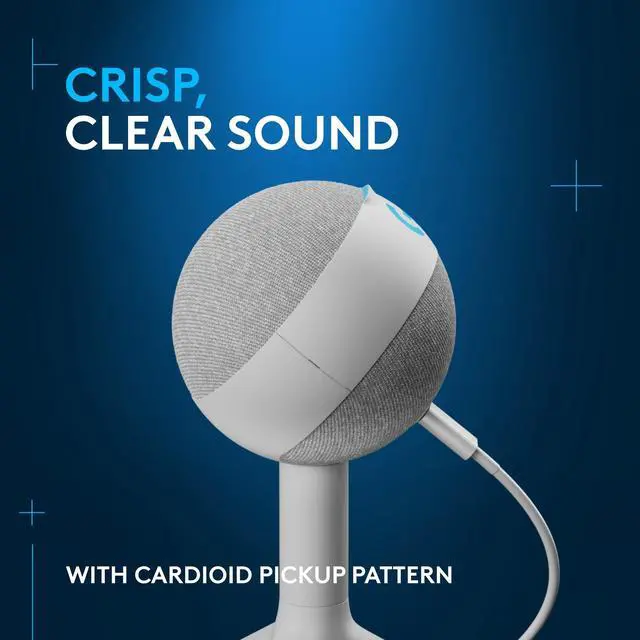
FOCUSED ON YOUR VOICE
Condenser mic capsule optimizes your voice, reducing noises that get in the way of your play.


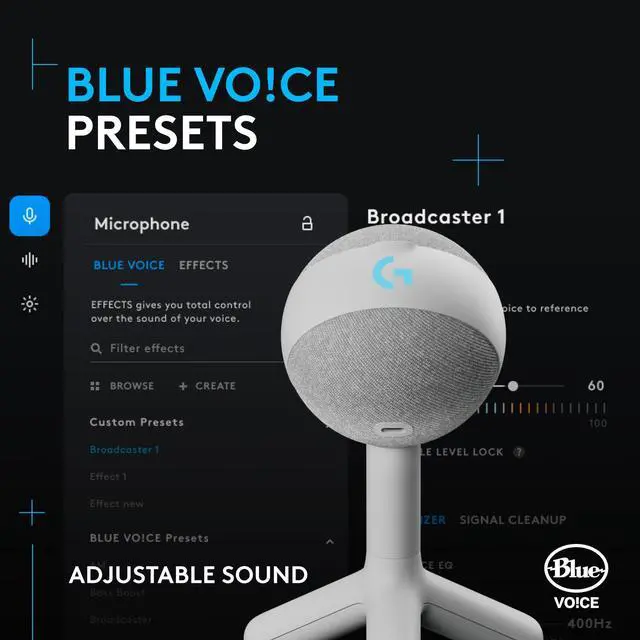
EASY SETUP, ENDLESS FUN
Blue VO!CE software lets you protect against clipping and add fun effects to entertain your audience.

How do I know if my Yeti Orb microphone is active and recording?
LED colors are used to indicate three different states:
Power on — white
Active — green
Mute — red
G HUB can be used to customize the Power On and Active states. Mute will always be red and cannot be customized.
My Gaming mic won’t turn on.
The LED on the microphone indicates that it’s on. If not:
Try a different USB cable with the same port.
Try a different USB type-A port with the original supplied cable.
If using an adapter, use a 1 to 1 adapter.
Avoid using hubs or docks
My Gaming mic does not pick up audio on my macOS computer.
1. Confirm the Gaming Mic is listed. ? Go to Apple > System Preferences>click the Sound icon.
2. On the Input tab, click on the Mic to select it as your default input device.
? Disconnect other devices.
? Disconnect your Mic, then reconnect
My Gaming mic is not picking up audio on my Windows computer.
The microphone may not be selected as the default recording device. To set:
? Settings > Privacy > Microphone and making sure that everything is enabled for use with the mic.
? Access your Sound Menu to confirm the Mic is recognized
Do I need Logi G HUB software for my Yeti Orb?
You can use your Yeti Orb with or without G HUB software
You can customize the following features using G Hub:
Blue VO!CE
Samplers
LIGHTSYNC LED customization

IMMERSIVE PLAY WITH LIGHTSYNC
Yeti Orb’s built-in RGB logo and status light work with LIGHTSYNC to enable custom lighting effects.

FOCUSED ON YOUR VOICE
Condenser mic capsule optimizes your voice, reducing noises that get in the way of your play.
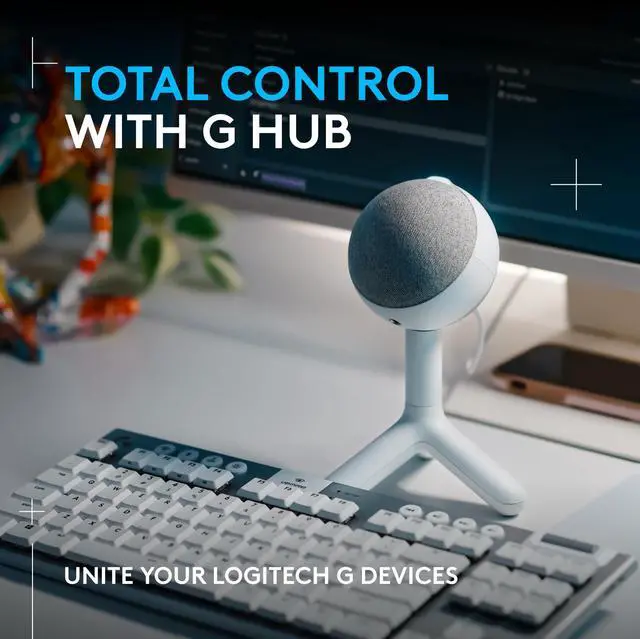
TOTAL CONTROL WITH G HUB
SLEEK DESIGN, MADE FOR VIDEO


Use G HUB to control your Yeti Orb mic and all your Logitech G gear in one easy-to-use desktop window.
Yeti Orb has a sleek, clean, camera-ready design that brings a streamlined look to your content.

EASY SETUP, ENDLESS FUN
Blue VO!CE software lets you protect against clipping and add fun effects to entertain your audience.
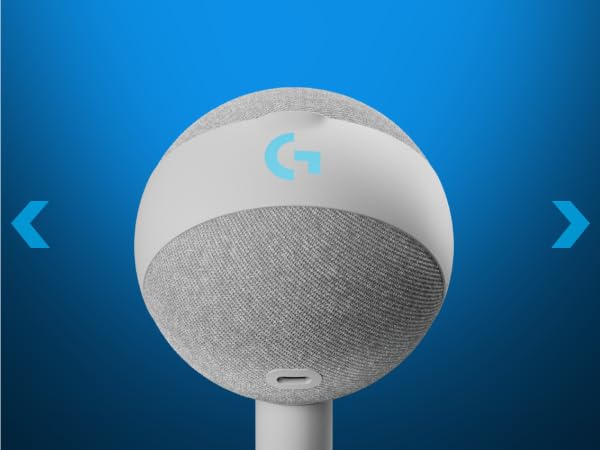
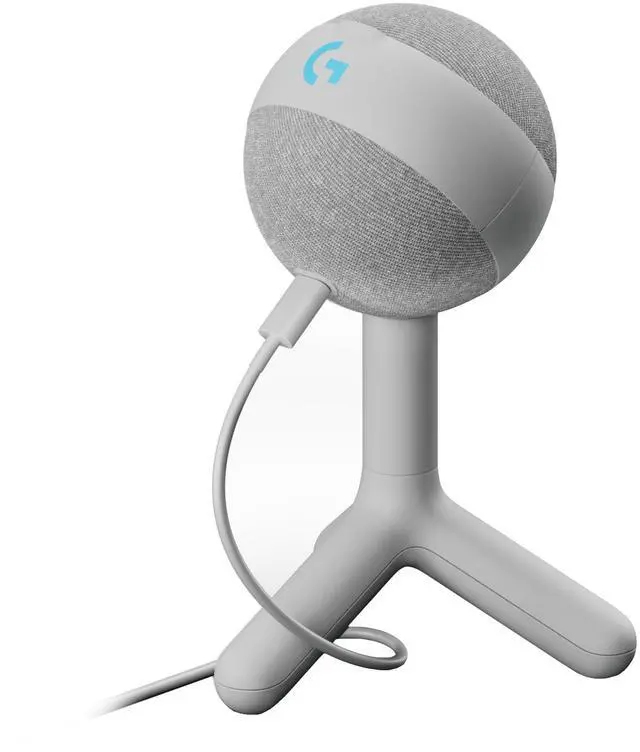
LIGHTSYNC RGB Logo and Status Light
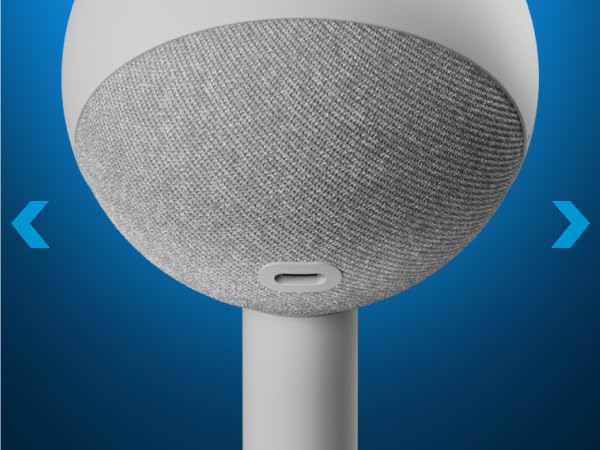
USB-C Connection
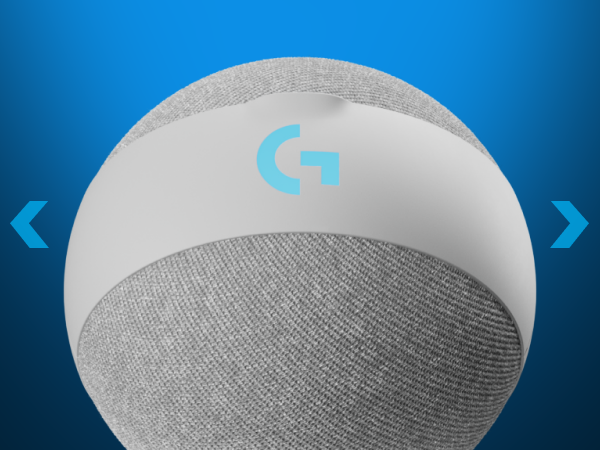
Condenser Mic Capsule
Fabric Covered Metal Grille
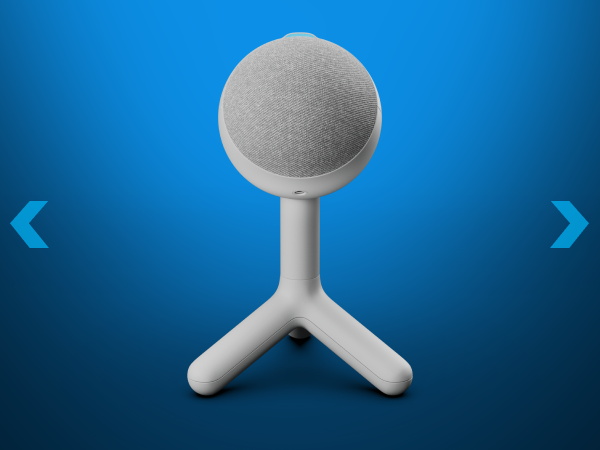
Desktop Stand (Remove to Mount on Boom Arm)
