

Your Browsing History
- In Stock
- Sold by Newegg
- Make an Offer
- New
- Combo Deals Only

Any questions? Our AI mode will help you find out quickly.
Try me now
Quick View
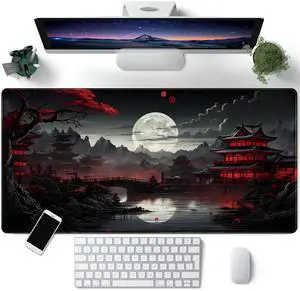
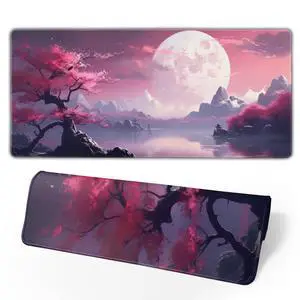
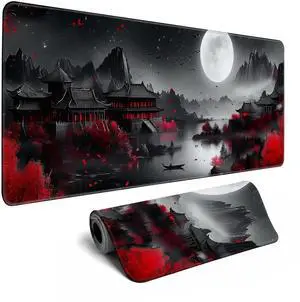
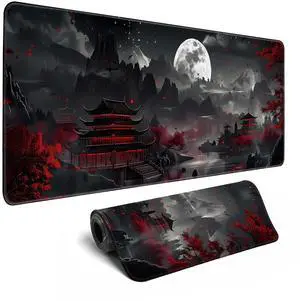
KEHIPI Japanese Desk Mat Riverside Full Moon Desk Pad Black Red Large Mouse Pad Gaming Mousepad Extended XXL Keyboard Pad 31.5 x 15.7 in Laptop Computer Mouse Keyboard Mat for Office Desk Decor
- Brand: CYZFF
- Part Number: SBD-40X80CM
- Dimensions: 15.7 in x 31.5 in x 0.1 in
- Surface: Rubber
- Model #: SBD-40X80CM3

Quick View
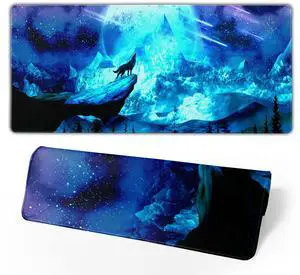
KEHIPI Gaming Mouse Pad Anime Mousepad Large Extended Wolves Gaming Mouse Mat with Stitched Edges Wolf Office Decor with Non-Slip Rubber Base Desk Mat for Work Gaming Office Home 31.5'' X 11.8'' Inch
- Brand: Brecoy
- Part Number: 20210721mousepad06
- Dimensions: 11.81 in x 31.5 in x 0.1 in
- Surface: Rubber
- Model #: 20210721mousepad06
Quick View
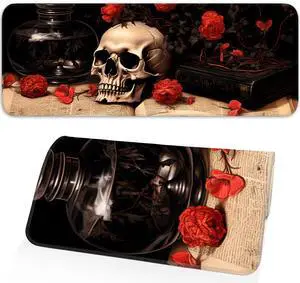
KEHIPI Mouse Pad, Premium Textured Waterproof Gaming Mouse Pad with Non-Slip Rubber Base, Large 31.5 x 11.8 Inch Desk Pad for Laptop, Office and Home (Floral)
- Brand: Opiuoezi
- Surface: Lycra (Surface), Rubber (Base)
- Color: Flower Skull
- Specifications: Opiuoezi
- Model #:
Quick View
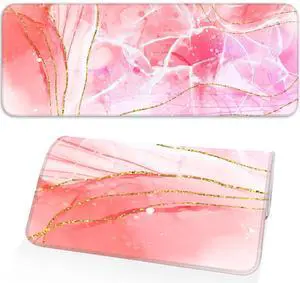
KEHIPI Pink Mouse Pad, Large Gaming Mouse Pad, Non-Slip Base and Stitched Edges, for Gaming, Home, Office, 31.5 x 11.8 Inch, Cute Desk Pad, Rose Gold Marble
- Brand: Opiuoezi
- Dimensions: 31.5 in x 11.8 in x 0.1 in
- Color: Pink Marble
- Specifications: Opiuoezi
- Model #:
Quick View
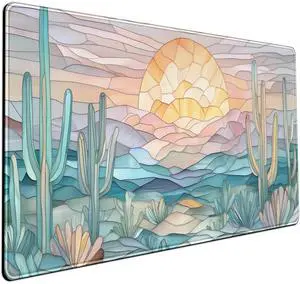
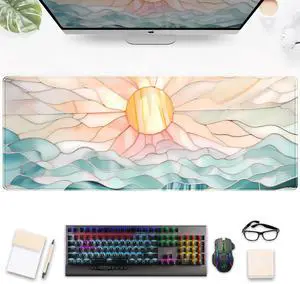
KEHIPI Desk Mat Gaming Abstract Ocean Desk Pad Large Mouse and Keyboard Pad, Faux Stained Glass Sun & Waves Mouse Mat XXL Desk Protector, Computer Mats for Desktop Sun Waves Office Decor 31.5" X 15.7"
- Brand: Mechanical Cattle
- Part Number: mouse pad xxl
- Dimensions: 31.5 in x 15.7 in x 0.1 in
- Surface: Rubber
- Model #: mouse pad xxl
Quick View
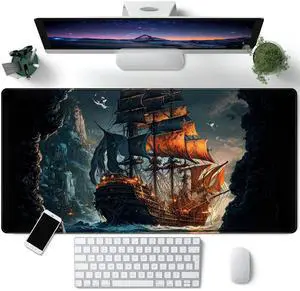
KEHIPI Pirate Ship Desk Mat Black Desk Pad Large Gaming Mouse Pad XXL Pirate Ship Extended Mousepad Big 31.5 x 15.7 in Laptop Computer Mouse Keyboard Mat for Office Desk Decor Accessories
- Brand: CYZFF
- Part Number: SBD-40X80CM
- Dimensions: 15.7 in x 31.5 in x 0.1 in
- Surface: Fabric with Lycra Surface and Rubber Base
- Model #: SBD-40X80CMeee
Quick View
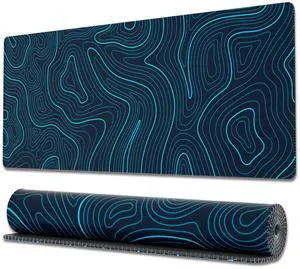
KEHIPI Gaming Mouse Pad with Stitched Edges, Topographic Map Blue Extended XL Mousepad with Anti-Slip Base, Cool Large Mouse Pad for Desk, 31.5 x 11.8 in, Blue
- Brand: Ovenbird
- Part Number: OB-MP014C
- Dimensions: 11.8 in x 31.5 in x 0.1 in
- Color: Blue Map
- Model #: OB-MP014C
Quick View
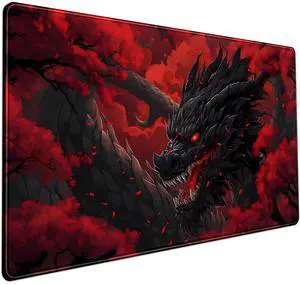
KEHIPI Huge Dragon Large Mouse Pad - Red and Black Mousepad, Big Full Keyboard and Mouse Pad with Stitched Edges, Anti-Slip, Funny Desk Pad, 31.5 X 15.8 in.
- Brand: Mechanical Cattle
- Part Number: fd687678
- Dimensions: 15.7 in x 31.5 in x 0.1 in
- Surface: Polyester
- Model #: fd687678eq1
Quick View
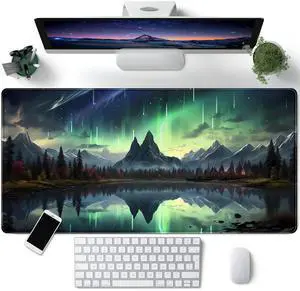
KEHIPI Northern Lights Desk Mat Mountains Large Mouse Pad Extended Green Aurora Borealis Desk Pad Shower Gaming Mousepad XXL 31.5 x 15.7 in Laptop Computer Mouse Keyboard Mat for Office Desk Decor
- Brand: CYZFF
- Part Number: SBD-40X80CM
- Dimensions: 31.5 in x 15.7 in x 0.1 in
- Surface: Rubber
- Model #: SBD-40X80CMoip
Quick View
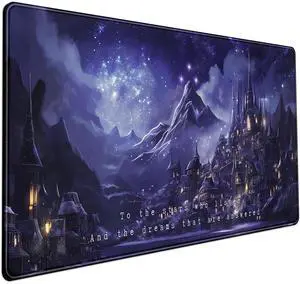
KEHIPI Night Purple Desk Mat Dark Academia Anime Computer Desk Keyboard Mat, 31.5 X 15.8 in Office Decor for Women Castle Aesthetics Mouse Pad XXL for Desktop Laptop Computer Mouse Gaming Pad
- Brand: Mechanical Cattle
- Part Number: fd687678
- Dimensions: 31.5 in x 15.8 in x 0.1 in
- Surface: Rubber
- Model #: fd687678d1123
Quick View
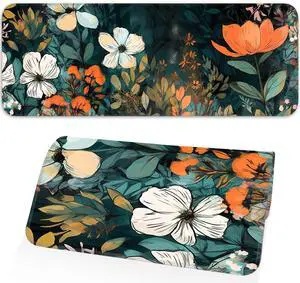
KEHIPI Floral Plant Mouse Pad, Non-Slip Rubber Base Stitched Edges, Large Gaming Mouse Pad for Laptop, Computer, Keyboard, 31.5 x 11.8 Inch, Desktop Decor
- Brand: Opiuoezi
- Dimensions: 31.5 in x 11.8 in x 0.1 in
- Color: Flowers
- Specifications: Opiuoezi
- Model #:
Quick View
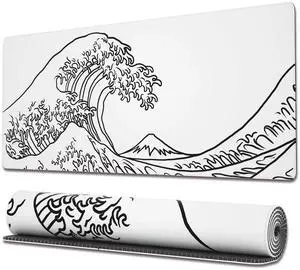
KEHIPI Gaming Mouse Pad with Stitched Edges, Japanese Wave White Extended XL Mousepad with Anti-Slip Base, Cool Large Mouse Pad for Desk, 31.5 x 11.8 in, White
- Brand: Ovenbird
- Part Number: OB-MP-E-17-A
- Dimensions: 30.0 in x 80.01 in x 0.1 in
- Color: White Wave
- Model #: OB-MP-E-17-A
Quick View
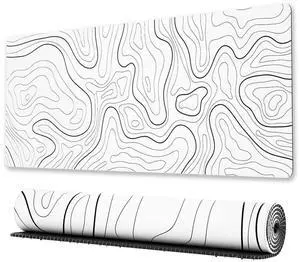
KEHIPI Large Gaming Mouse Pad with Stitched Edges, Minimalist Topographic Map Desk Mat, Extended XL Mousepad with Anti-Slip Base, Cool Desk Pad for Keyboard and Mouse, 31.5 x 11.8 in, White
- Brand: Ovenbird
- Part Number: OB-MP014AA
- Dimensions: 11.8 in x 31.5 in x 0.1 in
- Color: White Map
- Model #: OB-MP014AA
Quick View
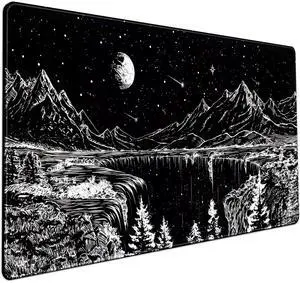
KEHIPI Black and White Desk Mat Dark Nature Forest Mouse pad XXL Starry Night Mountain Desk pad Aesthetic Moon and Stars Mousepad XXL for Laptop Computer Mouse Gaming Keyboard Mat, 31.5 X 15.8 in
- Brand: Mechanical Cattle
- Part Number: fd687678
- Dimensions: 31.5 in x 15.8 in x 0.1 in
- Surface: Rubber
- Model #: fd687678sqq
Quick View
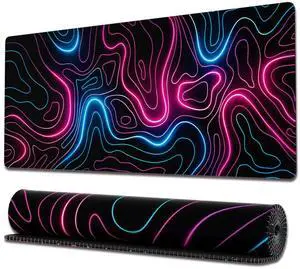
KEHIPI Gaming Mouse Pad with Stitched Edges, Topographic Map Pink Extended XL Mousepad with Anti-Slip Base, Cool Neon Large Mouse Pad for Desk, 31.5 x 11.8 in, Pink and Blue
- Brand: Ovenbird
- Part Number: OB-MP-E-14-G
- Dimensions: 31.5 in x 11.8 in x 0.1 in
- Color: Neon Map
- Model #: OB-MP-E-14-G
Quick View
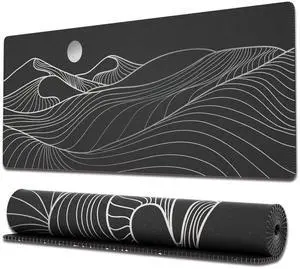
KEHIPI Large Gaming Mouse Pad with Stitched Edges, Minimalist Mountains Desk Mat, Extended XL Mousepad with Anti-Slip Base, Cute Desk Pad for Keyboard and Mouse, 31.5 x 11.8 in, Black and White
- Brand: Ovenbird
- Part Number: OB-MP014E
- Dimensions: 29.97 in x 80.01 in x 0.1 in
- Color: Mountains
- Model #: OB-MP014E
Quick View
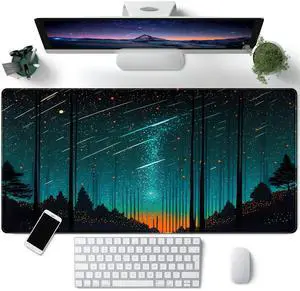
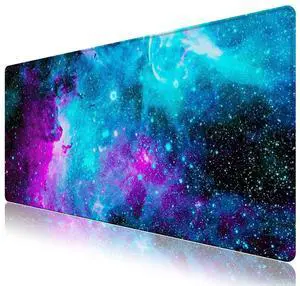
KEHIPI Fantasy Meteor Shower Desk Mat Blue Cosmic Mouse Pad Large Gaming Mousepad Extended Space Night Sky Desk Pad XXL 31.5 x 15.7 in Laptop Computer Mouse Keyboard Mat for Office Decor
- Brand: CYZFF
- Part Number: SBD-40X80CM
- Dimensions: 31.5 in x 15.7 in x 0.1 in
- Surface: Rubber
- Model #: SBD-40X80CMdqer
Quick View
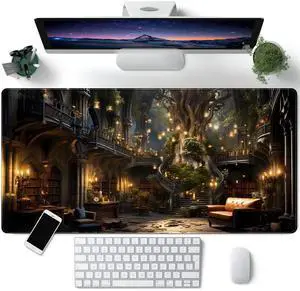
KEHIPI Vintage Aesthetic Desk Mat Adventure Extended Mouse Pad Large Gaming Mousepad XXL Dark Academia Desk Pad Laptop Computer Mouse Keyboard Mat 31.5 x 15.7 in for Office Desk Decor
- Brand: CYZFF
- Part Number: SBD-40X80CM
- Dimensions: 31.5 in x 15.7 in x 0.1 in
- Surface: Rubber
- Model #: SBD-40X80CMerr
Quick View
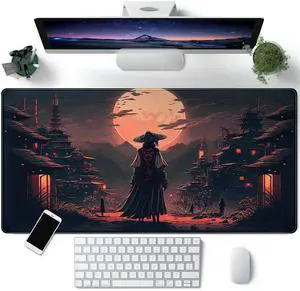
KEHIPI Japanese Landscape Desk Mat Post Moonlight Samurai Mouse Pad Large Dark Aesthetic Desk Pad Gaming Mousepad Extended XXL 31.5 x 15.7 in Laptop Computer Mouse Keyboard Mat
- Brand: CYZFF
- Part Number: SBD-40X80CM
- Dimensions: 15.7 in x 31.5 in x 0.1 in
- Surface: Rubber
- Model #: SBD-40X80CMsdq
Quick View
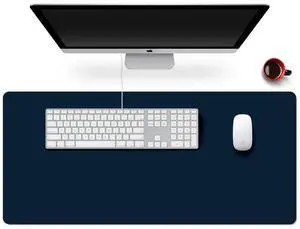
KEHIPI Leather Mouse Pad Mat Desk Protector, Large Extended Desk Pad PU Leather Computer Desktop Laptop Keyboard Mouse Mat, 35.4 x 15.7 in XXL Waterproof Mousepad Writing Pad for Office Home Work
- Brand: ToLuLu
- Part Number: TL-LtherMP-405
- Dimensions: 90.0 in x 40.0 in x 0.03 in
- Surface: Suede
- Model #: TL-LtherMP-405
Quick View
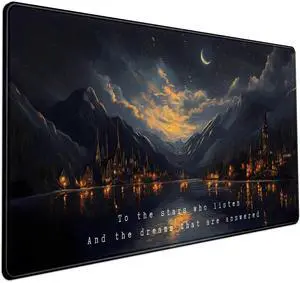
KEHIPI Starry Night Mountain Desk Pad Mat Moon Oil Painting XXL Black Mouse Pad for Gaming Deskpad, Aesthetic Moon and Stars Mousepad Xxl for Laptop Computer Mouse Game Keyboard Mat, 31.5 X 15.8 In
- Brand: Mechanical Cattle
- Part Number: fd687678
- Dimensions: 31.5 in x 15.8 in x 0.1 in
- Surface: Rubber
- Model #: fd687678
Quick View
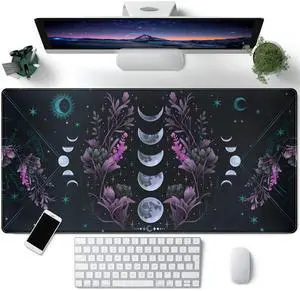
KEHIPI Celestial Moon Phases Mouse Pad Large Purple Desk Mat Forest Extended Gaming Mousepad Violet Teal Desk Pad XXL 31.5 x 15.7 in Laptop Computer Mouse Keyboard Mat for Office Desk Decor
- Brand: CYZFF
- Part Number: SBD-40X80CM
- Dimensions: 31.5 in x 15.7 in x 0.1 in
- Surface: Rubber
- Model #: SBD-40X80CM124
Quick View
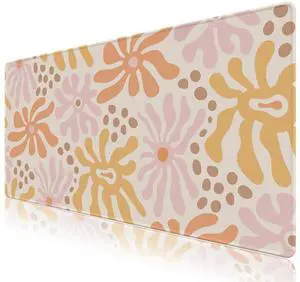
KEHIPI Desk Mat Mouse Pad Protector, Large Gaming Non Slip Computer Laptop Desk Blotter, Stitched Edges Keyboard Mouse Mat Desk Pad, 35.4" x 15.7" Extended Mousepad Home Office, Pink Orange Flowers
- Brand: ToLuLu
- Dimensions: 15.7 in x 1.9 in x 2.0 in
- Color: Pink Orange Flowers
- Thickness: 2.5
- Model #: qweqweqwe
Quick View
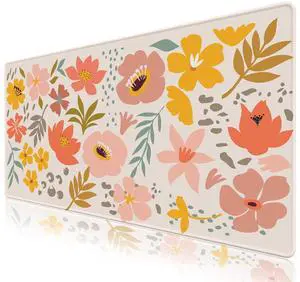
KEHIPI Desk Mat Mouse Pad Protector, Large Gaming Non Slip Computer Laptop Desk Blotter, Stitched Edges Keyboard Mouse Mat Desk Pad, 35.4" x 15.7" Extended Mousepad, Orange Flowers Leaves
- Brand: ToLuLu
- Dimensions: 15.7 in x 1.9 in x 2.0 in
- Surface: Rubber
- Color: Orange Flowers Leaves
- Model #: fdg1211
Quick View
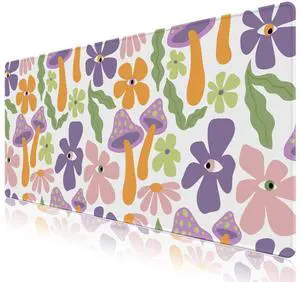
KEHIPI Desk Mat Mouse Pad Protector, Large Gaming Non Slip Computer Laptop Desk Blotter, Stitched Edges Keyboard Mouse Mat Desk Pad, 35.4" x 15.7" Extended Mousepad, Purple Mushroom Flowers Leaves
- Brand: ToLuLu
- Dimensions: 15.7 in x 1.9 in x 2.0 in
- Color: Purple Mushroom Flowers Leaves
- Thickness: 2.5
- Model #: 213123
Quick View
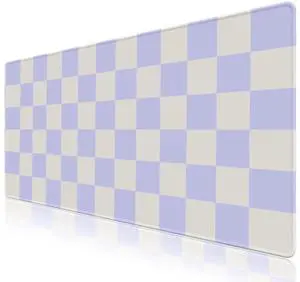
KEHIPI Desk Mat Mouse Pad Protector, Large Gaming Non Slip Computer Laptop Desk Blotter, Stitched Edges Keyboard Mouse Mat Desk Pad, 35.4" x 15.7" Extended Mousepad for Home Office, Purple Checkered
- Brand: ToLuLu
- Dimensions: 15.7 in x 1.9 in x 2.0 in
- Color: Purple Checkered
- Thickness: 2.5
- Model #: rqweqwe
Quick View
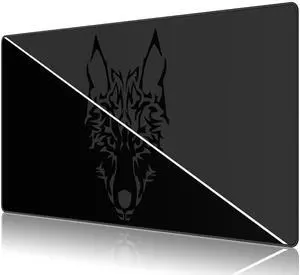
KEHIPI Large Gmaing Mouse Pad with Stitched Edges, Superior Micro-Weave Cloth, Non-Slip Base, Size 35.4 X 15.7X 0.12inches - Black Gray Wolf Head
- Brand: Anpollo
- Dimensions: 35.4 in x 15.7 in x 0.1 in
- Surface: Rubber
- Color: Grey
- Model #: 123qwdqwd1
Quick View
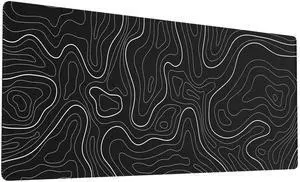
KEHIPI Large Gaming Mouse Pad with Stitched Edges, Topographic Map Topo Mousepad Gaming, Extended XL Large Mousepad with Anti-Slip Base, Cool Mouse Pads for Desk, 31.5 x 11.8 in, Black
- Brand: Ovenbird
- Part Number: OB-MP-E-14-B-BD
- Dimensions: 31.5 in x 11.8 in x 0.1 in
- Color: Black Map
- Model #: OB-MP-E-14-B-BD
Quick View
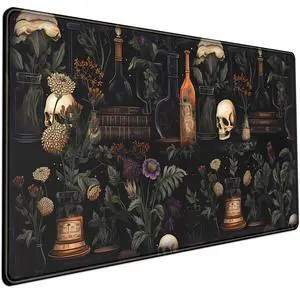
KEHIPI Vintage Aesthetic XL Extended Large Gaming Mouse Pad - Black Academia Mystical Green Plant Design - Computer Laptop Keyboard and Mouse Mat Desktop Protector - 31.5 x 15.8 in
- Brand: Mechanical Cattle
- Part Number: fd687678
- Dimensions: 31.5 in x 15.8 in x 0.1 in
- Surface: Polyester Fabric, Natural Rubber
- Model #: fd687678ddq
Quick View
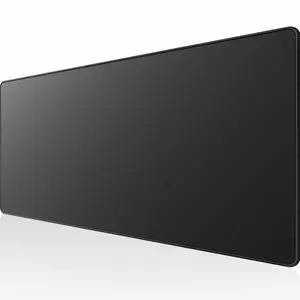
KEHIPI Extended Gaming Mouse Pad Mat Large Desk Mat Non Slip Rubber Base Computer Desktop Laptop Keyboard Mouse Mat with Stitched Edges, 35.1 x 15.75 in Long XXL Waterproof Mousepad for Work Game
- Brand: ToLuLu
- Part Number: TL-LargeMP-01
- Dimensions: 40.01 in x 89.15 in x 0.1 in
- Surface: Rubber
- Model #: TL-LargeMP-01
Quick View
KEHIPI Large Gaming Mouse Pad with Stitched Edges, Extended Mousepad with Superior Micro-Weave Cloth, Non-Slip Base, Water Resist Keyboard Pad, Desk Mat for Gamer, Office & Home, 31.5 x 15.7 in, Black
- Brand: KTRIO
- Part Number: KTRIO-Extended Gaming Mouse Pad-XXL-BK
- Type: KTRIO-Extended-Gaming-Mouse-Pad-XXL
- Dimensions: 31.5 in x 15.7 in x 0.12 in
- Model #: KEHIPI -Extended Gaming Mouse Pad-XXL-BK
Quick View
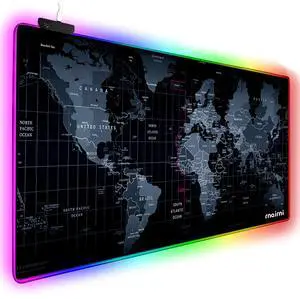
KEHIPI Extended RGB Gaming Mouse Pad, Extra Large Gaming Mouse Mat for Gamer, Waterproof Office Desktop Mat with 10 Lighting Mode, for PC Computer RGB Keyboard Mouse - 31.5'' x 15" x 4mm(Map)
- Brand: rnairni
- Part Number: rnairni-RGB01
- Material: cherry
- Keyboard Color: Map
- Model #: KEHIPI-RGB01