Your Browsing History
- In Stock
- Sold by Newegg
- Make an Offer
- New
- Combo Deals Only

Any questions? Our AI mode will help you find out quickly.
Try me now
Quick View
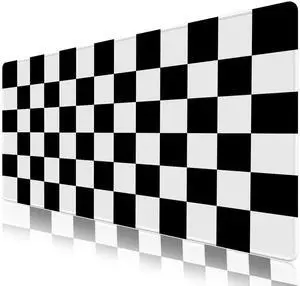
KEHIPI Desk Mat Mouse Pad Protector, Large Gaming Non-Slip Computer Laptop Blotter, Stitched Edges Keyboard Mat, 35.4" x 15.7" Extended Mousepad, Black White Checkerboard
- Brand: ToLuLu
- Dimensions: 15.7 in x 1.9 in x 2.0 in
- Color: Black White Checkerboard
- Thickness: 2.5
- Model #: 546546b

Quick View
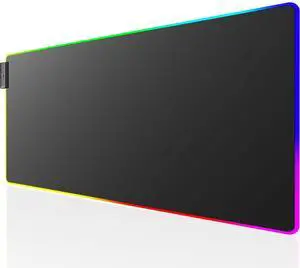
KEHIPI RGB Large Gaming Mouse Pad with Stitched Edges, Superior Micro-Weave Cloth, Non-Slip Base, Water Resist Coating, 31.5 x 11.8 in, RGB Black
- Brand: KTRIO
- Part Number: Ktrio-RGB-Extended-Gaming-Mouse-Pad-XL
- Type: Ktrio-RGB-Extended-Gaming-Mouse-Pad-XL
- Dimensions: 31.5 in x 11.8 in x 0.1 in
- Model #: KEHIPI -RGB-Extended-Gaming-Mouse-Pad-XL
Quick View
KEHIPI RGB Mouse Pad, Large Extended Soft Led Mouse Mat with Different Lighting Modes, 900 x 400mm / 35.4 * 15.7Inch
- Brand: Imegny
- Part Number: 830
- Color: 90x40 Rgrikrun
- Model #: 830
Quick View
KEHIPI RGB Mouse Pad, Large Extended Soft Led Mouse Mat with Different Lighting Modes, 900 x 400mm / 35.4 * 15.7Inch (90x40 rgdajihe003)
- Brand: Imegny
- Part Number: 9040
- Color: 90x40 Rgdajihe003
- Model #: 9040
Quick View
KEHIPI RGB Gaming Mouse Pad, Large Mousepad with Led Light, Gaming Accessories Keyboard Pad for Desk, Non-Slip Rubber Base Big Mouse Mat for Gamer, 31.5 X 11.8 Inch, Purple Anime
- Brand: Armanza
- Part Number: PR24121813
- Dimensions: 31.5 in x 11.8 in x 0.1 in
- Surface: Rubber
- Model #: PR24121813we1

Quick View
KEHIPI Large Mouse Pad Desk Mat 900 x 400 x 3mm Cool Sea Texture Non-Slip Rubber Base Mousepad Stitched Edges Keyboard Mat for Office Home Game - Black and White Sea Wave
- Brand: Anpollo
- Part Number: US-9040-Bluemap
- Dimensions: 90.0 in x 40.0 in x 0.1 in
- Surface: Fiber and Rubber
- Model #: US-9040-Bluemap
Quick View
KEHIPI RGB Gaming Mouse Pad, Large Mousepad with Led Light, Gaming Accessories Keyboard Pad for Desk, Non-Slip Rubber Base Big Mouse Mat for Gamer, 31.5 X 11.8 Inch, Galaxy World Map
- Brand: Armanza
- Part Number: PR24121806
- Dimensions: 31.5 in x 11.8 in x 0.1 in
- Surface: Rubber
- Model #: PR24121806
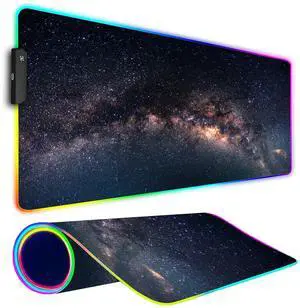
Quick View
KEHIPI RGB Gaming Mouse Pad, Large Mousepad with Led Light, Keyboard Pad Gaming Accessories for Desk, Non-Slip Rubber Base Big Mouse Mat for Gamer, 31.5 X 11.8 Inch, Galaxy
- Brand: Armanza
- Part Number: PR24121801
- Dimensions: 31.5 in x 11.8 in x 0.1 in
- Surface: Rubber
- Model #: PR24121801
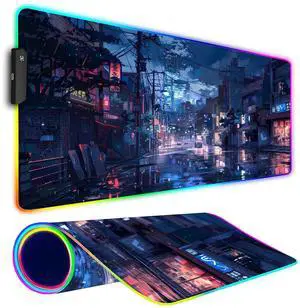
Quick View
KEHIPI RGB Gaming Mouse Pad, Large Mousepad with Led Light, Gaming Accessories Keyboard Pad for Desk, Non-Slip Rubber Base Big Mouse Mat for Gamer, 31.5 X 11.8 Inch, Japanese Streets
- Brand: Armanza
- Part Number: PR24121810
- Dimensions: 31.5 in x 11.8 in x 0.1 in
- Surface: Rubber
- Model #: PR24121810
![KEHIPI Mouse Pad [30% Larger] with Stitched Edges, 3 Pack Premium-Textured & Waterproof Mousepad Bulk with Non-Slip Rubber Base for Computers, Laptop, PC, Office & Home, 8.5 x 11 x 0.12 in, Black](https://c1.neweggimages.com/productimage/nb300/BJZJD25111501YGJN37.jpg "KEHIPI Mouse Pad [30% Larger] with Stitched Edges, 3 Pack Premium-Textured & Waterproof Mousepad Bulk with Non-Slip Rubber Base for Computers, Laptop, PC, Office & Home, 8.5 x 11 x 0.12 in, Black")
Quick View
KEHIPI Mouse Pad [30% Larger] with Stitched Edges, 3 Pack Premium-Textured & Waterproof Mousepad Bulk with Non-Slip Rubber Base for Computers, Laptop, PC, Office & Home, 8.5 x 11 x 0.12 in, Black
- Brand: MROCO
- Part Number: Computer Mouse Pad-007
- Type: MROCO-BLACK-MOUSE-PAD-BASIC-3 PACK
- Dimensions: 11.0 in x 8.5 in x 0.12 in
- Model #: Computer Mouse Pad-007
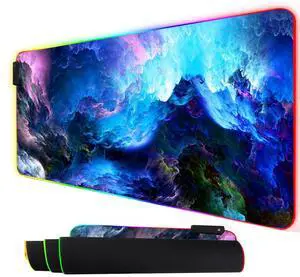
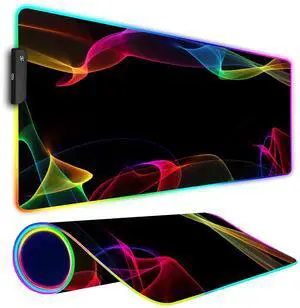
Quick View
KEHIPI RGB Gaming Mouse Pad, Large Mousepad with Led Light, Gaming Accessories Keyboard Pad for Desk, Non-Slip Rubber Base Big Mouse Mat for Gamer, 31.5 X 11.8 Inch, Colorful
- Brand: Armanza
- Part Number: PR24121811
- Dimensions: 31.5 in x 11.8 in x 0.1 in
- Surface: Rubber
- Model #: PR24121811
Quick View
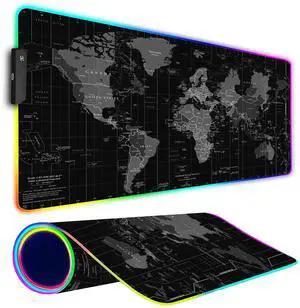
KEHIPI RGB Gaming Mouse Pad, Large Mousepad with Led Light, Gaming Accessories Keyboard Pad for Desk, Non-Slip Rubber Base Big Mouse Mat for Gamer, 31.5 X 11.8 Inch, Black World Map
- Brand: Armanza
- Part Number: PR24121805
- Dimensions: 31.5 in x 11.8 in x 0.1 in
- Surface: Rubber
- Model #: PR24121805
Quick View
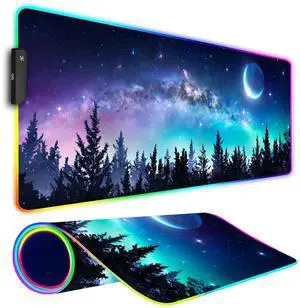
KEHIPI RGB Gaming Mouse Pad, Large Mousepad with Led Light, Gaming Accessories Keyboard Pad for Desk, Non-Slip Rubber Base Big Mouse Mat for Gamer, 31.5 X 11.8 Inch, Moon Starry Sky
- Brand: Armanza
- Part Number: PR24121804
- Dimensions: 31.5 in x 11.8 in x 0.1 in
- Surface: Rubber
- Model #: PR24121804
Quick View
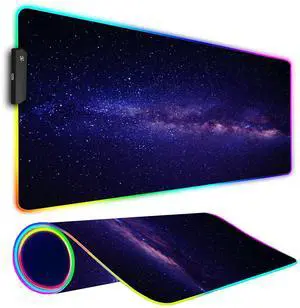
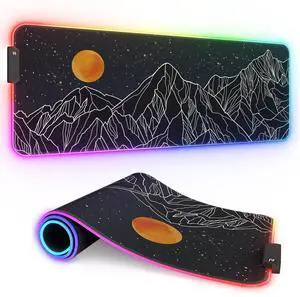
KEHIPI RGB Gaming Mouse Pad, Large Mousepad with Led Light, Gaming Accessories Keyboard Pad for Desk, Non-Slip Rubber Base Big Mouse Mat for Gamer, 31.5 X 11.8 Inch, Black Gold Mountain
- Brand: Armanza
- Part Number: PR24121809
- Dimensions: 31.5 in x 11.8 in x 0.1 in
- Surface: Rubber
- Model #: PR24121809
Quick View
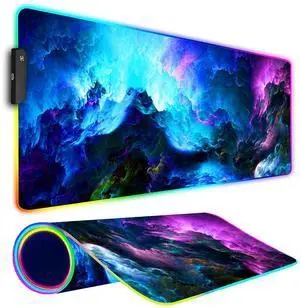
KEHIPI RGB Gaming Mouse Pad, Large Mousepad with Led Light, Keyboard Pad Gaming Accessories for Desk, Non-Slip Rubber Base Big Mouse Mat for Gamer, 31.5 X 11.8 Inch, Dazzling Galaxy
- Brand: Armanza
- Part Number: PR24121802
- Dimensions: 31.5 in x 11.8 in x 0.1 in
- Surface: Rubber
- Model #: PR24121802
Quick View
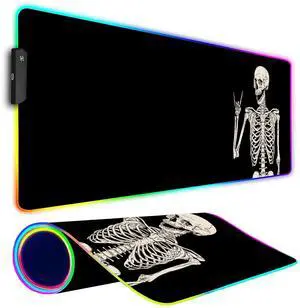
KEHIPI RGB Gaming Mouse Pad, Large Mousepad with Led Light, Big Keyboard Pad Gaming Accessories for Desk, Non-Slip Rubber Base Black Human Skeleton Mouse Mat for Gamer, 31.5 X 11.8 Inch
- Brand: Armanza
- Part Number: PR24121803
- Dimensions: 31.5 in x 11.8 in x 0.1 in
- Surface: Rubber
- Model #: PR24121803
Quick View
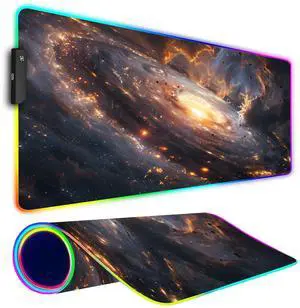
KEHIPI RGB Gaming Mouse Pad, Large Mousepad with Led Light, Gaming Accessories Keyboard Pad for Desk, Non-Slip Rubber Base Big Mouse Mat for Gamer, 31.5 X 11.8 Inch, Golden Galaxy
- Brand: Armanza
- Part Number: PR24121812
- Dimensions: 31.5 in x 11.8 in x 0.1 in
- Surface: Rubber
- Model #: PR24121812
Quick View
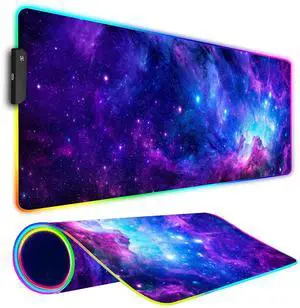
KEHIPI RGB Gaming Mouse Pad, Large Mousepad with Led Light, Gaming Accessories Keyboard Pad for Desk, Non-Slip Rubber Base Big Mouse Mat for Gamer, 31.5 X 11.8 Inch, Purple Galaxy
- Brand: Armanza
- Part Number: PR24121807
- Dimensions: 31.5 in x 11.8 in x 0.1 in
- Surface: Rubber
- Model #: PR24121807
![KEHIPI Mouse Pad 6 Pack [30% Larger] with Non-Slip Rubber Base, Premium-Textured & Waterproof Mousepad Bulk with Stitched Edges for Computer, Laptop, Office & Home, 8.5 x 11 inches, Black](https://c1.neweggimages.com/productimage/nb300/BJZJD25111501YFJNFA.jpg "KEHIPI Mouse Pad 6 Pack [30% Larger] with Non-Slip Rubber Base, Premium-Textured & Waterproof Mousepad Bulk with Stitched Edges for Computer, Laptop, Office & Home, 8.5 x 11 inches, Black")
Quick View
KEHIPI Mouse Pad 6 Pack [30% Larger] with Non-Slip Rubber Base, Premium-Textured & Waterproof Mousepad Bulk with Stitched Edges for Computer, Laptop, Office & Home, 8.5 x 11 inches, Black
- Brand: MROCO
- Part Number: Basic Mousepad 6 pack
- Dimensions: 11.0 in x 8.5 in x 0.1 in
- Surface: Rubber
- Model #: KEHIPI -BLACK-MOUSE-PAD-BASIC-6 PACK
![KEHIPI Mouse Pad 12 Pack [30% Larger] with Non-Slip Rubber Base, Premium-Textured & Waterproof Mousepads Bulk with Stitched Edges for Computers, Laptop, Office & Home, 8.5 x 11 inches, Black](https://c1.neweggimages.com/productimage/nb300/BJZJD25111501ZSQWE5.jpg "KEHIPI Mouse Pad 12 Pack [30% Larger] with Non-Slip Rubber Base, Premium-Textured & Waterproof Mousepads Bulk with Stitched Edges for Computers, Laptop, Office & Home, 8.5 x 11 inches, Black")
Quick View
KEHIPI Mouse Pad 12 Pack [30% Larger] with Non-Slip Rubber Base, Premium-Textured & Waterproof Mousepads Bulk with Stitched Edges for Computers, Laptop, Office & Home, 8.5 x 11 inches, Black
- Brand: MROCO
- Part Number: MROCO-BLACK-MOUSE-PAD-BASIC-12 PACK
- Type: MROCO-BLACK-MOUSE-PAD-BASIC-12 PACK
- Dimensions: 8.5 in x 11.0 in x 1.5 in
- Model #: KEHIPI -BLACK-MOUSE-PAD-BASIC-12 PACK
Quick View
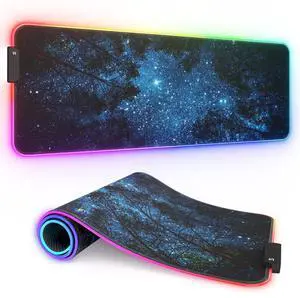
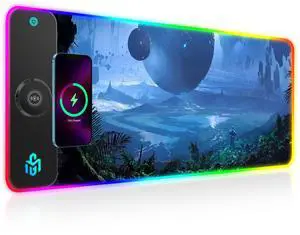
KEHIPI 15W Wireless Charging RGB Gaming Mouse Pad, LED Mouse Pad 800x300x4MM, 10 Light Modes Extra Large Mousepad Non-Slip Rubber Base RGB Desk Mat for Gaming, MacBook, PC, Laptop, Desk (Planetary)
- Brand: GIM
- Part Number: ZP892152-U
- Dimensions: 80.0 in x 30.0 in x 4.0 in
- Base: Wireless Charging, RGB
- Model #: ZP892152-U
Quick View
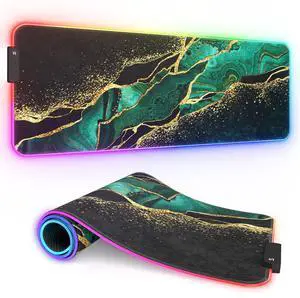
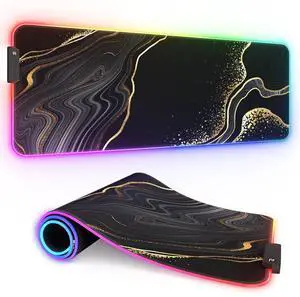
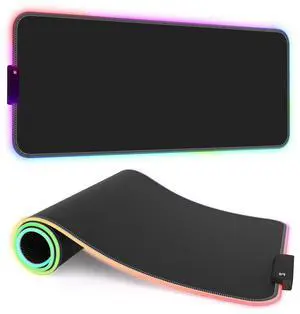
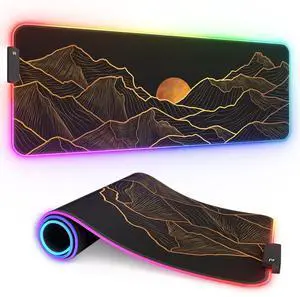
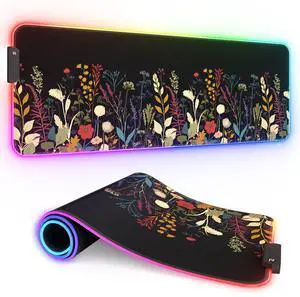
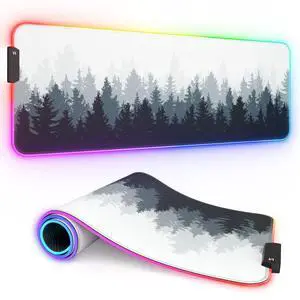
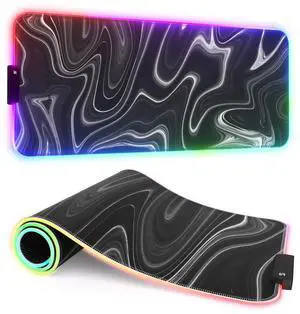
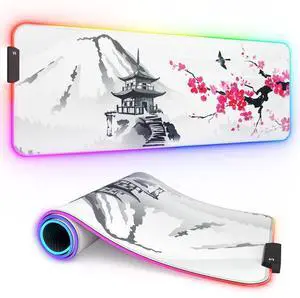
KEHIPI RGB Gaming Mouse Pad, Full Desk XL Extended Large Gaming Mousepad, 12 Lighting Modes 30% Thicker Big LED Desk Mat for Gamers, 32 x 12 inches, Japanese Mount Fuji Sakura
- Model #: RGB-80x40cm-Japanese Mount Fuji Sakura0