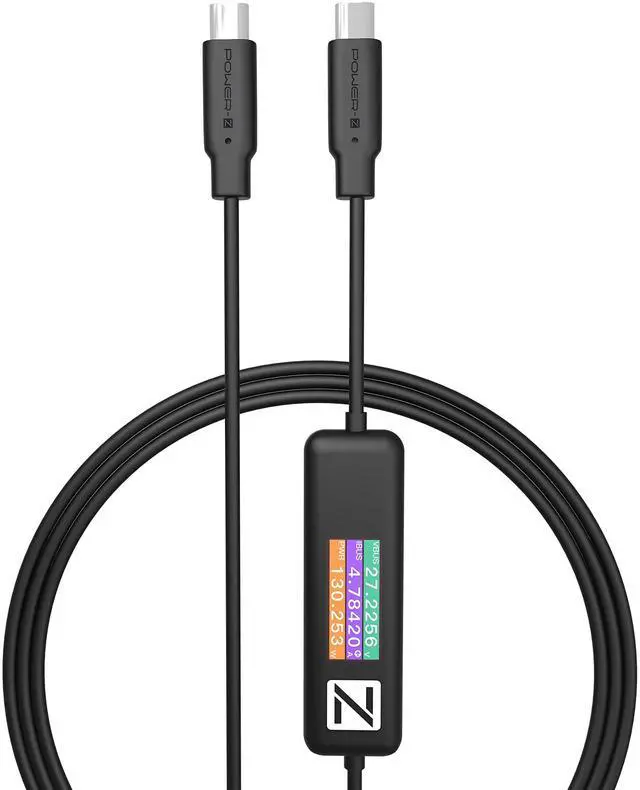
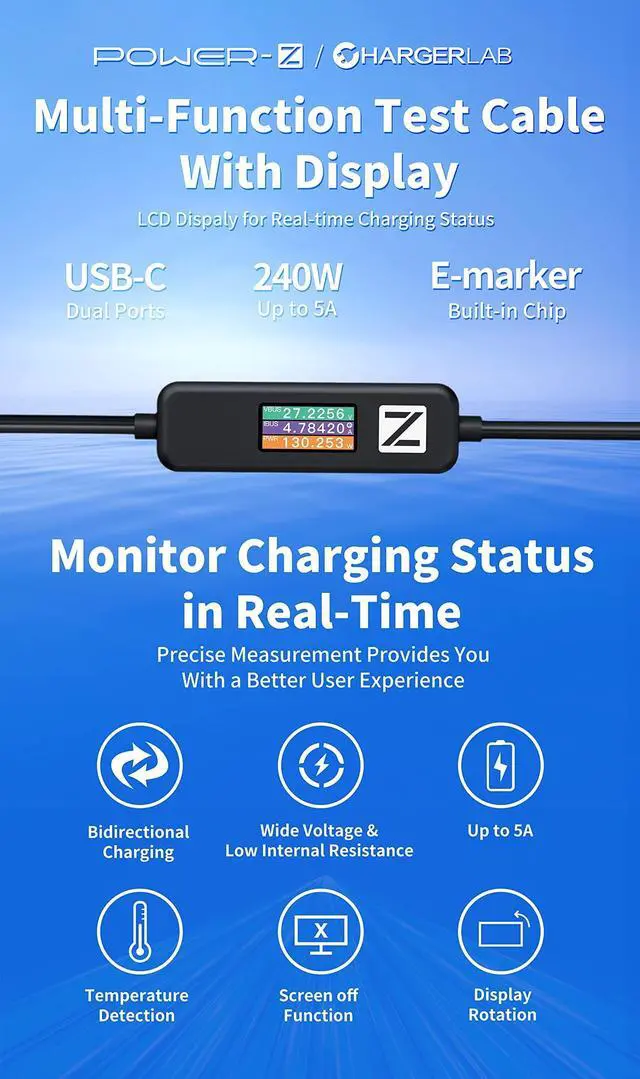
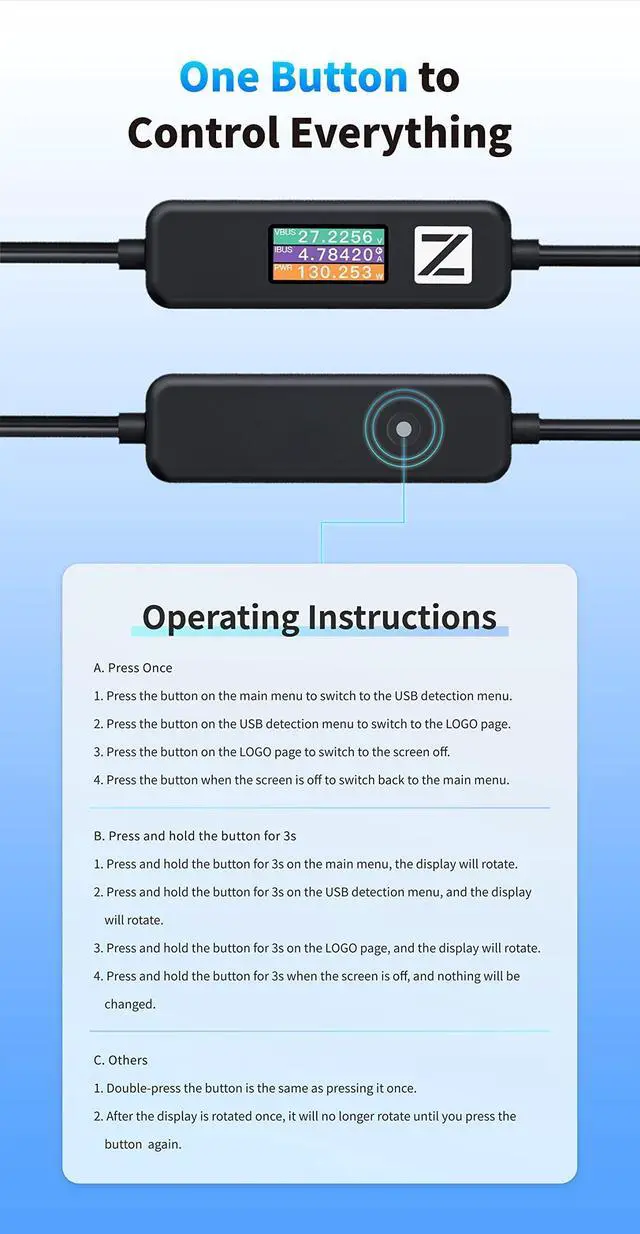
A. Press Once 1. Press the button on the main menu to switch to the USB detection menu. 2. Press the button on the USB detection menu to switch to the LOGO page. 3. Press the button on the LOGO page to switch to the screen off. 4. Press the button when the screen is off to switch back to the main menu.