
Your Browsing History




Any questions? Our AI beta will help you find out quickly.
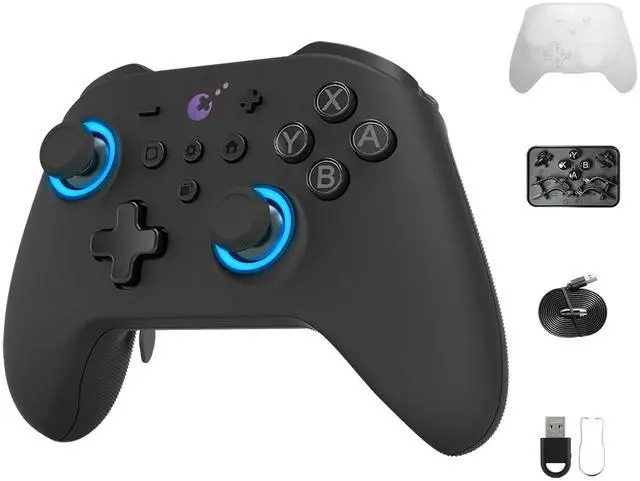
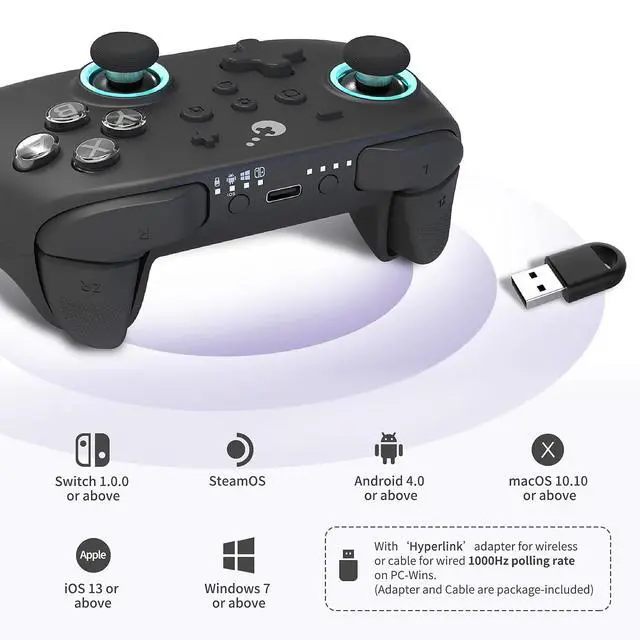
Gulikit king kong 3 max controller - the ultimate wireless switch controller for all your gaming needs!
Switch 2 Wake-Up Support
Requires upgrade to Bluetooth firmware V5.03 first. Then follow 3 simple steps: Set to Switch mode & then hold pair button to enter pairing mode; Enter the Controller - Change Grip/Order interface on Switch 2; After paired successfully, take off either Joy-Con, wait until Switch 2 shows the Joy-Con controller has reconnected, then slide the Joy-Con back on to complete the process.
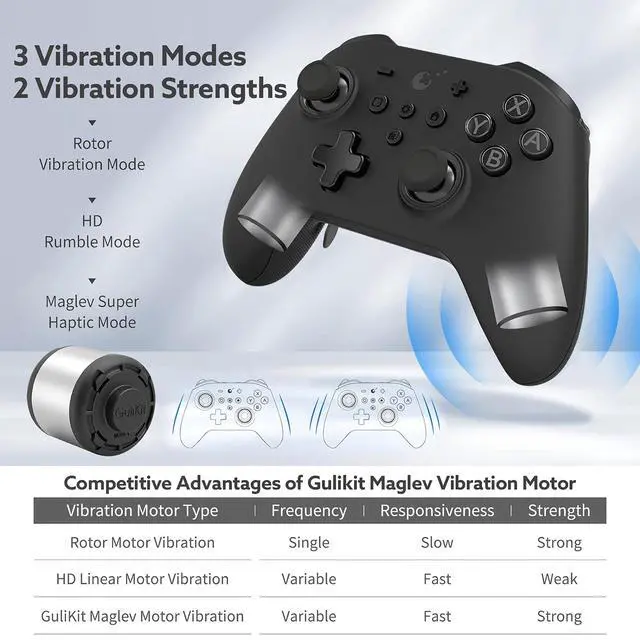
Patented Maglev Vibration Motor
Gulikit kk3 has 3 Vibration modes: Maglev Super Haptic Mode, HD Rumble Mode and Rotor Vibration Mode, choose from 2 strength levels, light to strong. Six different vibration levels provide the most immersive gaming experience
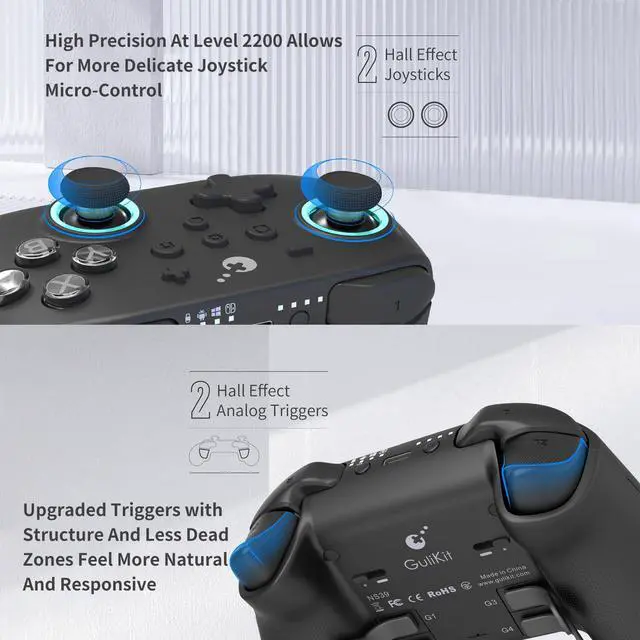
Hall Effect Joysticks & Triggers
This controller is equipped with 2 Hall Effect Joysticks, 2 Hall Effect Analog Triggers For All Controller Versions, High Precision At Level 2200 AllowsFor More Delicate Joystick Micro-Control with adjustable sensitivity.
Patented "Hyperlink" Adapter
When this pro controller works with controller for Wireless 1000Hz Polling Rate and it helps you win competitive gaming with super fast response and super low delay
Second-Generation Mechanical Buttons
Enhanced Reliability, Hyper Responsive Actuation and Great Tactility
Patented "Smartrigger" Technology
Slide The Switches On The Back To Set For Digital Triggers Enabling An Ultra-Fast Rate Of Fire For Shooting Games Or Analog Triggers Enabling Pressure-Sensitive Action For Car Racing Games. Upgraded Triggers With New Structure And Less Dead Zones Feel More Natural And Responsive
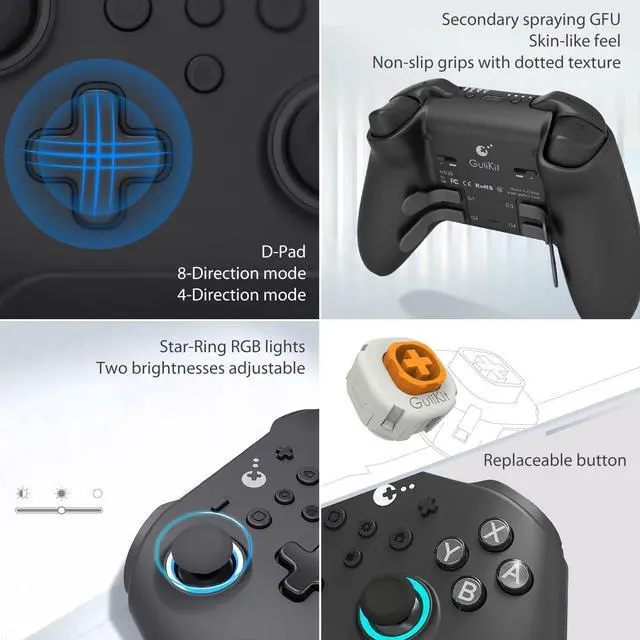
Regarding the issue of directional key ghosting in FPS games
Adjustable directional keys support switching from Default 8-Directions Mode To 4-Directions Mode, effectively avoiding operational interference.
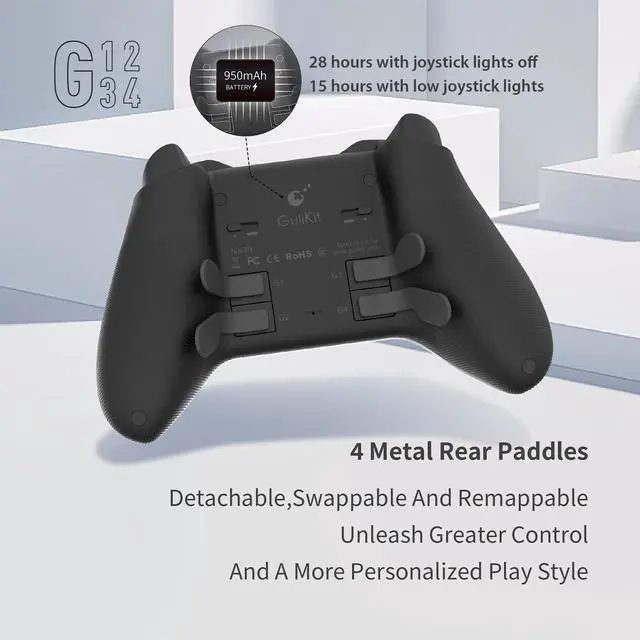
4 Metal Rear Paddles
Detachable,Swappable and Remappable. Equipped with four detachable long keys and a pair of replaceable semi-circular keys. Players can directly map them to any button through the gear button on the front, Simple and easy to use.
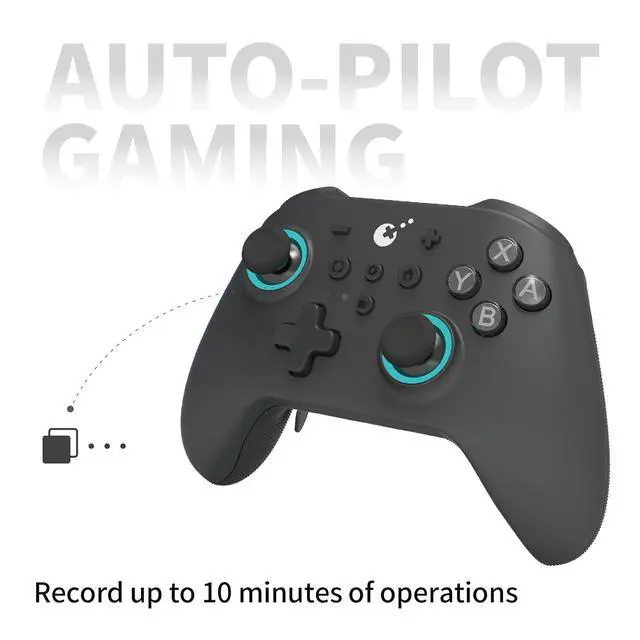
Upgraded Auto-Pilot Gaming
This switch remote controller can record all operating instructions in the game for up to 10 minutes. Optimized With Better Software & Hardware, Architecture And A Self-Correction M KK3 Max kingkong 3 king kong 3 for switch 2 controller
Frequently-Asked Questions and Answers regarding KK3 Max Controllers
Q: First-Time Setup & Connection Troubleshooting Guide
A: To ensure a clean pairing on Switch, go to System Settings > Controllers and Sensors > Disconnect Controllers, then hold the X button to remove all paired devices. Re-pair your controller afterward. If connection issues persist, please update your controller to Firmware V5.7 and Bluetooth Firmware V3.31 or above.
QHow to Test and Calibrate the Sticks and Buttons?
A: 1. On Switch: System Settings > Controllers and Sensors > Calibrate Control Sticks / Test Input Devices
2. On PC: Use standard XInput test