







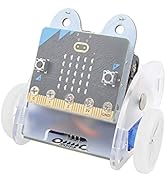
ELECFREAKS micro:bit Car Kit
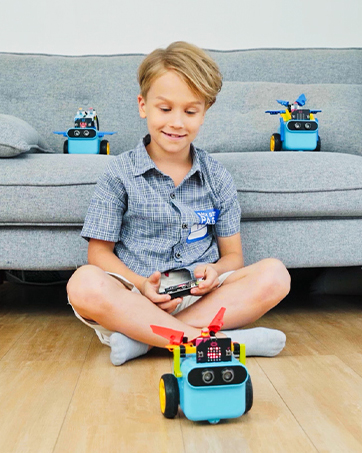
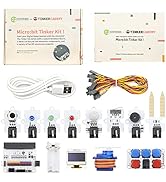
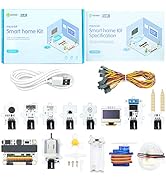
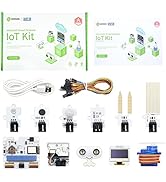
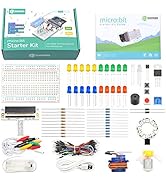
micro:bit Sensor Kit
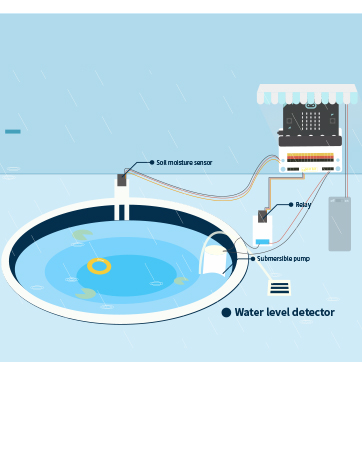
Sensors Usage Scenarios
Kids can use sensors to learn micro:bit from simplest to more complex.
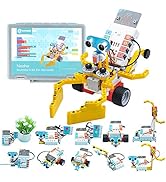
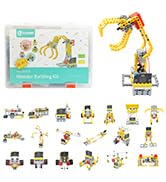
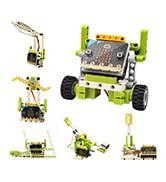
micro:bit Building Bricks Kit
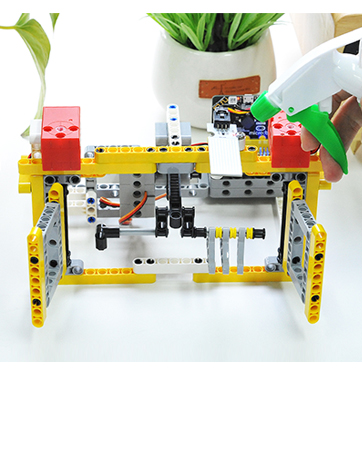
Smart Airer Case
Through the combination of graphical programming, sensors and building blocks, kid's imagination is greatly enriched.
micro:bit Accessories
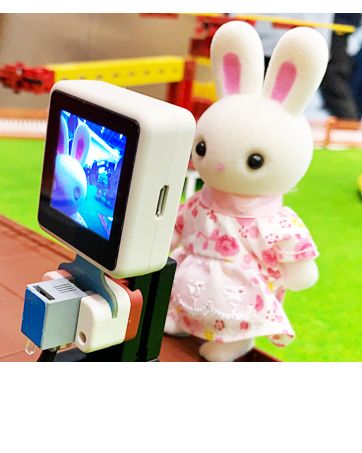
Face Recognition Case
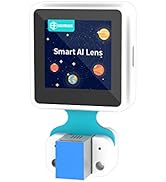
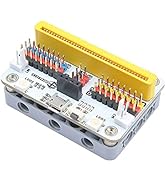
The AI lens is compatible with Lego building blocks, and can be connected to a micro:bit robot car(Tpbot) or expansion board(Nezha).
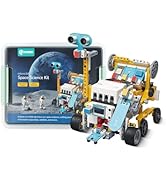
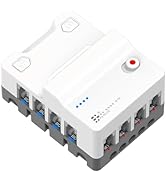
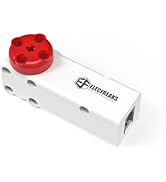
micro:bit Kit (Nezha Series)




Microsoft MakeCode Arcade WEBSITE: "arcade.makecode.com"

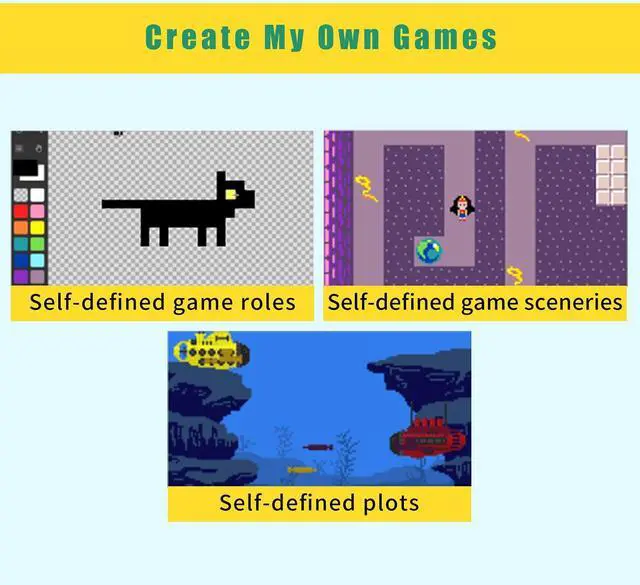
Don’t worry about the difficulty of game programming, a lot of learning materials are available for free.
Microsoft MakeCode Arcade WEBSITE: "arcade.makecode.com"
Wiki Tutorial: "wiki.elecfreaks.com/en/microbit/expansion-board/microbit-retro-arcade"
Wiki Cases: “wiki.elecfreaks.com/en/retroarcade/”

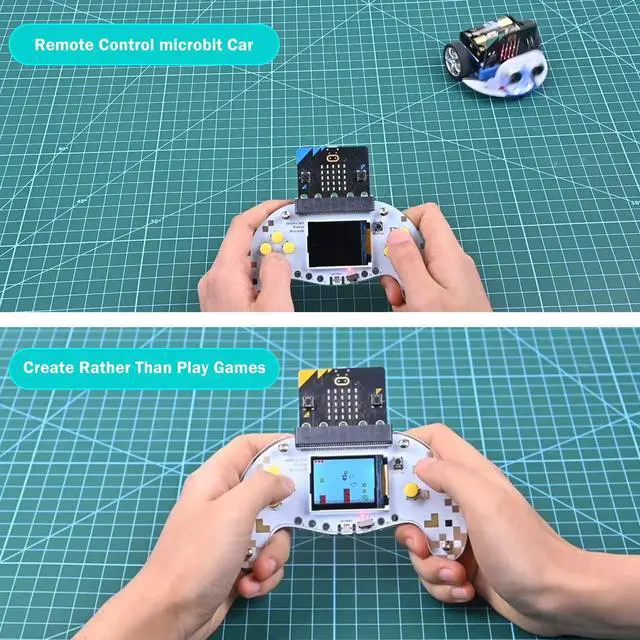
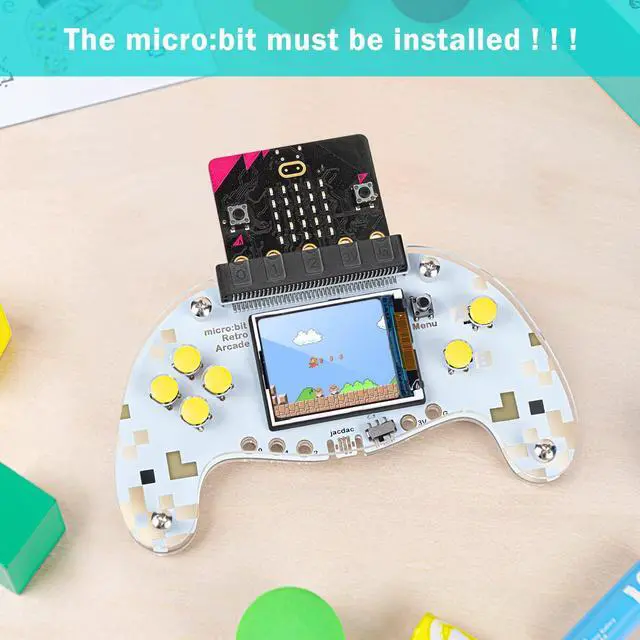
Comfortable Grip Arc Design
Inspired by the best holding design from ergonomics, it gives you a pleasant holding experience.

Buttons
Great feeling and provides the better handling experience.

Dazzling Silk Screen
The beautifully designed silk screen makes the micro:bit retro arcade more beautiful.

Translucent Acrylic Case
Highlight the high texture and make it more enjoyable to use the microbit retro arcade.
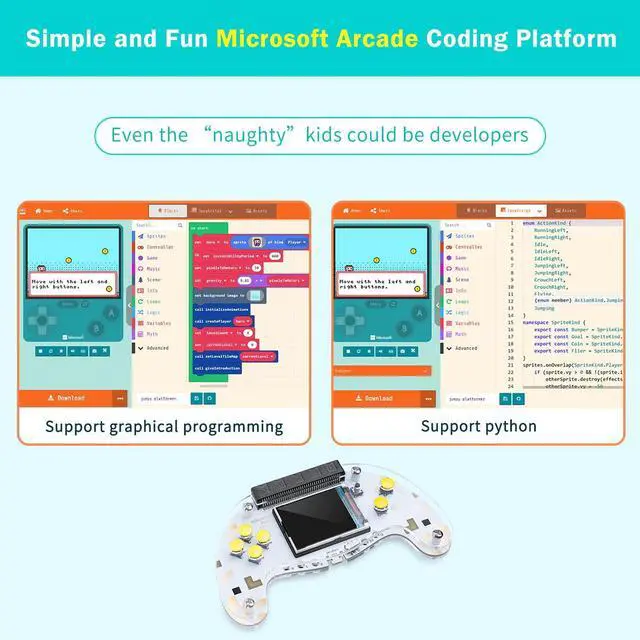
Through Graphical Programming, it is easier for kid to understand and code

MakeCode is a graphical programming platform born for education under the Microsoft Corporation. It provides programming tools and learning tutorials in different coding levels.
An alligator clip interface is reserved for adapting the jacdac system

We have reserved an alligator clip interface, which can be more perfectly adapted to the operation of the jacdac system.
 micro:bit Cutebot |  micro:bit Ringbit Car |  micro:bit TPbot |  Retro Coding Arcade |  Ring:bit 6-in-1 Bricks Kit |  micro:bit Joystick:bit | |
|---|---|---|---|---|---|---|
| Customer Reviews | — | — | — | — | — | — |
| Price | — | — | — no data | — | — | — |
| NOTE !!! | micro:bit is not included | micro:bit is not included | micro:bit is not included | micro:bit is not included | micro:bit is not included | micro:bit is not included |
| Characteristic | Cute and High Speed | Manual Installation | Non-nudity / 2 Modes | Coding Arcade | 6 in 1 | Wireless Control |
| Wiki Tutorial | ? | ? | ? | ? | ? | ? |

Parameters
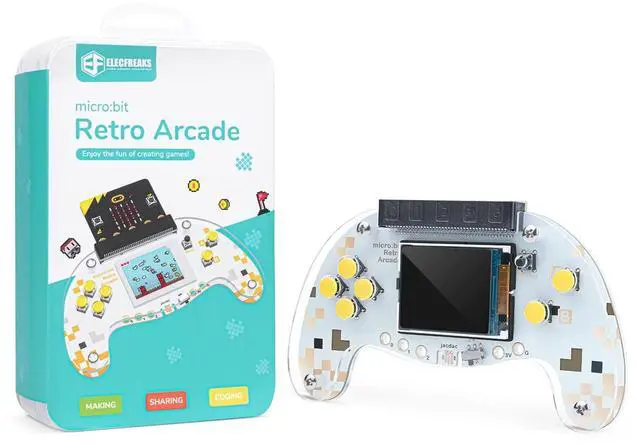
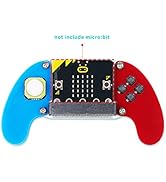
micro:bit Retro Arcade
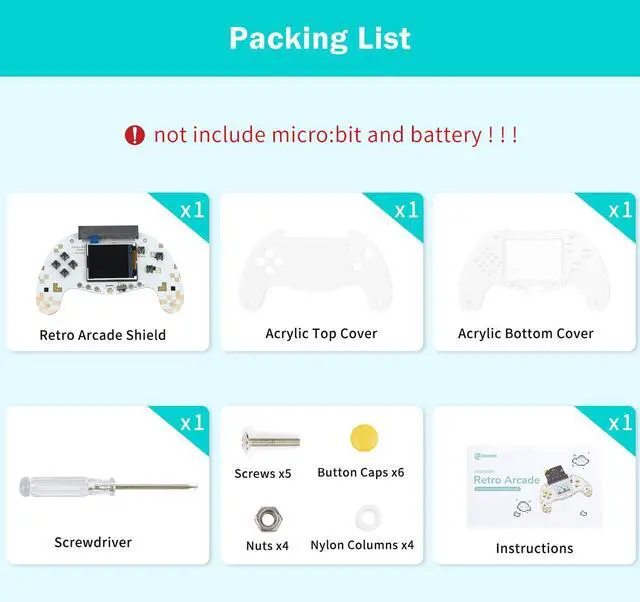
- Screen Type: TFT screen
- Screen size: 128 x 160
- Size: 13.79cm x 8.13cm
- Net weight: 52g
- Power supply method: Dry Battery
Tips:
- 1.It is normal for the screen to be a little loose!!!
- 2.not include microbit!!!
Microsoft MakeCode Arcade WEBSITE: "arcade.makecode.com"
Don’t worry about the difficulty of game programming, a lot of learning materials are available for free.
Microsoft MakeCode Arcade WEBSITE: "arcade.makecode.com"
Wiki Tutorial: "wiki.elecfreaks.com/en/microbit/expansion-board/microbit-retro-arcade"
Wiki Cases: “wiki.elecfreaks.com/en/retroarcade/”
Comfortable Grip Arc Design
Inspired by the best holding design from ergonomics, it gives you a pleasant holding experience.
Buttons
Great feeling and provides the better handling experience.
Dazzling Silk Screen
The beautifully designed silk screen makes the micro:bit retro arcade more beautiful.
Translucent Acrylic Case
Highlight the high texture and make it more enjoyable to use the microbit retro arcade.
Through Graphical Programming, it is easier for kid to understand and code
MakeCode is a graphical programming platform born for education under the Microsoft Corporation. It provides programming tools and learning tutorials in different coding levels.
An alligator clip interface is reserved for adapting the jacdac system
We have reserved an alligator clip interface, which can be more perfectly adapted to the operation of the jacdac system.
micro:bit Cutebot | micro:bit Ringbit Car | micro:bit TPbot | Retro Coding Arcade | Ring:bit 6-in-1 Bricks Kit | micro:bit Joystick:bit | |
|---|---|---|---|---|---|---|
| Customer Reviews | — | — | — | — | — | — |
| Price | — | — | — no data | — | — | — |
| NOTE !!! | micro:bit is not included | micro:bit is not included | micro:bit is not included | micro:bit is not included | micro:bit is not included | micro:bit is not included |
| Characteristic | Cute and High Speed | Manual Installation | Non-nudity / 2 Modes | Coding Arcade | 6 in 1 | Wireless Control |
| Wiki Tutorial | ? | ? | ? | ? | ? | ? |
Parameters
micro:bit Retro Arcade
- Screen Type: TFT screen
- Screen size: 128 x 160
- Size: 13.79cm x 8.13cm
- Net weight: 52g
- Power supply method: Dry Battery
Tips:
- 1.It is normal for the screen to be a little loose!!!
- 2.not include microbit!!!
ELECFREAKS micro:bit Car Kit
micro:bit Sensor Kit
Sensors Usage Scenarios
Kids can use sensors to learn micro:bit from simplest to more complex.
micro:bit Building Bricks Kit
Smart Airer Case
Through the combination of graphical programming, sensors and building blocks, kid's imagination is greatly enriched.
micro:bit Accessories
Face Recognition Case
The AI lens is compatible with Lego building blocks, and can be connected to a micro:bit robot car(Tpbot) or expansion board(Nezha).
micro:bit Kit (Nezha Series)