
Your Browsing History





Any questions? Our AI beta will help you find out quickly.
Today’s optical cables only give you 5.1 channels of compressed audio, but now a new champion has emerged. HDMI is the only connection that can carry eight channels of pure uncompressed audio to your ears.
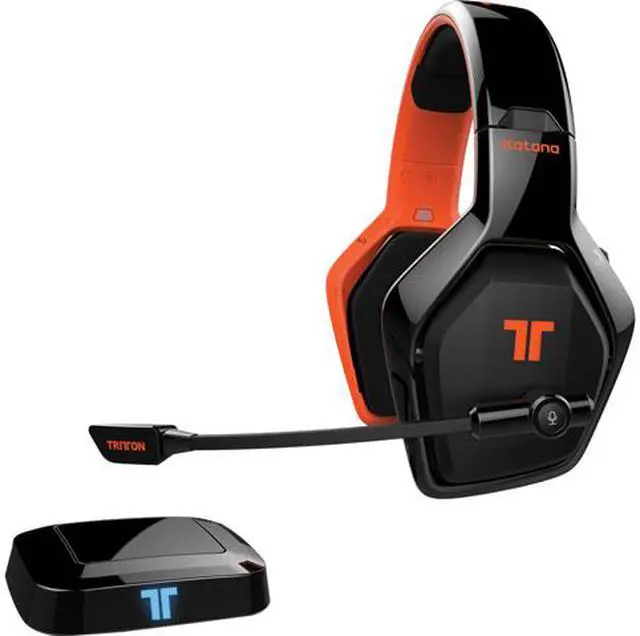
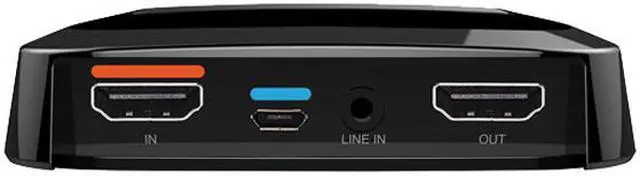
Connect the included HDMI base station to your gaming console, PC, or other audio source and experience HD-quality audio wirelessly—up to 33 feet.
? HDMI Connectivity Delivers 8 Channels of Uncompressed, HD-Quality Audio Compatible with ARC and 3D
? DTS Headphone:X Technology Provides Directional Audio Cues to Enhance Gaming Performance
? Big 50mm Drivers Pump Deep Bass and Crisp Highs over a Wide Spatial and Positional Range
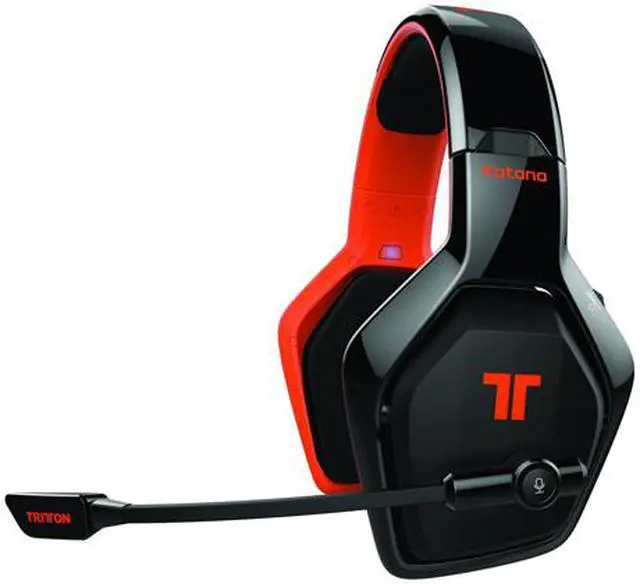
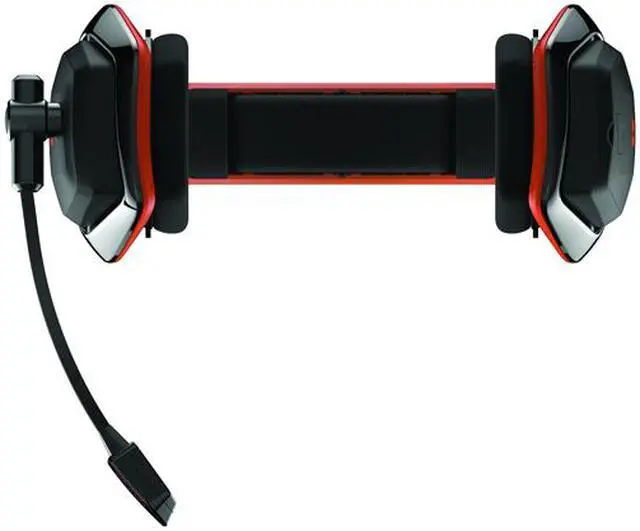
? Removable and Adjustable Boom Mic is Ideal for Multiplayer Chat
? On-Ear Controls Enable Quick Audio Adjustments
Headphone:X uses spatial audio to add a new dimension to gaming. Cinematic audio mimics the experience of sitting in a room full of speakers. Sound isn’t merely directional, it exists in a rich, 3D space in which you can pinpoint the source. Whether enemies are flanking or surrounding – even from above or below – you can hear them before you see them. Get fully immersed by enjoying games, movies, and music as if you are actually there.
HDMI is the universal connection standard for good reason. Delivering the highest audio quality, with the least latency, HDMI is ideal for current-gen consoles, PCs, and a host of smart devices and A/V equipment. Get ready for wireless audio by linking Katana’s HDMI base station to your PlayStation 4, Xbox One, Wii U, PlayStation 3, PC, Blu-ray Disc player, or even a smart TV. Katana HD wireless headphones use a base that’s easy to connect, and its sleek design blends in with your entertainment setup.
Intuitive controls put you in charge of all your audio. Mute the mic, tweak the volume, activate or deactivate surround sound, and cycle EQ settings, all without having to look away from your TV or monitor. And, Katana HD’s Selectable Voice Monitoring helps prevent shouting into the microphone. With SVM active, the sound of your voice comes through the mic and into the earcups. Merely switch it on to freely chat without disturbing those around you.
? Headset Volume
? Microphone Volume
? DTS Surround Sound On/Off
? EQ Settings for Gaming, Music, and Chat
? Selectable Voice Monitoring (SVM)
? Headset Mute
? Microphone Mute
? Headset Power