



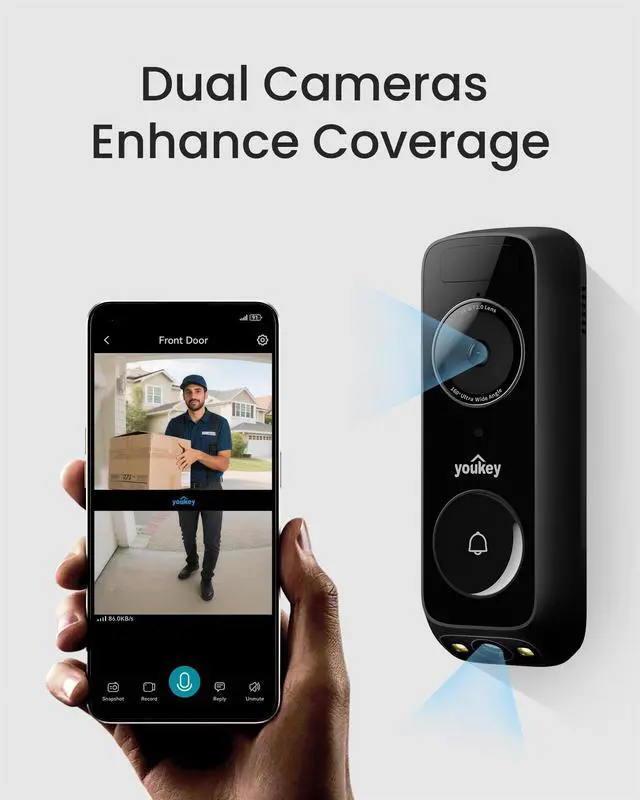
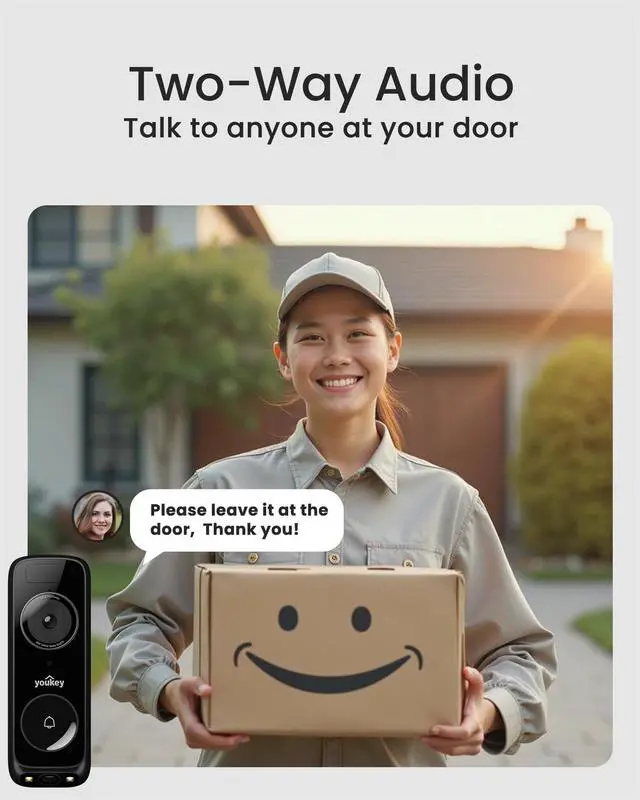



youkey emerged to create seamless living spaces that connect, adapt, and protect. Founded by a team of innovators who believe in the power of technology to enrich daily life, youkey's mission is simple: to empower people to control their world effortlessly, intuitively, and securely.
Need Support?
Support Email: support at youkey.com
Support Line: +?? ??????-??????-????????

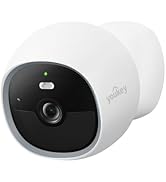
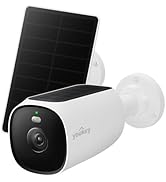
New Arrivals


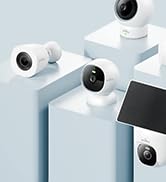
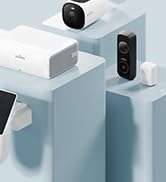
youkey Product Lineup

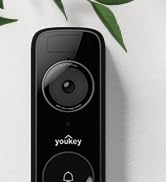

youkey Battery Video Doorbell

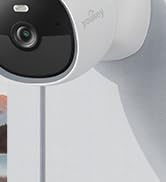
youkey Wire-free MagCam
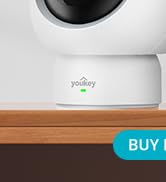

youkey Indoor Camera
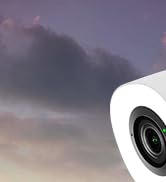
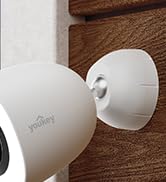

youkey Outdoor Camera
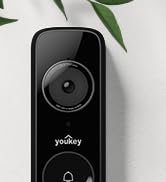

youkey Wired Video Doorbell

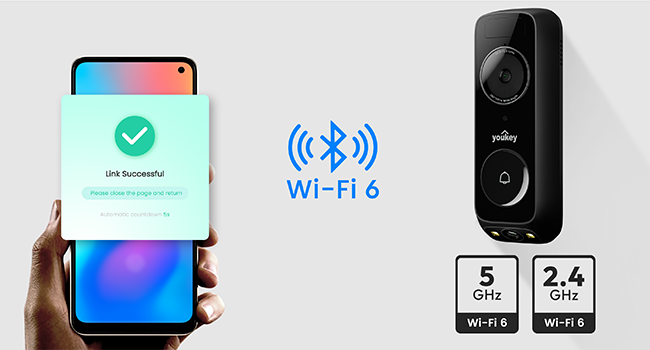
Fast Pairing & Stable Transmission
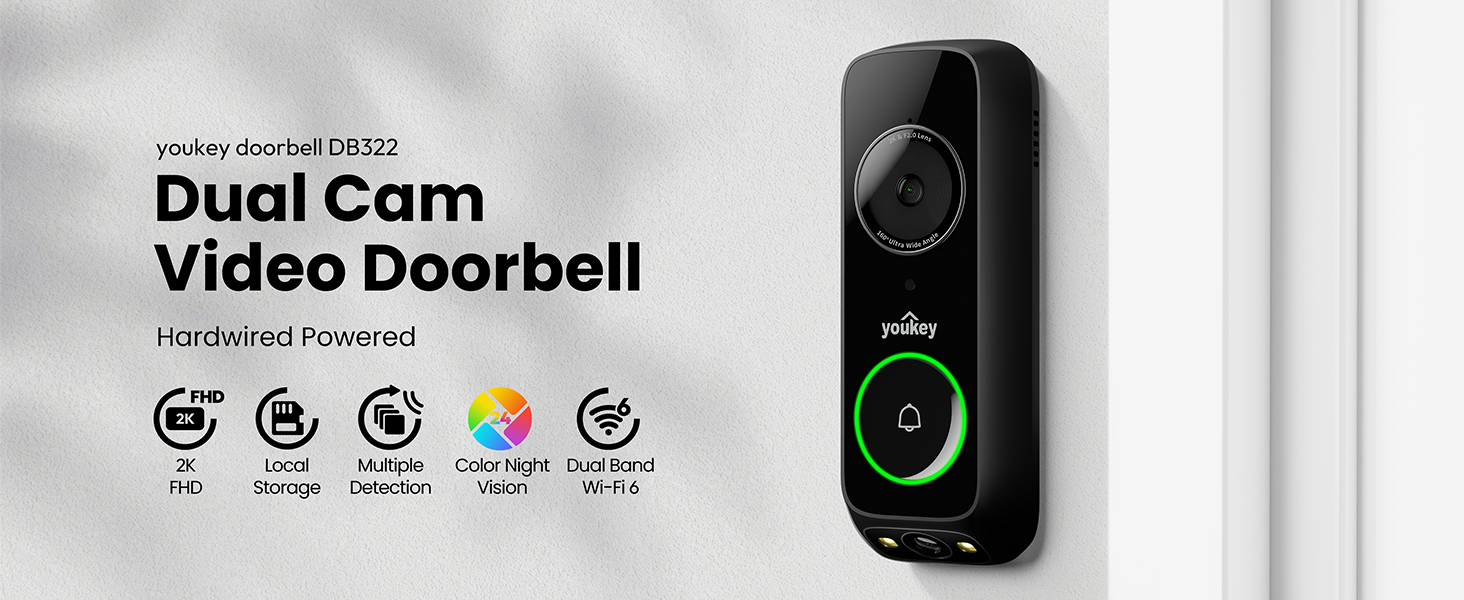
Bluetooth pairing greatly reduces your pairing time. Enjoy smooth, lag-free streaming and secure Wi-Fi 6 connectivity. The doorbell’s dual-band compatibility (2.4GHz/5GHz) ensures seamless integration with any home network.
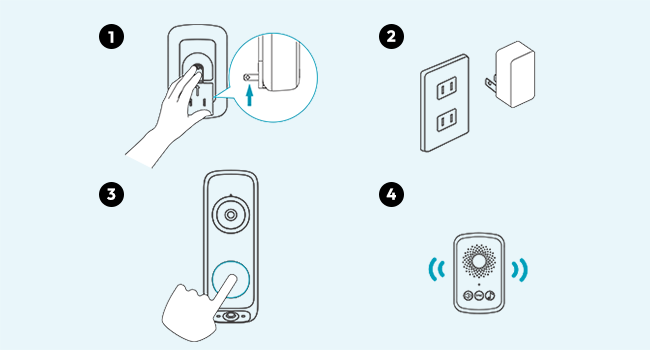
Install the Chime
1. Insert the chime in to the power outlet.
2. Press the doorbell button, the chime should ring simultaneously. If the chime does not ring, it may be too far from the doorbell, and you need to adjust the chime's installation position accordingly.
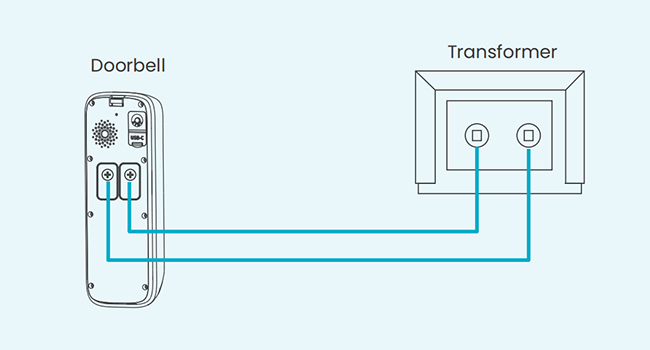
Hardwired Installation - Without Existing Chime
1. Turn off the power supply.
2. Confirm the transformer output voltage is AC 12–24V, then use the included accessories to complete the wiring as shown in the diagram.
3. Follow the connection instructions on the APP to pair with youkey wireless chime
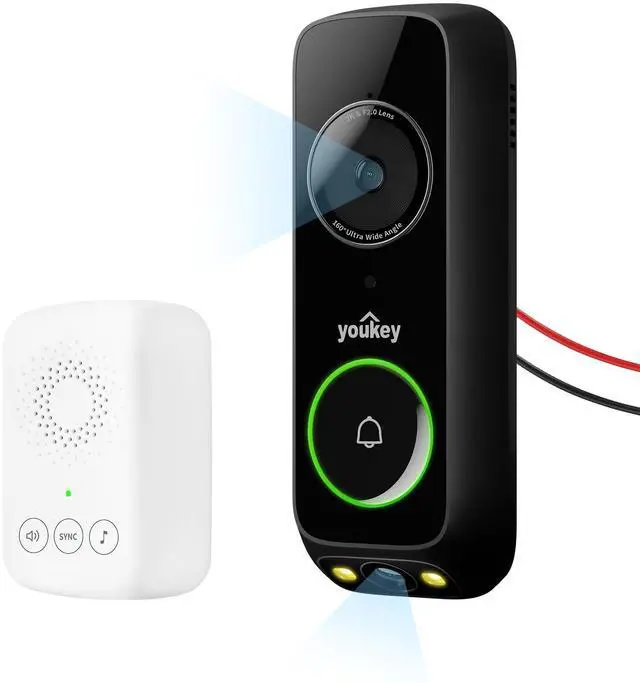
Dimensions of DB322: 6.2" L × 2.2" W.
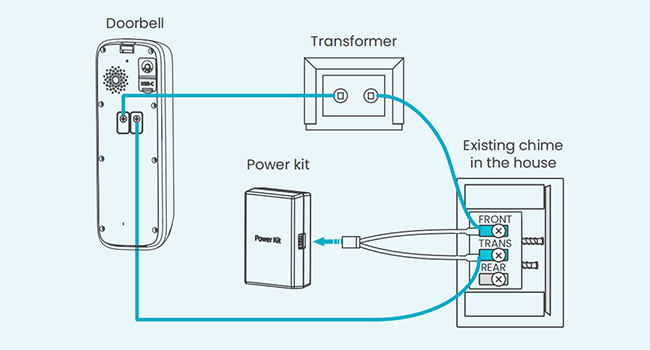
Hardwired Installation - With Existing Chime
1. Turn off power.
2. Confirm transformer output AC 12–24V, then use included accessories for wiring as shown.
3. Follow app instructions to pair with the youkey wireless chime.
Note: Power kit protects your existing chime; if existing chime incompatible doorbell, use the youkey wireless chime.

How can I get the user manual?
To reduce paper waste, we provide a digital manual. Follow the instructions on the brand card inside your package to access the guide and videos. Need help? Our support team is always here for you.
Is it easy to install?
Yes. Most users can install it in minutes with the included mounting kit.
Does it support 5Ghz WiFi?
Yes. It supports dual-band WiFi (2.4GHz and 5GHz) and WiFi 6 for stable connectivity.
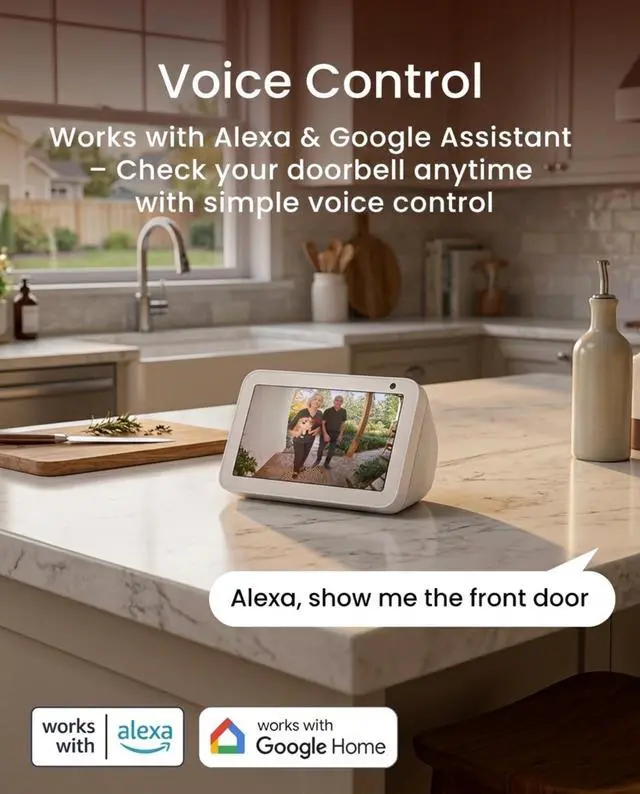
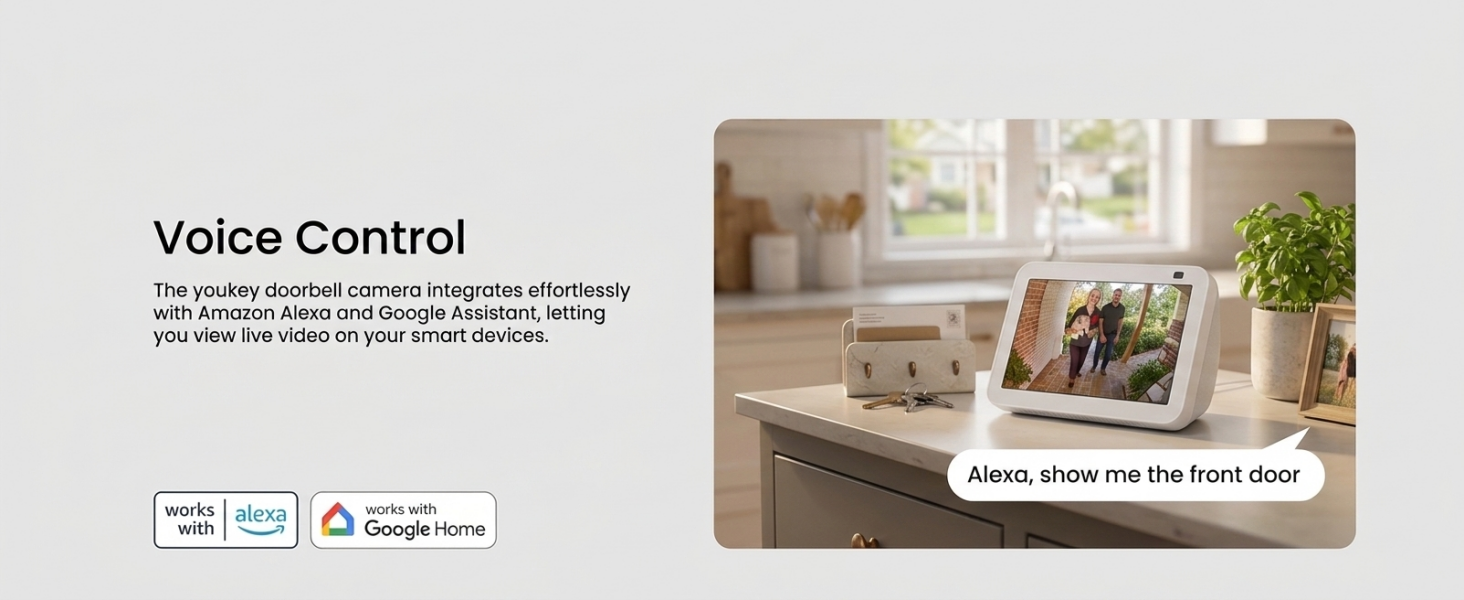
Does it work with Alexa?
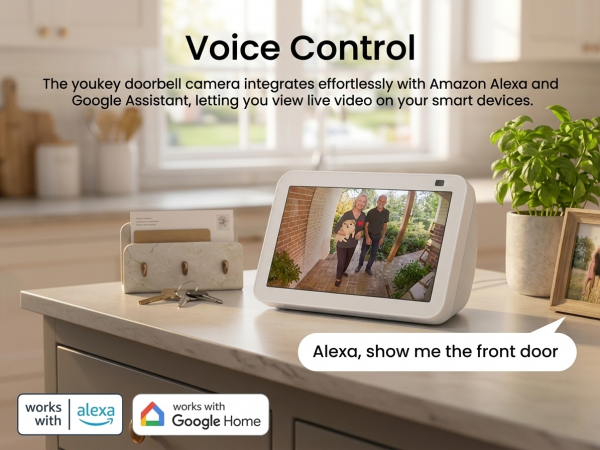
Yes. It is compatible with Alexa and Google Assistant.
Does it support local storage?
Yes. It includes 8GB built-in eMMC storage for event recordings.
For users who need more storage, we offer optional youkey H310 and cloud storage upgrades.
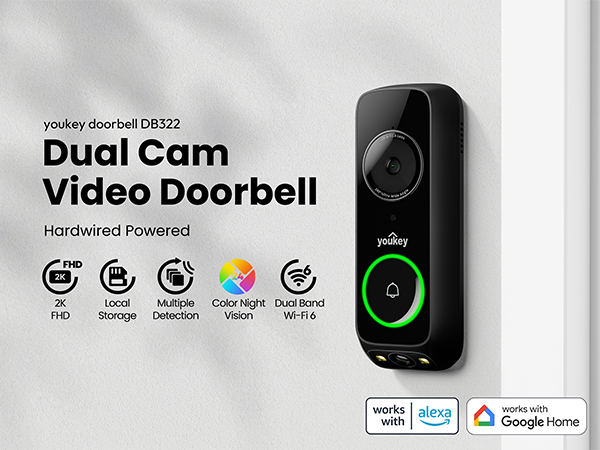
Fast Pairing & Stable Transmission
Bluetooth pairing greatly reduces your pairing time. Enjoy smooth, lag-free streaming and secure Wi-Fi 6 connectivity. The doorbell’s dual-band compatibility (2.4GHz/5GHz) ensures seamless integration with any home network.
Install the Chime
1. Insert the chime in to the power outlet.
2. Press the doorbell button, the chime should ring simultaneously. If the chime does not ring, it may be too far from the doorbell, and you need to adjust the chime's installation position accordingly.
Hardwired Installation - Without Existing Chime
1. Turn off the power supply.
2. Confirm the transformer output voltage is AC 12–24V, then use the included accessories to complete the wiring as shown in the diagram.
3. Follow the connection instructions on the APP to pair with youkey wireless chime
Dimensions of DB322: 6.2" L × 2.2" W.
Hardwired Installation - With Existing Chime
1. Turn off power.
2. Confirm transformer output AC 12–24V, then use included accessories for wiring as shown.
3. Follow app instructions to pair with the youkey wireless chime.
Note: Power kit protects your existing chime; if existing chime incompatible doorbell, use the youkey wireless chime.

How can I get the user manual?
To reduce paper waste, we provide a digital manual. Follow the instructions on the brand card inside your package to access the guide and videos. Need help? Our support team is always here for you.
Is it easy to install?
Yes. Most users can install it in minutes with the included mounting kit.
Does it support 5Ghz WiFi?
Yes. It supports dual-band WiFi (2.4GHz and 5GHz) and WiFi 6 for stable connectivity.
Does it work with Alexa?
Yes. It is compatible with Alexa and Google Assistant.
Does it support local storage?
Yes. It includes 8GB built-in eMMC storage for event recordings.
For users who need more storage, we offer optional youkey H310 and cloud storage upgrades.
youkey emerged to create seamless living spaces that connect, adapt, and protect. Founded by a team of innovators who believe in the power of technology to enrich daily life, youkey's mission is simple: to empower people to control their world effortlessly, intuitively, and securely.
Need Support?
Support Email: support at youkey.com
Support Line: +?? ??????-??????-????????
New Arrivals
youkey Product Lineup
youkey Battery Video Doorbell
youkey Wire-free MagCam
youkey Indoor Camera
youkey Outdoor Camera
youkey Wired Video Doorbell