


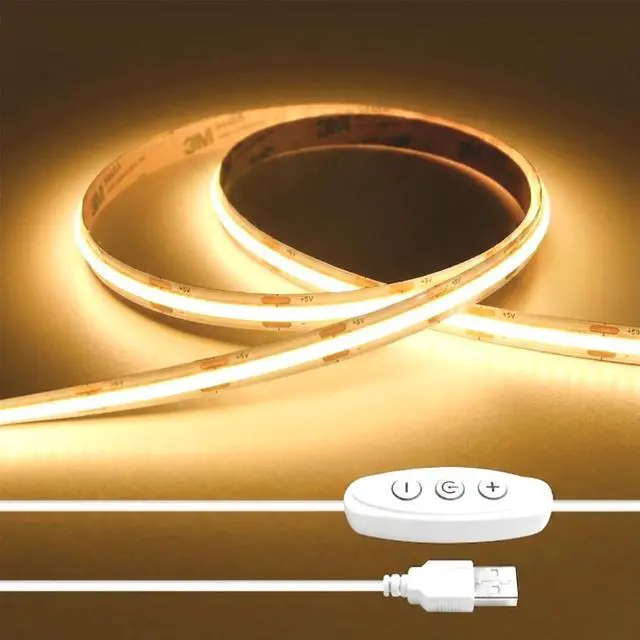
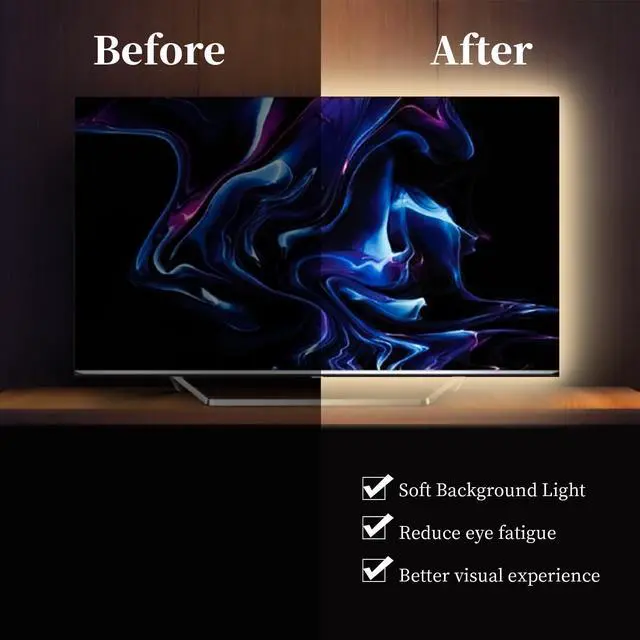
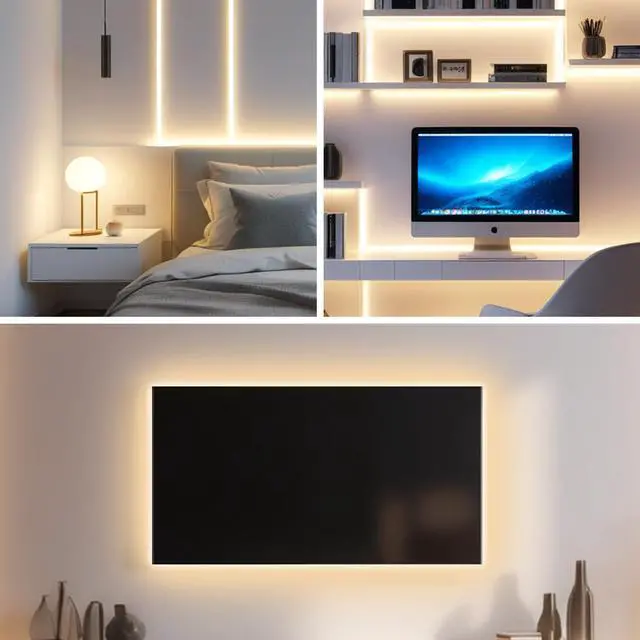



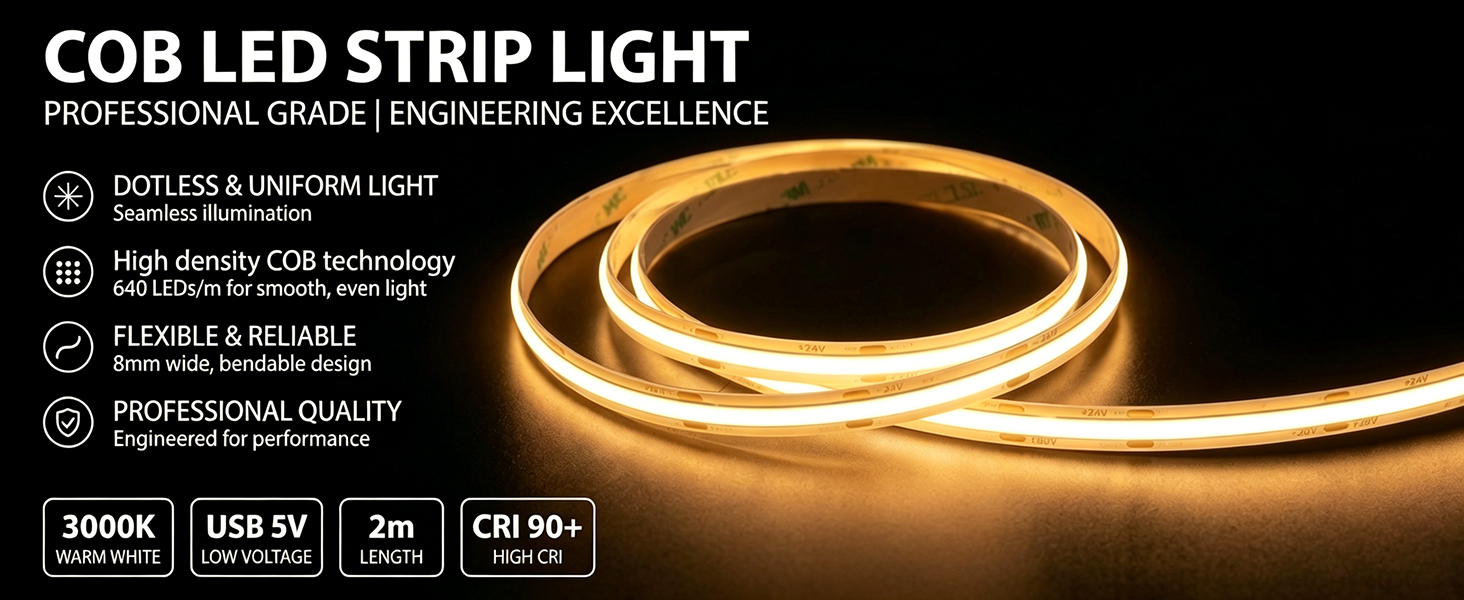
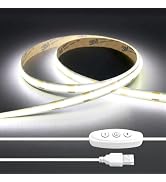
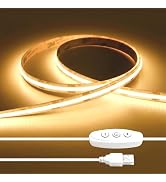
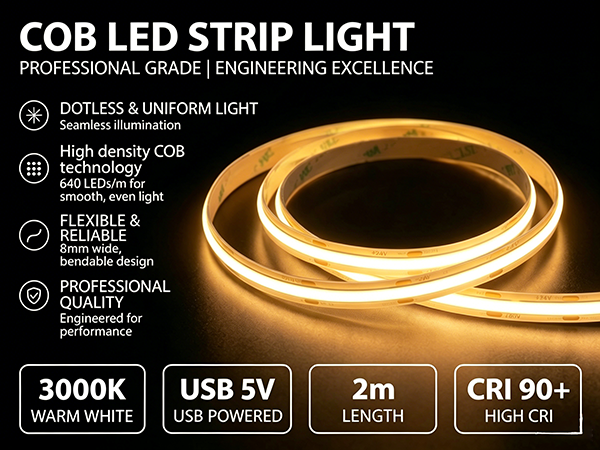
iNextstation 6.6FT/2M 3000K Warm White 5V USB COB LED Light
Usage Tips:
1. To avoid poor heat dissipation, please don't light up the light strip in a roll
2. Test and check the light's function before installing or cutting



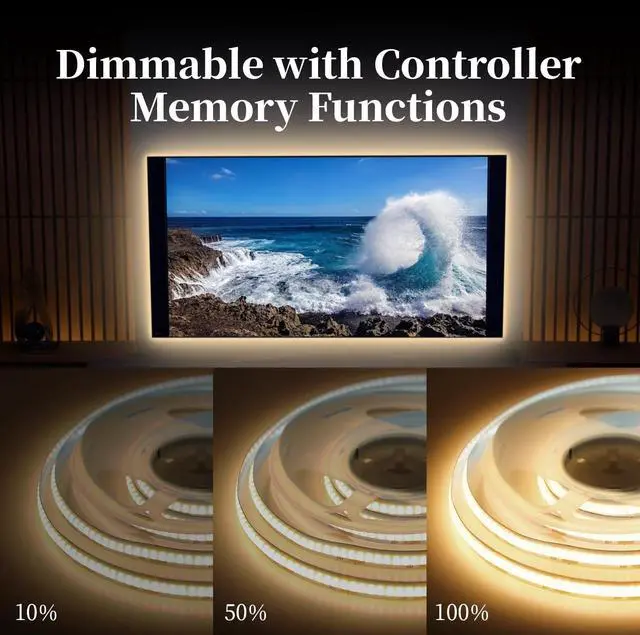
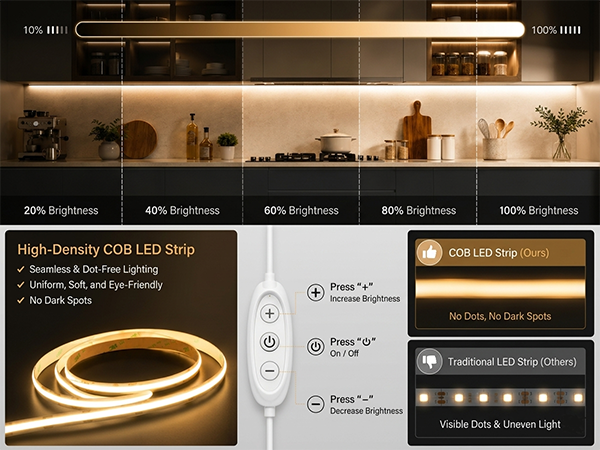
Adjust the Brightness from 10% to 100%
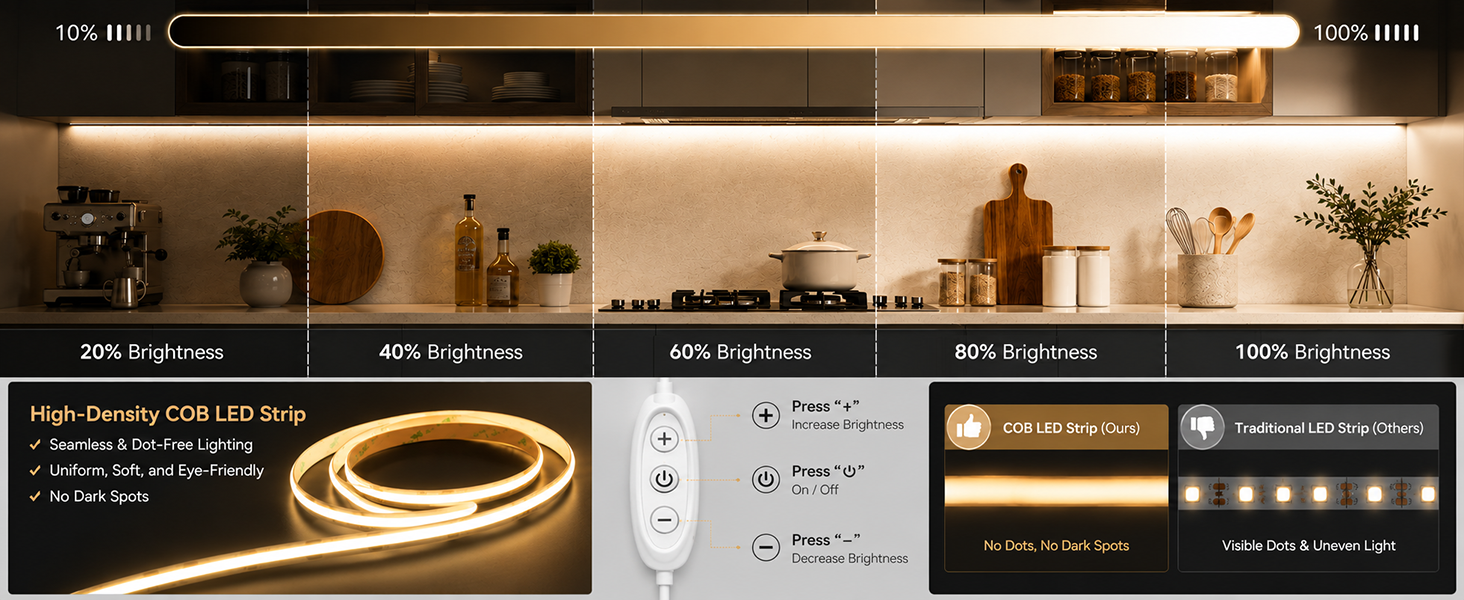
Clicking the "+" button 9 times will adjust the brightness from 10% to 100%
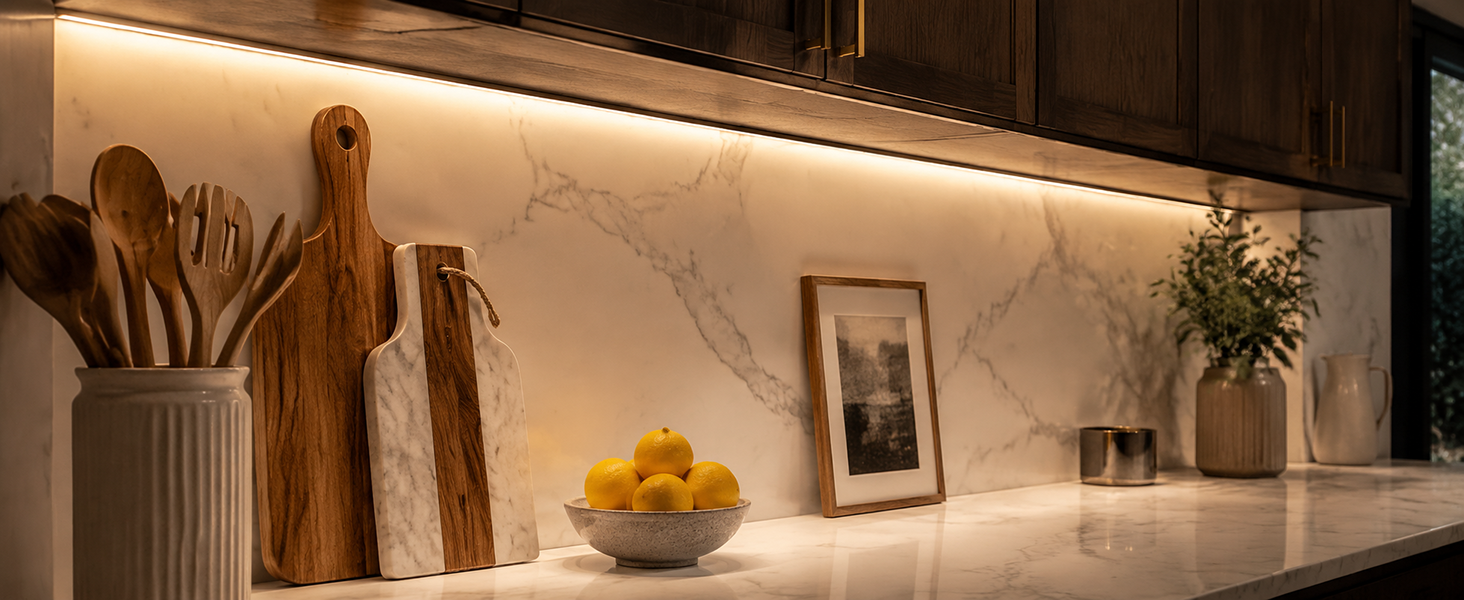
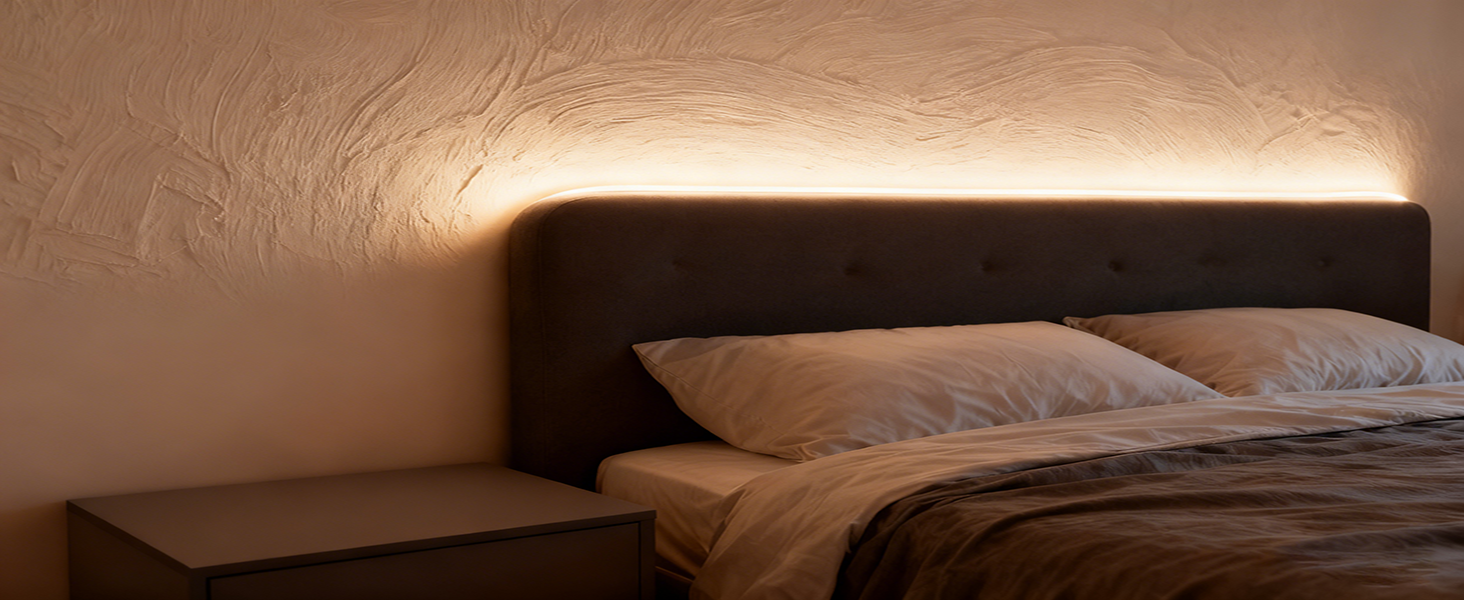
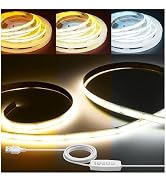
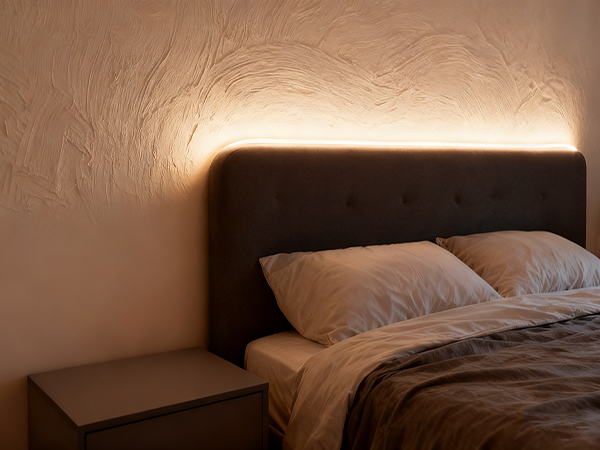
3000K Warn White - The soft 3000K warm white light creates a cozy, relaxing atmosphere
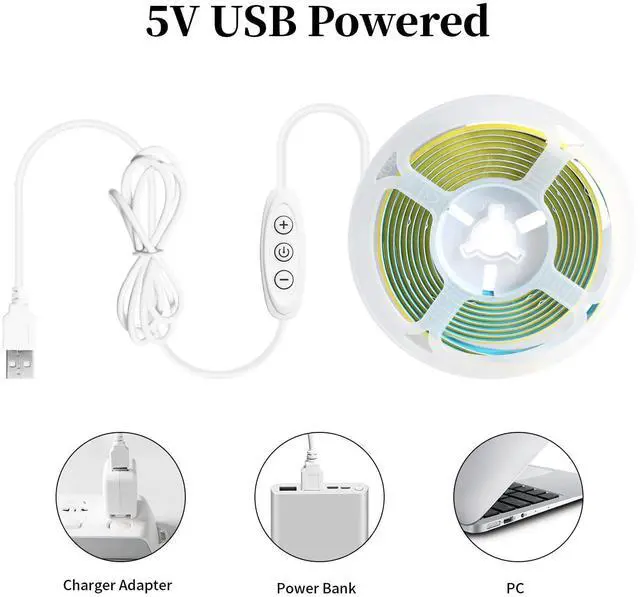
USB 5V Low Voltage - Low-voltage power supply, safe and energy-efficient, effortlessly powers power banks, TVs, and computers
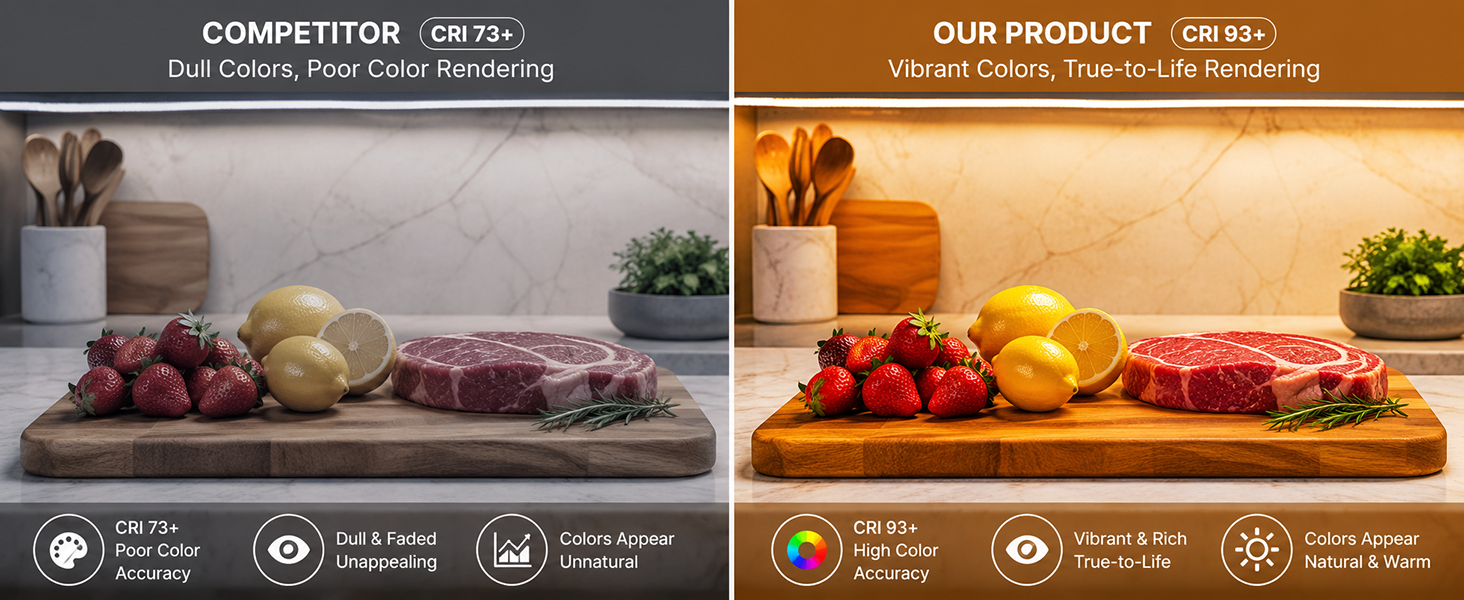

More Details about Warm White Led Strip Lights

COB Light Dimmer
- Adjust the brightness using COB LED light dimmer. Press the “+” button nine times or the “-” button to adjust to the dimmest or brightest setting

COB Memory Function
- As long as you don't turn off the light strip using a dimmer switch, it will resume its original brightness when turned back on

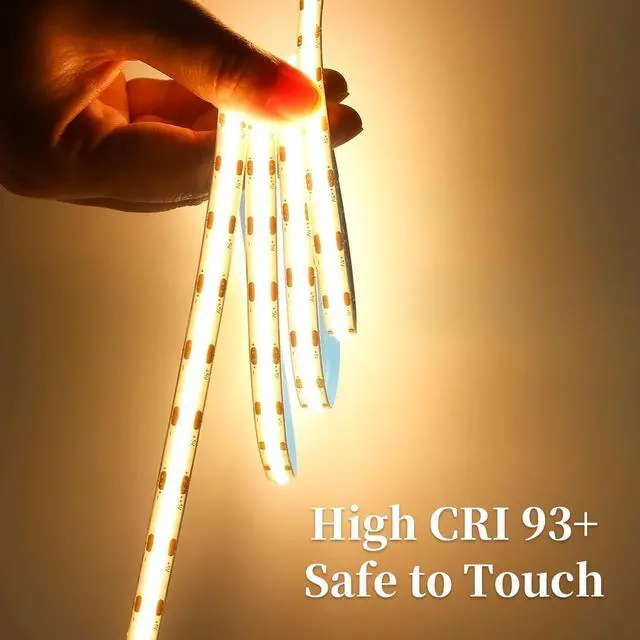
Cuttable COB LED Strip
- COB LED strips light can be cut to size along the marked lines, enabling DIY projects.
- Note: This package does not include a solderless toolkit

Self-adhesive COB Light Strip
Instructions:
- 1. Clean surface where you plan to apply the adhesive to prevent dust or moisture from affecting adhesion
- 2. Peel off the backing paper
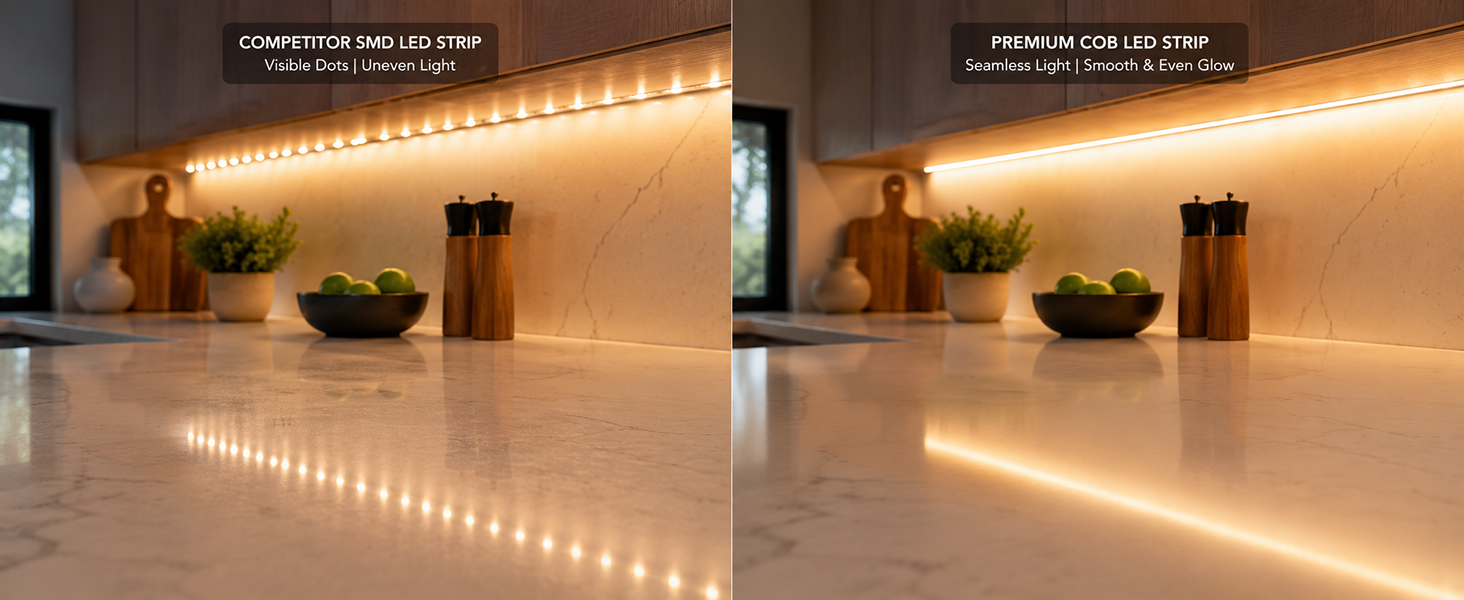
How to Install iNextStation USB LED Strip Lights?
Step1: 3M adhesive back, just peel off the protective cover and stick on
Step2: Stick led strip lights and press with force
Step3: USB powered, it can be connected to USB adapters, USB pulg, laptops, TV, and power banks
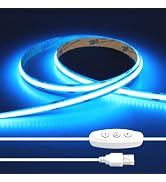
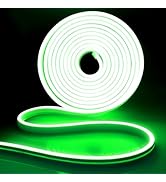
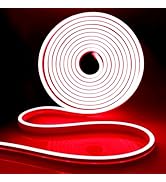
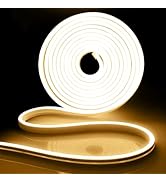
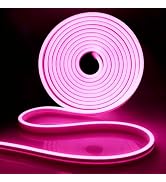
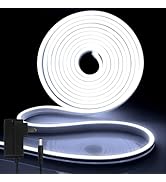
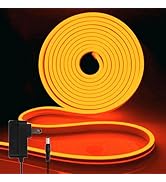
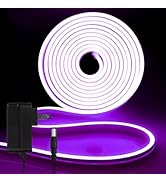
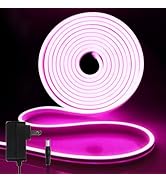
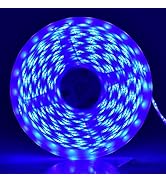
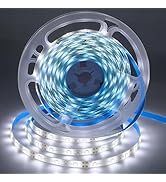
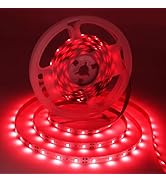
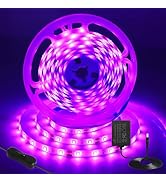
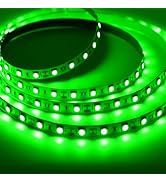
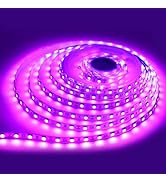
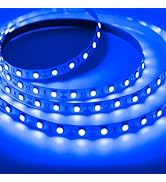
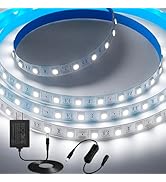
iNextstation More LED Strip Colors for you to Choose
 Warm White USB COB Light |  Warm White USB Neon Light |  Warm White Neon LED ight |  2835 Warm White LED ight |  Warm White COB LED Light |  Light Strip with Adapter |  Light Strip with Control | |
|---|---|---|---|---|---|---|---|
Customer Reviews | — | — | — | — | — | — | — |
Price | — | — | — | — | — | — | — |
Size | 6.6ft/2m | 6.6ft/2m | 16.4ft/5m | 16.4ft/5m | 16.4ft/5m | 4.9ft/1.5m | — |
Voltage | USB 5V | USB 5V | DC 12V | DC 12V | DC 12V | DC 12V | — |
Includes Adapter | ? | ? | ? | ? | ? | ? | ? |
Multi-scenario Usage | ? | ? | ? | ? | ? | ? | ? |
Waterproof | ? | ? | ? | ? | ? | ? | ? |
Indoor/Outdoor | ? | ? | ? | ? | ? | ? | ? |

iNextStation
Committed to providing personalized and interesting life experience, and constantly improving product quality and service.
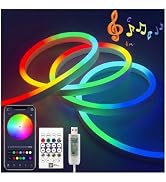
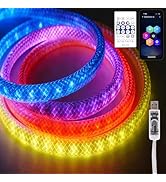
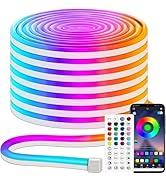
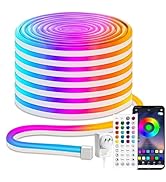
iNextstation 6.6FT/2M 3000K Warm White 5V USB COB LED Light
Usage Tips:
1. To avoid poor heat dissipation, please don't light up the light strip in a roll
2. Test and check the light's function before installing or cutting



Adjust the Brightness from 10% to 100%
Clicking the "+" button 9 times will adjust the brightness from 10% to 100%
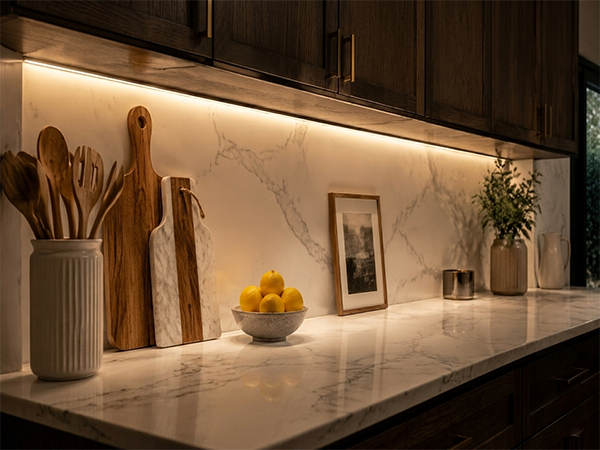
3000K Warn White - The soft 3000K warm white light creates a cozy, relaxing atmosphere
USB 5V Low Voltage - Low-voltage power supply, safe and energy-efficient, effortlessly powers power banks, TVs, and computers


More Details about Warm White Led Strip Lights
COB Light Dimmer
- Adjust the brightness using COB LED light dimmer. Press the “+” button nine times or the “-” button to adjust to the dimmest or brightest setting
COB Memory Function
- As long as you don't turn off the light strip using a dimmer switch, it will resume its original brightness when turned back on
Cuttable COB LED Strip
- COB LED strips light can be cut to size along the marked lines, enabling DIY projects.
- Note: This package does not include a solderless toolkit
Self-adhesive COB Light Strip
Instructions:
- 1. Clean surface where you plan to apply the adhesive to prevent dust or moisture from affecting adhesion
- 2. Peel off the backing paper
How to Install iNextStation USB LED Strip Lights?
Step1: 3M adhesive back, just peel off the protective cover and stick on
Step2: Stick led strip lights and press with force
Step3: USB powered, it can be connected to USB adapters, USB pulg, laptops, TV, and power banks
iNextstation More LED Strip Colors for you to Choose
Warm White USB COB Light | Warm White USB Neon Light | Warm White Neon LED ight | 2835 Warm White LED ight | Warm White COB LED Light | Light Strip with Adapter | Light Strip with Control |
|---|---|---|---|---|---|---|
| Customer Reviews | ||||||
| — | — | — | — | — | — | — |
| Price | ||||||
| — | — | — | — | — | — | — |
| Size | ||||||
| 6.6ft/2m | 6.6ft/2m | 16.4ft/5m | 16.4ft/5m | 16.4ft/5m | 4.9ft/1.5m | — |
| Voltage | ||||||
| USB 5V | USB 5V | DC 12V | DC 12V | DC 12V | DC 12V | — |
| Includes Adapter | ||||||
| ? | ? | ? | ? | ? | ? | ? |
| Multi-scenario Usage | ||||||
| ? | ? | ? | ? | ? | ? | ? |
| Waterproof | ||||||
| ? | ? | ? | ? | ? | ? | ? |
| Indoor/Outdoor | ||||||
| ? | ? | ? | ? | ? | ? | ? |
iNextStation
Committed to providing personalized and interesting life experience, and constantly improving product quality and service.
Smart IC LED Light Strip
RGB LED Light Strip
COB LED Strip Light
LED Color Neon Strip Lights
LED Neon Strip with Adapter
2835 Light Strip Waterpoof
5050 LED Strip Light
LED Light Strip Accessories
LED Light Strip Accessories