



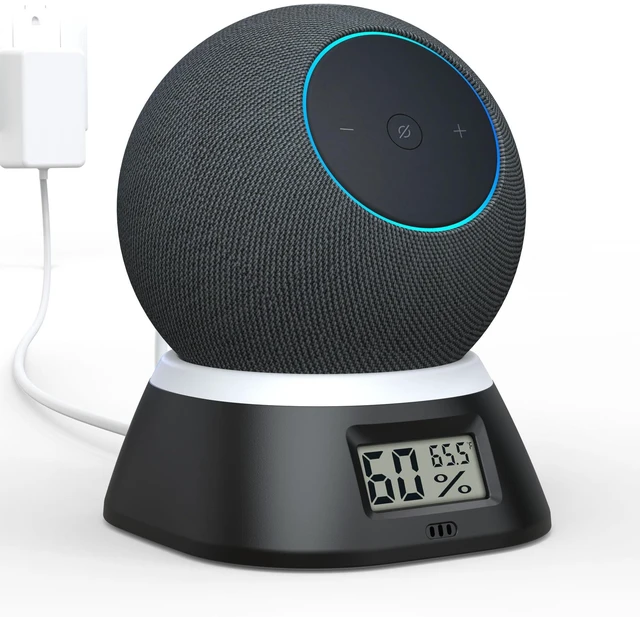

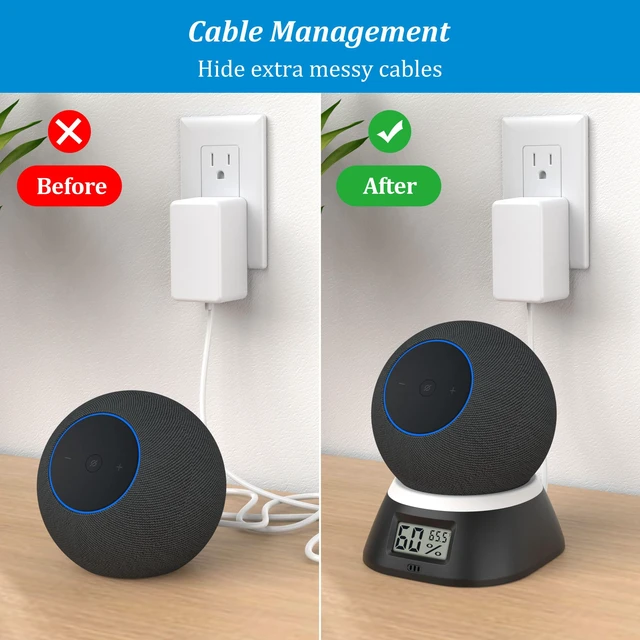




Cable Management
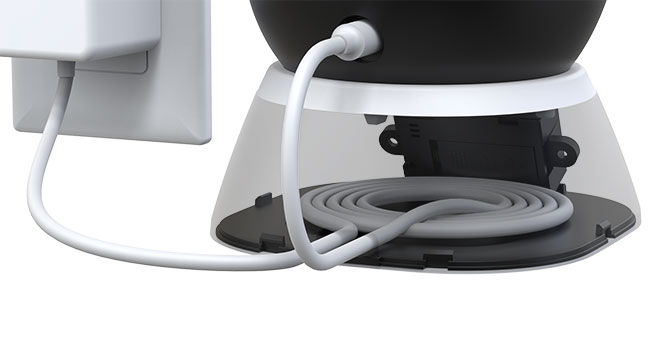
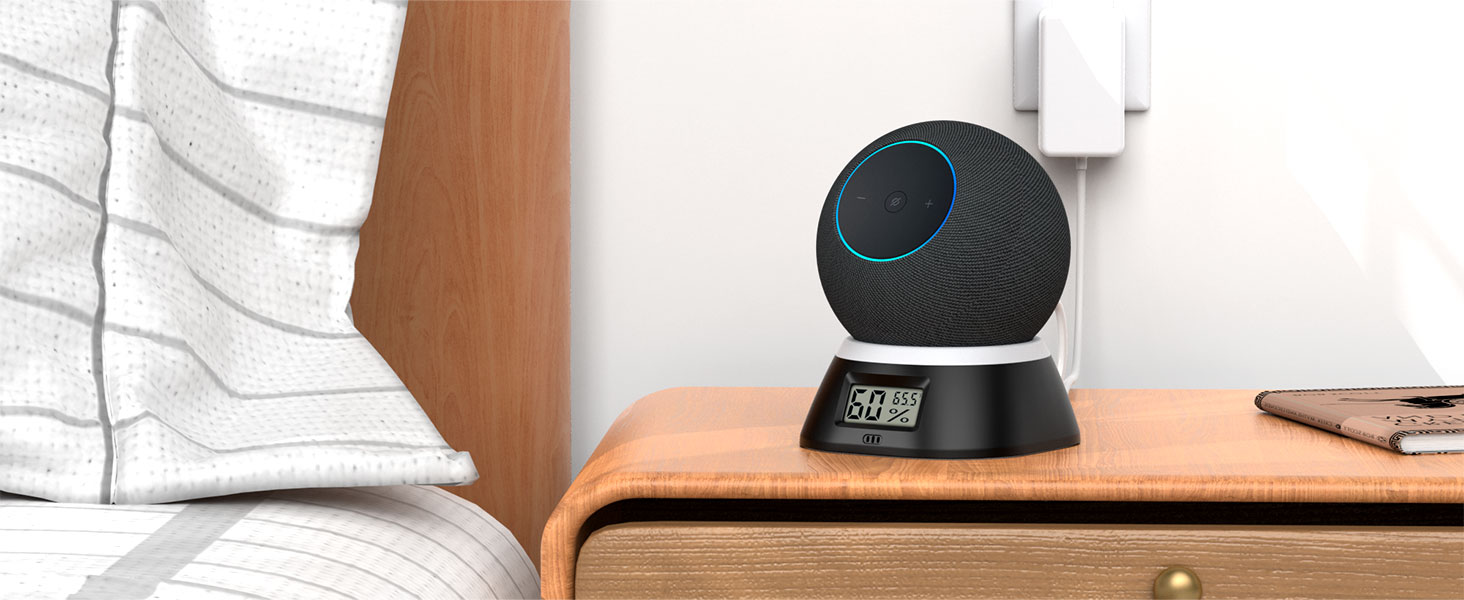
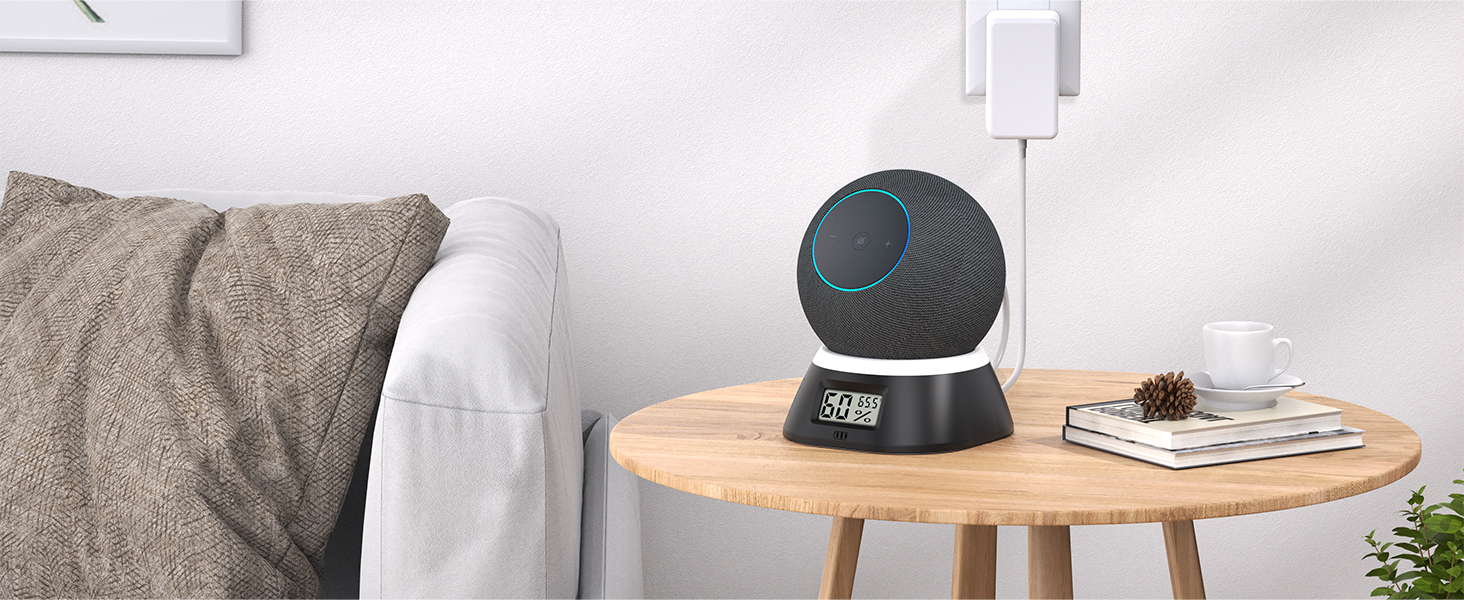
The built-in wire storage design keeps the desktop tidy, so you do not need to worry about your actions being blocked by annoying cords.
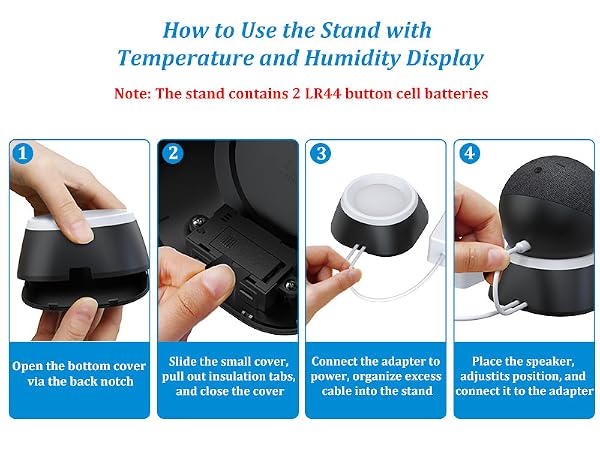
Correct Way to Use
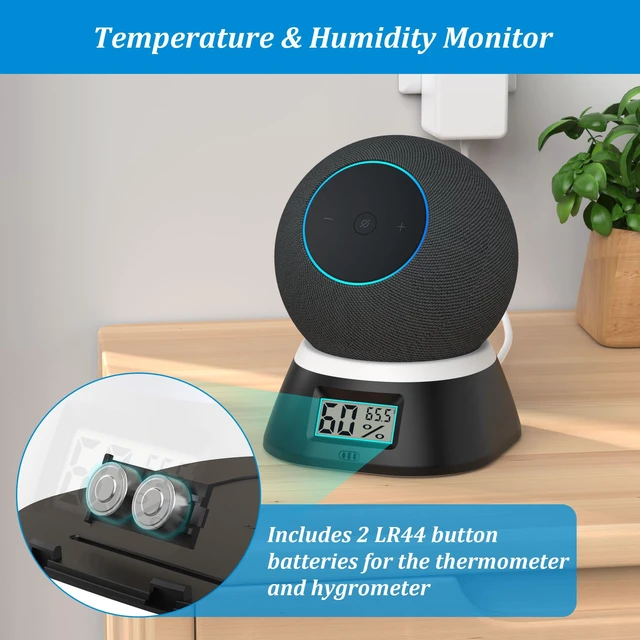
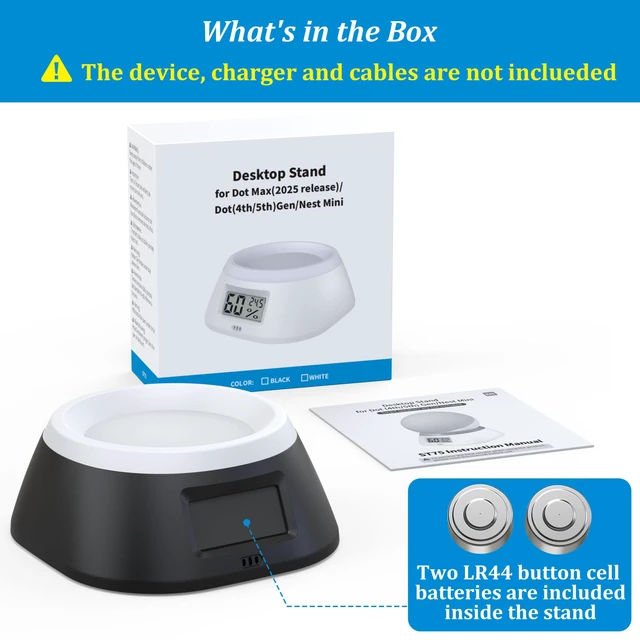
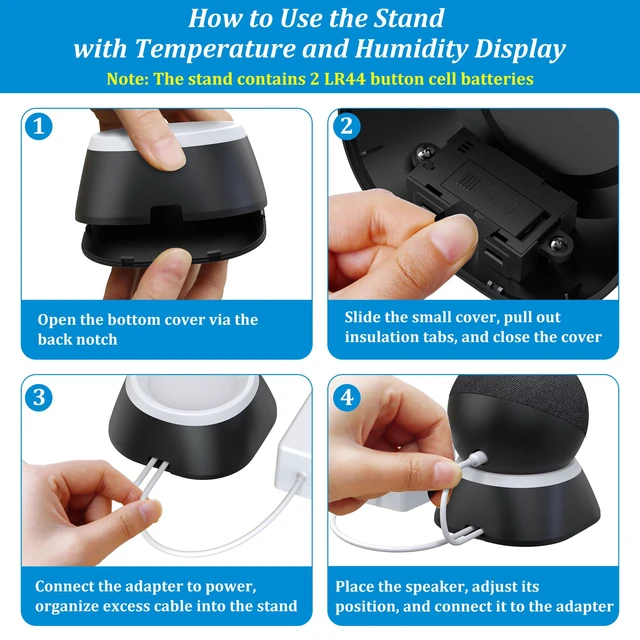
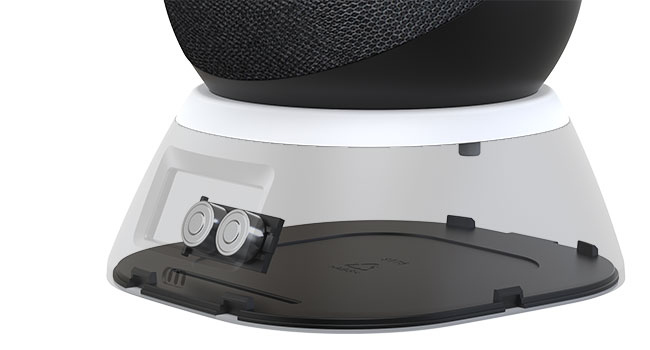
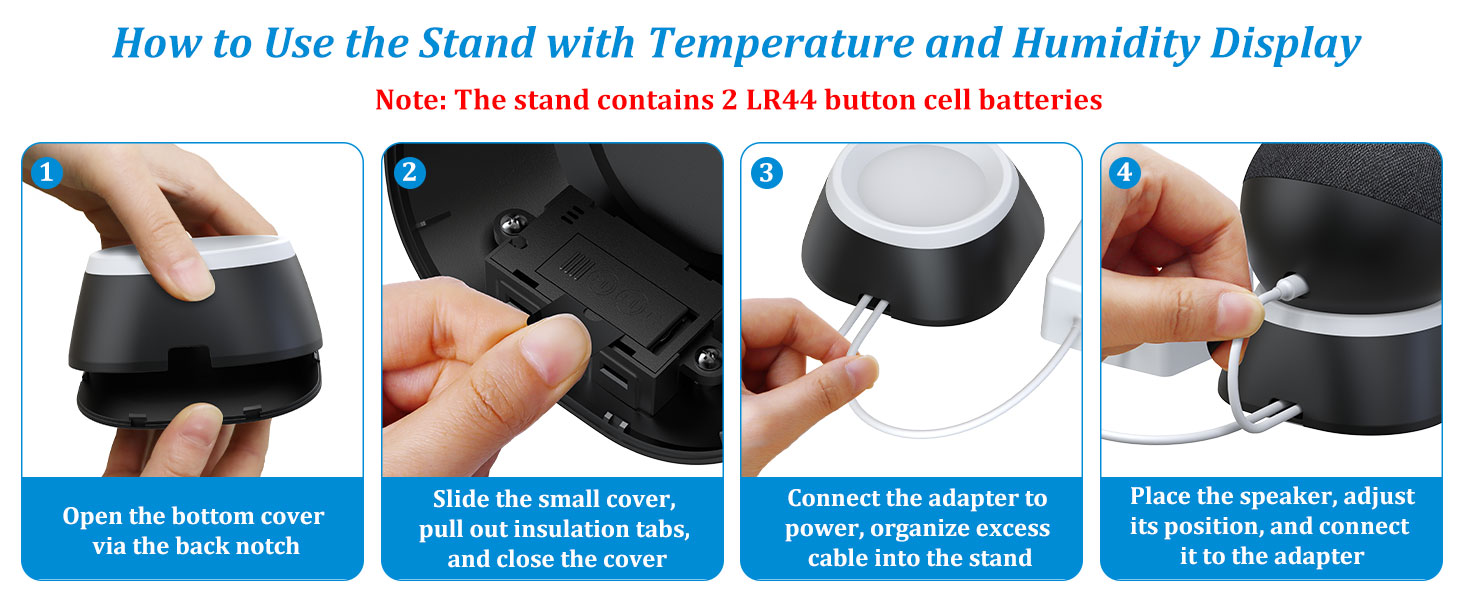
Open the bottom cover via the back notch. Then, Slide the small cover, pull out insulation tabs, and close the cover


PlusAcc
 Stand for Dot Max | 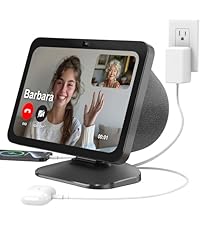 Stand for Show 8 3rd Gen | 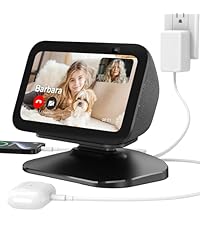 Stand for Show 5 3rd Gen | 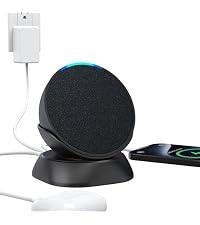 Stand for Pop | 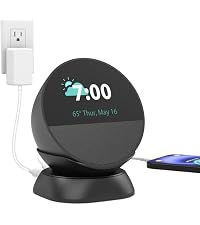 Stand for Spot | 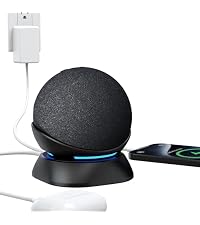 Stand for Dot 5 | |
|---|---|---|---|---|---|---|
Customer Reviews | — | — | — | — | — | — |
Price | — | — | — | — | — | — |
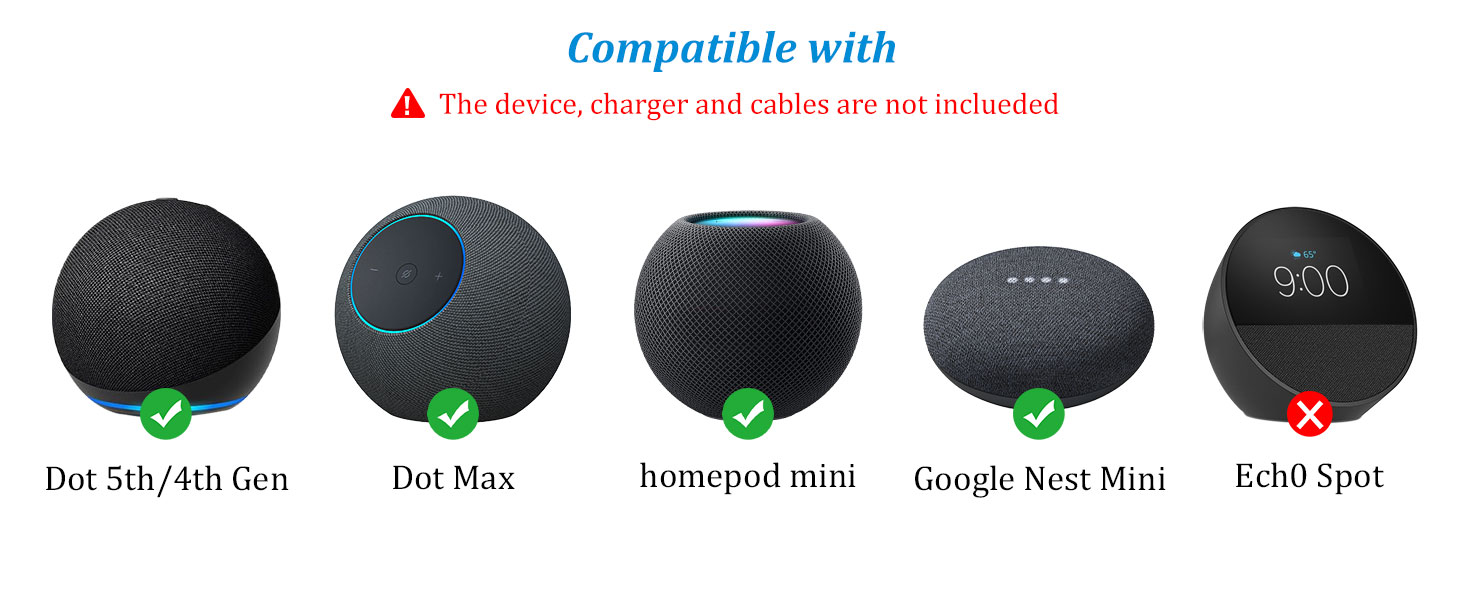
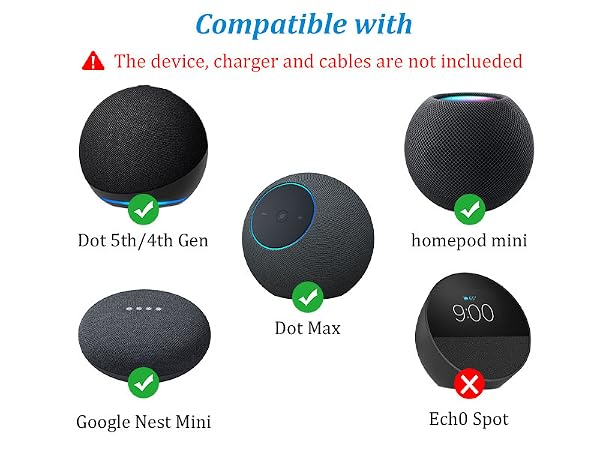
Compatible with | Dot Max & Dot & Nest Mini | Show 8 3rd Gen & Smartphones | Show 5 3rd Gen & Smartphones | Pop & Smartphones | Spot & Smartphones | Dot 5 & Dot 4 & Smartphones |
Type | Stand + thermometer hygromete | Stand with charging ports | Stand with charging ports | Stand with charging ports | Stand with charging ports | Stand with charging ports |
Whether device is included | X | X | X | X | X | X |
Adjustalbe angle | X | ? | ? | X | X | X |
Charging ports in the back | 0 | 2 | 2 | 2 | 2 | 2 |


Cable Management
The built-in wire storage design keeps the desktop tidy, so you do not need to worry about your actions being blocked by annoying cords.
Correct Way to Use
Open the bottom cover via the back notch. Then, Slide the small cover, pull out insulation tabs, and close the cover


PlusAcc
Stand for Dot Max | 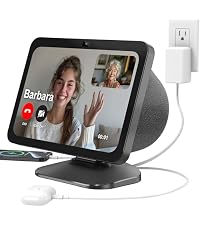 Stand for Show 8 3rd Gen | 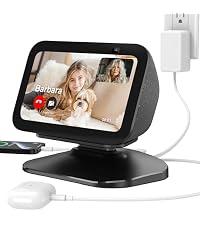 Stand for Show 5 3rd Gen | Stand for Pop | 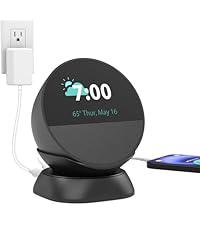 Stand for Spot | 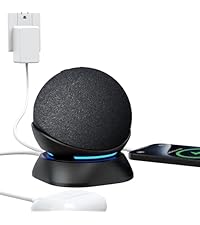 Stand for Dot 5 |
|---|---|---|---|---|---|
| Customer Reviews | |||||
| — | — | — | — | — | — |
| Price | |||||
| — | — | — | — | — | — |
| Compatible with | |||||
| Dot Max & Dot & Nest Mini | Show 8 3rd Gen & Smartphones | Show 5 3rd Gen & Smartphones | Pop & Smartphones | Spot & Smartphones | Dot 5 & Dot 4 & Smartphones |
| Type | |||||
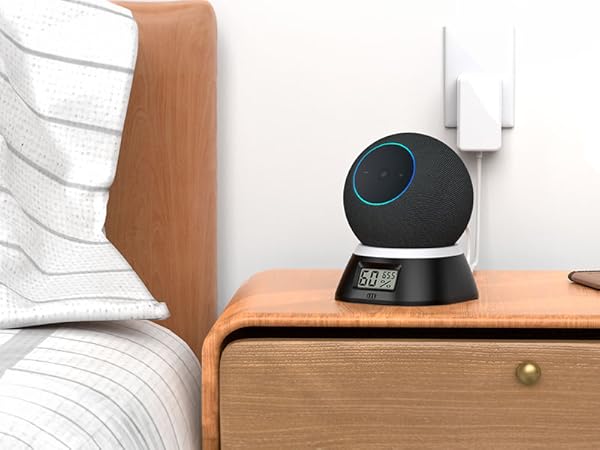
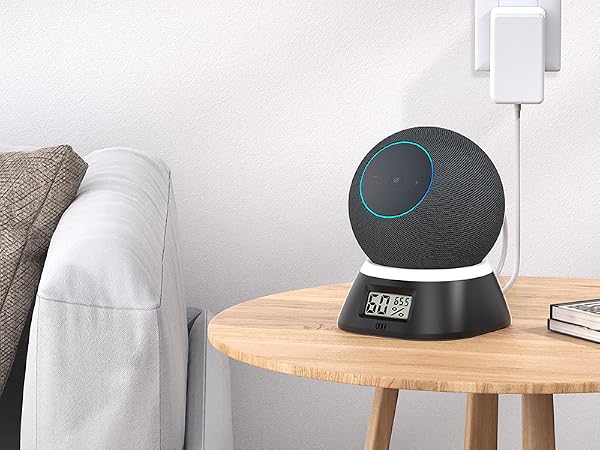
| Stand + thermometer hygromete | Stand with charging ports | Stand with charging ports | Stand with charging ports | Stand with charging ports | Stand with charging ports |
| Whether device is included | |||||
| X | X | X | X | X | X |
| Adjustalbe angle | |||||
| X | ? | ? | X | X | X |
| Charging ports in the back | |||||
| 0 | 2 | 2 | 2 | 2 | 2 |