
Your Browsing History

Any questions? Our AI beta will help you find out quickly.
Try me now
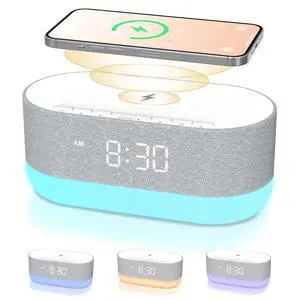
Quick View
3 in 1 Sound Machine Alarm Clock& Wireless Charger: Soothing White Noise, Bluetooth Music Relaxation & Customized Sleep-Wake Routine
- Brand: HOUSBAY
- Part Number: TS3
- Features: Power on the device by locating and pressing the button or setting related to the digital clock. Select a sound track by navigating through the available options, which include white noise, fan sounds, thunder rain, ocean, lullaby, thunderstorm, brook, cricket, bird chirping, shush, campfire, wind, meditation, yoga music and more. Adjust the volume to your preference using the sound volume dial. Set an alarm with a specific sound and volume if desired, by choosing from the 5 available alarm sounds and adjusting the volume as needed.
- Specifications: Plastic, 7.67 L x 3.7 W x 3 H inches, 0.9 kilograms, Corded Electric, false, HOUSBAY
- Model #: 254073115195
- $81.99 –
- Free Shipping
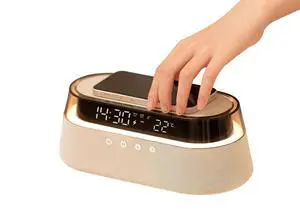
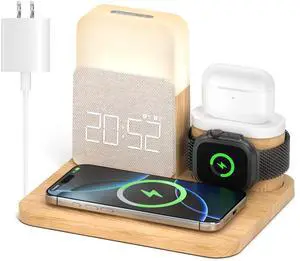
Quick View
Alarm Clock Charging Station for Bedrooms, 7 in 1 Wireless Charging Station, Magnetic Charger with Night Light Bedside Clock for iPhone 17 16 15 14 13 12 Pro Max, Apple Watch, AirPods
- Brand: RichBird
- Part Number: S32-03
- Features: Wireless Charging
- Specifications: 13.5 watts, 120 volts, 9 volts, 0.1125 amps, USB Type C, Lightning, 1, type_c_2pin_eu, Corded Electric, Wireless Charging, S32-03, 0.689 kilograms, 15.6972 L x 19.1008 W x 27.0002 H centimeters, 1 x Type-C Cable, 1 x Exquisite Case, 1 x 25W Adapter
- Model #: 508242137090
- $84.39 –
- More options from $84.39 - $86.99
- Free Shipping
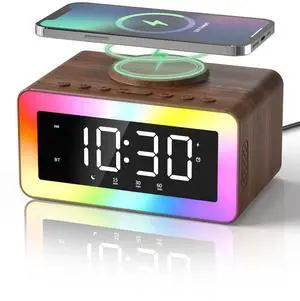

Quick View
Sound Machine Alarm Clock for Bedrooms: Bluetooth 10W Stereo Sound Speaker with Wireless Charging - White Noise Machine for Sleeping with 21 Soothing Sounds - Putty
- Brand: Bell & Howell
- Part Number: UE268S-Putty-01
- Type: Hand Warmer
- Specifications: Plastic, 1.16 pounds, Corded Electric, false, UE268S-Putty-01, Odokee
- Model #: 728445696733
- $105.99 –
- Free Shipping
Quick View
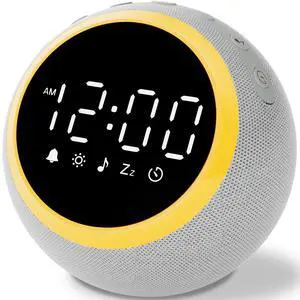
Sound Machine Alarm Clock for Sleep: Digital Alarm Clocks for Bedrooms, 25 Soothing Sounds, 7 Gentle Wake-up Sounds, 16 Adjustable Volume & Timer, Memory Function (Gray)
- Brand: Bell & Howell
- Part Number: SM01-1109
- Specifications: Plastic, 12 L x 12 W x 12 H centimeters, true, SM01, shenzhenshi ruiheng kejiyouxiangongsi, cr2032
- Remote Control: N/A
- Model #: 380488700825
- $39.98 –
- Free Shipping
Quick View
Sound Machine Alarm Clock for Sleep: Digital Alarm Clocks for Bedrooms, 25 Soothing Sounds, 7 Gentle Wake-up Sounds, 16 Adjustable Volume & Timer, Memory Function (Gray)
- Brand: Bell & Howell
- Part Number: SM01-1109
- Type: Hand Warmer
- Specifications: Plastic, 12 L x 12 W x 12 H centimeters, true, SM01, shenzhenshi ruiheng kejiyouxiangongsi, cr2032
- Model #: 169642826992
- $39.99 –
- Free Shipping
Quick View
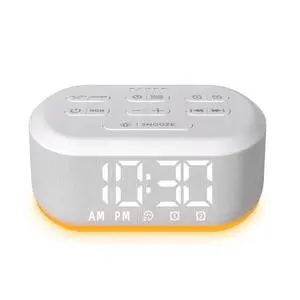
Small Digital Alarm Clock for Bedrooms Sound Machine with 30 Soothing Sound Plug in Bedside Clock with Night Light Noise Machine Battery Backup 15 Wake up Sound Clock for Teen Kid Heavy Sleeper Snooze
- Brand: Bell & Howell
- Mapping: Riveters
- Features: Alarm Clock
- Specifications: Plastic, 4.54 L x 1.5 W x 3.7 H inches, 0.31 kilograms, Corded Electric, true, LAC-D2, LazyNight
- Model #: 059581775880
- $38.98 –
- Free Shipping
Quick View
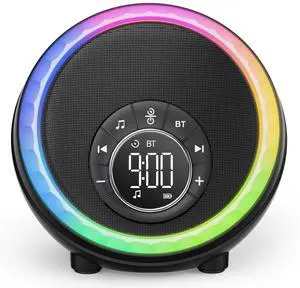
Night Light Bluetooth Speaker Alarm Clock, Portable Sound Machine with White Noise, Touch Bedside Lamp for Bedroom, Dimmable Warm Light, RGB Color Changing, Best Gifts for Teenage Boys Girls
- Brand: Bell & Howell
- Part Number: DY56-01
- Mapping: Riveters
- Features: 1. Power on the device by pressing the power button. 2. To select a sound, press the 'Sound' button and use the navigation buttons to scroll through the 30 built-in sounds. 3. Adjust the volume using the '+' and '-' buttons. The volume can be adjusted up to 110 dB. 4. Set the sleep timer by pressing the 'Timer' button and selecting the desired duration (15, 30, 60, or 90 minutes). 5. To use the alarm clock function, press the 'Alarm' button and select one of the 7 alarm sounds. Set the time using the navigation buttons and adjust the volume as desired. 6. To use the lamp function, press the 'Light' button and select one of the 8 RGB colors. Adjust the brightness using the '+' and '-' buttons. The lamp can also be used as a nightlight. 7. To use the MP3 player function, in...
- Model #: 304291308815
- $37.98 –
- Free Shipping
Quick View
Small Digital Alarm Clock for Bedrooms Sound Machine with 30 Soothing Sound Plug in Bedside Clock with Night Light Noise Machine Battery Backup 15 Wake up Sound Clock for Teen Kid Heavy Sleeper Snooze
- Brand: Bell & Howell
- Mapping: Riveters
- Type: Hand Warmer
- Features: Alarm Clock
- Model #: 667671611353
- $39.99 –
- Free Shipping
Quick View
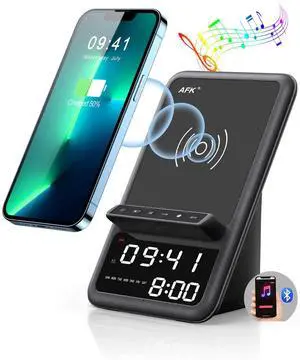
Wireless Charging Station with Bluetooth Speaker and Alarm Clock,Wireless Charger Compatible with iPhone,Android Phones(Black)
Limited time offer, ends 03/16
- Brand: AFK
- Part Number: BT512-012
- Mapping: 26111704, Wireless Charger+ Bluetooth Speaker+ Alarm Clock + Hands Free Calling
- Type: Wireless Charging Station,Power Adapter, Wireless Charger+ Bluetooth Speaker+ Alarm Clock + Hands Free Calling
- Model #: 071539922645
- $63.99 –
- Free Shipping
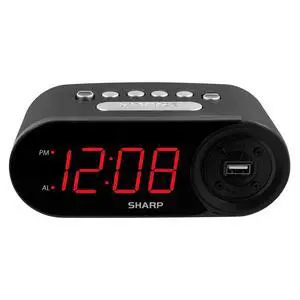
Quick View
Digital Easy to Read Alarm Clock with 2 AMP High-Speed USB Charging Power Port - Charge Your Phone, Tablet with a high Speed Charge! Simple, Easy to Use Operation, Midnight Black
- Brand: Bell & Howell
- Mapping: Riveters
- Specifications: 6.2 L x 3.81 W x 2.3 H inches, Sharp, 0.61949895622 pounds, Rectangular, Plastic, Digital, false, aaa, 2
- Input: USB
- Model #: 573332070673
- $31.99 –
- Free Shipping
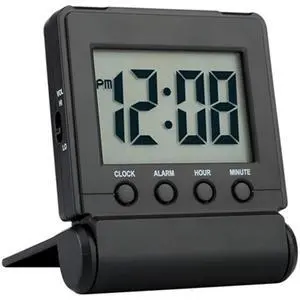
Quick View
Compact Digital Travel Alarm Clock with High/Low Volume Options,Simple to Set,Easy to Read,Bold Digits,Snooze Backlight,Quality Construction,2 AAA Battery Operated,Black
- Brand: Bell & Howell
- Part Number: 8541847887
- Mapping: Riveters
- Specifications: 71 L x 21 W x 85 H millimeters, FAMICOZY, 8541847887, 0.14 pounds, Rectangular, Sturdy Plastic, Digital, Battery Powered, false, true, aaa, 2
- Model #: 418661059686
- $25.99 –
- Free Shipping
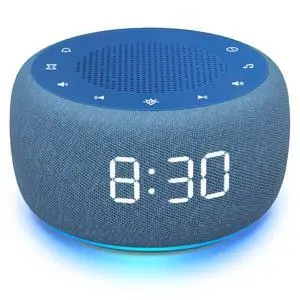
Quick View
Buffbee Sound Machine & Alarm Clock 2-in-1, 0-100% Clock Face Brightness, Bottom Colored Light, Sleep Timer, Precise 30-Level Volume Control White Noise Machine - Twilight
- Brand: Bell & Howell
- Part Number: BK11
- Mapping: Riveters
- Features: Power on: Plug the device into a power source or use batteries. Select sound: Press the 'Sound' button to cycle through the 18 options. Adjust volume: Use the 'Volume +/-' buttons to choose from 30 levels. Set timer: Press the 'Timer' button to cycle through time options from 15 to 120 minutes.
- Model #: 540004281100
- $66.58 –
- Free Shipping
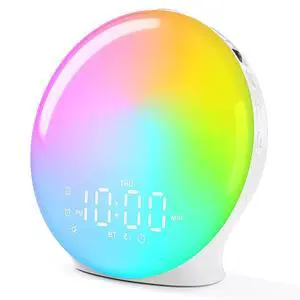
Quick View
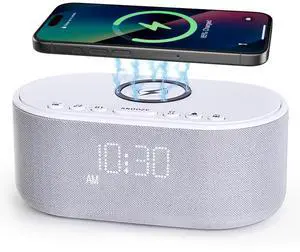
Sound Machine Alarm Clock Wireless Charger: Bluetooth 10W Stereo Sound Speaker Bedroom - White Noise Machine for Sleeping with 21 Soothing Sounds
- Model #: 758668082392
- $88.99 –
- Free Shipping